
Roblox Piano Practice Online
Loading piano...
Practice Guide
Quick guide on how to use the online piano practice tool.
What is this?
This tool allows you to practice playing virtual piano sheets directly in your browser. It simulates a piano keyboard and helps you learn the notes and rhythm before playing in Roblox.
How to Practice Online
Use your computer keyboard or mouse to play the virtual piano keys directly. As the sheet music plays, the corresponding keys on the virtual piano will light up to help you follow along. You can also copy the sheet code to use directly in Roblox.
Discover Sheets
Random Shuffle: Click the Shuffle button in the center of the top control bar to instantly load a random new song without reloading the page.
Search: Click the Search button next to Shuffle to open the search window. Type a song title or artist name to quickly find and switch to the sheet you want to practice.
Playback Controls
- Play/Pause: Start or stop playback.
- 1xSpeed: Adjust tempo (0.5x - 2.0x).
- KTranspose: Shift the pitch up or down.
- SSustain: Toggle sustain pedal effect.
Easy Mode










Normal Mode
Normal
Hey There Delilah
Plain White T's
Normal
My Way
Frank Sinatra
Normal
Black Sheep
Metric
Normal
UNDERSTAND
keshi
Normal
You're Mine (Baldi's Basics)
Dagames
Normal
Robbery
Juice WRLD
Normal
All Roads Leads To Rome
Stephen Castillo
Normal
Feel It (From Invincible)
d4vd
Normal
Perfect
Ed Sheeran
Normal
Risk It All
Bruno Mars
Hard Mode
Hard
Konton Boogie
jon-YAKITORY

Hard
Je T’aime
Lara Fabian
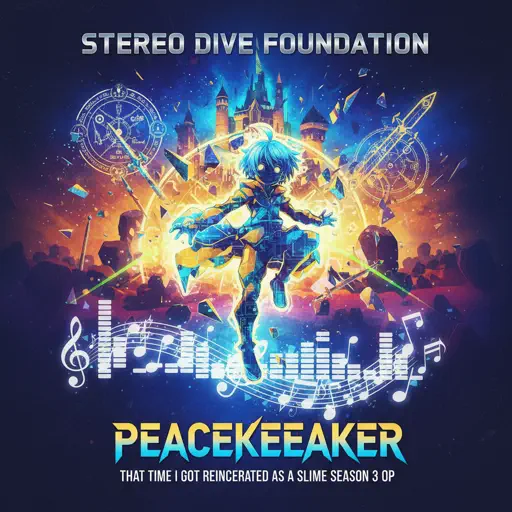
Hard
That Time I Got Reincarnated as a Slime Season 3 OP - PEACEKEEPER
STEREO DIVE FOUNDATION
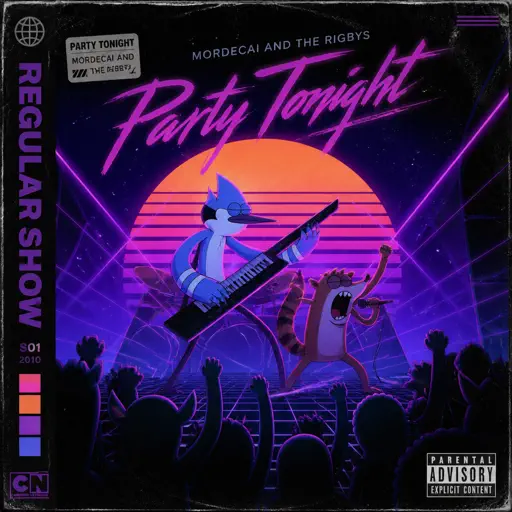
Hard
Party Tonight - Mordecai And The Rigbys (From "Regular Show")
I am Justice

Hard
Lovers Rock
TV Girl
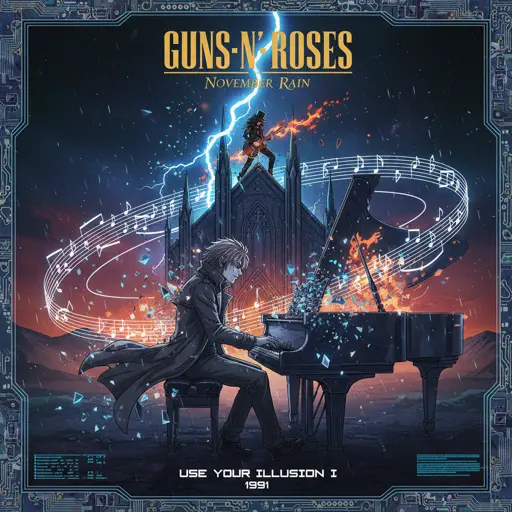
Hard
November Rain
Guns N' Roses
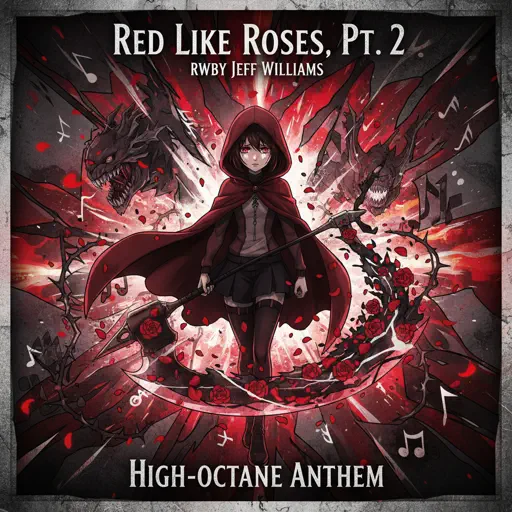
Hard
Red Like Roses, Pt. 2 - RWBY
Jeff Williams
Hard
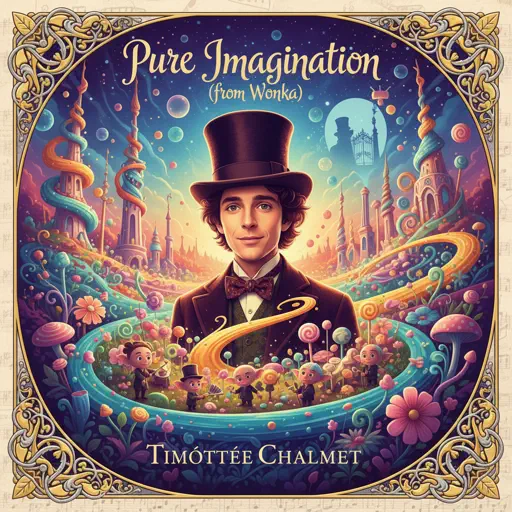
Pure Imagination (from Wonka)
Timothée Chalamet
Hard
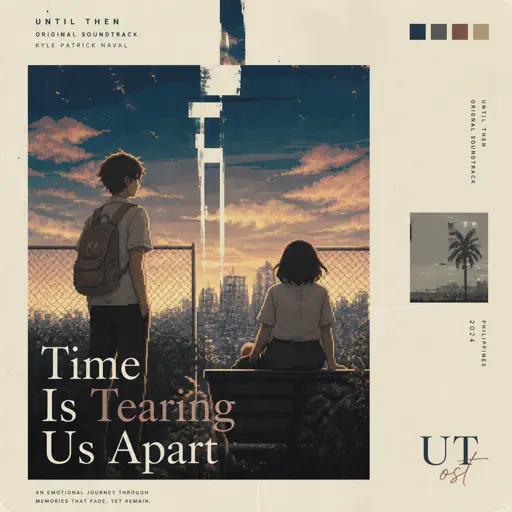
Time Is Tearing Us Apart - Until Then OST
Kyle Patrick Naval
Hard
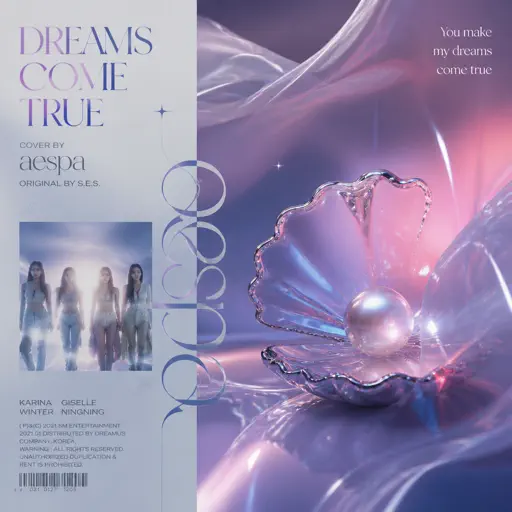
Dreams Come True
aespa
Recommended Sheets

Romantic Happy Birthday
Seander Alfonsus
Normal
Internet Girl
KATSEYE
Normal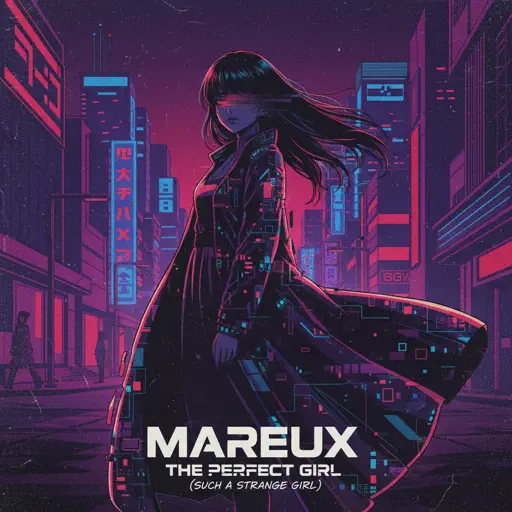
The Perfect Girl (such a strange girl)
Mareux
Hard
İnsan İnsan
Fazıl Say
Normal
the city mouse and the country mouse - Chainsaw Man
kensuke ushio
Normal
The King's Lullaby (Extended Version)
The Baby in Yellow
Normal
Multo
Cup of Joe
Hard
New Flesh
Current Joys
Hard
Resonanse -
Heaven's Secret Requiem
Djinotan
Normal
Case Closed (From Detective Conan)
Gosho Aoyama
Normal
The Nowhere King
The Centaurworld Cast
Normal
God’s Menu 神메뉴
Stray Kids
Hard
Vết Mưa
Vũ Cát Tường
Normal
Runaway
AURORA
Normal
I'm the Purple Guy
Dagames
Hard
Dark Red
Steve Lacy
Normal
Take Me Home, Country Roads
John Denver
Normal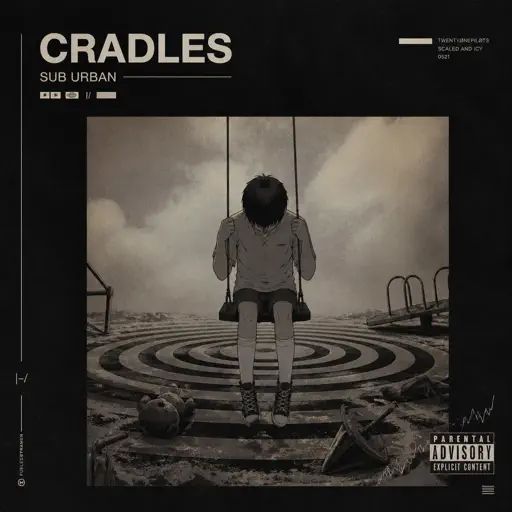
Cradles
Sub Urban
NormalRisk It All
Bruno Mars
Normal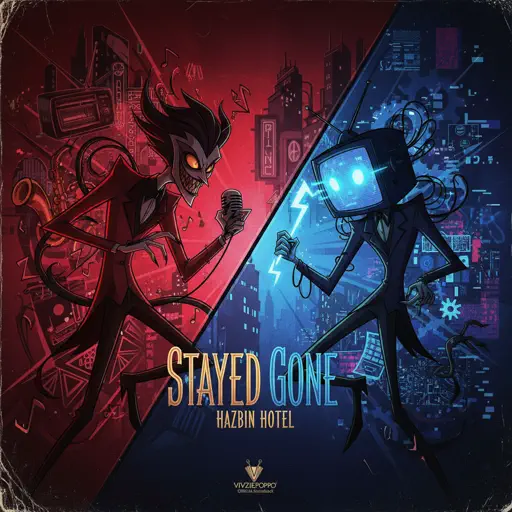
Stayed Gone
Hazbin Hotel
HardFrequently Asked Questions
What is Roblox Piano Practice Online?
This is a free online tool that lets you practice Roblox virtual piano sheets in your browser. No downloads required - just pick a song and start practicing.
How do I use this online practice tool?
1. Select a song from the recommendations or use the search function. 2. Click play and the sheet will auto-scroll with highlighted notes. 3. Watch the virtual piano keyboard for highlighted keys and practice along. 4. Use speed control to slow down playback - perfect for beginners.
Can I play using my keyboard?
Yes! The virtual piano supports computer keyboard input. The keys correspond to the standard Roblox piano layout (1234567890qwerty...). You can practice on your keyboard while following the sheet.
What does the Transpose feature do?
Transpose raises or lowers the pitch of the sheet. Some Roblox piano games have different default tunings, so transpose helps match the correct pitch. Usually adjusting by +12 or -12 semitones works.
Does this tool work on mobile?
Yes, but desktop provides the best experience. On mobile you can view the sheet and virtual piano demo, but keyboard input requires a computer. We recommend using a desktop for the best practice experience.
How do I find sheets suitable for my level?
Below you'll find recommendations sorted by difficulty: Easy for beginners, Normal for intermediate players, and Hard/Expert for advanced challenges. You can also use the search function to find songs by title or artist.