
Roblox Piano Practice Online
Loading piano...
Practice Guide
Quick guide on how to use the online piano practice tool.
What is this?
This tool allows you to practice playing virtual piano sheets directly in your browser. It simulates a piano keyboard and helps you learn the notes and rhythm before playing in Roblox.
How to Practice Online
Use your computer keyboard or mouse to play the virtual piano keys directly. As the sheet music plays, the corresponding keys on the virtual piano will light up to help you follow along. You can also copy the sheet code to use directly in Roblox.
Discover Sheets
Random Shuffle: Click the Shuffle button in the center of the top control bar to instantly load a random new song without reloading the page.
Search: Click the Search button next to Shuffle to open the search window. Type a song title or artist name to quickly find and switch to the sheet you want to practice.
Playback Controls
- Play/Pause: Start or stop playback.
- 1xSpeed: Adjust tempo (0.5x - 2.0x).
- KTranspose: Shift the pitch up or down.
- SSustain: Toggle sustain pedal effect.
Easy Mode

Easy
Fur Elise
Beethoven

Easy
Cupid (Twin Version)
Fifty Fifty

Easy
LET ME SEE YA MOVE!
Lumi Athena

Easy
Mist
EsDeeKid

Easy
Sleeping City Funk
Emotional Recycling Bin

Easy
Immortal
Playboi Carti

Easy
Where You Lead
Carole King

Easy
Gravity Falls Main Title Theme
Brad Breeck

Easy
Harvey
Alex G

Easy
Nice To Know - BFDIA 19 Cake At Stake Intro
BFDIA 19
Normal Mode

Normal
Bana Ellerini Ver
Özdemir Erdoğan
Normal
Better When I'm Dancin'
Meghan Trainor

Normal
Alone
Alan Walker
Normal
Lit (Koe No Katachi)
Musics Emotion
Normal
All of Me
John Legend
Normal
poison tree
liza v posteli
Normal
Living Mice
C418
Normal
Your Love Is My Drug (8 Bit Slowed)
EtxrnalL
Normal
Beautiful Girl
INXS
Normal
Duvet
bôa (Serial Experiments Lain)
Hard Mode
Hard
You've Been Trolled
Antony Cannon
Hard
I'm From Another Dimension (Star Vs The Forces of Evil)
Brad Breeck
Hard
Hatachi No Koi
Lamp
Hard
Sweetly
Lord Kael
Hard
Ballade No. 1
Frédéric Chopin

Hard
Sweet Hibiscus Tea
Penelope Scott
Hard
As the World Caves In
Matt Maltese

Hard
Oceans & Engines
NIKI
Hard
Isolation
Nighthawk22
Hard
York'scher Marsch
Beethoven
Recommended Sheets

Tết Đong Đầy
KHOA
Hard
Mr. Brightside
The Killers
Hard
FOREVER (Murder Drones)
AJ Dispirito
Hard
Love Like You
Steven Universe
Normal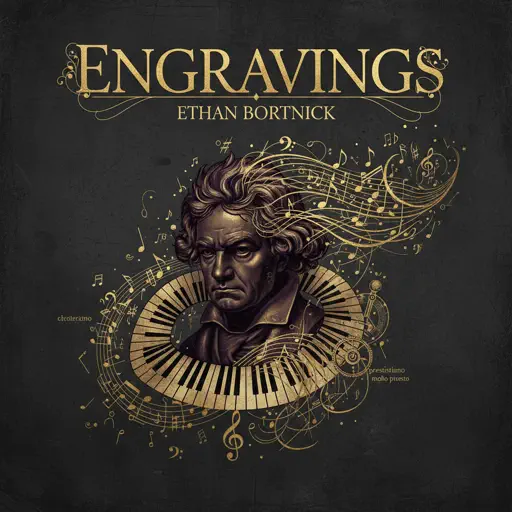
engravings
Ethan Bortnick
Normal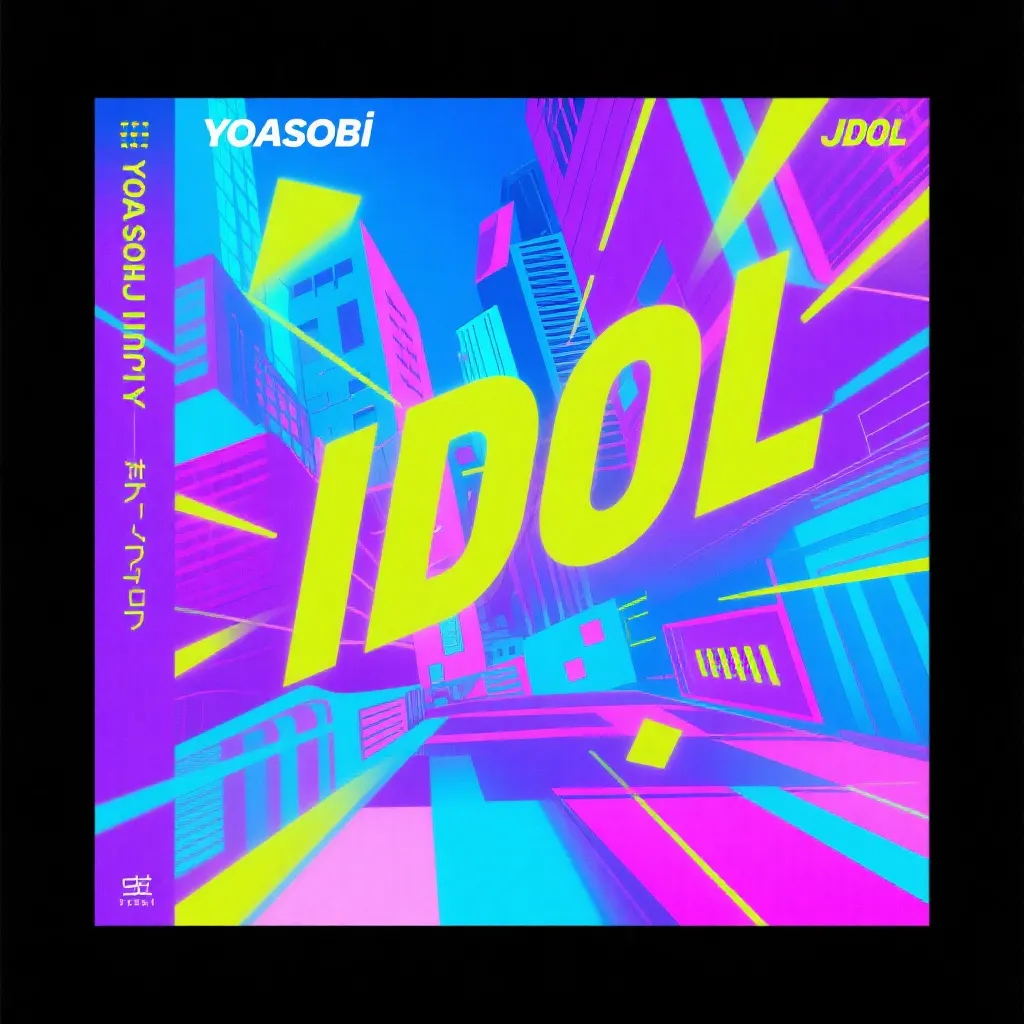
IDOL
Yoasobi
Normal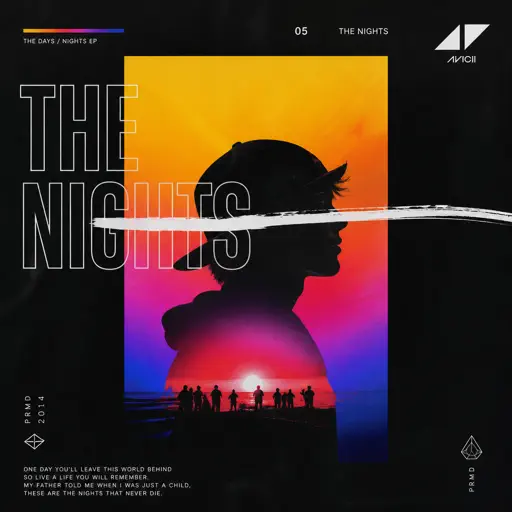
The Nights
Avicii
Normal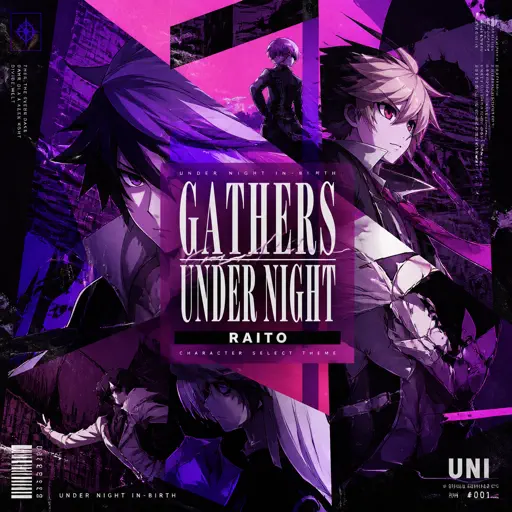
Gathers Under Night - Under Night In-Birth
Raito
Hard
Wildberry Lillet
Nina Chuba
Hard
Angela
Flower Face
Normal
Bande Organisee
Jul
Normal
Shinunoga E-Wa
Fujii Kaze
NormalSweet Hibiscus Tea
Penelope Scott
Hard
The Night Begins to Shine - Teen Titans GO!
B.E.R.
Normal
Ai đưa em về - LOW CORTISOL DANCE
TIA
Normal
L no Theme - Death Note
Hideki Taniuchi
Normal
Idea 22
Gibran Alcocer
Normal
HEAVENLY JUMPSTYLE
TWXNY
Hard
Impostor Syndrome
Sidney Gish
Normal
The Fate of Ophelia
Taylor Swift
NormalFrequently Asked Questions
What is Roblox Piano Practice Online?
This is a free online tool that lets you practice Roblox virtual piano sheets in your browser. No downloads required - just pick a song and start practicing.
How do I use this online practice tool?
1. Select a song from the recommendations or use the search function. 2. Click play and the sheet will auto-scroll with highlighted notes. 3. Watch the virtual piano keyboard for highlighted keys and practice along. 4. Use speed control to slow down playback - perfect for beginners.
Can I play using my keyboard?
Yes! The virtual piano supports computer keyboard input. The keys correspond to the standard Roblox piano layout (1234567890qwerty...). You can practice on your keyboard while following the sheet.
What does the Transpose feature do?
Transpose raises or lowers the pitch of the sheet. Some Roblox piano games have different default tunings, so transpose helps match the correct pitch. Usually adjusting by +12 or -12 semitones works.
Does this tool work on mobile?
Yes, but desktop provides the best experience. On mobile you can view the sheet and virtual piano demo, but keyboard input requires a computer. We recommend using a desktop for the best practice experience.
How do I find sheets suitable for my level?
Below you'll find recommendations sorted by difficulty: Easy for beginners, Normal for intermediate players, and Hard/Expert for advanced challenges. You can also use the search function to find songs by title or artist.