

Roblox Piano Practice Online
Loading piano...
Practice Guide
Quick guide on how to use the online piano practice tool.
What is this?
This tool allows you to practice playing virtual piano sheets directly in your browser. It simulates a piano keyboard and helps you learn the notes and rhythm before playing in Roblox.
How to Practice Online
Use your computer keyboard or mouse to play the virtual piano keys directly. As the sheet music plays, the corresponding keys on the virtual piano will light up to help you follow along. You can also copy the sheet code to use directly in Roblox.
Discover Sheets
Random Shuffle: Click the Shuffle button in the center of the top control bar to instantly load a random new song without reloading the page.
Search: Click the Search button next to Shuffle to open the search window. Type a song title or artist name to quickly find and switch to the sheet you want to practice.
Playback Controls
- Play/Pause: Start or stop playback.
- 1xSpeed: Adjust tempo (0.5x - 2.0x).
- KTranspose: Shift the pitch up or down.
- SSustain: Toggle sustain pedal effect.
Easy Mode

Easy
Pimp Hoe
Mike Sherm

Easy
Where You Lead
Carole King

Easy
Gravity Falls Main Title Theme
Brad Breeck

Easy
Sleeping City Funk
Emotional Recycling Bin

Easy
LET ME SEE YA MOVE!
Lumi Athena

Easy
Balcony
Cave Story

Easy
Immortal
Playboi Carti

Easy
Fur Elise
Beethoven

Easy
Harvey
Alex G

Easy
If You Love These People (Man of Steel)
Hans Zimmer
Normal Mode
Normal
Ode to Joy
Beethoven
Normal
Final Duet Omori - Violin
OMOCAT143
Normal
Praeludium and Allegro
Kreisler

Normal
Nơi Này Có Anh
Sơn Tùng M-TP
Normal
Another Rain (Halo 3: ODST)
Martin O'Donnell
Normal
9 to 5
Dolly Parton
Normal
Great Balls Of Fire
Jerry Lee Lewis
Normal
25
Rod Wave

Normal
Childhood Memory
Bandari
Normal
Prairies
BoyWithUke
Hard Mode

Hard
Kill Bill
SZA

Hard
Beanie
Chezile
Hard
No Time for Caution - Interstellar
Hans Zimmer

Hard
Zankyou Sanka - 残響散歌 - Demon Slayer
Aimer
Hard
Fix You
Coldplay

Hard
Tết Đong Đầy
KHOA

Hard
Fame is a Gun
Addison Rae

Hard
Time Is Tearing Us Apart - Until Then OST
Kyle Patrick Naval
Hard
MONTAGEM REBOLA
ATLXS
Hard
Nuke Powder
MaelouX
Recommended Sheets

Europapa
Joost Klein
Hard
Spring (The Four Seasons)
Vivaldi
Normal
Black Catcher (Black Clover)
VK Blanka
Hard
The Safety Dance
Men Without Hats
Hard
Amazing Grace (My Chains Are Gone)
Chris Tomlin
Normal
HOMAGE FUNK
KIXIA & KREZUS
Normal
Just the Two of Us
Grover Washington Jr.
Hard
Spooky, Scary Skeletons
Andrew Gold
Normal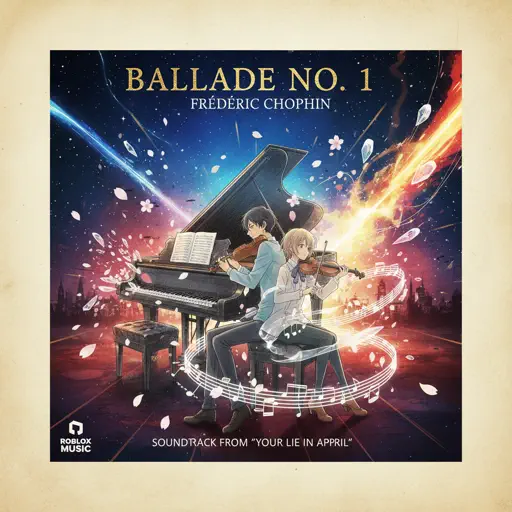
Ballade No. 1
Frédéric Chopin
Hard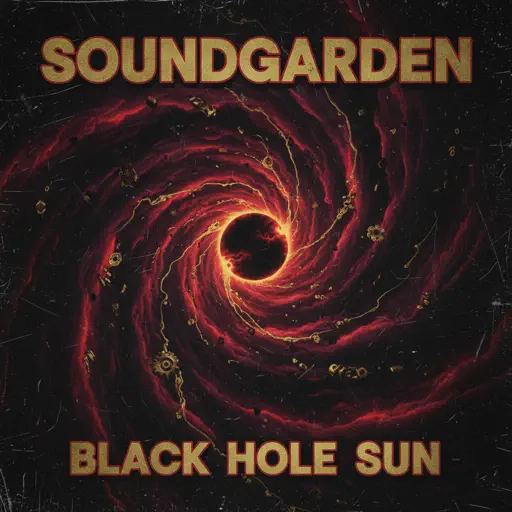
Black Hole Sun
Soundgarden
Hard
Sampai Jadi Debu
Banda Neira
Normal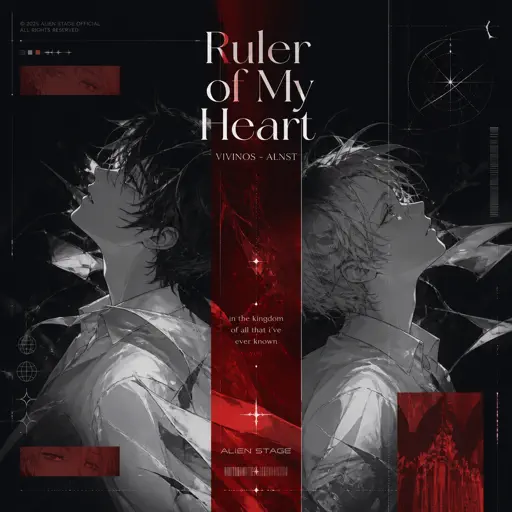
Ruler of My Heart (VIVINOS - ALNST)
Alien stage
Hard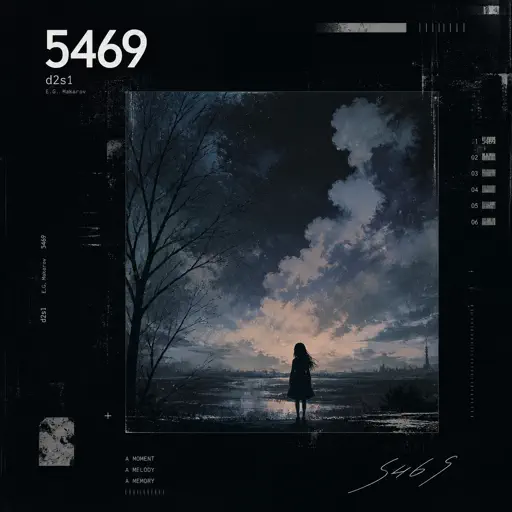
5469
d2s1(E.G. Makarov)
Normal
CandyCookieChocolate
Hatsune Miku
Hard
Mariage d'amour
Paul de Senneville
Hard
İzmir Marşı - Haluk Levent Versiyon
Tevfik Kulak
Normal
Cirno's Perfect Math Class チルノのパーフェクトさんすう教室
IOSYS
Hard
lit (A Silent Voice)
Kensuke Ushio
Hard
Butcher Vanity
Vane Lily
Normal
commatose - geometry dash
glass beach
HardFrequently Asked Questions
What is Roblox Piano Practice Online?
This is a free online tool that lets you practice Roblox virtual piano sheets in your browser. No downloads required - just pick a song and start practicing.
How do I use this online practice tool?
1. Select a song from the recommendations or use the search function. 2. Click play and the sheet will auto-scroll with highlighted notes. 3. Watch the virtual piano keyboard for highlighted keys and practice along. 4. Use speed control to slow down playback - perfect for beginners.
Can I play using my keyboard?
Yes! The virtual piano supports computer keyboard input. The keys correspond to the standard Roblox piano layout (1234567890qwerty...). You can practice on your keyboard while following the sheet.
What does the Transpose feature do?
Transpose raises or lowers the pitch of the sheet. Some Roblox piano games have different default tunings, so transpose helps match the correct pitch. Usually adjusting by +12 or -12 semitones works.
Does this tool work on mobile?
Yes, but desktop provides the best experience. On mobile you can view the sheet and virtual piano demo, but keyboard input requires a computer. We recommend using a desktop for the best practice experience.
How do I find sheets suitable for my level?
Below you'll find recommendations sorted by difficulty: Easy for beginners, Normal for intermediate players, and Hard/Expert for advanced challenges. You can also use the search function to find songs by title or artist.