

Roblox Piano Practice Online
Loading piano...
Practice Guide
Quick guide on how to use the online piano practice tool.
What is this?
This tool allows you to practice playing virtual piano sheets directly in your browser. It simulates a piano keyboard and helps you learn the notes and rhythm before playing in Roblox.
How to Practice Online
Use your computer keyboard or mouse to play the virtual piano keys directly. As the sheet music plays, the corresponding keys on the virtual piano will light up to help you follow along. You can also copy the sheet code to use directly in Roblox.
Discover Sheets
Random Shuffle: Click the Shuffle button in the center of the top control bar to instantly load a random new song without reloading the page.
Search: Click the Search button next to Shuffle to open the search window. Type a song title or artist name to quickly find and switch to the sheet you want to practice.
Playback Controls
- Play/Pause: Start or stop playback.
- 1xSpeed: Adjust tempo (0.5x - 2.0x).
- KTranspose: Shift the pitch up or down.
- SSustain: Toggle sustain pedal effect.
Easy Mode

Easy
Balcony
Cave Story

Easy
Gravity Falls Main Title Theme
Brad Breeck

Easy
If You Love These People (Man of Steel)
Hans Zimmer

Easy
Fur Elise
Beethoven

Easy
Cupid (Twin Version)
Fifty Fifty

Easy
Where You Lead
Carole King

Easy
Nice To Know - BFDIA 19 Cake At Stake Intro
BFDIA 19

Easy
Pimp Hoe
Mike Sherm

Easy
Harvey
Alex G

Easy
Mist
EsDeeKid
Normal Mode
Normal
Into the Infinity Castle (From "Demon Slayer")
Jimmy's Atelier
Normal
no, the moon
Teen Suicide
Normal
Secret Door
Arctic Monkeys

Normal
Hotaru no Hikari
Naruto Shippuden
Normal
Formidable
Stromae
Normal
The Cruel Angel's Thesis (Evangelion)
Yoko Takahashi
Normal
anybody can find love (except you.)
hkmori

Normal
DRAMA
G-DRAGON
Normal
Nocturne in C-Sharp Minor
Frédéric Chopin

Normal
YOUR WAY'S BETTER
Forrest Frank
Hard Mode
Hard
FoxSong (Alisa theme)
Tiny Bunny

Hard
Sealed Vessel - Hollow Knight
Christopher Larkin
Hard
Sweet Hibiscus Tea
Penelope Scott

Hard
There's a Feller in the Moon
John W Dick
Hard
1812 Overture Finale
Tchaikovsky
Hard
Vague Reason - Jujutsu Kaisen S2 OST (Nanami Theme)
Yoshimasa Terui
Hard
You See Big Girl / T:T
Sawano Hiroyuki
Hard
Freedom Dive
XI
Hard
Yellow
Coldplay
Hard
Santeria
Sublime
Recommended Sheets
Locked Away (Dandy's World)
CG5
Normal
Guanshan Wine
Deng Shen Me Jun
Hard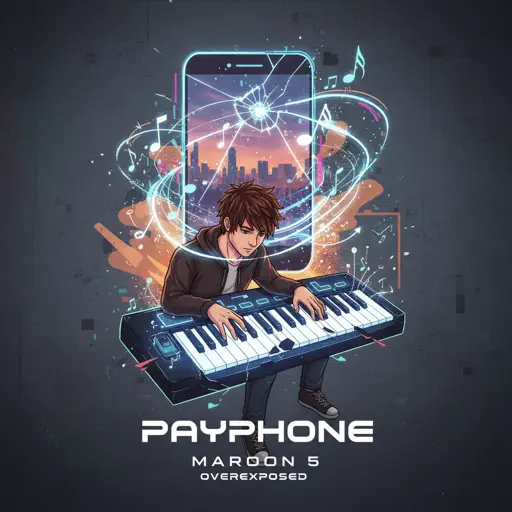
Payphone
Maroon 5
Normal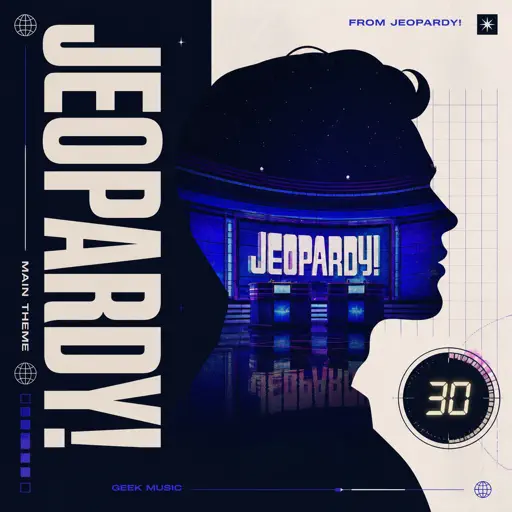
Jeopardy! Main Theme
Geek Music
Normal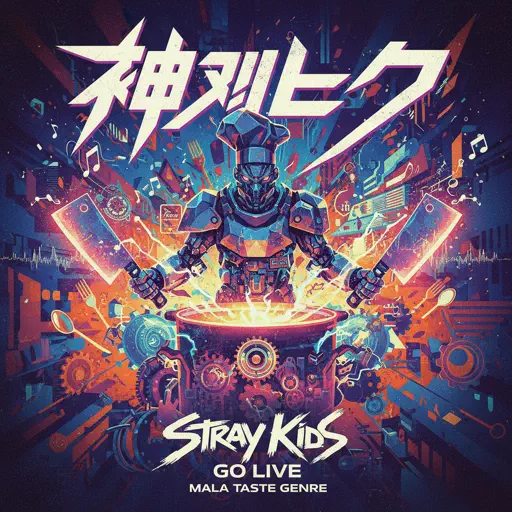
God’s Menu 神메뉴
Stray Kids
Hard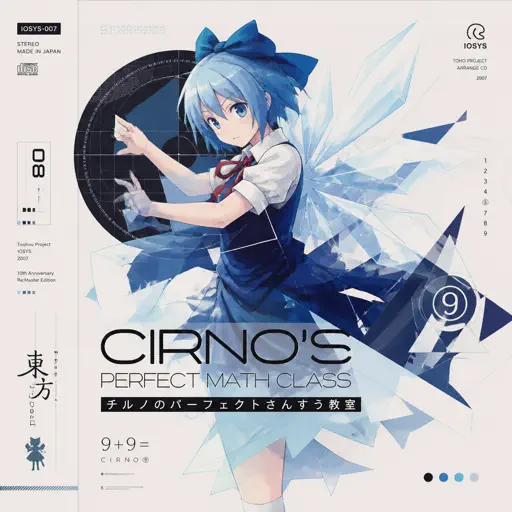
Cirno's Perfect Math Class チルノのパーフェクトさんすう教室
IOSYS
Hard
unhappy
s0rrow
Hard
Winter Wind Étude Op. 25 No. 11
Frédéric Chopin
Normal
Mazeppa
Franz Liszt
Hard
Alone
Marshmello
Normal
Married Life (Carl and Ellie) - Pixar's Up Theme
Michael Giacchino
Normal
A Thousand Years
Christina Perri
Normal
Supermassive Black Hole
Muse
Normal
Order from ULTRAKILL
Heaven Pierce Her
Hard
MUEVELOU POCOYO MEME SONG
VAD BOYZ
Normal
Powers Collide - TPOT 19
Ian Woodside
Normal
Green Onions
Booker T. & the M.G.'s
Normal
Lover Girl
Laufey
Hard
Love Destiny
Ice Saranyu
Normal
Trouble
Coldplay
NormalFrequently Asked Questions
What is Roblox Piano Practice Online?
This is a free online tool that lets you practice Roblox virtual piano sheets in your browser. No downloads required - just pick a song and start practicing.
How do I use this online practice tool?
1. Select a song from the recommendations or use the search function. 2. Click play and the sheet will auto-scroll with highlighted notes. 3. Watch the virtual piano keyboard for highlighted keys and practice along. 4. Use speed control to slow down playback - perfect for beginners.
Can I play using my keyboard?
Yes! The virtual piano supports computer keyboard input. The keys correspond to the standard Roblox piano layout (1234567890qwerty...). You can practice on your keyboard while following the sheet.
What does the Transpose feature do?
Transpose raises or lowers the pitch of the sheet. Some Roblox piano games have different default tunings, so transpose helps match the correct pitch. Usually adjusting by +12 or -12 semitones works.
Does this tool work on mobile?
Yes, but desktop provides the best experience. On mobile you can view the sheet and virtual piano demo, but keyboard input requires a computer. We recommend using a desktop for the best practice experience.
How do I find sheets suitable for my level?
Below you'll find recommendations sorted by difficulty: Easy for beginners, Normal for intermediate players, and Hard/Expert for advanced challenges. You can also use the search function to find songs by title or artist.