
Roblox Piano Practice Online
Loading piano...
Practice Guide
Quick guide on how to use the online piano practice tool.
What is this?
This tool allows you to practice playing virtual piano sheets directly in your browser. It simulates a piano keyboard and helps you learn the notes and rhythm before playing in Roblox.
How to Practice Online
Use your computer keyboard or mouse to play the virtual piano keys directly. As the sheet music plays, the corresponding keys on the virtual piano will light up to help you follow along. You can also copy the sheet code to use directly in Roblox.
Discover Sheets
Random Shuffle: Click the Shuffle button in the center of the top control bar to instantly load a random new song without reloading the page.
Search: Click the Search button next to Shuffle to open the search window. Type a song title or artist name to quickly find and switch to the sheet you want to practice.
Playback Controls
- Play/Pause: Start or stop playback.
- 1xSpeed: Adjust tempo (0.5x - 2.0x).
- KTranspose: Shift the pitch up or down.
- SSustain: Toggle sustain pedal effect.
Easy Mode

Easy
Gravity Falls Main Title Theme
Brad Breeck

Easy
Sleeping City Funk
Emotional Recycling Bin

Easy
Cupid (Twin Version)
Fifty Fifty

Easy
Mist
EsDeeKid

Easy
Nice To Know - BFDIA 19 Cake At Stake Intro
BFDIA 19

Easy
Immortal
Playboi Carti

Easy
Pimp Hoe
Mike Sherm

Easy
LET ME SEE YA MOVE!
Lumi Athena

Easy
Harvey
Alex G

Easy
Balcony
Cave Story
Normal Mode

Normal
Polaroid Love
ENHYPEN
Normal
LoonBoon
Laura Shigihara
Normal
Nocturne in C-Sharp Minor
Frédéric Chopin
Normal
D.T.B. (Interlude)
A Boogie Wit da Hoodie
Normal
Wet Hands
C418
Normal
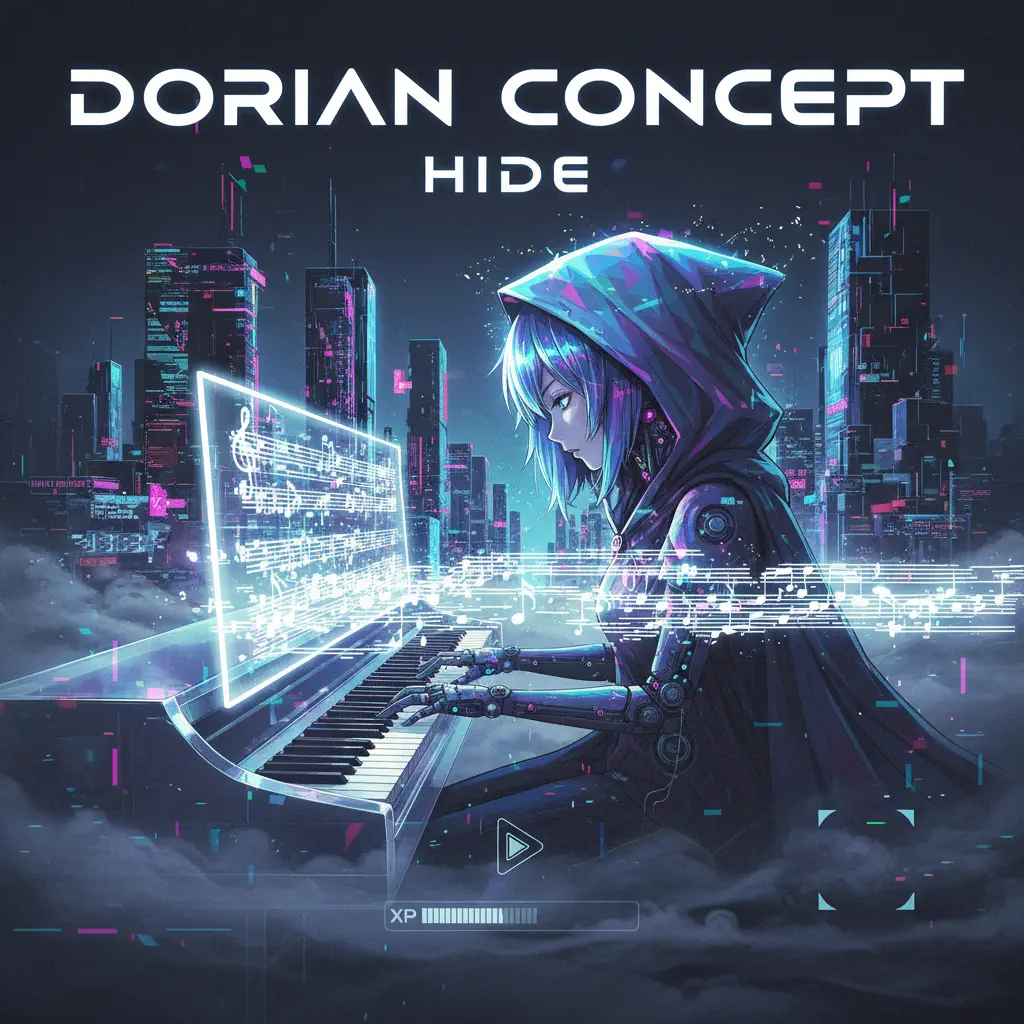
Hide
Dorian Concept

Normal
Star Shopping
Lil Peep
Normal
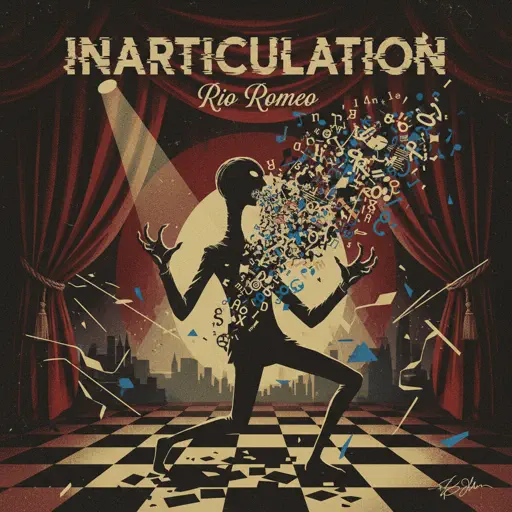
Inarticulation
Rio Romeo

Normal
Flowers
Miley Cyrus

Normal
All Girls Are The Same
Juice WRLD
Hard Mode

Hard
Dan Dan Kokoro Hikareteku (Dragon Ball GT)
Jann-Aron JP
Hard
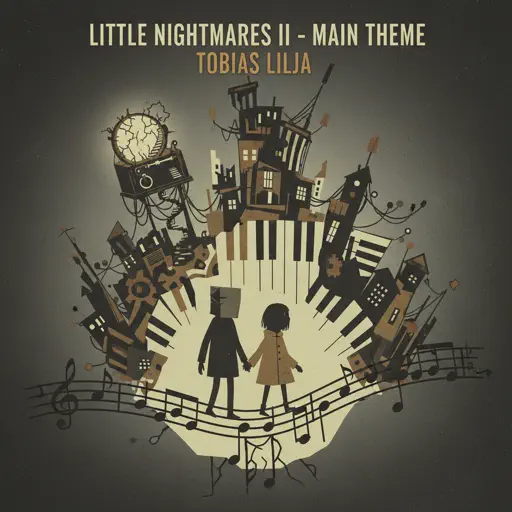
Little Nightmares 2 - Main Theme
Tobias Lilja

Hard
Wish
Trippie Redd
Hard
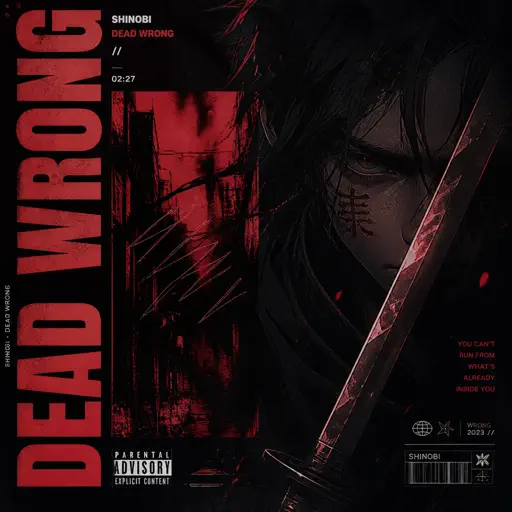
Dead Wrong
Shinobi
Hard
Rein Me In
Sam Fender

Hard
Beanie
Chezile

Hard
Congratulations
Mac Miller
Hard
SAD!
XXXTENTACION
Hard
Can You Hear The Music - from Oppenheimer
Ludwig Göransson

Hard
Hikaru Nara 光るなら
Goose house
Recommended Sheets
Gurenge - 紅蓮華 - Demon Slayer
LiSA
Normal
Dance With The Devil
Immortal Technique
Normal
Elegy for Rem - Requiem of Silence (Re Zero Ost)
Amy B
Normal
MONTAGEM REBOLA
ATLXS
Hard
Beauty and the Beast
Ariana Grande
Normal
Relaxed Scene - Break In
James Clarke
Normal
Trouble
Coldplay
Normal
I'm From Another Dimension (Star Vs The Forces of Evil)
Brad Breeck
Hard
My Confession - Doki Doki Literature Club
Dan Salvato
Normal
Let Down
Radiohead
Normal
Rush E (Impossible Version)
Sheet Music Boss
Hard
Initial D First Stage Sound - Admiration
Initial D
Normal
A Thousand Years
Christina Perri
Normal
Bad Apple!!
Masayoshi Minoshima
Hard
Hatachi No Koi
Lamp
HardNocturne in C-Sharp Minor
Frédéric Chopin
NormalCongratulations
Mac Miller
Hard
Wife
Mitski
Normal
Love Me Again
John Newman
Normal
Oobja - Main Theme
Various Artists
NormalFrequently Asked Questions
What is Roblox Piano Practice Online?
This is a free online tool that lets you practice Roblox virtual piano sheets in your browser. No downloads required - just pick a song and start practicing.
How do I use this online practice tool?
1. Select a song from the recommendations or use the search function. 2. Click play and the sheet will auto-scroll with highlighted notes. 3. Watch the virtual piano keyboard for highlighted keys and practice along. 4. Use speed control to slow down playback - perfect for beginners.
Can I play using my keyboard?
Yes! The virtual piano supports computer keyboard input. The keys correspond to the standard Roblox piano layout (1234567890qwerty...). You can practice on your keyboard while following the sheet.
What does the Transpose feature do?
Transpose raises or lowers the pitch of the sheet. Some Roblox piano games have different default tunings, so transpose helps match the correct pitch. Usually adjusting by +12 or -12 semitones works.
Does this tool work on mobile?
Yes, but desktop provides the best experience. On mobile you can view the sheet and virtual piano demo, but keyboard input requires a computer. We recommend using a desktop for the best practice experience.
How do I find sheets suitable for my level?
Below you'll find recommendations sorted by difficulty: Easy for beginners, Normal for intermediate players, and Hard/Expert for advanced challenges. You can also use the search function to find songs by title or artist.