

Roblox Piano Practice Online
Loading piano...
Practice Guide
Quick guide on how to use the online piano practice tool.
What is this?
This tool allows you to practice playing virtual piano sheets directly in your browser. It simulates a piano keyboard and helps you learn the notes and rhythm before playing in Roblox.
How to Practice Online
Use your computer keyboard or mouse to play the virtual piano keys directly. As the sheet music plays, the corresponding keys on the virtual piano will light up to help you follow along. You can also copy the sheet code to use directly in Roblox.
Discover Sheets
Random Shuffle: Click the Shuffle button in the center of the top control bar to instantly load a random new song without reloading the page.
Search: Click the Search button next to Shuffle to open the search window. Type a song title or artist name to quickly find and switch to the sheet you want to practice.
Playback Controls
- Play/Pause: Start or stop playback.
- 1xSpeed: Adjust tempo (0.5x - 2.0x).
- KTranspose: Shift the pitch up or down.
- SSustain: Toggle sustain pedal effect.
Easy Mode

Easy
Harvey
Alex G

Easy
Gravity Falls Main Title Theme
Brad Breeck

Easy
Sleeping City Funk
Emotional Recycling Bin

Easy
Pimp Hoe
Mike Sherm

Easy
Cupid (Twin Version)
Fifty Fifty

Easy
If You Love These People (Man of Steel)
Hans Zimmer

Easy
Balcony
Cave Story

Easy
Mist
EsDeeKid

Easy
Nice To Know - BFDIA 19 Cake At Stake Intro
BFDIA 19

Easy
Immortal
Playboi Carti
Normal Mode
Normal
Jeopardy! Main Theme
Geek Music

Normal
I will - Ao Haru Ride
Chelsy
Normal
Accidentally In Love
Counting Crows
Normal
My Heart Will Go On
Céline Dion

Normal
Robbery
Juice WRLD
Normal
The Future Is So Yesterday
Inanimate Insanity
Normal
traitor
Olivia Rodrigo

Normal
Ecstacy
SUICIDAL-IDOL
Normal
Homestuck Terezi's Theme
CopacetiCat
Normal
You're Mine (Baldi's Basics)
Dagames
Hard Mode

Hard
TEA TIME WALTZ - SONIC.exe Outcome Memories
aerozity
Hard
SAD!
XXXTENTACION
Hard
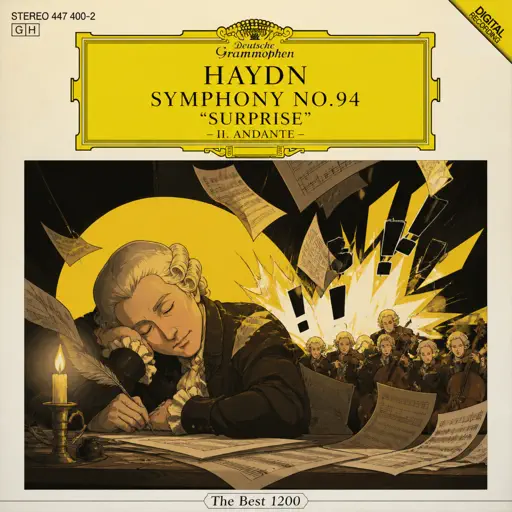
Haydn Surprise Symphony No. 94 Movement 2
Haydn
Hard
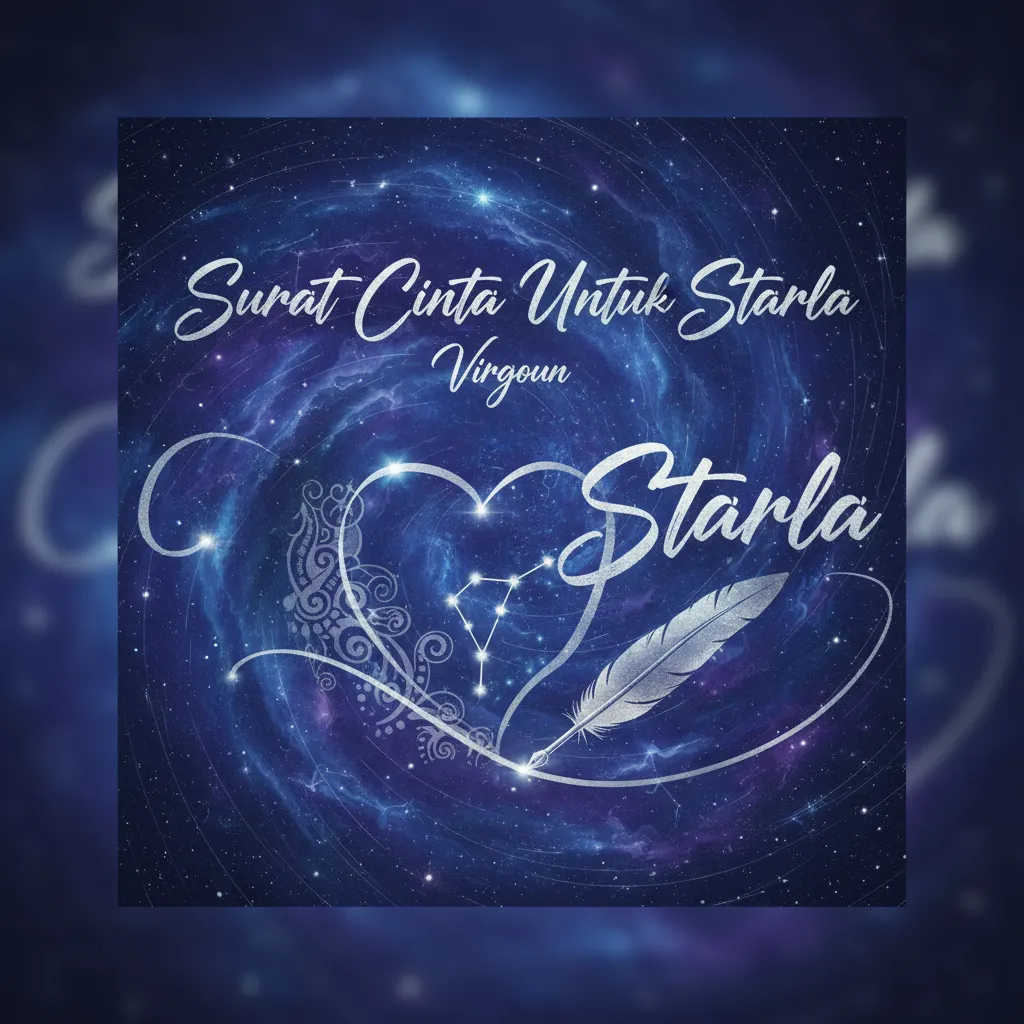
Surat Cinta Untuk Starla
Virgoun
Hard
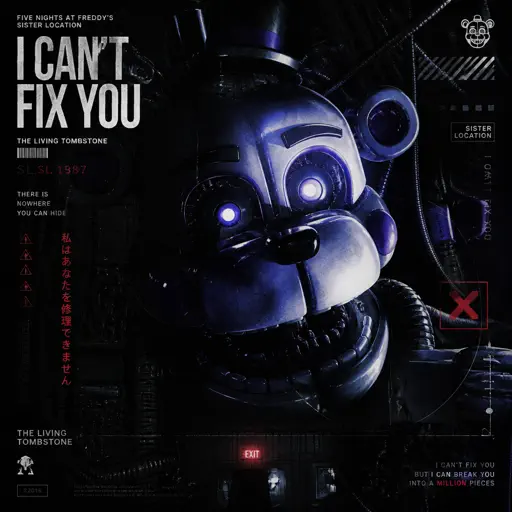
I Can’t Fix You
The Living Tombstone

Hard
Multo
Cup of Joe
Hard
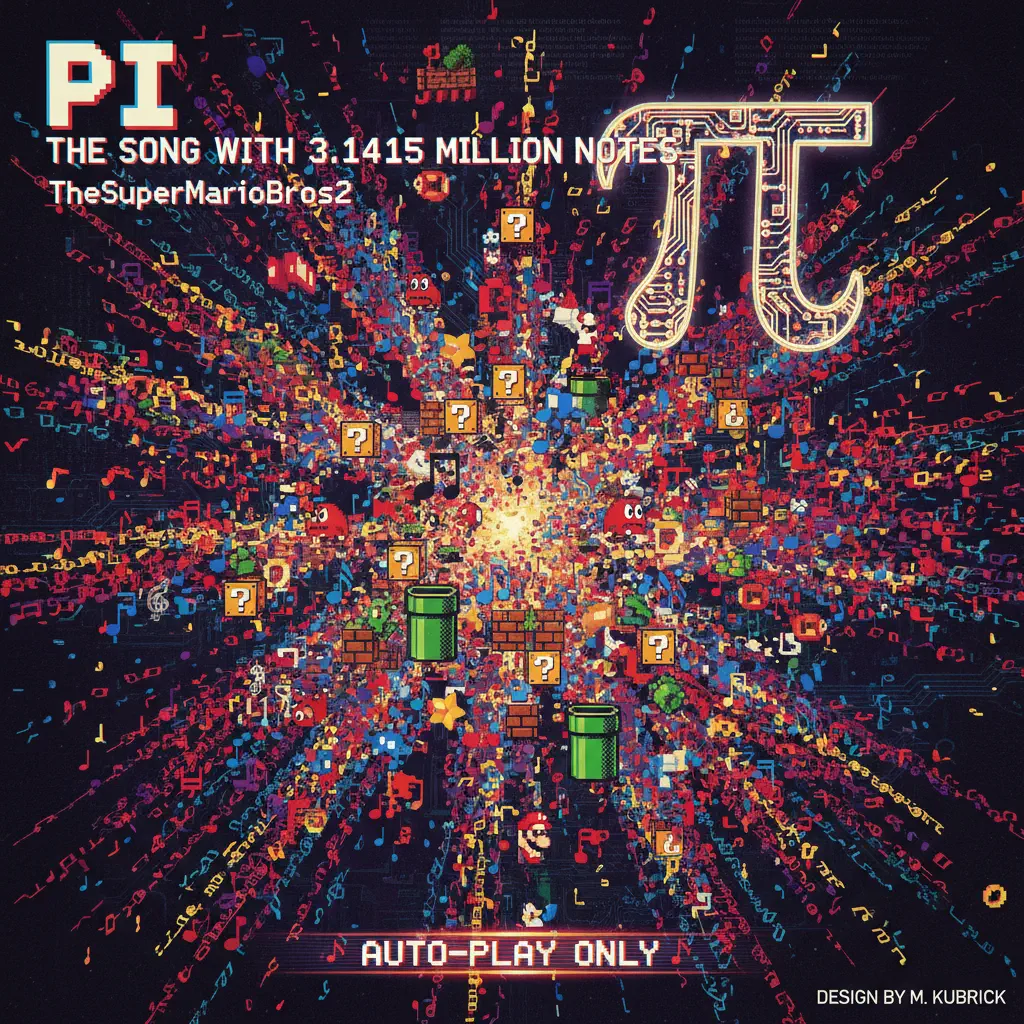
Pi The Song With 3.1415 Million Notes (Auto-Play Only)
TheSuperMarioBros2
Hard
Wiege (VIVINOS - ALNST)
BL8M
Hard
Famine (Pursuer Jason)
FORSAKEN OST
Hard
Shikairo Days/シカ色デイズ
My Deer Friend Nokotan OP
Recommended Sheets
Merry Christmas Mr. Lawrence
Ryuichi Sakamoto
Hard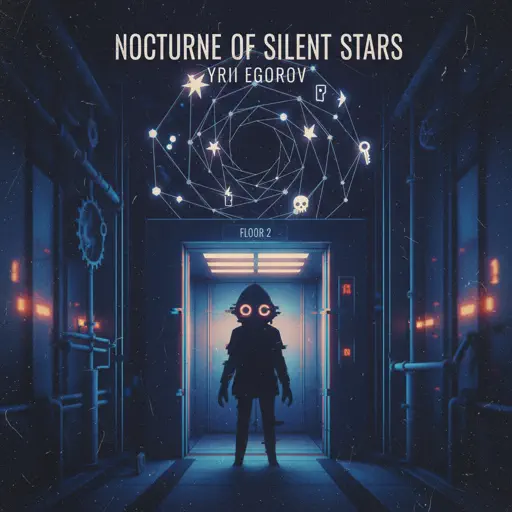
nocturne of silent stars
yrii egorov
Normal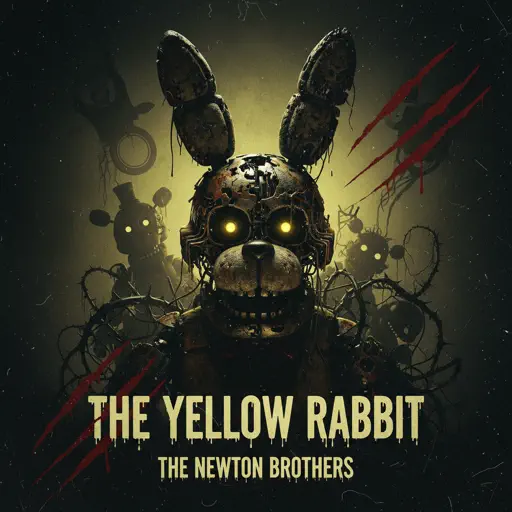
The Yellow Rabbit - FNAF Movie
The Newton Brothers
Normal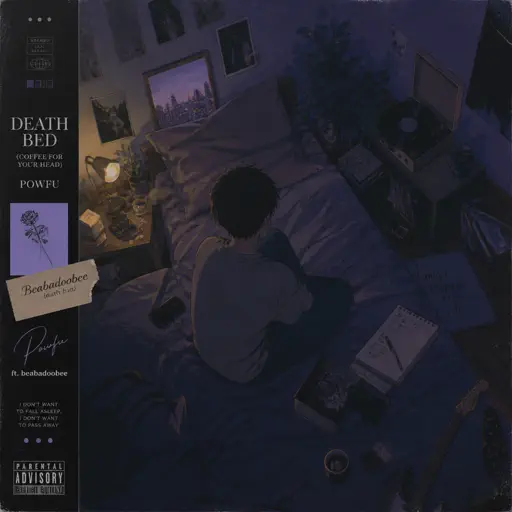
death bed (coffee for your head)
Powfu
Normal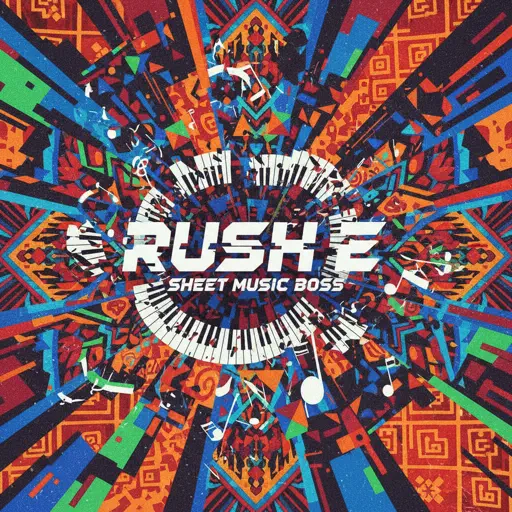
Rush E (Full Version)
Sheet Music Boss
Hard
Sinking Town
Yoeko Kurahashi
Normal
BANG BANG BANG - Chainsaw Man Song
BBpanzu
Normal
Ballade No. 1
Frédéric Chopin
Hard
Out Getting Ribs
King Krule
Normal
Beaches
beabadoobee
Normal
Into the Infinity Castle (From "Demon Slayer")
Jimmy's Atelier
Normal
Cry For Me WA WA WA
Ironmouse
Normal
Waiting For You
Alex G
Normal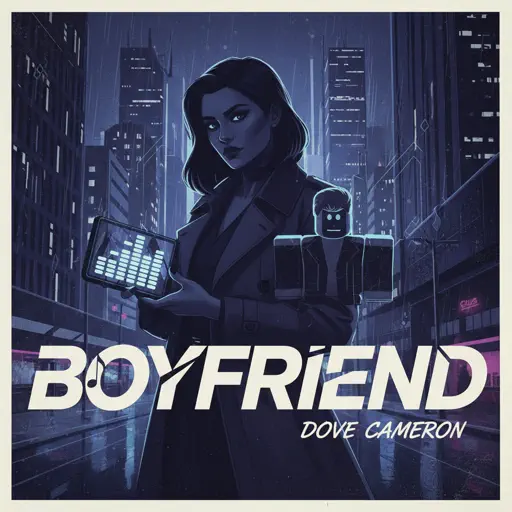
Boyfriend
Dove Cameron
Hard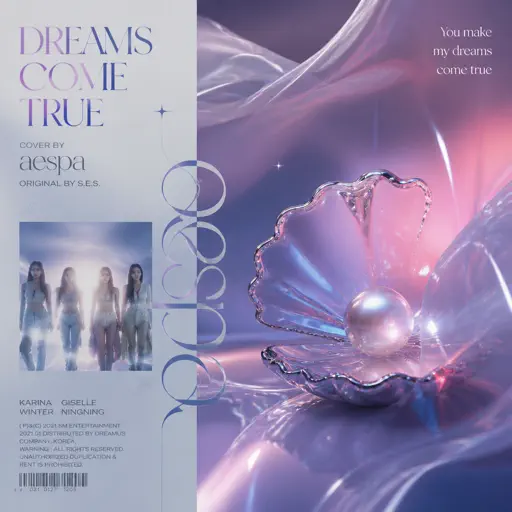
Dreams Come True
aespa
Hard
Hotel California
Eagles
Hard
Pasilyo
Sunkissed Lola
Normal
Where Our Blue is
Tatsuya Kitani
Hard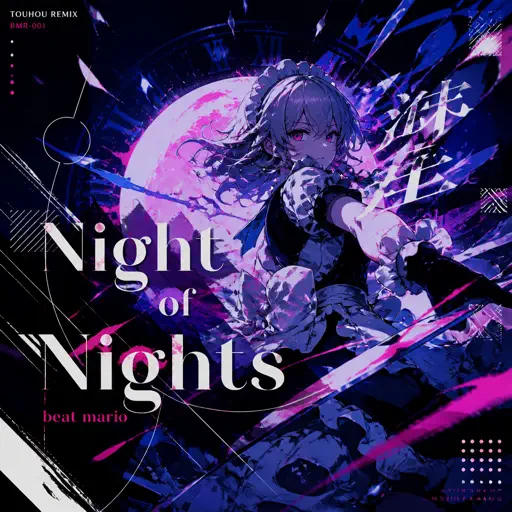
Night of Nights ナイト・オブ・ナイツ
Beat Mario
Hard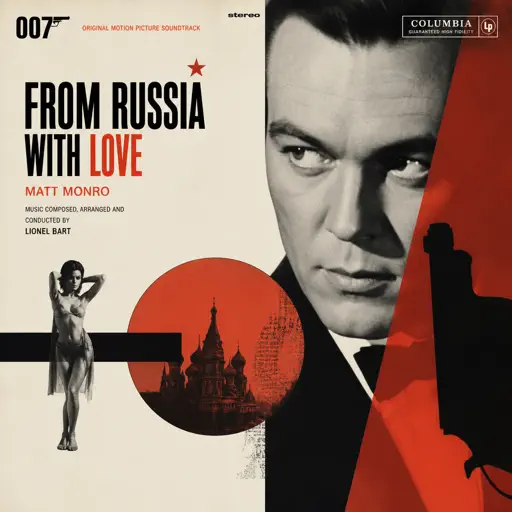
From Russia with Love
Matt Monro
HardFrequently Asked Questions
What is Roblox Piano Practice Online?
This is a free online tool that lets you practice Roblox virtual piano sheets in your browser. No downloads required - just pick a song and start practicing.
How do I use this online practice tool?
1. Select a song from the recommendations or use the search function. 2. Click play and the sheet will auto-scroll with highlighted notes. 3. Watch the virtual piano keyboard for highlighted keys and practice along. 4. Use speed control to slow down playback - perfect for beginners.
Can I play using my keyboard?
Yes! The virtual piano supports computer keyboard input. The keys correspond to the standard Roblox piano layout (1234567890qwerty...). You can practice on your keyboard while following the sheet.
What does the Transpose feature do?
Transpose raises or lowers the pitch of the sheet. Some Roblox piano games have different default tunings, so transpose helps match the correct pitch. Usually adjusting by +12 or -12 semitones works.
Does this tool work on mobile?
Yes, but desktop provides the best experience. On mobile you can view the sheet and virtual piano demo, but keyboard input requires a computer. We recommend using a desktop for the best practice experience.
How do I find sheets suitable for my level?
Below you'll find recommendations sorted by difficulty: Easy for beginners, Normal for intermediate players, and Hard/Expert for advanced challenges. You can also use the search function to find songs by title or artist.