
Roblox Piano Practice Online
Loading piano...
Practice Guide
Quick guide on how to use the online piano practice tool.
What is this?
This tool allows you to practice playing virtual piano sheets directly in your browser. It simulates a piano keyboard and helps you learn the notes and rhythm before playing in Roblox.
How to Practice Online
Use your computer keyboard or mouse to play the virtual piano keys directly. As the sheet music plays, the corresponding keys on the virtual piano will light up to help you follow along. You can also copy the sheet code to use directly in Roblox.
Discover Sheets
Random Shuffle: Click the Shuffle button in the center of the top control bar to instantly load a random new song without reloading the page.
Search: Click the Search button next to Shuffle to open the search window. Type a song title or artist name to quickly find and switch to the sheet you want to practice.
Playback Controls
- Play/Pause: Start or stop playback.
- 1xSpeed: Adjust tempo (0.5x - 2.0x).
- KTranspose: Shift the pitch up or down.
- SSustain: Toggle sustain pedal effect.
Easy Mode

Easy
Fur Elise
Beethoven

Easy
Cupid (Twin Version)
Fifty Fifty

Easy
LET ME SEE YA MOVE!
Lumi Athena

Easy
Balcony
Cave Story

Easy
Mist
EsDeeKid

Easy
Harvey
Alex G

Easy
Nice To Know - BFDIA 19 Cake At Stake Intro
BFDIA 19

Easy
If You Love These People (Man of Steel)
Hans Zimmer

Easy
Gravity Falls Main Title Theme
Brad Breeck

Easy
Mockingbird
Eminem
Normal Mode
Normal
Music and Me
fakemink

Normal
Shape of You
Ed Sheeran
Normal
Understand
BoyWithUke
Normal
Subwoofer Lullaby
C418
Normal
Piano Man
Billy Joel

Normal
If I Ain't Got You
Alicia Keys
Normal
Belki
Dedublüman
Normal
The World Looks White, The World Looks Red
Heaven Pierce Her
Normal
Aphrodite
The Ridleys
Normal
Futile Devices
Sufjan Stevens
Hard Mode
Hard
Agony
Yung Lean
Hard
Attack of the Killer Queen (from Deltarune)
Toby Fox
Hard
Sedia Aku Sebelum Hujan
Idgitaf
Hard
Jane!
The Long Faces

Hard
Where Our Blue is
Tatsuya Kitani

Hard
Fame is a Gun
Addison Rae
Hard
The One Who's Running the Show - The Amazing Digital Circus
Gooseworx
Hard
Snuff
Slipknot
Hard
My R - Yellow Cardigan
Rachie
Hard
Creep
Scott Bradlee's Postmodern Jukebox
Recommended Sheets
Duvet
bôa (Serial Experiments Lain)
Normal
Skyfall
Adele (James Bond)
Normal
Kawaikute Gomen
HoneyWorks
Hard
Purple Rain
Prince
Normal
Innocence
Hildir Svensson
Normal
Nơi Này Có Anh
Sơn Tùng M-TP
Normal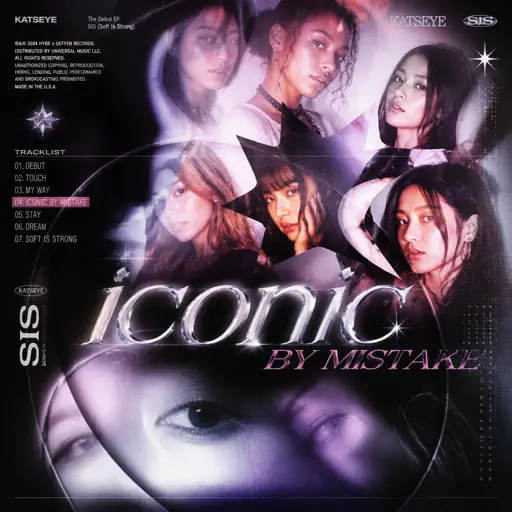
ICONIC BY MISTAKE
KATSEYE
Normal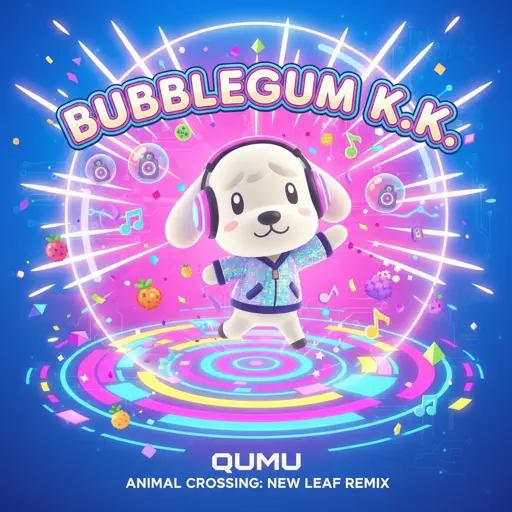
Bubblegum K.K. (From "Animal Crossing: New Leaf")
Qumu
Normal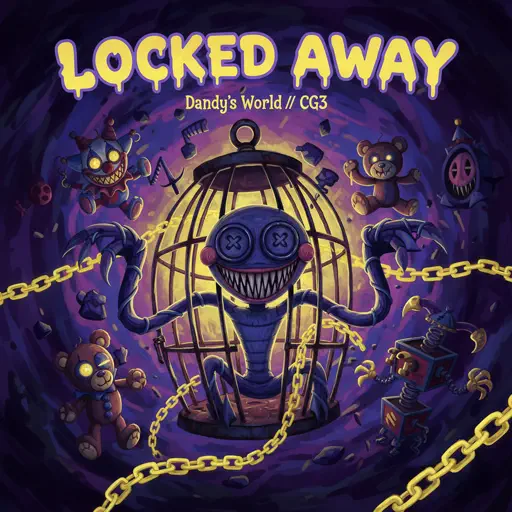
Locked Away (Dandy's World)
CG5
Normal
Po Atarau - Project Hail Marry
Turakina Maori Girls Choir
Normal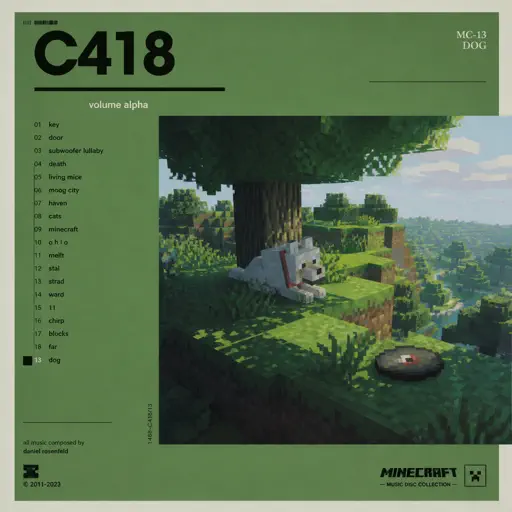
Dog
C418
Normal
Cirno's Perfect Math Class チルノのパーフェクトさんすう教室
IOSYS
Hard
departure! - Hunter x Hunter OP1
Togash
Hard
Sign of the Times
Harry Styles
Hard
Sweden
C418
Normal
Children
Robert Miles
Normal
The place where it rained
Toby Fox
Normal
Ada titik-titik di ujung doa
Sal Priadi
Normal
Eyes Without A Face
Billy Idol
Normal
Van Gogh
Virginio Aiello
NormalFrequently Asked Questions
What is Roblox Piano Practice Online?
This is a free online tool that lets you practice Roblox virtual piano sheets in your browser. No downloads required - just pick a song and start practicing.
How do I use this online practice tool?
1. Select a song from the recommendations or use the search function. 2. Click play and the sheet will auto-scroll with highlighted notes. 3. Watch the virtual piano keyboard for highlighted keys and practice along. 4. Use speed control to slow down playback - perfect for beginners.
Can I play using my keyboard?
Yes! The virtual piano supports computer keyboard input. The keys correspond to the standard Roblox piano layout (1234567890qwerty...). You can practice on your keyboard while following the sheet.
What does the Transpose feature do?
Transpose raises or lowers the pitch of the sheet. Some Roblox piano games have different default tunings, so transpose helps match the correct pitch. Usually adjusting by +12 or -12 semitones works.
Does this tool work on mobile?
Yes, but desktop provides the best experience. On mobile you can view the sheet and virtual piano demo, but keyboard input requires a computer. We recommend using a desktop for the best practice experience.
How do I find sheets suitable for my level?
Below you'll find recommendations sorted by difficulty: Easy for beginners, Normal for intermediate players, and Hard/Expert for advanced challenges. You can also use the search function to find songs by title or artist.