
Roblox Piano Practice Online
Loading piano...
Practice Guide
Quick guide on how to use the online piano practice tool.
What is this?
This tool allows you to practice playing virtual piano sheets directly in your browser. It simulates a piano keyboard and helps you learn the notes and rhythm before playing in Roblox.
How to Practice Online
Use your computer keyboard or mouse to play the virtual piano keys directly. As the sheet music plays, the corresponding keys on the virtual piano will light up to help you follow along. You can also copy the sheet code to use directly in Roblox.
Discover Sheets
Random Shuffle: Click the Shuffle button in the center of the top control bar to instantly load a random new song without reloading the page.
Search: Click the Search button next to Shuffle to open the search window. Type a song title or artist name to quickly find and switch to the sheet you want to practice.
Playback Controls
- Play/Pause: Start or stop playback.
- 1xSpeed: Adjust tempo (0.5x - 2.0x).
- KTranspose: Shift the pitch up or down.
- SSustain: Toggle sustain pedal effect.
Easy Mode

Easy
Where You Lead
Carole King

Easy
Fur Elise
Beethoven

Easy
Nice To Know - BFDIA 19 Cake At Stake Intro
BFDIA 19

Easy
LET ME SEE YA MOVE!
Lumi Athena

Easy
Sleeping City Funk
Emotional Recycling Bin

Easy
If You Love These People (Man of Steel)
Hans Zimmer

Easy
Mockingbird
Eminem

Easy
Immortal
Playboi Carti

Easy
Gravity Falls Main Title Theme
Brad Breeck

Easy
Cupid (Twin Version)
Fifty Fifty
Normal Mode

Normal
DRAMA
G-DRAGON
Normal
Sparkle - From Your Name
RADWIMPS
Normal
Doll Dancing
Puddle Of Infinity

Normal
Riptide
Vance Joy
Normal
Malování
Divokej Bill
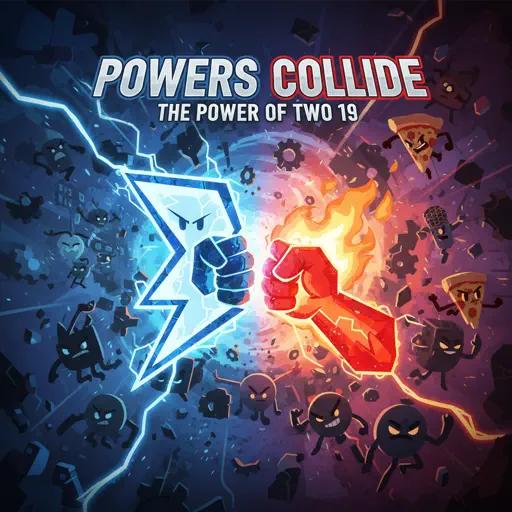
Normal
Powers Collide - TPOT 19
Ian Woodside
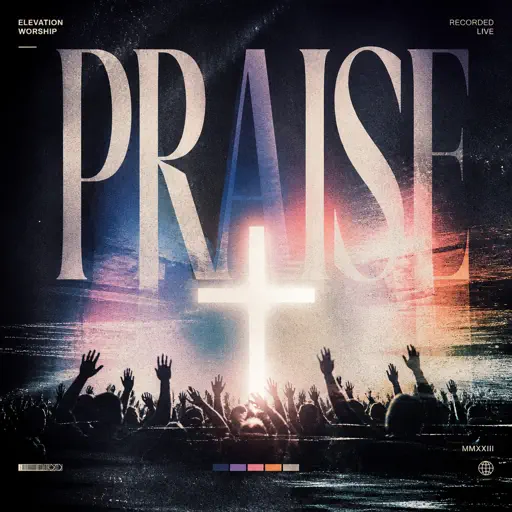
Normal
Praise
Elevation Worship
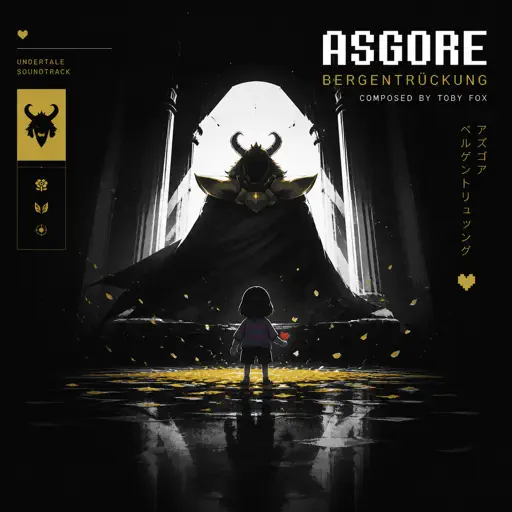
Normal
Bergentrückung / ASGORE
Toby Fox
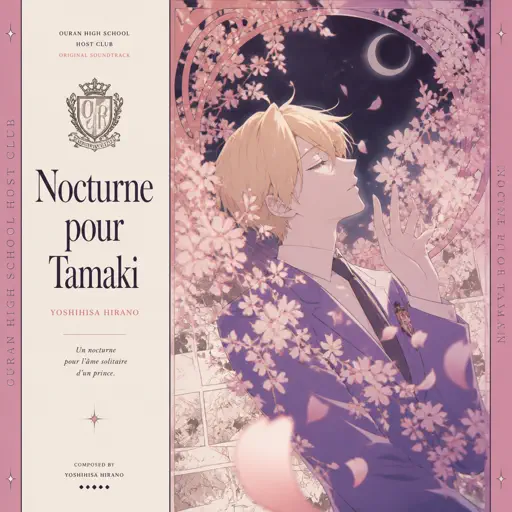
Normal
Nocturne pour Tamaki ( Ouran High School Host Club)
Yoshihisa Hirano
Normal
Melancholy
Tiny Bunny
Hard Mode

Hard
Sparks
Coldplay
Hard
Rush E (Impossible Version)
Sheet Music Boss

Hard
Honeypie
JAWNY

Hard
STAR☆T☆RAIN - 推しの子 Oshi no Ko
Yusuke Onodera
Hard
La Distancia Para Un Duelo (From Bleach)
LucasGitanoFamily
Hard
Otsukare Summer
HALCALI
Hard
Passacaglia
Handel/Halvorsen
Hard
au revoir
Malice Mizer
Hard
York'scher Marsch
Beethoven
Hard
Pretty Little Baby
Connie Francis
Recommended Sheets
25
Rod Wave
Normal
Vague Reason - Jujutsu Kaisen S2 OST (Nanami Theme)
Yoshimasa Terui
Hard
Bazooka
Miami XO
NormalOtsukare Summer
HALCALI
Hard
Bubble Pop Electric
Gwen Stefani
Hard
Fukashigi no Carte (Bunny Girl Senpai)
ShiroNeko
Normal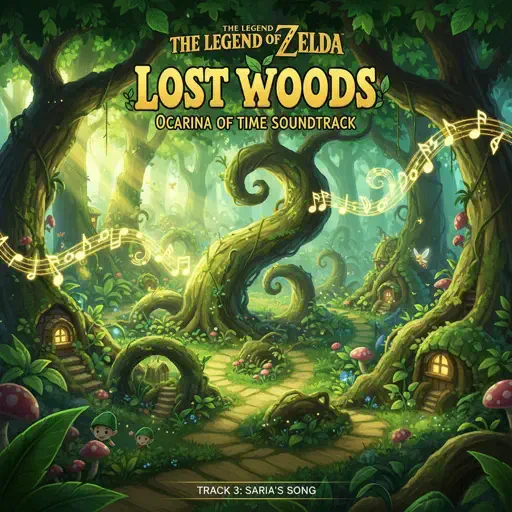
Lost Woods (The Legend of Zelda: Ocarina of Time)
Legend of Zelda
Normal
IDFB Intro
Tsskyx
Hard
Memory Reboot
VØJ
Normal
Arabella
Arctic Monkeys
Normal
RUDE!
hearts2hearts
Normal
This Is Pure Love - Jujutsu Kaisen 呪術廻戦
Alisa Okehazama
Normal
Boyfriend
Dove Cameron
Hard
Let Down
Radiohead
Normal
Stereo Love
Edward Maya
Normal
id 072019
W/N
Normal
Dernière Danse
Indila
Normal
Santeria
Sublime
Hard
Dawn Of The Doors (Doors Theme)
LSPLASH
Normal
L'amour Toujours
Gigi D'Agostino
NormalFrequently Asked Questions
What is Roblox Piano Practice Online?
This is a free online tool that lets you practice Roblox virtual piano sheets in your browser. No downloads required - just pick a song and start practicing.
How do I use this online practice tool?
1. Select a song from the recommendations or use the search function. 2. Click play and the sheet will auto-scroll with highlighted notes. 3. Watch the virtual piano keyboard for highlighted keys and practice along. 4. Use speed control to slow down playback - perfect for beginners.
Can I play using my keyboard?
Yes! The virtual piano supports computer keyboard input. The keys correspond to the standard Roblox piano layout (1234567890qwerty...). You can practice on your keyboard while following the sheet.
What does the Transpose feature do?
Transpose raises or lowers the pitch of the sheet. Some Roblox piano games have different default tunings, so transpose helps match the correct pitch. Usually adjusting by +12 or -12 semitones works.
Does this tool work on mobile?
Yes, but desktop provides the best experience. On mobile you can view the sheet and virtual piano demo, but keyboard input requires a computer. We recommend using a desktop for the best practice experience.
How do I find sheets suitable for my level?
Below you'll find recommendations sorted by difficulty: Easy for beginners, Normal for intermediate players, and Hard/Expert for advanced challenges. You can also use the search function to find songs by title or artist.