
Roblox Piano Practice Online
Loading piano...
Practice Guide
Quick guide on how to use the online piano practice tool.
What is this?
This tool allows you to practice playing virtual piano sheets directly in your browser. It simulates a piano keyboard and helps you learn the notes and rhythm before playing in Roblox.
How to Practice Online
Use your computer keyboard or mouse to play the virtual piano keys directly. As the sheet music plays, the corresponding keys on the virtual piano will light up to help you follow along. You can also copy the sheet code to use directly in Roblox.
Discover Sheets
Random Shuffle: Click the Shuffle button in the center of the top control bar to instantly load a random new song without reloading the page.
Search: Click the Search button next to Shuffle to open the search window. Type a song title or artist name to quickly find and switch to the sheet you want to practice.
Playback Controls
- Play/Pause: Start or stop playback.
- 1xSpeed: Adjust tempo (0.5x - 2.0x).
- KTranspose: Shift the pitch up or down.
- SSustain: Toggle sustain pedal effect.
Easy Mode

Easy
Where You Lead
Carole King

Easy
Fur Elise
Beethoven

Easy
LET ME SEE YA MOVE!
Lumi Athena

Easy
Mockingbird
Eminem

Easy
Harvey
Alex G

Easy
If You Love These People (Man of Steel)
Hans Zimmer

Easy
Sleeping City Funk
Emotional Recycling Bin

Easy
Mist
EsDeeKid

Easy
Immortal
Playboi Carti

Easy
Nice To Know - BFDIA 19 Cake At Stake Intro
BFDIA 19
Normal Mode

Normal
Hazy Moon
Miku Sanaa

Normal
Star Shopping
Lil Peep
Normal
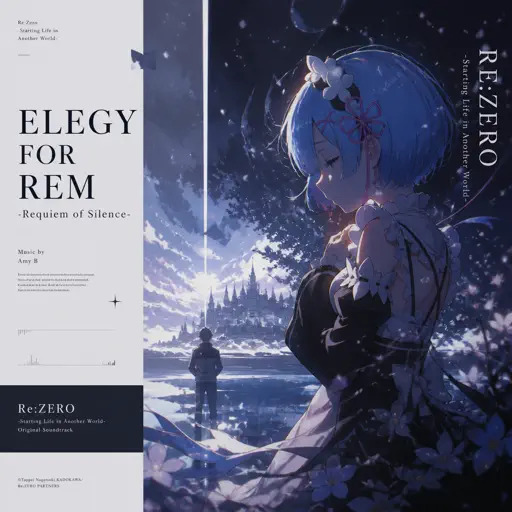
Elegy for Rem - Requiem of Silence (Re Zero Ost)
Amy B
Normal
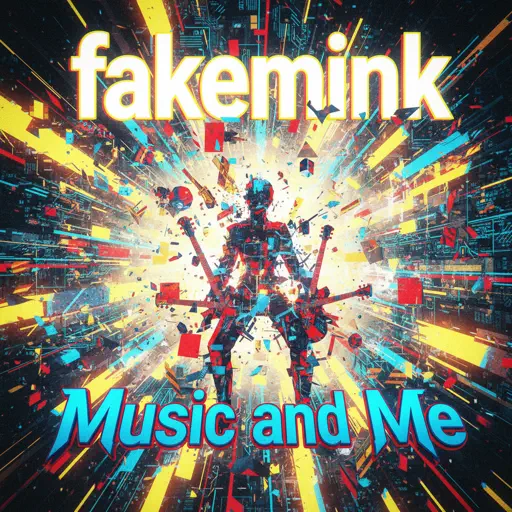
Music and Me
fakemink
Normal
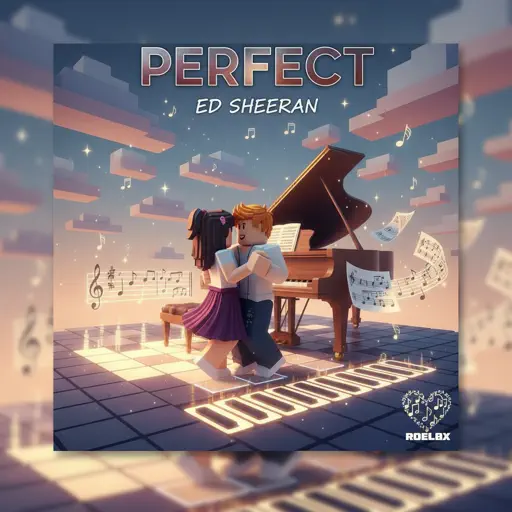
Perfect
Ed Sheeran
Normal
The Gummy Bear Song
Gummibär
Normal
Erika (Advanced)
German Folk Regiment

Normal
Victory Day (Soviet Songs)
Lev Leshchenko
Normal
Feel Good Inc
Gorillaz
Normal
Patience
Tame Impala
Hard Mode

Hard
XOXO
Feng
Hard
The Real Slim Shady
Eminem
Hard
swordland (Sword Art Online)
Yuki Kajiura

Hard
All the Way North
Jay Chou
Hard
Lag Train
Inabakumori
Hard
Megalomayhem (Undertale AU)
CHARTY
Hard
Take What You Want
Post Malone
Hard
The Promise - FINAL FANTASY XIII
Masashi Hamauzu
Hard
Girl Song
beabadoobee
Hard
November Rain
Guns N' Roses
Recommended Sheets

lit (A Silent Voice)
Kensuke Ushio
Hard
Golden Hour
JVKE
Normal
Clash Royale Intro Sound
Supercell
Normal
Hotline Bling
Billie Eilish
Normal
The 7 Seas
F-777
Normal
Great Fairy Fountain - The Legend of Zelda
Legend of Zelda
Normal
Compass
Mili (Limbus Company)
Hard
Past Lives
BØRNS
Normal
Tetris Theme
Video Game Players
Normal
The Perfect Girl (such a strange girl)
Mareux
Hard
Soviet Anthem - USSR Anthem
USSR
Normal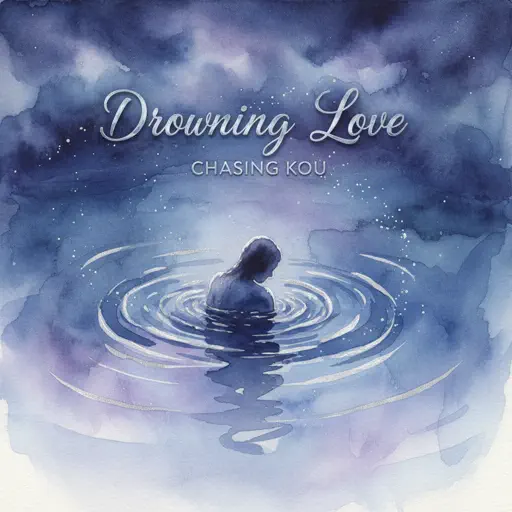
Drowning Love
Chasing Kou
Normal
Bang!
AJR
Hard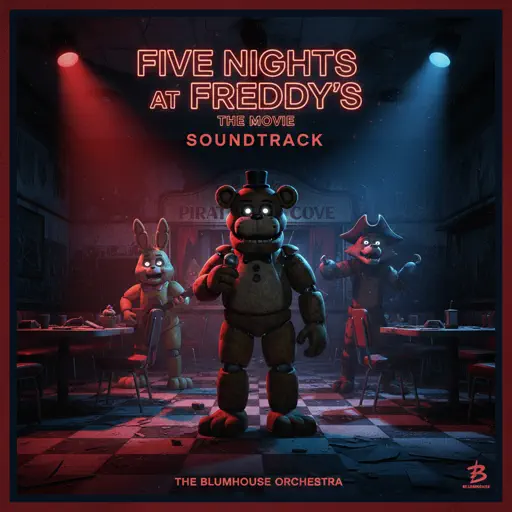
Five Nights at Freddy's Movie
The Newton Brothers
Hard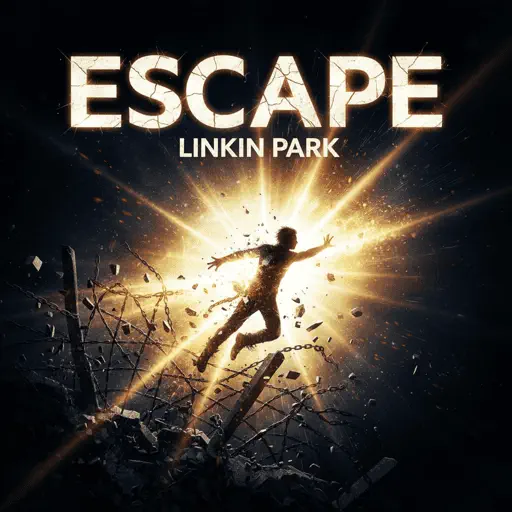
Escape
Nemzzz
Normal
Duniyaa (Luka Chuppi)
Akhil
Normal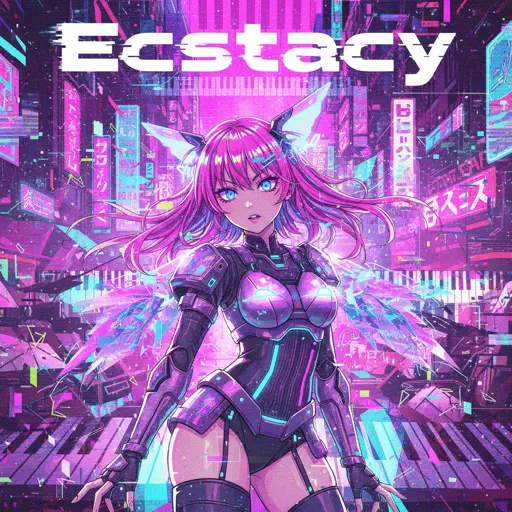
Ecstacy
SUICIDAL-IDOL
Normal
Dead Wrong
Shinobi
HardPatience
Tame Impala
Normal
Hasretinle Yandı Gönlüm
Edip Akbayram
NormalFrequently Asked Questions
What is Roblox Piano Practice Online?
This is a free online tool that lets you practice Roblox virtual piano sheets in your browser. No downloads required - just pick a song and start practicing.
How do I use this online practice tool?
1. Select a song from the recommendations or use the search function. 2. Click play and the sheet will auto-scroll with highlighted notes. 3. Watch the virtual piano keyboard for highlighted keys and practice along. 4. Use speed control to slow down playback - perfect for beginners.
Can I play using my keyboard?
Yes! The virtual piano supports computer keyboard input. The keys correspond to the standard Roblox piano layout (1234567890qwerty...). You can practice on your keyboard while following the sheet.
What does the Transpose feature do?
Transpose raises or lowers the pitch of the sheet. Some Roblox piano games have different default tunings, so transpose helps match the correct pitch. Usually adjusting by +12 or -12 semitones works.
Does this tool work on mobile?
Yes, but desktop provides the best experience. On mobile you can view the sheet and virtual piano demo, but keyboard input requires a computer. We recommend using a desktop for the best practice experience.
How do I find sheets suitable for my level?
Below you'll find recommendations sorted by difficulty: Easy for beginners, Normal for intermediate players, and Hard/Expert for advanced challenges. You can also use the search function to find songs by title or artist.