
Roblox Piano Practice Online
Loading piano...
Practice Guide
Quick guide on how to use the online piano practice tool.
What is this?
This tool allows you to practice playing virtual piano sheets directly in your browser. It simulates a piano keyboard and helps you learn the notes and rhythm before playing in Roblox.
How to Practice Online
Use your computer keyboard or mouse to play the virtual piano keys directly. As the sheet music plays, the corresponding keys on the virtual piano will light up to help you follow along. You can also copy the sheet code to use directly in Roblox.
Discover Sheets
Random Shuffle: Click the Shuffle button in the center of the top control bar to instantly load a random new song without reloading the page.
Search: Click the Search button next to Shuffle to open the search window. Type a song title or artist name to quickly find and switch to the sheet you want to practice.
Playback Controls
- Play/Pause: Start or stop playback.
- 1xSpeed: Adjust tempo (0.5x - 2.0x).
- KTranspose: Shift the pitch up or down.
- SSustain: Toggle sustain pedal effect.
Easy Mode

Easy
Cupid (Twin Version)
Fifty Fifty

Easy
Mockingbird
Eminem

Easy
Fur Elise
Beethoven

Easy
Nice To Know - BFDIA 19 Cake At Stake Intro
BFDIA 19

Easy
Balcony
Cave Story

Easy
Harvey
Alex G

Easy
Sleeping City Funk
Emotional Recycling Bin

Easy
Where You Lead
Carole King

Easy
Immortal
Playboi Carti

Easy
Gravity Falls Main Title Theme
Brad Breeck
Normal Mode
Normal
Hey Kids
Molina
Normal
Je te laisserai des mots
Patrick Watson

Normal
Sukidakara
Yuika
Normal
Dialtone - Deltarune Chapter 2 OST
Toby Fox
Normal
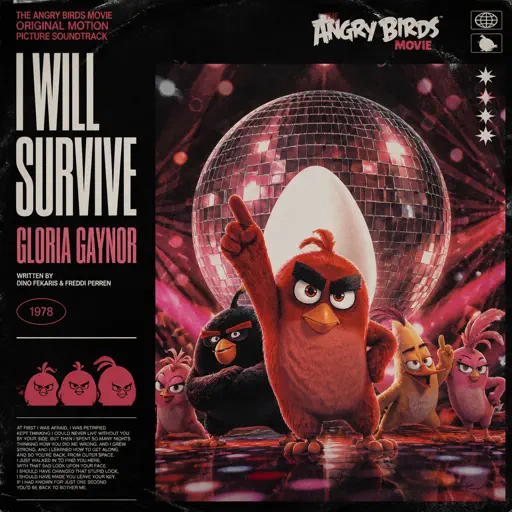
I Will Survive
Gloria Gaynor
Normal
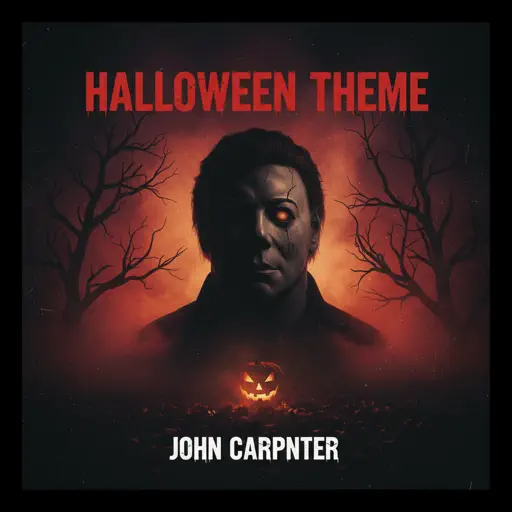
Halloween Theme
Michael Myers
Normal
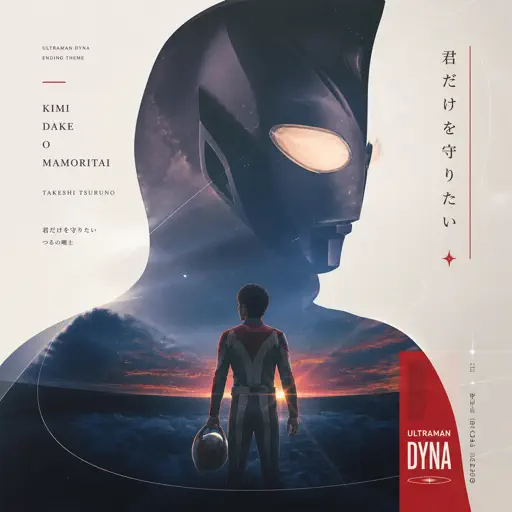
Kimi Dake O Mamoritai (Ultraman Dyna Ending)
Takeshi Tsuruno
Normal
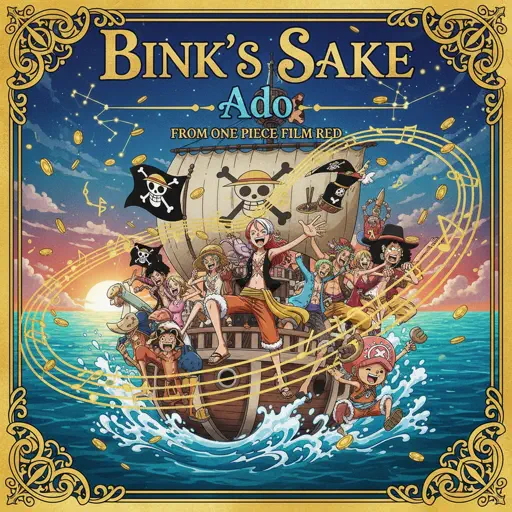
BINKUSUNO SAKE (Bink's Sake)- One Piece
Ado

Normal
ocean eyes
Billie Eilish
Normal
otherside - Minecraft: Caves & Cliffs
Lena Raine
Hard Mode
Hard
Oops!...I Did It Again
Britney Spears
Hard
My R - Yellow Cardigan
Rachie
Hard
Toccata (Bach) - Stride version
Victor Demange
Hard
Get Lucky
Daft Punk
Hard
Crucified
Army Of Lovers
Hard
NEXT TO YOU - Parasyte OST
Ken Arai

Hard
Gratitude
Brandon Lake

Hard
Get Jinxed
League of Legends
Hard
IFHY
Tyler, The Creator
Hard
Mr. Sandman
The Chordettes
Recommended Sheets
Subwoofer Lullaby
C418
Normal
Higher
Tobu
HardOops!...I Did It Again
Britney Spears
Hard
SPAGHETTI
LE SSERAFIM
Normal
Just Give Me One More Day
Alej
Normal
Who Do You Love?
YG
Normal
Sparks
Coldplay
Hard
Fix You
Coldplay
Hard
Ricochet Love
Waterflame
Hard
I'm so crazy for youuu </3
Rebzyyx
Normal
SEG_FAULT (From Underverse)
NyxTheShield
Hard
The Real Slim Shady
Eminem
Hard
Peaches (The Super Mario Bros. Movie)
Jack Black
Normal
Mister Softee Theme Song
Mister Softee
Normal
Ready Or Not (c00lkidd Chase From Forsaken)
Forsaken
Hard
Maneater
Daryl Hall & John Oates
Hard
Winter Wind Étude Op. 25 No. 11
Frédéric Chopin
Normal
ICONIC BY MISTAKE
KATSEYE
Normal
Heart of Stone
Six the Musical
Hard
Sweden
C418
NormalFrequently Asked Questions
What is Roblox Piano Practice Online?
This is a free online tool that lets you practice Roblox virtual piano sheets in your browser. No downloads required - just pick a song and start practicing.
How do I use this online practice tool?
1. Select a song from the recommendations or use the search function. 2. Click play and the sheet will auto-scroll with highlighted notes. 3. Watch the virtual piano keyboard for highlighted keys and practice along. 4. Use speed control to slow down playback - perfect for beginners.
Can I play using my keyboard?
Yes! The virtual piano supports computer keyboard input. The keys correspond to the standard Roblox piano layout (1234567890qwerty...). You can practice on your keyboard while following the sheet.
What does the Transpose feature do?
Transpose raises or lowers the pitch of the sheet. Some Roblox piano games have different default tunings, so transpose helps match the correct pitch. Usually adjusting by +12 or -12 semitones works.
Does this tool work on mobile?
Yes, but desktop provides the best experience. On mobile you can view the sheet and virtual piano demo, but keyboard input requires a computer. We recommend using a desktop for the best practice experience.
How do I find sheets suitable for my level?
Below you'll find recommendations sorted by difficulty: Easy for beginners, Normal for intermediate players, and Hard/Expert for advanced challenges. You can also use the search function to find songs by title or artist.