
Roblox Piano Practice Online
Loading piano...
Practice Guide
Quick guide on how to use the online piano practice tool.
What is this?
This tool allows you to practice playing virtual piano sheets directly in your browser. It simulates a piano keyboard and helps you learn the notes and rhythm before playing in Roblox.
How to Practice Online
Use your computer keyboard or mouse to play the virtual piano keys directly. As the sheet music plays, the corresponding keys on the virtual piano will light up to help you follow along. You can also copy the sheet code to use directly in Roblox.
Discover Sheets
Random Shuffle: Click the Shuffle button in the center of the top control bar to instantly load a random new song without reloading the page.
Search: Click the Search button next to Shuffle to open the search window. Type a song title or artist name to quickly find and switch to the sheet you want to practice.
Playback Controls
- Play/Pause: Start or stop playback.
- 1xSpeed: Adjust tempo (0.5x - 2.0x).
- KTranspose: Shift the pitch up or down.
- SSustain: Toggle sustain pedal effect.
Easy Mode

Easy
Fur Elise
Beethoven

Easy
LET ME SEE YA MOVE!
Lumi Athena

Easy
Mockingbird
Eminem

Easy
Where You Lead
Carole King

Easy
Sleeping City Funk
Emotional Recycling Bin

Easy
Immortal
Playboi Carti

Easy
Pimp Hoe
Mike Sherm

Easy
Cupid (Twin Version)
Fifty Fifty

Easy
Mist
EsDeeKid

Easy
Nice To Know - BFDIA 19 Cake At Stake Intro
BFDIA 19
Normal Mode
Normal
It's Been So Long
The Living Tombstone

Normal
Graze the Roof (from Plants vs. Zombies)
Laura Shigihara
Normal
Reckless
Madison Beer
Normal
Shabby World
Akino Sakura
Normal
Halloween Theme
Michael Myers
Normal
Someone Like You
Adele
Normal
Super Mario Bros. Theme
Nintendo
Normal
Diamond is unbreakable -Josuke theme
Jojo's Bizzarre Aventure
Normal
Jax Toy (THE AMAZING DIGITAL CIRCUS)
Jakeneutron
Normal
Sensiz Olmaz
Recep İvedik
Hard Mode

Hard
Shinzo wo Sasageyo ! - 心臓を捧げよ! - Attack on Titan
Linked Horizon
Hard
Ready Or Not (c00lkidd Chase From Forsaken)
Forsaken
Hard
Bad Apple!!
Masayoshi Minoshima

Hard
We Are The Champions
Queen
Hard
The Shepherd's Boy - Breaking The Wall - Doctor Who
Murray Gold
Hard
Sphere
Creo
Hard
Chiquitita
ABBA
Hard
I'm From Another Dimension (Star Vs The Forces of Evil)
Brad Breeck
Hard
Order from ULTRAKILL
Heaven Pierce Her

Hard
Jane!
The Long Faces
Recommended Sheets
Jesters Pity
The Coffin of Andy and Leyley
Normal
Butch 4 Butch
Rio Romeo
Normal
Wicked Game
Chris Isaak
Normal
Daisy Bell
Harry Dacre
Normal
Mrs Magic
Strawberry Guy
Hard
House of Memories
Panic! At The Disco
Normal
Get Lucky
Daft Punk
Hard
Cirno's Perfect Math Class チルノのパーフェクトさんすう教室
IOSYS
Hard
Zenzenzense 前前前世 -君の名は
RADWIMPS
Hard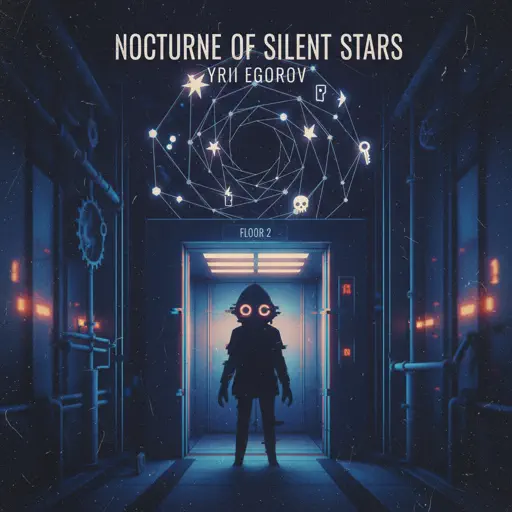
nocturne of silent stars
yrii egorov
Normal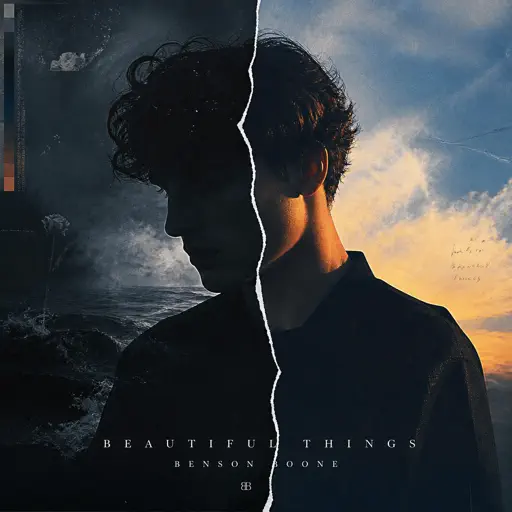
Beautiful Things
Benson Boone
Normal
Vienna
Billy Joel
Hard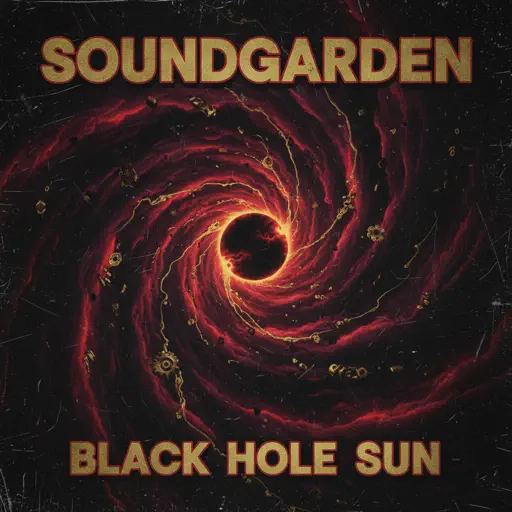
Black Hole Sun
Soundgarden
Hard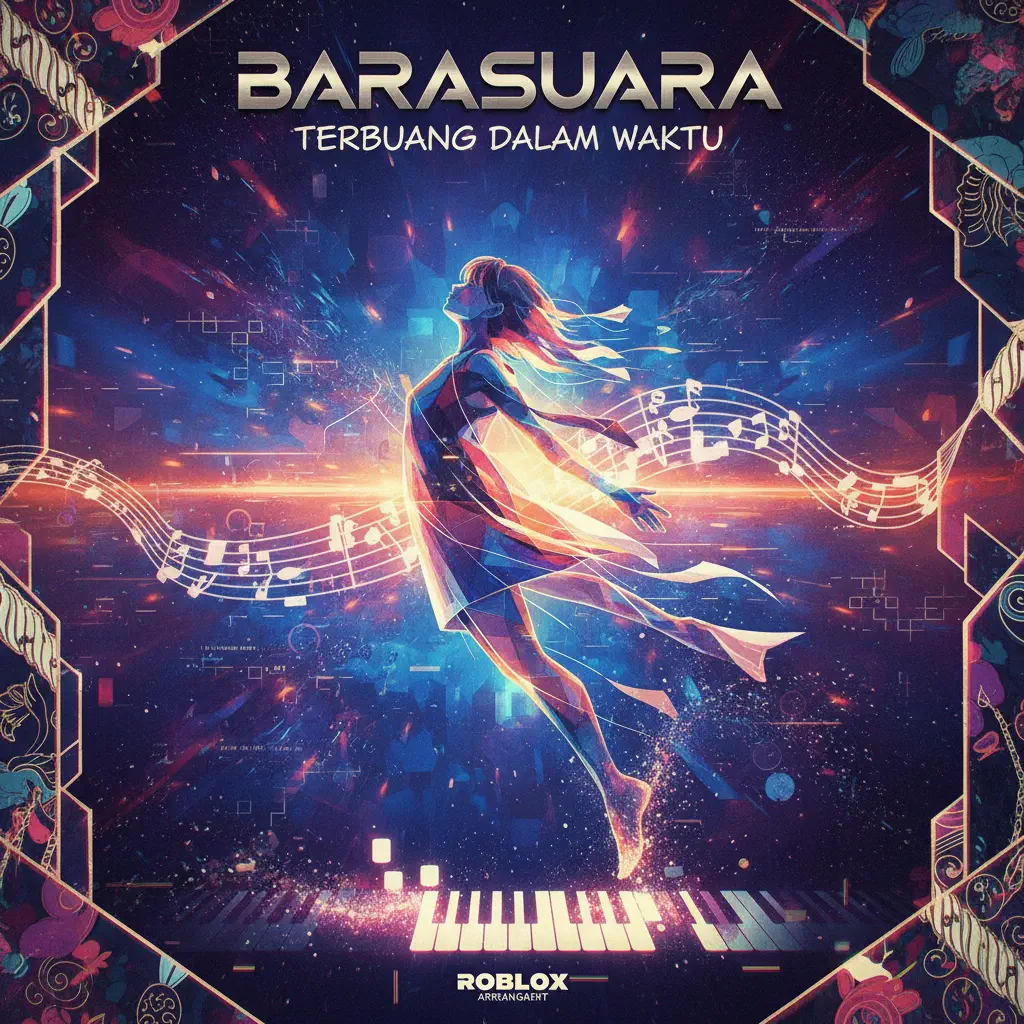
Terbuang Dalam Waktu
Barasuara
Normal
Auld Lang Syne
Home Free
Normal
Kokoronashi (心做し)
majiko
Hard
Treehouse
Alex G
Normal
Electar - Rec Room
Gribbly
Normal
Sparks
Coldplay
Hard
Ai đưa em về - LOW CORTISOL DANCE
TIA
NormalFrequently Asked Questions
What is Roblox Piano Practice Online?
This is a free online tool that lets you practice Roblox virtual piano sheets in your browser. No downloads required - just pick a song and start practicing.
How do I use this online practice tool?
1. Select a song from the recommendations or use the search function. 2. Click play and the sheet will auto-scroll with highlighted notes. 3. Watch the virtual piano keyboard for highlighted keys and practice along. 4. Use speed control to slow down playback - perfect for beginners.
Can I play using my keyboard?
Yes! The virtual piano supports computer keyboard input. The keys correspond to the standard Roblox piano layout (1234567890qwerty...). You can practice on your keyboard while following the sheet.
What does the Transpose feature do?
Transpose raises or lowers the pitch of the sheet. Some Roblox piano games have different default tunings, so transpose helps match the correct pitch. Usually adjusting by +12 or -12 semitones works.
Does this tool work on mobile?
Yes, but desktop provides the best experience. On mobile you can view the sheet and virtual piano demo, but keyboard input requires a computer. We recommend using a desktop for the best practice experience.
How do I find sheets suitable for my level?
Below you'll find recommendations sorted by difficulty: Easy for beginners, Normal for intermediate players, and Hard/Expert for advanced challenges. You can also use the search function to find songs by title or artist.