
Roblox Piano Practice Online
Loading piano...
Practice Guide
Quick guide on how to use the online piano practice tool.
What is this?
This tool allows you to practice playing virtual piano sheets directly in your browser. It simulates a piano keyboard and helps you learn the notes and rhythm before playing in Roblox.
How to Practice Online
Use your computer keyboard or mouse to play the virtual piano keys directly. As the sheet music plays, the corresponding keys on the virtual piano will light up to help you follow along. You can also copy the sheet code to use directly in Roblox.
Discover Sheets
Random Shuffle: Click the Shuffle button in the center of the top control bar to instantly load a random new song without reloading the page.
Search: Click the Search button next to Shuffle to open the search window. Type a song title or artist name to quickly find and switch to the sheet you want to practice.
Playback Controls
- Play/Pause: Start or stop playback.
- 1xSpeed: Adjust tempo (0.5x - 2.0x).
- KTranspose: Shift the pitch up or down.
- SSustain: Toggle sustain pedal effect.
Easy Mode

Easy
Nice To Know - BFDIA 19 Cake At Stake Intro
BFDIA 19

Easy
Sleeping City Funk
Emotional Recycling Bin

Easy
Immortal
Playboi Carti

Easy
Gravity Falls Main Title Theme
Brad Breeck

Easy
Balcony
Cave Story

Easy
Mist
EsDeeKid

Easy
Fur Elise
Beethoven

Easy
Cupid (Twin Version)
Fifty Fifty

Easy
Harvey
Alex G

Easy
LET ME SEE YA MOVE!
Lumi Athena
Normal Mode

Normal
Flamingo
Kero Kero Bonito
Normal
Clubstep - Geometry Dash
dj-Nate
Normal
KICK BACK - Chainsaw Man OP
Kenshi Yonezu
Normal
Happier Than Ever
Billie Eilish
Normal
Once More to See You
Mitski
Normal
Told You So
Nathan Evans
Normal
Beautiful Things
Benson Boone
Normal
Uptown Funk
Bruno Mars
Normal
Beaches
beabadoobee

Normal
Battle Hymn of the Republic
Julia Ward Howe
Hard Mode
Hard
Gusty Garden Galaxy
Super Mario Galaxy
Hard
Driftveil City - Toothless Dancing
Hitomi Sato
Hard
You See Big Girl / T:T
Sawano Hiroyuki
Hard
OG - untitled tag game ost
untitled tag game
Hard
FOREVER (Murder Drones)
AJ Dispirito
Hard
Misery Meat (i hope your hungry)
Sodikken

Hard
Sa Susunod na Habang Buhay
Ben&Ben
Hard
Wildberry Lillet
Nina Chuba
Hard
Serenade
Franz Schubert
Hard
Neath Dark Waters - Final Fantasy XIV
Masayoshi Soken
Recommended Sheets
Cause I Love You
Noo Phước Thịnh
Normal
Pure Imagination (from Wonka)
Timothée Chalamet
Hard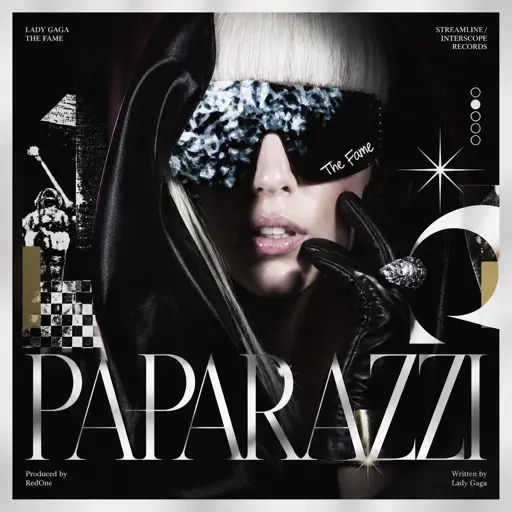
Paparazzi
Lady Gaga
Hard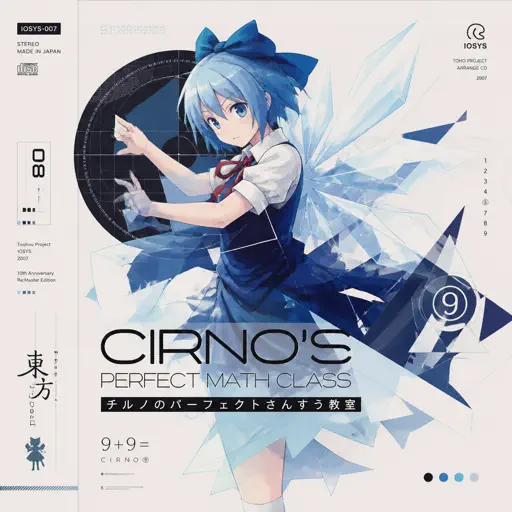
Cirno's Perfect Math Class チルノのパーフェクトさんすう教室
IOSYS
Hard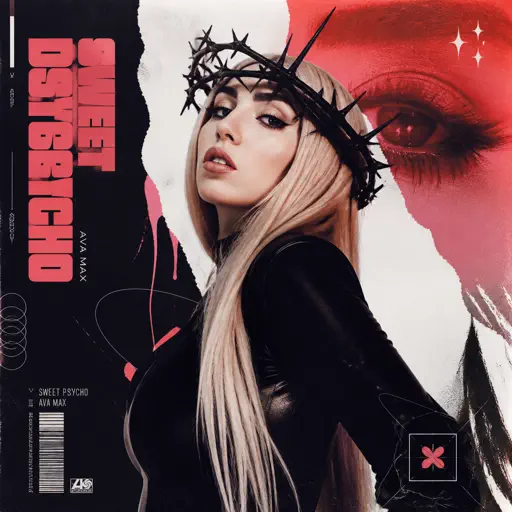
Sweet but Psycho
Ava Max
Normal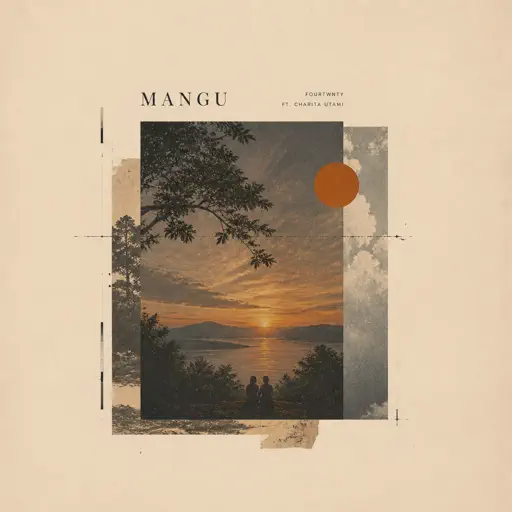
Mangu
Fourtwnty ft. Charita Utami
Hard
Valzer d'Inverno
Andrea Vanzo
Normal
Paroles… paroles…
Dalida
Normal
SAD!
XXXTENTACION
Hard
Running the Show - The Amazing Digital Circus
John Michael Hopkins
Hard
Mrs Magic
Strawberry Guy
Hard
Everlong
Foo Fighters
Hard
Purple Rain
Prince
Normal
Stephanie
Nafeesisboujee
Normal
Your Idol (KPop Demon Hunters)
Saja Boys
Hard
Cat Vibing To Ievan Polkka Swing
Cat Vibing Meme
Normal
I'm Blue (Da Ba Dee)
Eiffel 65
Normal
WHERE IS MY HUSBAND!
RAYE
Hard
Hall of Fame
The Script
Normal
Dearly Beloved - KINGDOM HEARTS II
Yoko Shimomura
NormalFrequently Asked Questions
What is Roblox Piano Practice Online?
This is a free online tool that lets you practice Roblox virtual piano sheets in your browser. No downloads required - just pick a song and start practicing.
How do I use this online practice tool?
1. Select a song from the recommendations or use the search function. 2. Click play and the sheet will auto-scroll with highlighted notes. 3. Watch the virtual piano keyboard for highlighted keys and practice along. 4. Use speed control to slow down playback - perfect for beginners.
Can I play using my keyboard?
Yes! The virtual piano supports computer keyboard input. The keys correspond to the standard Roblox piano layout (1234567890qwerty...). You can practice on your keyboard while following the sheet.
What does the Transpose feature do?
Transpose raises or lowers the pitch of the sheet. Some Roblox piano games have different default tunings, so transpose helps match the correct pitch. Usually adjusting by +12 or -12 semitones works.
Does this tool work on mobile?
Yes, but desktop provides the best experience. On mobile you can view the sheet and virtual piano demo, but keyboard input requires a computer. We recommend using a desktop for the best practice experience.
How do I find sheets suitable for my level?
Below you'll find recommendations sorted by difficulty: Easy for beginners, Normal for intermediate players, and Hard/Expert for advanced challenges. You can also use the search function to find songs by title or artist.