
Roblox Piano Practice Online
Loading piano...
Practice Guide
Quick guide on how to use the online piano practice tool.
What is this?
This tool allows you to practice playing virtual piano sheets directly in your browser. It simulates a piano keyboard and helps you learn the notes and rhythm before playing in Roblox.
How to Practice Online
Use your computer keyboard or mouse to play the virtual piano keys directly. As the sheet music plays, the corresponding keys on the virtual piano will light up to help you follow along. You can also copy the sheet code to use directly in Roblox.
Discover Sheets
Random Shuffle: Click the Shuffle button in the center of the top control bar to instantly load a random new song without reloading the page.
Search: Click the Search button next to Shuffle to open the search window. Type a song title or artist name to quickly find and switch to the sheet you want to practice.
Playback Controls
- Play/Pause: Start or stop playback.
- 1xSpeed: Adjust tempo (0.5x - 2.0x).
- KTranspose: Shift the pitch up or down.
- SSustain: Toggle sustain pedal effect.
Easy Mode

Easy
If You Love These People (Man of Steel)
Hans Zimmer

Easy
Nice To Know - BFDIA 19 Cake At Stake Intro
BFDIA 19

Easy
Pimp Hoe
Mike Sherm

Easy
Immortal
Playboi Carti

Easy
Cupid (Twin Version)
Fifty Fifty

Easy
Gravity Falls Main Title Theme
Brad Breeck

Easy
Sleeping City Funk
Emotional Recycling Bin

Easy
Fur Elise
Beethoven

Easy
Balcony
Cave Story

Easy
Mockingbird
Eminem
Normal Mode
Normal
Touch You
Yarichin Bitch Club
Normal
Teeth (Interlude)
XXXTENTACION
Normal
Hasretinle Yandı Gönlüm
Edip Akbayram
Normal
Apple Pie
Travis Scott

Normal
My Heart Will Go On
Céline Dion
Normal
Sophie (Cry of Fear)
Andreas Rönnberg
Normal
Prairies
BoyWithUke

Normal
WILDFLOWER
Billie Eilish

Normal
Science サイエンス
MIMI
Normal
Hjerteknuser
Kaizers Orchestra
Hard Mode
Hard
Five Nights at Freddy's Movie
The Newton Brothers
Hard
Hungarian Dance No. 5
Johannes Brahms

Hard
Gnarly
KATSEYE

Hard
I Love You
OMFG
Hard
Rein Me In
Sam Fender

Hard
BEST FRIEND from KinitoPET
Genichris

Hard
FUKOUNA GIRL
STOMACH BOOK

Hard
The Visitor
Sienna Spiro
Hard
Nineteen
Rob Araujo
Hard
Okay, Everyone!
Doki Doki Literature Club
Recommended Sheets

Kamin - Камин
EMIN
Normal
ref
OsamaSon
Normal
Whole Lotta Red
Playboi Carti
NormalSleeping City Funk
Emotional Recycling Bin
Easy
Speed Demon
Michael Jackson
Normal
Dracula
Tame Impala
Hard
Iris
The Goo Goo Dolls
Normal
A Thousand Miles
Vanessa Carlton
Normal
Your Idol (KPop Demon Hunters)
Saja Boys
Hard
Die On This Hill
Sienna Spiro
Normal
Futile Devices
Sufjan Stevens
Normal
Flamingo
Kero Kero Bonito
Normal
Canon in D
Johann Pachelbel
Hard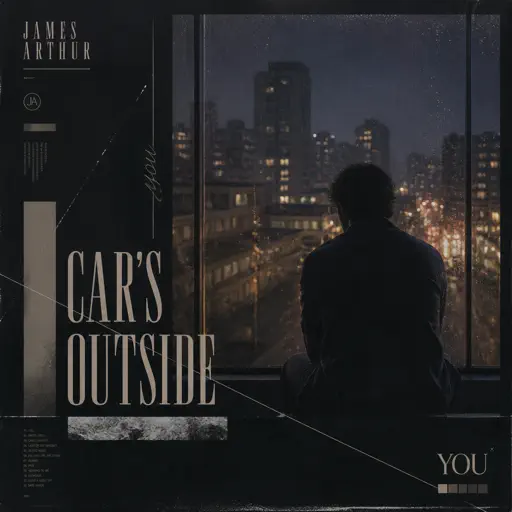
Car's Outside
James Arthur
Normal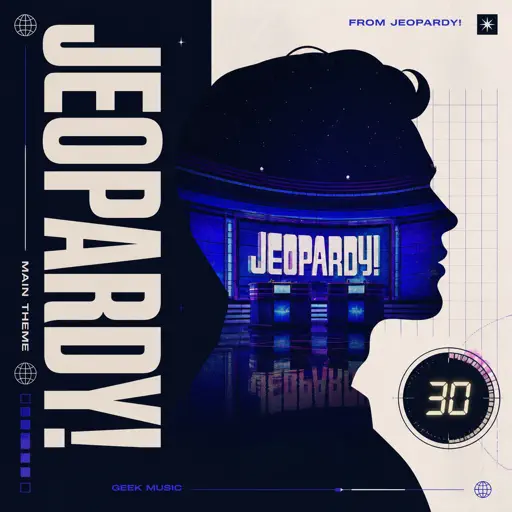
Jeopardy! Main Theme
Geek Music
Normal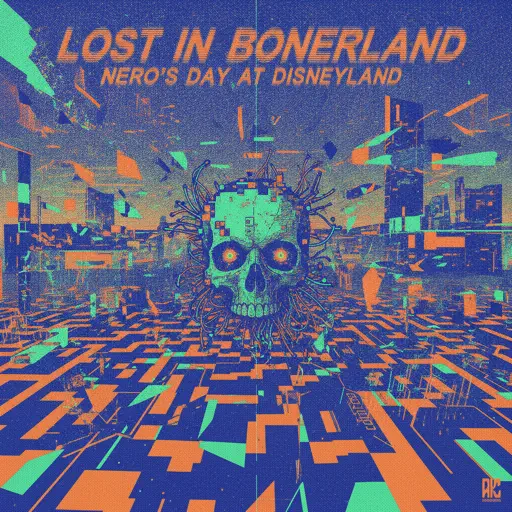
Lost in Bonerland
Nero's Day At Disneyland
Hard
Sunroof
Nicky Youre
Normal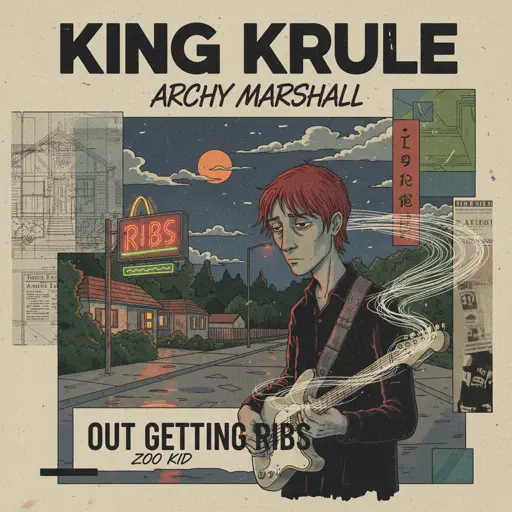
Out Getting Ribs
King Krule
NormalOkay, Everyone!
Doki Doki Literature Club
Hard
Waltz of Lovers No.1
Егор Юрий
NormalFrequently Asked Questions
What is Roblox Piano Practice Online?
This is a free online tool that lets you practice Roblox virtual piano sheets in your browser. No downloads required - just pick a song and start practicing.
How do I use this online practice tool?
1. Select a song from the recommendations or use the search function. 2. Click play and the sheet will auto-scroll with highlighted notes. 3. Watch the virtual piano keyboard for highlighted keys and practice along. 4. Use speed control to slow down playback - perfect for beginners.
Can I play using my keyboard?
Yes! The virtual piano supports computer keyboard input. The keys correspond to the standard Roblox piano layout (1234567890qwerty...). You can practice on your keyboard while following the sheet.
What does the Transpose feature do?
Transpose raises or lowers the pitch of the sheet. Some Roblox piano games have different default tunings, so transpose helps match the correct pitch. Usually adjusting by +12 or -12 semitones works.
Does this tool work on mobile?
Yes, but desktop provides the best experience. On mobile you can view the sheet and virtual piano demo, but keyboard input requires a computer. We recommend using a desktop for the best practice experience.
How do I find sheets suitable for my level?
Below you'll find recommendations sorted by difficulty: Easy for beginners, Normal for intermediate players, and Hard/Expert for advanced challenges. You can also use the search function to find songs by title or artist.