
Roblox Piano Practice Online
Loading piano...
Practice Guide
Quick guide on how to use the online piano practice tool.
What is this?
This tool allows you to practice playing virtual piano sheets directly in your browser. It simulates a piano keyboard and helps you learn the notes and rhythm before playing in Roblox.
How to Practice Online
Use your computer keyboard or mouse to play the virtual piano keys directly. As the sheet music plays, the corresponding keys on the virtual piano will light up to help you follow along. You can also copy the sheet code to use directly in Roblox.
Discover Sheets
Random Shuffle: Click the Shuffle button in the center of the top control bar to instantly load a random new song without reloading the page.
Search: Click the Search button next to Shuffle to open the search window. Type a song title or artist name to quickly find and switch to the sheet you want to practice.
Playback Controls
- Play/Pause: Start or stop playback.
- 1xSpeed: Adjust tempo (0.5x - 2.0x).
- KTranspose: Shift the pitch up or down.
- SSustain: Toggle sustain pedal effect.
Easy Mode

Easy
Fur Elise
Beethoven

Easy
Where You Lead
Carole King

Easy
If You Love These People (Man of Steel)
Hans Zimmer

Easy
Mist
EsDeeKid

Easy
Nice To Know - BFDIA 19 Cake At Stake Intro
BFDIA 19

Easy
LET ME SEE YA MOVE!
Lumi Athena

Easy
Pimp Hoe
Mike Sherm

Easy
Sleeping City Funk
Emotional Recycling Bin

Easy
Balcony
Cave Story

Easy
Cupid (Twin Version)
Fifty Fifty
Normal Mode

Normal
Vogel Im Kafig - Attack on Titan
Sawano Hiroyuki
Normal
Umapyoi Densetsu - Uma Musume Pretty Derby (うまぴょい伝説)
Cygames
Normal
Location Unknown (Brooklyn Session)
HONNE & BEKA
Normal
Resonanse -
Heaven's Secret Requiem
Djinotan
Normal
Turning Page
Sleeping At Last
Normal
Stephanie
Nafeesisboujee

Normal
Hopes And Dreams
Toby Fox
Normal
Snake
Yorushika
Normal
Phantom
EsDeeKid
Normal
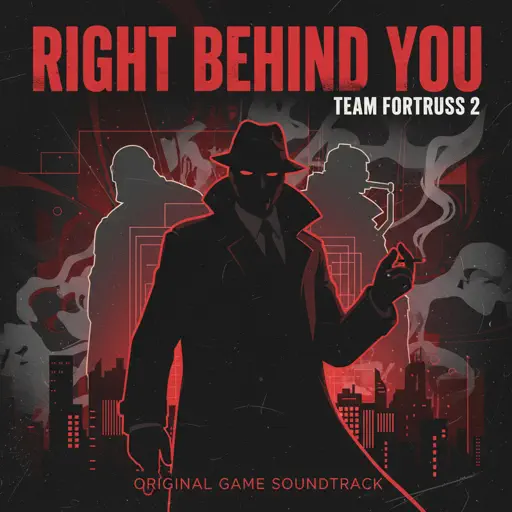
Right Behind You (From "Team Fortress 2")
Sheet Music Boss
Hard Mode
Hard
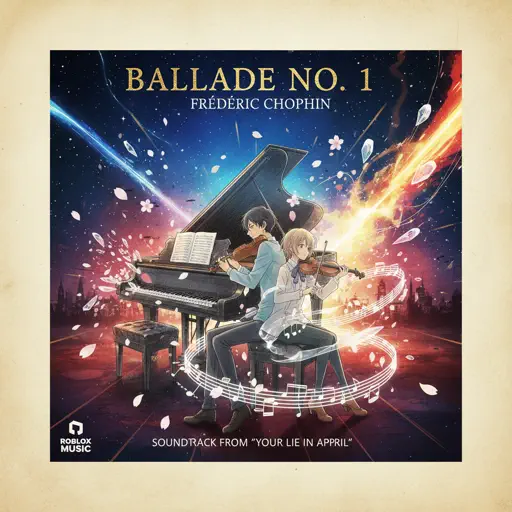
Ballade No. 1
Frédéric Chopin
Hard
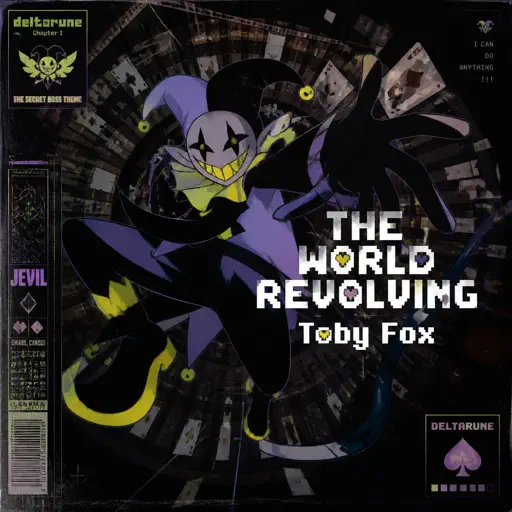
THE WORLD REVOLVING
Toby Fox
Hard
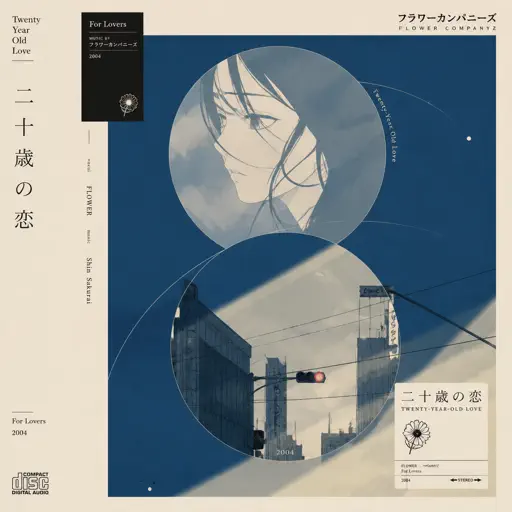
Hatachi No Koi
Lamp
Hard
The Seed
AURORA
Hard
Ditto
NewJeans

Hard
Get Jinxed
League of Legends

Hard
Heart of Stone
Six the Musical
Hard
FF9CAE (Color and Electricity c00lkidd Theme)
Metalovania
Hard
Aishite Aishite Aishite
Ado
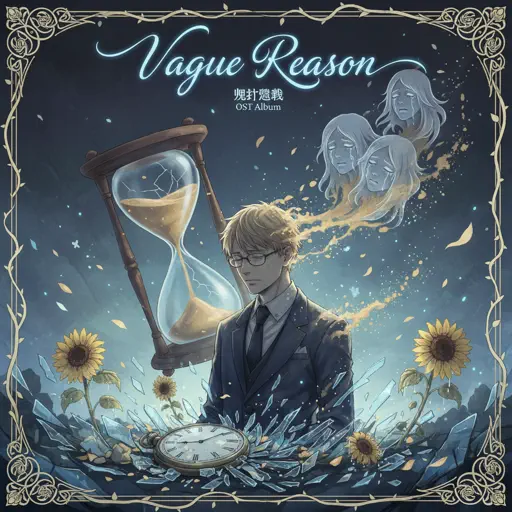
Hard
Vague Reason - Jujutsu Kaisen S2 OST (Nanami Theme)
Yoshimasa Terui
Recommended Sheets
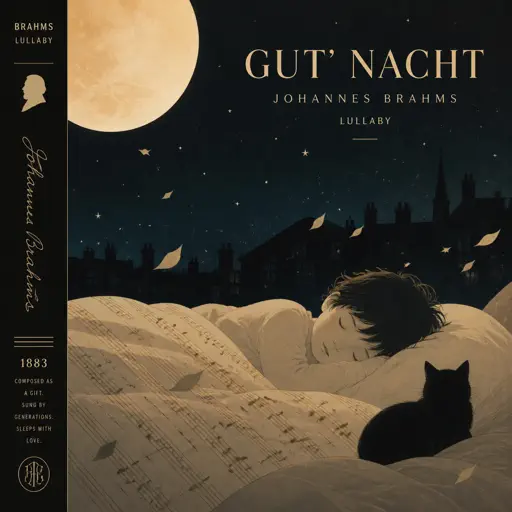
Lullaby - Guten Abend, gut’ Nacht
Johannes Brahms
Normal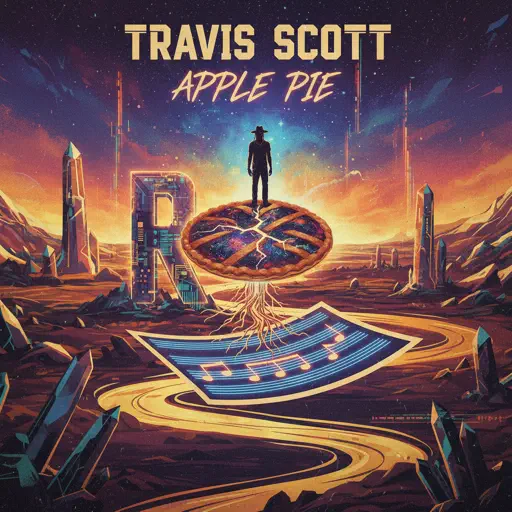
Apple Pie
Travis Scott
Normal
Flowers
Miley Cyrus
Normal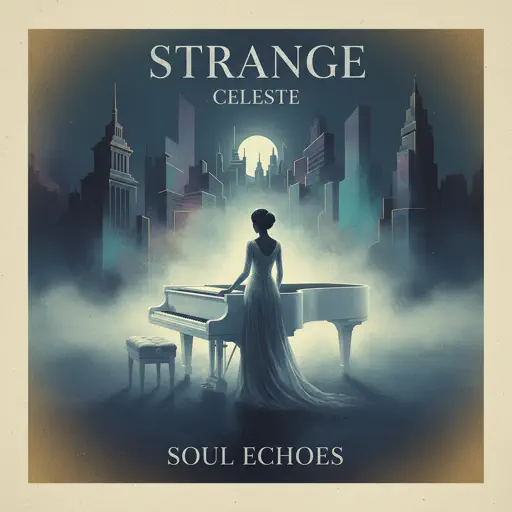
Strange
Celeste
Normal
Minecraft Theme
C418
Normal
XO Tour Llif3
Lil Uzi Vert
Hard
Sunny Day 晴天
Jay Chou 周杰倫
Normal
Angela
Flower Face
Normal
Beanie
Chezile
Hard
Shape of You
Ed Sheeran
Normal
OIIA OIIA (Spinning Cat)
W&W
Normal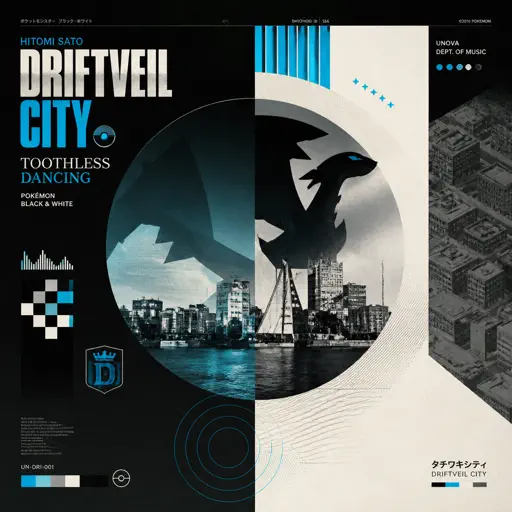
Driftveil City - Toothless Dancing
Hitomi Sato
Hard
Racing Into The Night
YOASOBI
Hard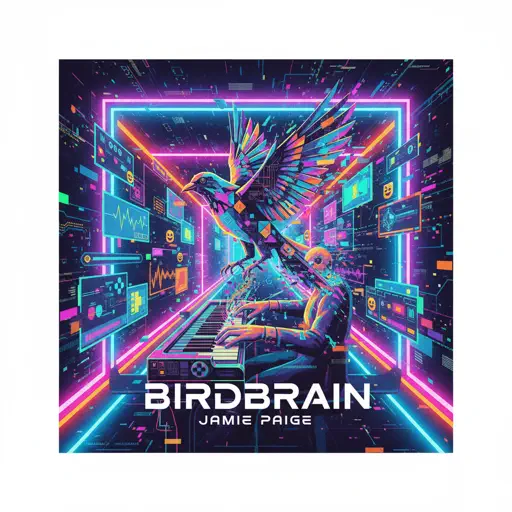
BIRDBRAIN
Jamie Paige
Normal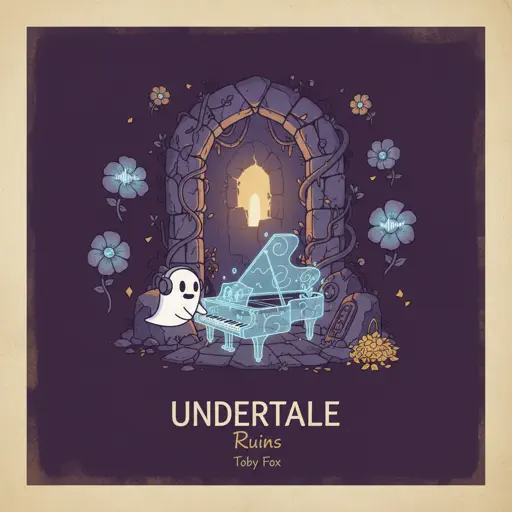
Ruins - UNDERTALE
Toby Fox
Normal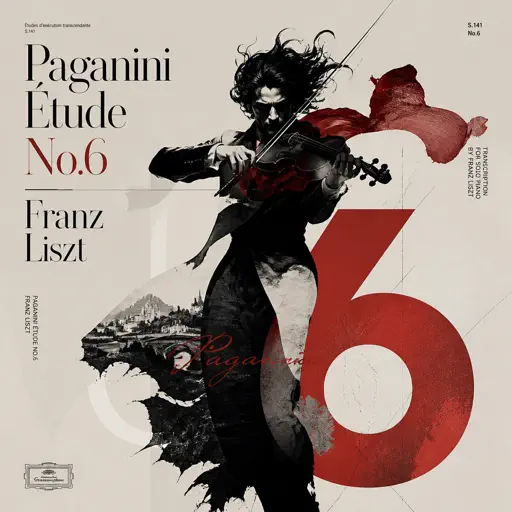
Paganini Étude No. 6
Franz Liszt
Hard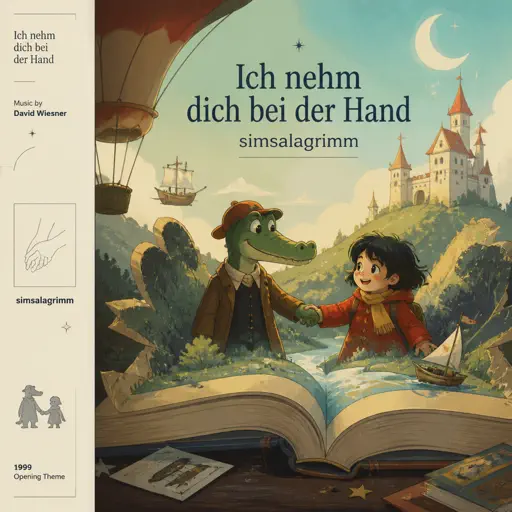
Ich nehm dich bei der Hand (simsalagrimm)
David Wiesner
Normal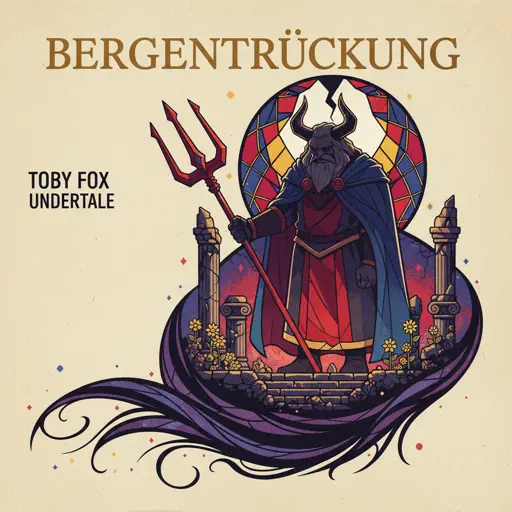
Bergentrückung
Toby Fox
Hard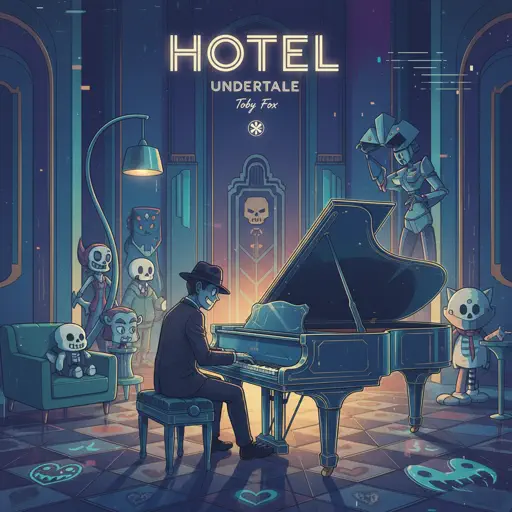
Hotel - Undertale
Toby Fox
Normal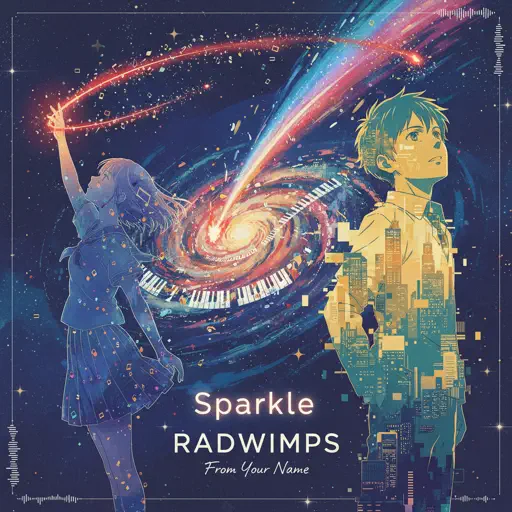
Sparkle - From Your Name
RADWIMPS
NormalFrequently Asked Questions
What is Roblox Piano Practice Online?
This is a free online tool that lets you practice Roblox virtual piano sheets in your browser. No downloads required - just pick a song and start practicing.
How do I use this online practice tool?
1. Select a song from the recommendations or use the search function. 2. Click play and the sheet will auto-scroll with highlighted notes. 3. Watch the virtual piano keyboard for highlighted keys and practice along. 4. Use speed control to slow down playback - perfect for beginners.
Can I play using my keyboard?
Yes! The virtual piano supports computer keyboard input. The keys correspond to the standard Roblox piano layout (1234567890qwerty...). You can practice on your keyboard while following the sheet.
What does the Transpose feature do?
Transpose raises or lowers the pitch of the sheet. Some Roblox piano games have different default tunings, so transpose helps match the correct pitch. Usually adjusting by +12 or -12 semitones works.
Does this tool work on mobile?
Yes, but desktop provides the best experience. On mobile you can view the sheet and virtual piano demo, but keyboard input requires a computer. We recommend using a desktop for the best practice experience.
How do I find sheets suitable for my level?
Below you'll find recommendations sorted by difficulty: Easy for beginners, Normal for intermediate players, and Hard/Expert for advanced challenges. You can also use the search function to find songs by title or artist.