
Roblox Piano Practice Online
Loading piano...
Practice Guide
Quick guide on how to use the online piano practice tool.
What is this?
This tool allows you to practice playing virtual piano sheets directly in your browser. It simulates a piano keyboard and helps you learn the notes and rhythm before playing in Roblox.
How to Practice Online
Use your computer keyboard or mouse to play the virtual piano keys directly. As the sheet music plays, the corresponding keys on the virtual piano will light up to help you follow along. You can also copy the sheet code to use directly in Roblox.
Discover Sheets
Random Shuffle: Click the Shuffle button in the center of the top control bar to instantly load a random new song without reloading the page.
Search: Click the Search button next to Shuffle to open the search window. Type a song title or artist name to quickly find and switch to the sheet you want to practice.
Playback Controls
- Play/Pause: Start or stop playback.
- 1xSpeed: Adjust tempo (0.5x - 2.0x).
- KTranspose: Shift the pitch up or down.
- SSustain: Toggle sustain pedal effect.
Easy Mode










Normal Mode
Normal
traitor
Olivia Rodrigo
Normal
NUEVAYoL
Bad Bunny
Normal
no, the moon
Teen Suicide
Normal
Das Einheitsfrontlied
Hanns Eisler
Normal
OOBE - Rec Room OST
Gribbly
Normal
Elegy for Rem - Requiem of Silence (Re Zero Ost)
Amy B
Normal
Married Life (Carl and Ellie) - Pixar's Up Theme
Michael Giacchino
Normal
WIGGLECORE
FLOOR BABA
Normal
Cottonwood
Twenty One Pilots
Normal
Sadness and Sorrow - Naruto
Toshio Masuda
Hard Mode
Hard
Rush Piggies
Sheet Music Boss

Hard
Tết Đong Đầy
KHOA

Hard
Guanshan Wine
Deng Shen Me Jun
Hard
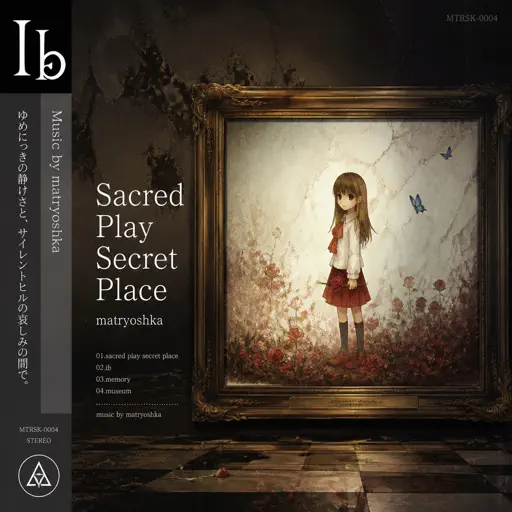
Sacred Play Secret Place
matryoshka
Hard
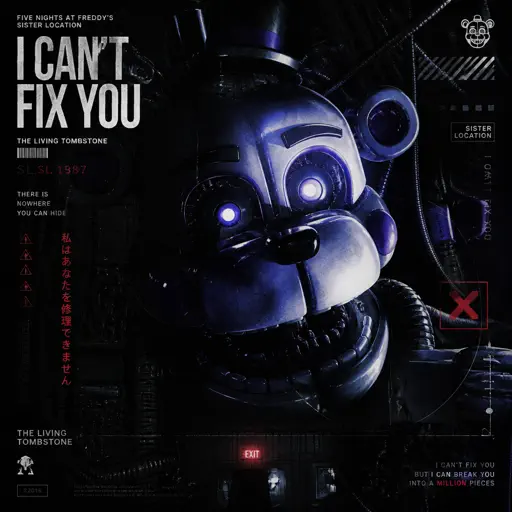
I Can’t Fix You
The Living Tombstone
Hard
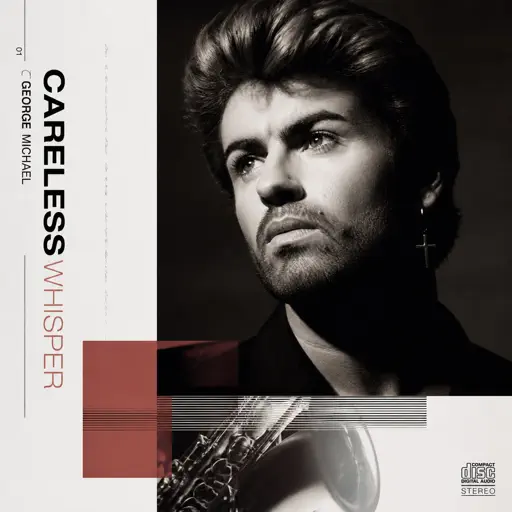
Careless Whisper
George Michael
Hard
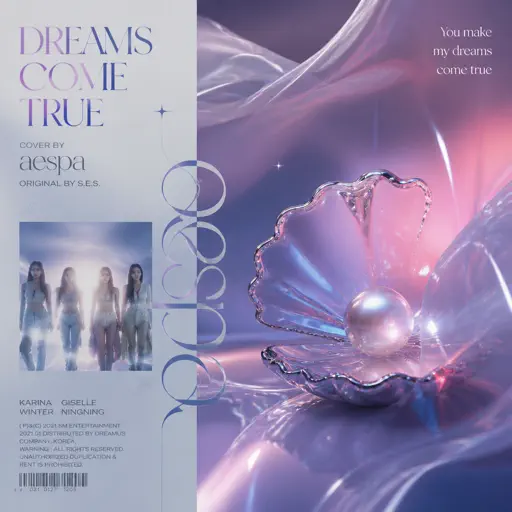
Dreams Come True
aespa
Hard
Tripping on Love
Ashley Collins
Hard
Shine in the Cruel Night 残酷な夜に輝け
LiSA
Hard
Thé à la menthe (The Laser Dance Song)
La Caution
Recommended Sheets
slow summer eve - Chainsaw Man
kensuke ushio
Hard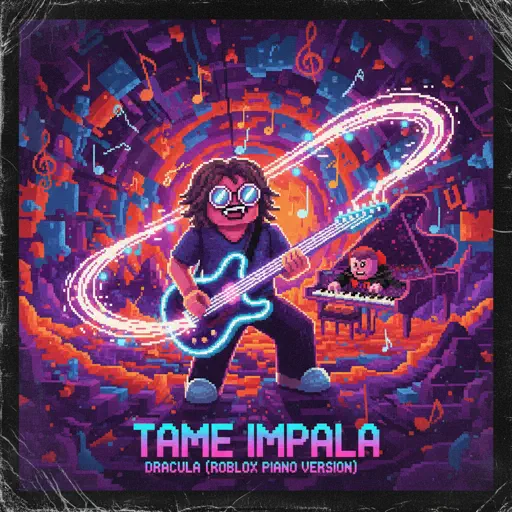
Dracula
Tame Impala
Hard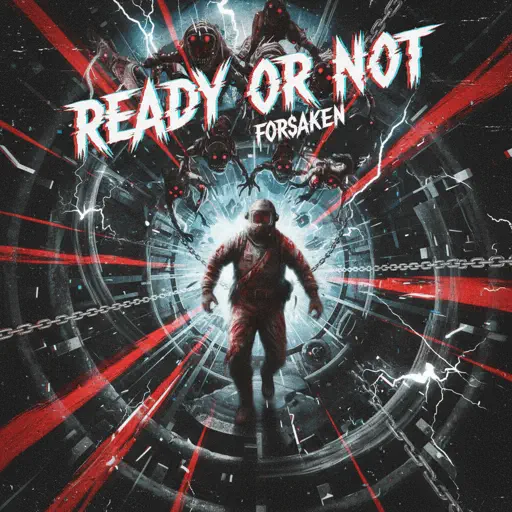
Ready Or Not (c00lkidd Chase From Forsaken)
Forsaken
Hard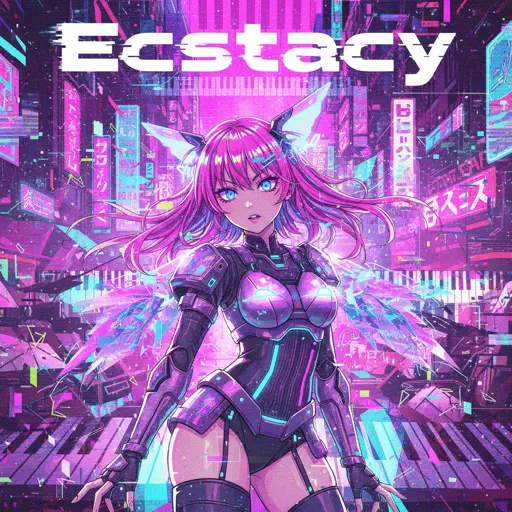
Ecstacy
SUICIDAL-IDOL
Normal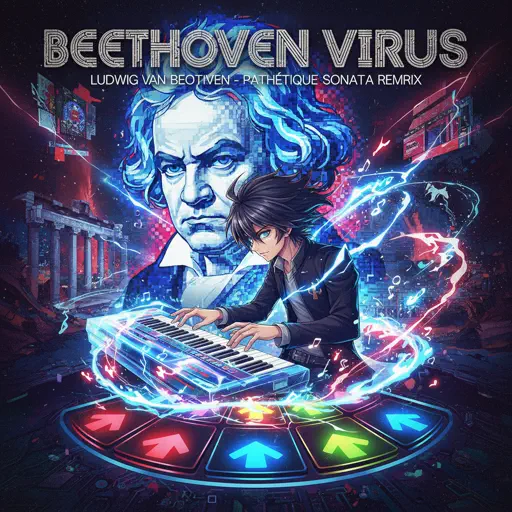
Beethoven Virus
Ludwig van Beethoven
Hard
Quaoar
Camellia
Hard
Touch-Tone Telephone
Lemon Demon
Hard
Red Like Roses, Pt. 1 - RWBY
Jeff Williams
Normal
A Thousand Years
John Michael Howell
Normal
Shiawase (VIP)
Dion Timmer
Hard
ICARUS
Tony Ann
Normal
Into the Infinity Castle (From "Demon Slayer")
Jimmy's Atelier
Normal
Children
Robert Miles
Normal
Wish
Trippie Redd
Hard
absolute in doubt
Lil Peep
Normal
Golden Brown
The Stranglers
Normal
Days Gone
Nathan Whitehead
Normal
Wonderwall
Oasis
Hard
Tomorrow (Konosuba)
Miura Jam
Hard
Havana
Camila Cabello
NormalFrequently Asked Questions
What is Roblox Piano Practice Online?
This is a free online tool that lets you practice Roblox virtual piano sheets in your browser. No downloads required - just pick a song and start practicing.
How do I use this online practice tool?
1. Select a song from the recommendations or use the search function. 2. Click play and the sheet will auto-scroll with highlighted notes. 3. Watch the virtual piano keyboard for highlighted keys and practice along. 4. Use speed control to slow down playback - perfect for beginners.
Can I play using my keyboard?
Yes! The virtual piano supports computer keyboard input. The keys correspond to the standard Roblox piano layout (1234567890qwerty...). You can practice on your keyboard while following the sheet.
What does the Transpose feature do?
Transpose raises or lowers the pitch of the sheet. Some Roblox piano games have different default tunings, so transpose helps match the correct pitch. Usually adjusting by +12 or -12 semitones works.
Does this tool work on mobile?
Yes, but desktop provides the best experience. On mobile you can view the sheet and virtual piano demo, but keyboard input requires a computer. We recommend using a desktop for the best practice experience.
How do I find sheets suitable for my level?
Below you'll find recommendations sorted by difficulty: Easy for beginners, Normal for intermediate players, and Hard/Expert for advanced challenges. You can also use the search function to find songs by title or artist.