
Roblox Piano Practice Online
Loading piano...
Practice Guide
Quick guide on how to use the online piano practice tool.
What is this?
This tool allows you to practice playing virtual piano sheets directly in your browser. It simulates a piano keyboard and helps you learn the notes and rhythm before playing in Roblox.
How to Practice Online
Use your computer keyboard or mouse to play the virtual piano keys directly. As the sheet music plays, the corresponding keys on the virtual piano will light up to help you follow along. You can also copy the sheet code to use directly in Roblox.
Discover Sheets
Random Shuffle: Click the Shuffle button in the center of the top control bar to instantly load a random new song without reloading the page.
Search: Click the Search button next to Shuffle to open the search window. Type a song title or artist name to quickly find and switch to the sheet you want to practice.
Playback Controls
- Play/Pause: Start or stop playback.
- 1xSpeed: Adjust tempo (0.5x - 2.0x).
- KTranspose: Shift the pitch up or down.
- SSustain: Toggle sustain pedal effect.
Easy Mode

Easy
Pimp Hoe
Mike Sherm

Easy
Sleeping City Funk
Emotional Recycling Bin

Easy
Immortal
Playboi Carti

Easy
LET ME SEE YA MOVE!
Lumi Athena

Easy
Harvey
Alex G

Easy
Where You Lead
Carole King

Easy
Mist
EsDeeKid

Easy
Nice To Know - BFDIA 19 Cake At Stake Intro
BFDIA 19

Easy
Balcony
Cave Story

Easy
Gravity Falls Main Title Theme
Brad Breeck
Normal Mode
Normal
Green Onions
Booker T. & the M.G.'s
Normal
Soviet Anthem - USSR Anthem
USSR
Normal
Anything
Adrianne Lenker
Normal
Love Me Again
John Newman
Normal
Ballads at Sunset
Alej
Normal
Blue
Yung Kai

Normal
Hopes And Dreams
Toby Fox
Normal
The Less I Know The Better
Tame Impala
Normal
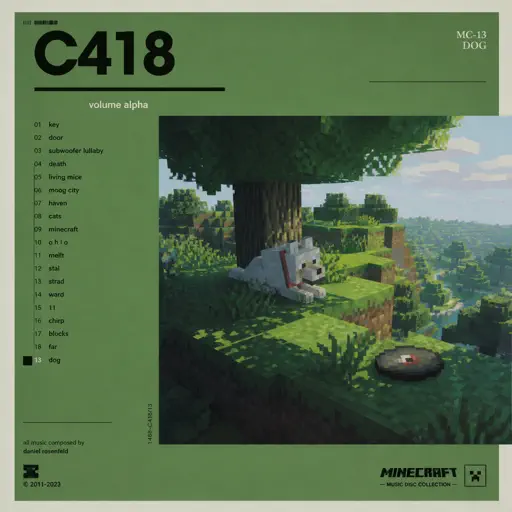
Dog
C418
Normal
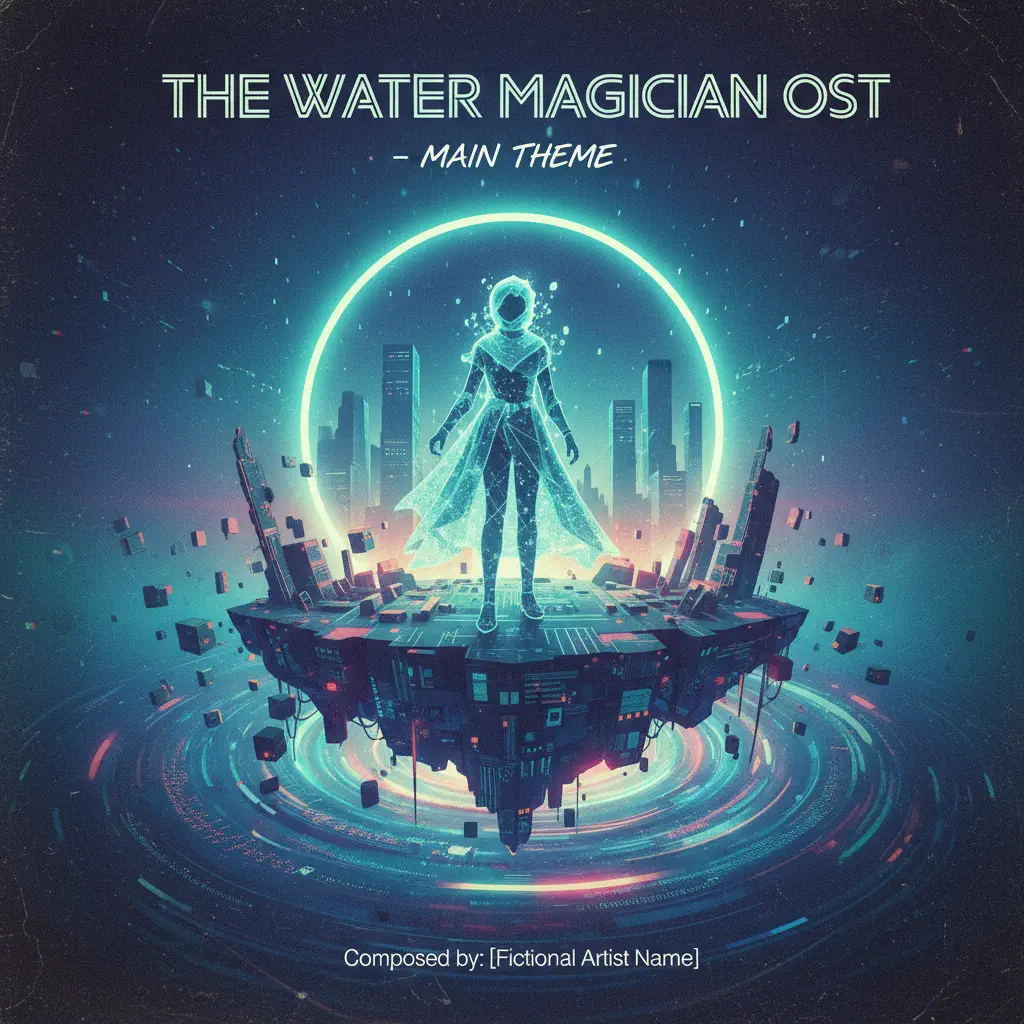
The Water Magician OST - Main Theme
The Water Magician
Hard Mode
Hard
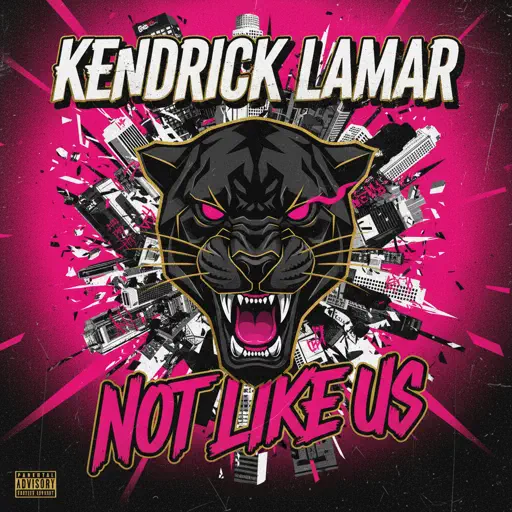
Not Like Us
Kendrick Lamar

Hard
Bang!
AJR
Hard
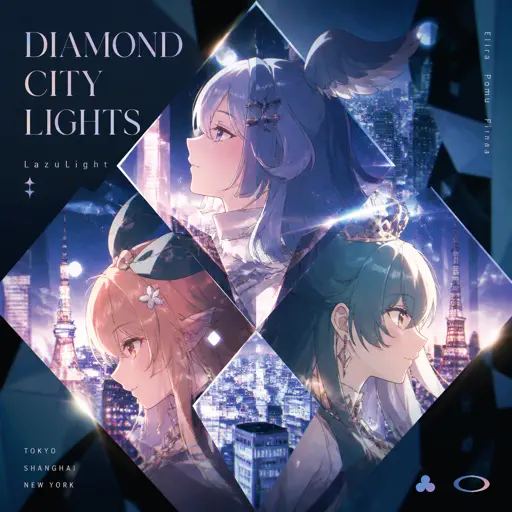
Diamond City Lights
LazuLight
Hard
Sphere
Creo

Hard
Tháng Tư Là Lời Nói Dối Của Em
Hà Anh Tuấn
Hard
Animation Warrior Theme - Geometry Dash Orbit
Nighthawk22
Hard
Quaoar
Camellia
Hard
Konton Boogie
jon-YAKITORY
Hard
Friday Theme (Roblox 3008 OST)
Uglyburger0
Hard
Veridis Quo
Daft Punk
Recommended Sheets

CandyCookieChocolate
Hatsune Miku
Hard
Memory Reboot
VØJ
Normal
LUNCH
Billie Eilish
Normal
Tetris Theme
Video Game Players
Normal
swordland (Sword Art Online)
Yuki Kajiura
Hard
Angel Of My Dreams
JADE
Normal
King of Karaoke (K歌之王)
Eason Chan
Normal
Song of Storms (The Legend of Zelda)
Legend of Zelda
Normal
GOZALO
Ariis
Normal
Tem Shop (from Undertale)
Toby Fox
Normal
Clocks
Coldplay
Normal
Fly, My Wings - Limbus Company
Mili
Hard
Whole Lotta Red
Playboi Carti
Normal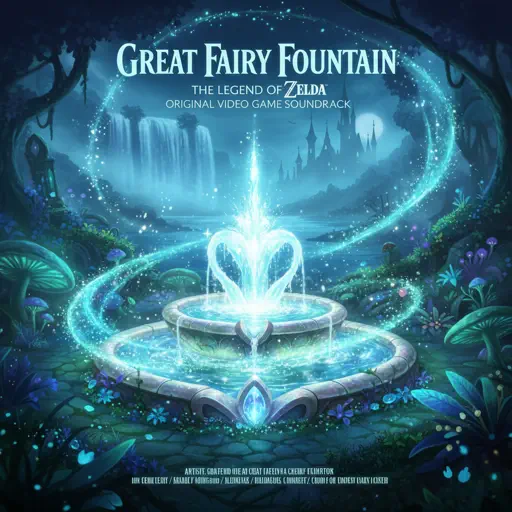
Great Fairy Fountain - The Legend of Zelda
Legend of Zelda
Normal
Die On This Hill
Sienna Spiro
Normal
Believer
Imagine Dragons
Normal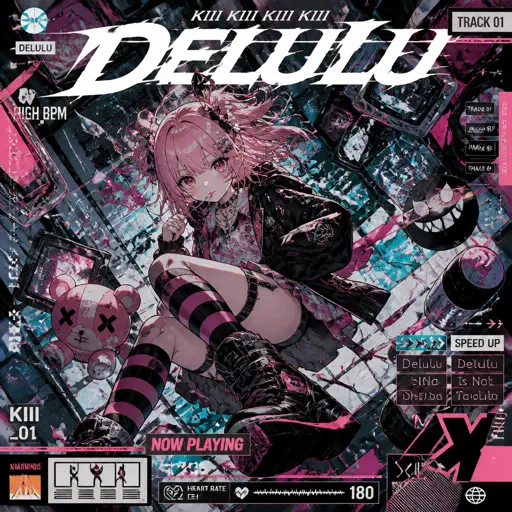
Delulu
KiiiKiii
Normal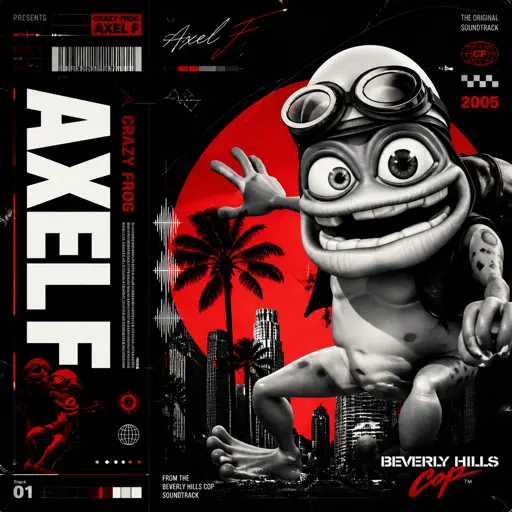
Axel F
Crazy Frog
Normal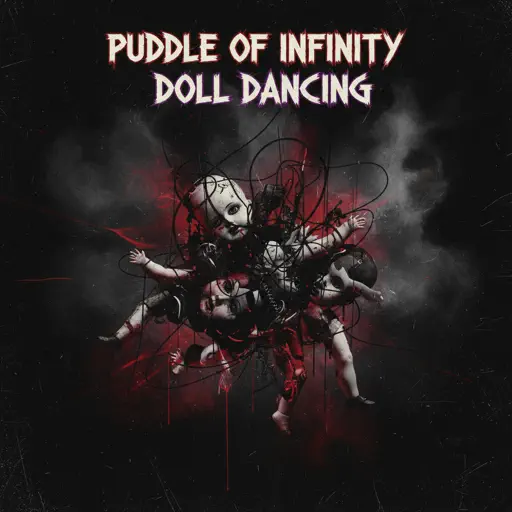
Doll Dancing
Puddle Of Infinity
Normal
Bloody Mary
Lady Gaga
NormalFrequently Asked Questions
What is Roblox Piano Practice Online?
This is a free online tool that lets you practice Roblox virtual piano sheets in your browser. No downloads required - just pick a song and start practicing.
How do I use this online practice tool?
1. Select a song from the recommendations or use the search function. 2. Click play and the sheet will auto-scroll with highlighted notes. 3. Watch the virtual piano keyboard for highlighted keys and practice along. 4. Use speed control to slow down playback - perfect for beginners.
Can I play using my keyboard?
Yes! The virtual piano supports computer keyboard input. The keys correspond to the standard Roblox piano layout (1234567890qwerty...). You can practice on your keyboard while following the sheet.
What does the Transpose feature do?
Transpose raises or lowers the pitch of the sheet. Some Roblox piano games have different default tunings, so transpose helps match the correct pitch. Usually adjusting by +12 or -12 semitones works.
Does this tool work on mobile?
Yes, but desktop provides the best experience. On mobile you can view the sheet and virtual piano demo, but keyboard input requires a computer. We recommend using a desktop for the best practice experience.
How do I find sheets suitable for my level?
Below you'll find recommendations sorted by difficulty: Easy for beginners, Normal for intermediate players, and Hard/Expert for advanced challenges. You can also use the search function to find songs by title or artist.