
Roblox Piano Practice Online
Loading piano...
Practice Guide
Quick guide on how to use the online piano practice tool.
What is this?
This tool allows you to practice playing virtual piano sheets directly in your browser. It simulates a piano keyboard and helps you learn the notes and rhythm before playing in Roblox.
How to Practice Online
Use your computer keyboard or mouse to play the virtual piano keys directly. As the sheet music plays, the corresponding keys on the virtual piano will light up to help you follow along. You can also copy the sheet code to use directly in Roblox.
Discover Sheets
Random Shuffle: Click the Shuffle button in the center of the top control bar to instantly load a random new song without reloading the page.
Search: Click the Search button next to Shuffle to open the search window. Type a song title or artist name to quickly find and switch to the sheet you want to practice.
Playback Controls
- Play/Pause: Start or stop playback.
- 1xSpeed: Adjust tempo (0.5x - 2.0x).
- KTranspose: Shift the pitch up or down.
- SSustain: Toggle sustain pedal effect.
Easy Mode

Easy
Cupid (Twin Version)
Fifty Fifty

Easy
Nice To Know - BFDIA 19 Cake At Stake Intro
BFDIA 19

Easy
If You Love These People (Man of Steel)
Hans Zimmer

Easy
Mist
EsDeeKid

Easy
Harvey
Alex G

Easy
Mockingbird
Eminem

Easy
Pimp Hoe
Mike Sherm

Easy
Balcony
Cave Story

Easy
LET ME SEE YA MOVE!
Lumi Athena

Easy
Gravity Falls Main Title Theme
Brad Breeck
Normal Mode
Hard Mode
Hard
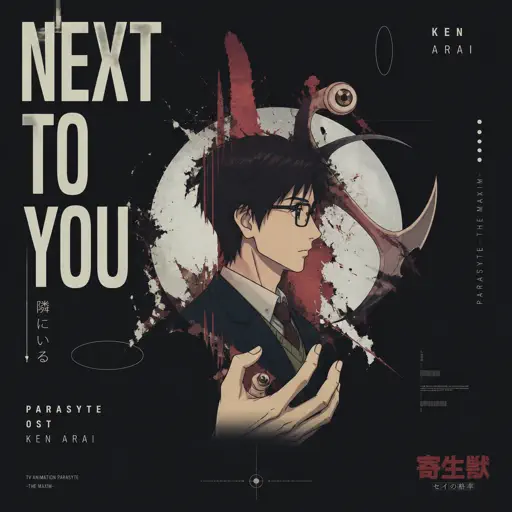
NEXT TO YOU - Parasyte OST
Ken Arai
Hard
Retry now いますぐ輪廻
NAKISO
Hard
Fame is a Gun
Addison Rae
Hard
Sa Susunod na Habang Buhay
Ben&Ben

Hard
back to friends
sombr
Hard
The Perfect Girl (such a strange girl)
Mareux
Hard
Something in the Orange
Zach Bryan
Hard
Propose
9Lana
Hard
Maneater
Daryl Hall & John Oates
Hard
Not Like Us
Kendrick Lamar
Recommended Sheets
Sealed Vessel - Hollow Knight
Christopher Larkin
Hard
golden hour (Full Version)
JVKE
Hard
I Don't Love You
My Chemical Romance
Hard
Accidentally In Love
Counting Crows
Normal
As the World Caves In
Matt Maltese
Hard
Daylight
Shinedown
HardCupid (Twin Version)
Fifty Fifty
Easy
The Less I Know The Better
Tame Impala
Normal
AIZO - Jujutsu Kaisen Season 3 OP
King Gnu
Normal
Take Me Home, Country Roads
John Denver
Normal
Case Closed (From Detective Conan)
Gosho Aoyama
Normal
Port Ormos (Day)
Yu-Peng Chen
Hard
Red Swan
YOSHIKI
Normal
Surat Cinta Untuk Starla
Virgoun
Hard
Who Knows
Daniel Caesar
Normal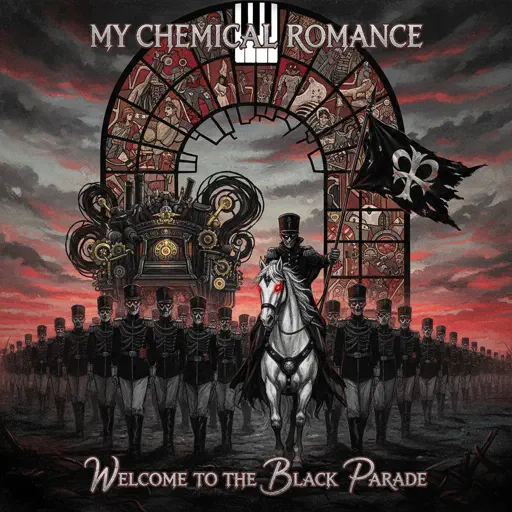
Welcome to the Black Parade
My Chemical Romance
Normal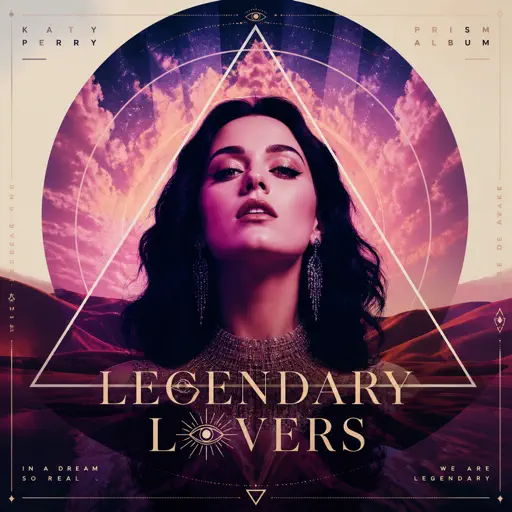
Legendary Lovers
Katy Perry
Normal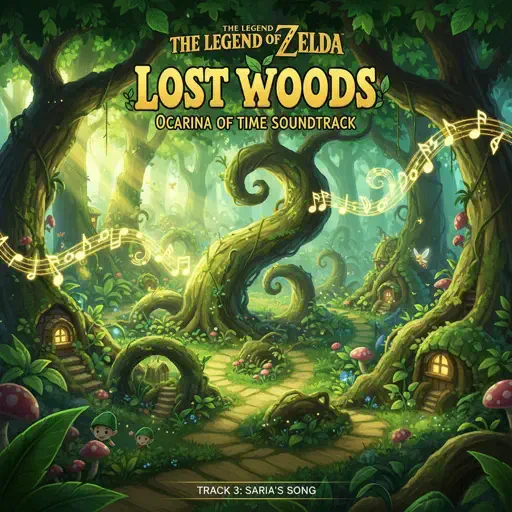
Lost Woods (The Legend of Zelda: Ocarina of Time)
Legend of Zelda
Normal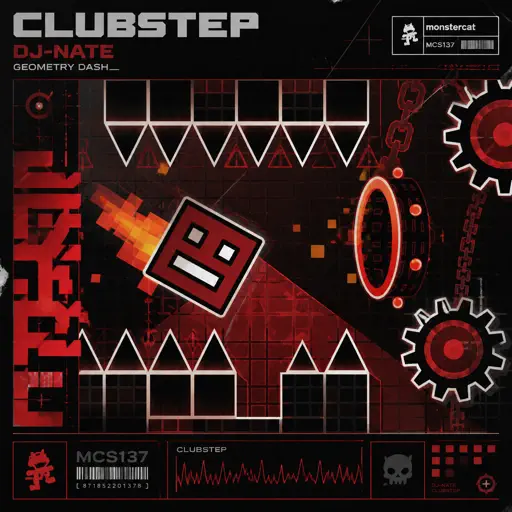
Clubstep - Geometry Dash
dj-Nate
Normal
Yellow
Coldplay
HardFrequently Asked Questions
What is Roblox Piano Practice Online?
This is a free online tool that lets you practice Roblox virtual piano sheets in your browser. No downloads required - just pick a song and start practicing.
How do I use this online practice tool?
1. Select a song from the recommendations or use the search function. 2. Click play and the sheet will auto-scroll with highlighted notes. 3. Watch the virtual piano keyboard for highlighted keys and practice along. 4. Use speed control to slow down playback - perfect for beginners.
Can I play using my keyboard?
Yes! The virtual piano supports computer keyboard input. The keys correspond to the standard Roblox piano layout (1234567890qwerty...). You can practice on your keyboard while following the sheet.
What does the Transpose feature do?
Transpose raises or lowers the pitch of the sheet. Some Roblox piano games have different default tunings, so transpose helps match the correct pitch. Usually adjusting by +12 or -12 semitones works.
Does this tool work on mobile?
Yes, but desktop provides the best experience. On mobile you can view the sheet and virtual piano demo, but keyboard input requires a computer. We recommend using a desktop for the best practice experience.
How do I find sheets suitable for my level?
Below you'll find recommendations sorted by difficulty: Easy for beginners, Normal for intermediate players, and Hard/Expert for advanced challenges. You can also use the search function to find songs by title or artist.