
Roblox Piano Practice Online
Loading piano...
Practice Guide
Quick guide on how to use the online piano practice tool.
What is this?
This tool allows you to practice playing virtual piano sheets directly in your browser. It simulates a piano keyboard and helps you learn the notes and rhythm before playing in Roblox.
How to Practice Online
Use your computer keyboard or mouse to play the virtual piano keys directly. As the sheet music plays, the corresponding keys on the virtual piano will light up to help you follow along. You can also copy the sheet code to use directly in Roblox.
Discover Sheets
Random Shuffle: Click the Shuffle button in the center of the top control bar to instantly load a random new song without reloading the page.
Search: Click the Search button next to Shuffle to open the search window. Type a song title or artist name to quickly find and switch to the sheet you want to practice.
Playback Controls
- Play/Pause: Start or stop playback.
- 1xSpeed: Adjust tempo (0.5x - 2.0x).
- KTranspose: Shift the pitch up or down.
- SSustain: Toggle sustain pedal effect.
Easy Mode

Easy
Fur Elise
Beethoven

Easy
Nice To Know - BFDIA 19 Cake At Stake Intro
BFDIA 19

Easy
Sleeping City Funk
Emotional Recycling Bin

Easy
LET ME SEE YA MOVE!
Lumi Athena

Easy
Balcony
Cave Story

Easy
Gravity Falls Main Title Theme
Brad Breeck

Easy
Harvey
Alex G

Easy
Immortal
Playboi Carti

Easy
If You Love These People (Man of Steel)
Hans Zimmer

Easy
Pimp Hoe
Mike Sherm
Normal Mode
Normal
Interstellar Main Theme (Cornfield Chase)
Hans Zimmer
Normal
Godzilla Theme
Akira Ifukube
Normal
The Disappearance of Hatsune Miku
Hatsune Miku
Normal
ROXANNE
Arizona Zervas
Normal
Uwa!! So Temperate
Toby Fox
Normal
OIIA OIIA (Spinning Cat)
W&W
Normal
Love Me Again
John Newman

Normal
The Sailor Song
Toy-Box
Normal
You Are Not Suguru Geto - Jujutsu Kaisen Season 2
James Liam Figueroa
Normal
House of Memories
Panic! At The Disco
Hard Mode
Hard
Succession (Main Title Theme)
Nicholas Britell
Hard
Ruler of My Heart (VIVINOS - ALNST)
Alien stage

Hard
Rush of Life
Tony Ann

Hard
PLAYING WITH FIRE
AZALI
Hard
Interstellar Main Theme
Peter Buka
Hard
Die With A Smile
Lady Gaga & Bruno Mars

Hard
TEA TIME WALTZ - SONIC.exe Outcome Memories
aerozity
Hard
Serenade
Franz Schubert
Hard
Sacred Play Secret Place
matryoshka
Hard
1812 Overture Finale
Tchaikovsky
Recommended Sheets
Golden
HUNTR/X
Normal
A Winter Night's Lazzo - Genshin Impact
Yu-Peng Chen
Hard
Du hast
Rammstein
Hard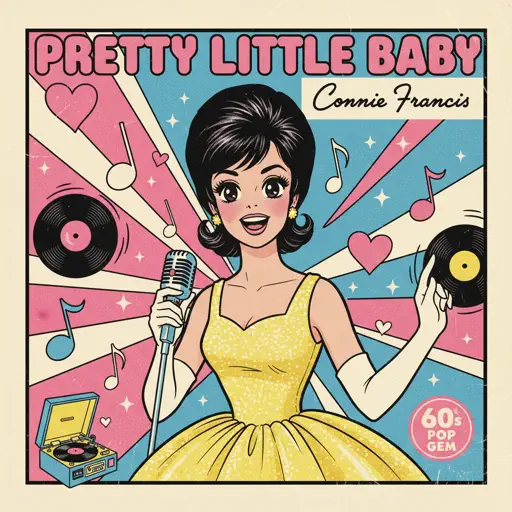
Pretty Little Baby
Connie Francis
Hard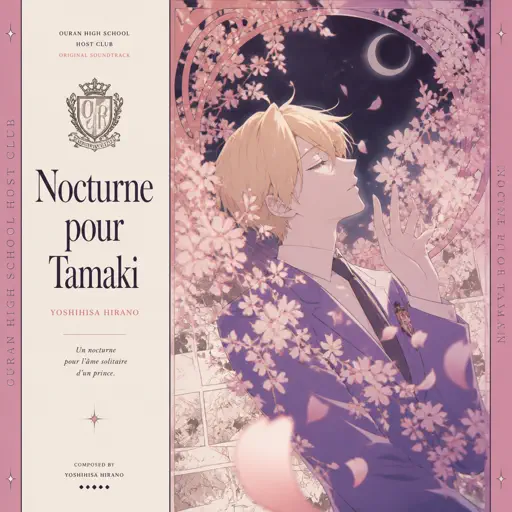
Nocturne pour Tamaki ( Ouran High School Host Club)
Yoshihisa Hirano
Normal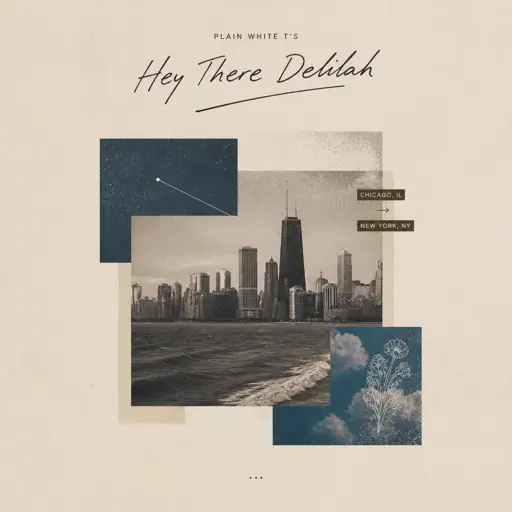
Hey There Delilah
Plain White T's
Normal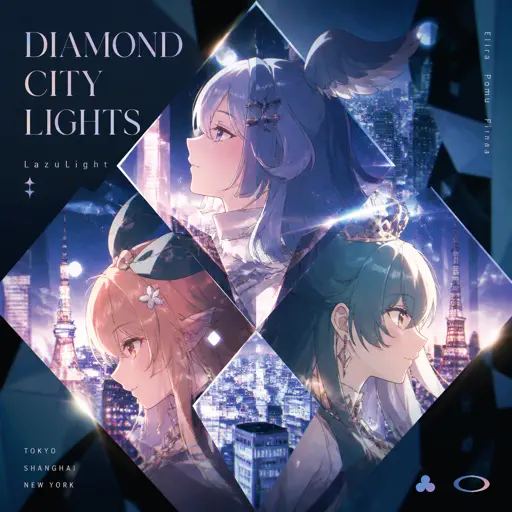
Diamond City Lights
LazuLight
Hard
unhappy
s0rrow
Hard
Havana
Camila Cabello
Normal
Bloodline
Alex Warren
Normal
Space Song
Beach House
Normal
The Lost Soul Down
NBSPLV
Normal
A Thousand Years
John Michael Howell
Normal
Watery Graves (Plants vs. Zombies)
Laura Shigihara
Hard
Butcher Vanity
Vane Lily
Normal
Como La Flor
Selena
Normal
Electar - Rec Room
Gribbly
Normal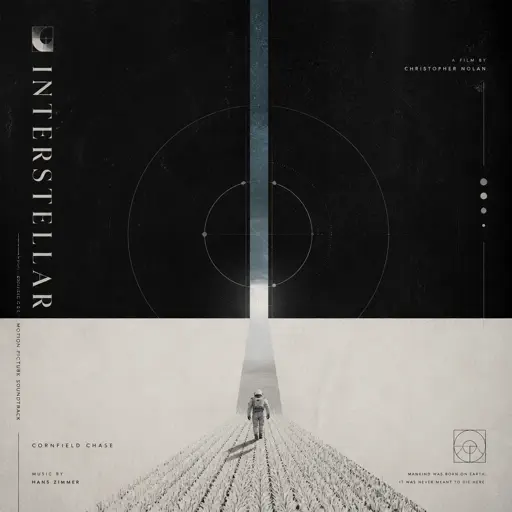
Cornfield Chase (interstellar)
Hans Zimmer
Hard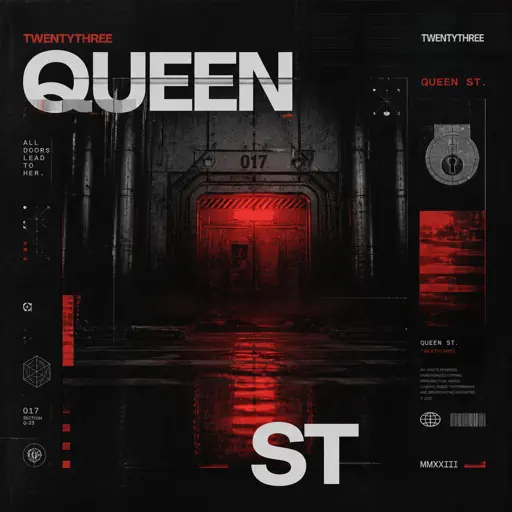
Queen St
twentythree
Normal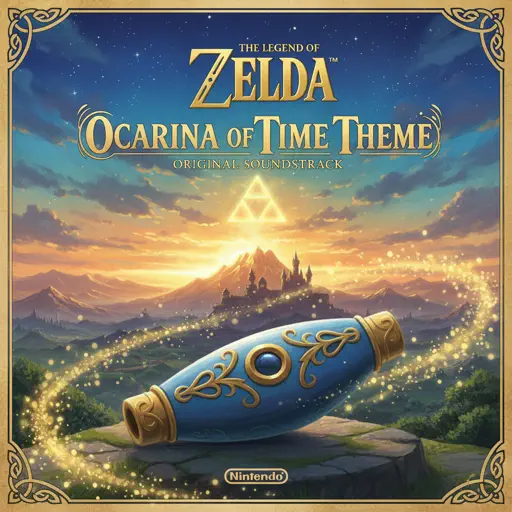
Ocarina Of Time Theme (The Legend Of Zelda)
Legend of Zelda
NormalFrequently Asked Questions
What is Roblox Piano Practice Online?
This is a free online tool that lets you practice Roblox virtual piano sheets in your browser. No downloads required - just pick a song and start practicing.
How do I use this online practice tool?
1. Select a song from the recommendations or use the search function. 2. Click play and the sheet will auto-scroll with highlighted notes. 3. Watch the virtual piano keyboard for highlighted keys and practice along. 4. Use speed control to slow down playback - perfect for beginners.
Can I play using my keyboard?
Yes! The virtual piano supports computer keyboard input. The keys correspond to the standard Roblox piano layout (1234567890qwerty...). You can practice on your keyboard while following the sheet.
What does the Transpose feature do?
Transpose raises or lowers the pitch of the sheet. Some Roblox piano games have different default tunings, so transpose helps match the correct pitch. Usually adjusting by +12 or -12 semitones works.
Does this tool work on mobile?
Yes, but desktop provides the best experience. On mobile you can view the sheet and virtual piano demo, but keyboard input requires a computer. We recommend using a desktop for the best practice experience.
How do I find sheets suitable for my level?
Below you'll find recommendations sorted by difficulty: Easy for beginners, Normal for intermediate players, and Hard/Expert for advanced challenges. You can also use the search function to find songs by title or artist.