
Roblox Piano Practice Online
Loading piano...
Practice Guide
Quick guide on how to use the online piano practice tool.
What is this?
This tool allows you to practice playing virtual piano sheets directly in your browser. It simulates a piano keyboard and helps you learn the notes and rhythm before playing in Roblox.
How to Practice Online
Use your computer keyboard or mouse to play the virtual piano keys directly. As the sheet music plays, the corresponding keys on the virtual piano will light up to help you follow along. You can also copy the sheet code to use directly in Roblox.
Discover Sheets
Random Shuffle: Click the Shuffle button in the center of the top control bar to instantly load a random new song without reloading the page.
Search: Click the Search button next to Shuffle to open the search window. Type a song title or artist name to quickly find and switch to the sheet you want to practice.
Playback Controls
- Play/Pause: Start or stop playback.
- 1xSpeed: Adjust tempo (0.5x - 2.0x).
- KTranspose: Shift the pitch up or down.
- SSustain: Toggle sustain pedal effect.
Easy Mode

Easy
Nice To Know - BFDIA 19 Cake At Stake Intro
BFDIA 19

Easy
Sleeping City Funk
Emotional Recycling Bin

Easy
Immortal
Playboi Carti

Easy
Balcony
Cave Story

Easy
Fur Elise
Beethoven

Easy
Mockingbird
Eminem

Easy
LET ME SEE YA MOVE!
Lumi Athena

Easy
Pimp Hoe
Mike Sherm

Easy
Cupid (Twin Version)
Fifty Fifty

Easy
Gravity Falls Main Title Theme
Brad Breeck
Normal Mode
Normal
I'm Just A Chill Guy
Jazzos

Normal
ocean eyes
Billie Eilish

Normal
Victory Day (Soviet Songs)
Lev Leshchenko
Normal
Secret Door
Arctic Monkeys

Normal
Sweater Weather
The Neighbourhood
Normal
Moonlight Sonata 3rd Mvt.
Beethoven
Normal
Boiling Point
Die Of Death lms - OST

Normal
Guren no Yumiya 紅蓮の弓矢 - Attack on Titan
Linked Horizon
Normal
otherside - Minecraft: Caves & Cliffs
Lena Raine
Normal
Eternity
Alex Warren
Hard Mode
Hard
Running the Show - The Amazing Digital Circus
John Michael Hopkins
Hard
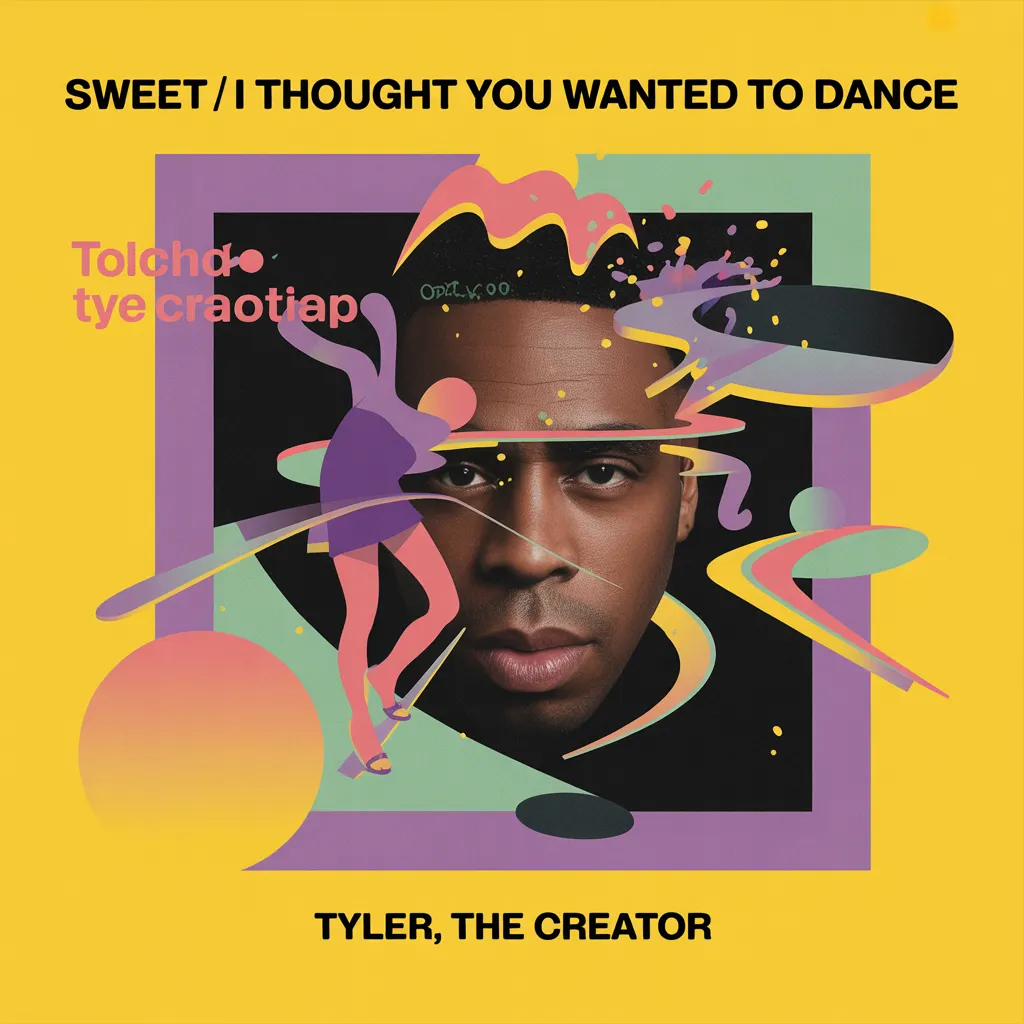
SWEET / I THOUGHT YOU WANTED TO DANCE
Tyler, The Creator
Hard
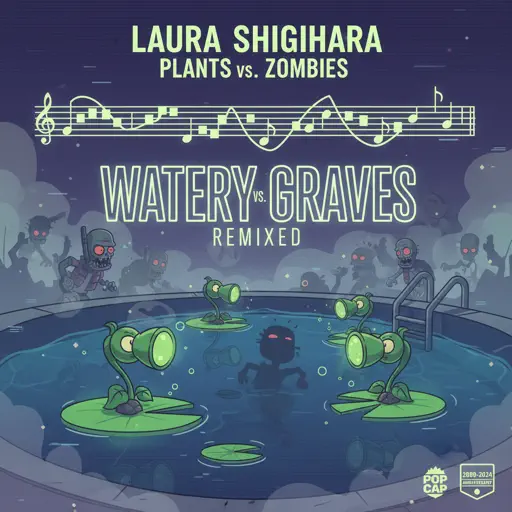
Watery Graves (Plants vs. Zombies)
Laura Shigihara
Hard
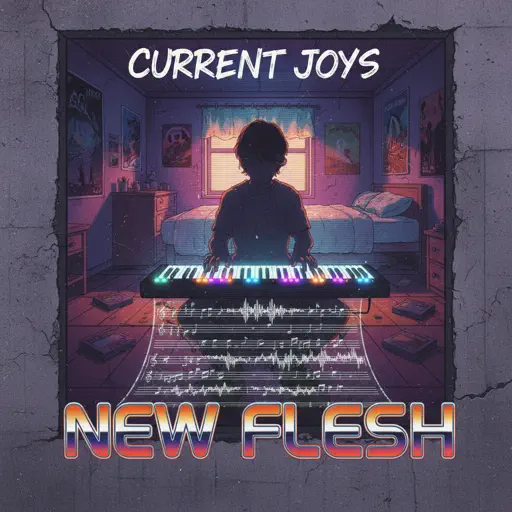
New Flesh
Current Joys
Hard
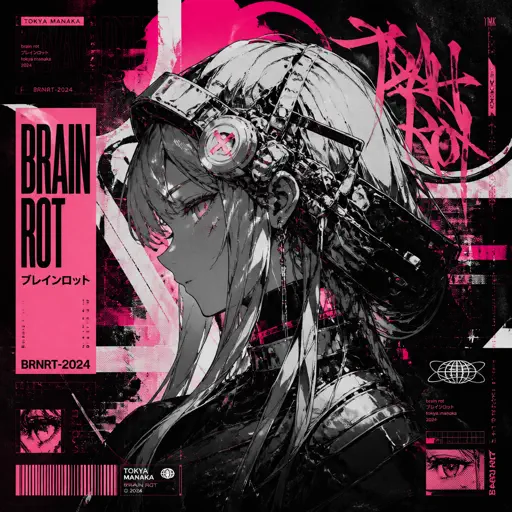
Brain Rot ブレインロット
Tokya Manaka

Hard
We Are! - ウィーアー! - One Piece
Hiroshi Kitadani
Hard
Blind Spots - Minecraft
C418
Hard
XO Tour Llif3
Lil Uzi Vert
Hard
Ditto
NewJeans
Hard
Normal
BTS
Recommended Sheets
UNDERSTAND
keshi
Normal
Toxic Gossip Train
Colleen Ballinger
Normal
Kids - From Stranger Things
Kyle Dixon & Michael Stein
Normal
Song of Healing (From The Legend of Zelda: Majora's Mask)
Koji Kondo
Normal
Lush Life
Zara Larsson
Normal
Arabella
Arctic Monkeys
Normal
Jax Toy (THE AMAZING DIGITAL CIRCUS)
Jakeneutron
Normal
Human
Rag'n'Bone Man
Normal
Robbery
Juice WRLD
Normal
back to friends
sombr
HardEternity
Alex Warren
Normal
Kurşun Adres Sormaz Ki
Kenan Doğulu
Normal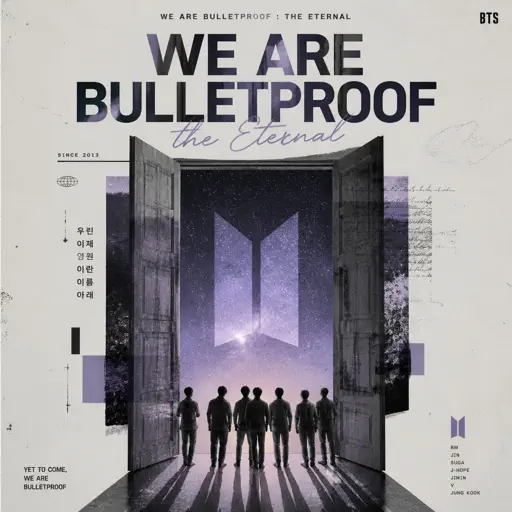
We are Bulletproof : the Eternal
BTS
Normal
Surat Cinta Untuk Starla
Virgoun
Hard
Brainrot Rap
Party Tunes
Normal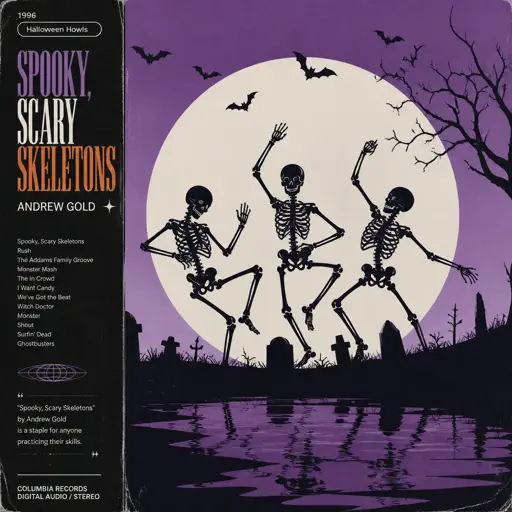
Spooky, Scary Skeletons
Andrew Gold
Normal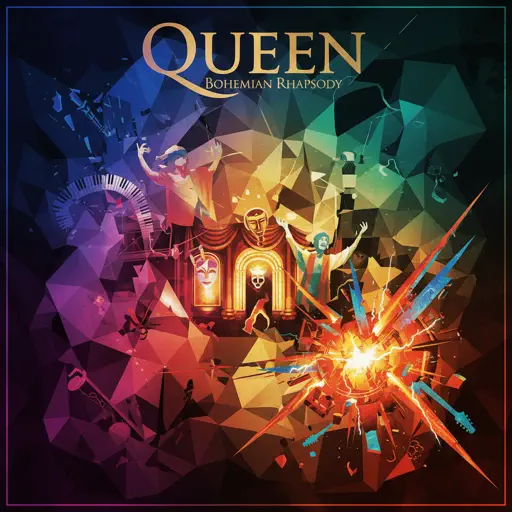
Bohemian Rhapsody
Queen
Hard
It's A Dream
Snow Strippers
Normal
her
JVKE
Normal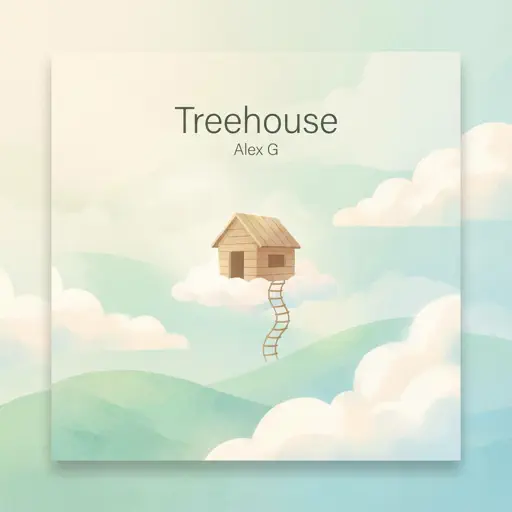
Treehouse
Alex G
NormalFrequently Asked Questions
What is Roblox Piano Practice Online?
This is a free online tool that lets you practice Roblox virtual piano sheets in your browser. No downloads required - just pick a song and start practicing.
How do I use this online practice tool?
1. Select a song from the recommendations or use the search function. 2. Click play and the sheet will auto-scroll with highlighted notes. 3. Watch the virtual piano keyboard for highlighted keys and practice along. 4. Use speed control to slow down playback - perfect for beginners.
Can I play using my keyboard?
Yes! The virtual piano supports computer keyboard input. The keys correspond to the standard Roblox piano layout (1234567890qwerty...). You can practice on your keyboard while following the sheet.
What does the Transpose feature do?
Transpose raises or lowers the pitch of the sheet. Some Roblox piano games have different default tunings, so transpose helps match the correct pitch. Usually adjusting by +12 or -12 semitones works.
Does this tool work on mobile?
Yes, but desktop provides the best experience. On mobile you can view the sheet and virtual piano demo, but keyboard input requires a computer. We recommend using a desktop for the best practice experience.
How do I find sheets suitable for my level?
Below you'll find recommendations sorted by difficulty: Easy for beginners, Normal for intermediate players, and Hard/Expert for advanced challenges. You can also use the search function to find songs by title or artist.