
Roblox Piano Practice Online
Loading piano...
Practice Guide
Quick guide on how to use the online piano practice tool.
What is this?
This tool allows you to practice playing virtual piano sheets directly in your browser. It simulates a piano keyboard and helps you learn the notes and rhythm before playing in Roblox.
How to Practice Online
Use your computer keyboard or mouse to play the virtual piano keys directly. As the sheet music plays, the corresponding keys on the virtual piano will light up to help you follow along. You can also copy the sheet code to use directly in Roblox.
Discover Sheets
Random Shuffle: Click the Shuffle button in the center of the top control bar to instantly load a random new song without reloading the page.
Search: Click the Search button next to Shuffle to open the search window. Type a song title or artist name to quickly find and switch to the sheet you want to practice.
Playback Controls
- Play/Pause: Start or stop playback.
- 1xSpeed: Adjust tempo (0.5x - 2.0x).
- KTranspose: Shift the pitch up or down.
- SSustain: Toggle sustain pedal effect.
Easy Mode

Easy
Mist
EsDeeKid

Easy
Sleeping City Funk
Emotional Recycling Bin

Easy
If You Love These People (Man of Steel)
Hans Zimmer

Easy
Immortal
Playboi Carti

Easy
Cupid (Twin Version)
Fifty Fifty

Easy
Balcony
Cave Story

Easy
Nice To Know - BFDIA 19 Cake At Stake Intro
BFDIA 19

Easy
Where You Lead
Carole King

Easy
Mockingbird
Eminem

Easy
Pimp Hoe
Mike Sherm
Normal Mode
Normal
Impostor Syndrome
Sidney Gish
Normal
Young Girl A
siinamota
Normal
Final Duet (Omori)
Pedro Silva

Normal
İnsan İnsan
Fazıl Say
Normal
Great Balls Of Fire
Jerry Lee Lewis

Normal
As It Was
Harry Styles

Normal
FEAR
NF
Normal
Dancing In The Dark - From The Home
Rihanna
Normal
Sweden
C418
Normal
Dance With The Devil
Immortal Technique
Hard Mode
Hard
November Rain
Guns N' Roses

Hard
A Winter Night's Lazzo - Genshin Impact
Yu-Peng Chen
Hard
Tomorrow (Konosuba)
Miura Jam

Hard
Rush of Life
Tony Ann
Hard
Just the Two of Us
Grover Washington Jr.
Hard
Little Nightmares 2 - Main Theme
Tobias Lilja
Hard
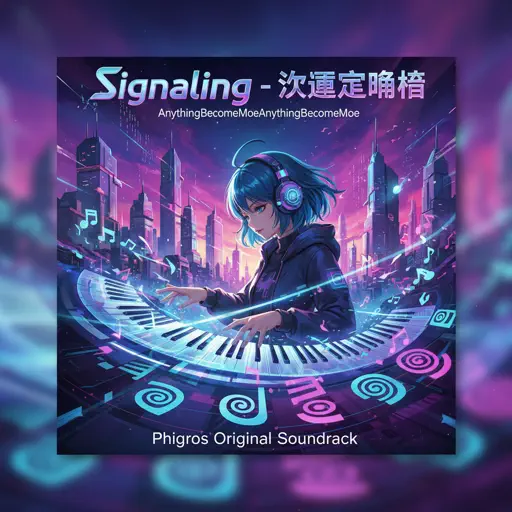
Signalling - 次元通信
AnythingBecomeMoe

Hard
Guanshan Wine
Deng Shen Me Jun

Hard
Beanie
Chezile
Hard
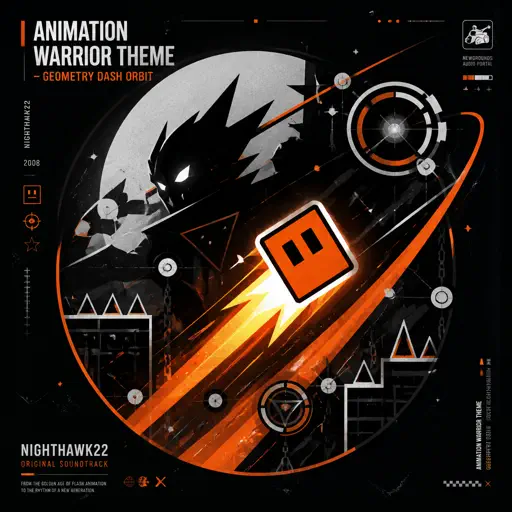
Animation Warrior Theme - Geometry Dash Orbit
Nighthawk22
Recommended Sheets
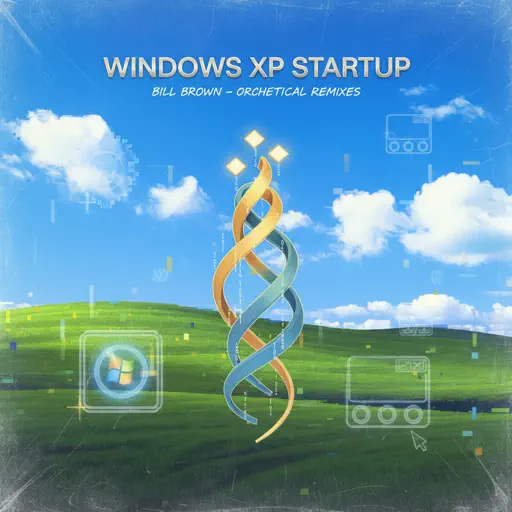
Windows XP Startup
Windows
Normal
Hotline Bling
Billie Eilish
Normal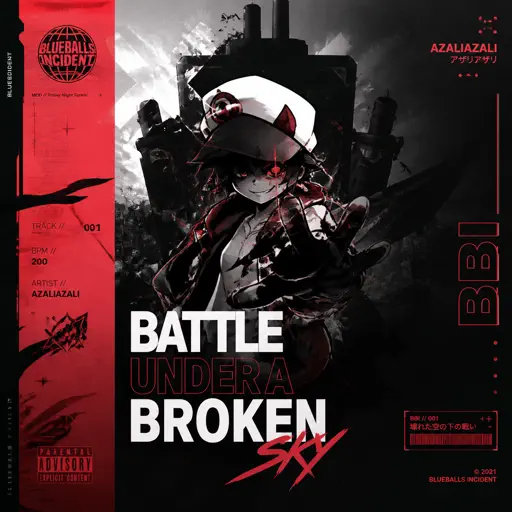
BATTLE UNDER A BROKEN SKY
AZALI
Hard
Gojo Satoru - The Honored One
Jujutsu Kaisen
Normal
Van Gogh
Virginio Aiello
Normal
seasons
wave to earth
Normal
Shine in the Cruel Night 残酷な夜に輝け
LiSA
Hard
All Star
Smash Mouth
Normal
Bertaut
Nadin Amizah
Normal
Okay, Everyone!
Doki Doki Literature Club
Hard
7 Years
Lukas Graham
Normal
Halloween Theme
Michael Myers
Normal
Waltz of Lovers No.1
Егор Юрий
Normal
Head Over Heels
Tears For Fears
Hard
Kill Bill
SZA
Hard
Locked out of Heaven
Bruno Mars
Hard
Go Away
Weezer
Normal
v0idness
crxw
Normal
Suzume すずめ
RADWIMPS
Normal
This Is Pure Love - Jujutsu Kaisen 呪術廻戦
Alisa Okehazama
NormalFrequently Asked Questions
What is Roblox Piano Practice Online?
This is a free online tool that lets you practice Roblox virtual piano sheets in your browser. No downloads required - just pick a song and start practicing.
How do I use this online practice tool?
1. Select a song from the recommendations or use the search function. 2. Click play and the sheet will auto-scroll with highlighted notes. 3. Watch the virtual piano keyboard for highlighted keys and practice along. 4. Use speed control to slow down playback - perfect for beginners.
Can I play using my keyboard?
Yes! The virtual piano supports computer keyboard input. The keys correspond to the standard Roblox piano layout (1234567890qwerty...). You can practice on your keyboard while following the sheet.
What does the Transpose feature do?
Transpose raises or lowers the pitch of the sheet. Some Roblox piano games have different default tunings, so transpose helps match the correct pitch. Usually adjusting by +12 or -12 semitones works.
Does this tool work on mobile?
Yes, but desktop provides the best experience. On mobile you can view the sheet and virtual piano demo, but keyboard input requires a computer. We recommend using a desktop for the best practice experience.
How do I find sheets suitable for my level?
Below you'll find recommendations sorted by difficulty: Easy for beginners, Normal for intermediate players, and Hard/Expert for advanced challenges. You can also use the search function to find songs by title or artist.