
Roblox Piano Practice Online
Loading piano...
Practice Guide
Quick guide on how to use the online piano practice tool.
What is this?
This tool allows you to practice playing virtual piano sheets directly in your browser. It simulates a piano keyboard and helps you learn the notes and rhythm before playing in Roblox.
How to Practice Online
Use your computer keyboard or mouse to play the virtual piano keys directly. As the sheet music plays, the corresponding keys on the virtual piano will light up to help you follow along. You can also copy the sheet code to use directly in Roblox.
Discover Sheets
Random Shuffle: Click the Shuffle button in the center of the top control bar to instantly load a random new song without reloading the page.
Search: Click the Search button next to Shuffle to open the search window. Type a song title or artist name to quickly find and switch to the sheet you want to practice.
Playback Controls
- Play/Pause: Start or stop playback.
- 1xSpeed: Adjust tempo (0.5x - 2.0x).
- KTranspose: Shift the pitch up or down.
- SSustain: Toggle sustain pedal effect.
Easy Mode

Easy
Balcony
Cave Story

Easy
Fur Elise
Beethoven

Easy
Mist
EsDeeKid

Easy
Cupid (Twin Version)
Fifty Fifty

Easy
Where You Lead
Carole King

Easy
If You Love These People (Man of Steel)
Hans Zimmer

Easy
LET ME SEE YA MOVE!
Lumi Athena

Easy
Gravity Falls Main Title Theme
Brad Breeck

Easy
Sleeping City Funk
Emotional Recycling Bin

Easy
Pimp Hoe
Mike Sherm
Normal Mode
Normal
Song of Storms (The Legend of Zelda)
Legend of Zelda
Normal
I Just Might
Bruno Mars
Normal
Flamewall - Geometry Dash
Camellia
Normal
Nearer My God to Thee - Titanic's Last Scene
Titanic Orchestra
Normal
Children (Vinland Saga Edit)
Robert Miles
Normal
Toxic
BoyWithUke

Normal
Across the Stars (Star Wars: Attack of the Clones)
John Williams
Normal
Spring (The Four Seasons)
Vivaldi

Normal
Butch 4 Butch
Rio Romeo
Normal
Don't Stop Believin'
Journey
Hard Mode
Hard
Beethoven - Virus (INSANE)
Ludwig van Beethoven
Hard
Blind Spots - Minecraft
C418

Hard
At the Speed of Light
Dimrain47
Hard
Serenade
Franz Schubert
Hard
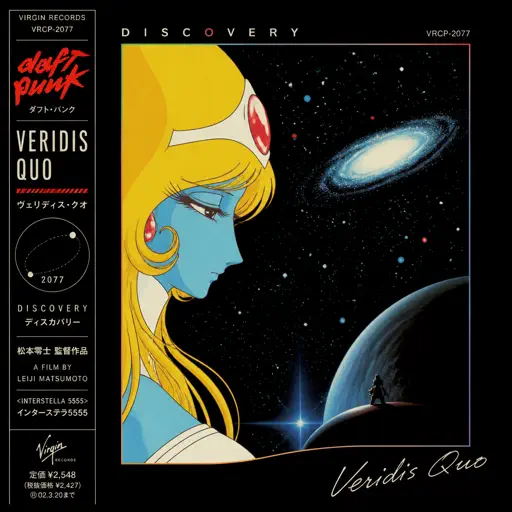
Veridis Quo
Daft Punk
Hard
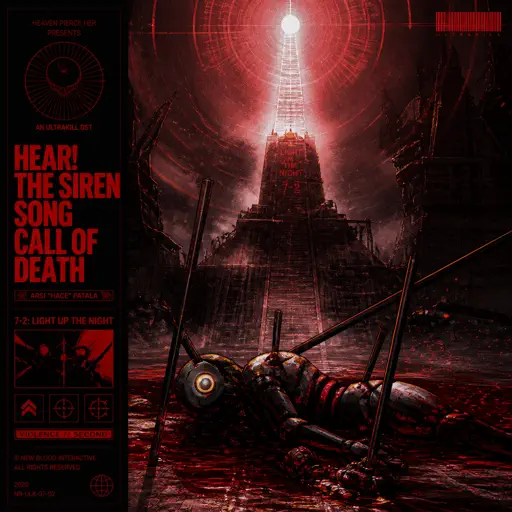
Hear! the Siren Song Call of Death - ULTRAKILL OST
Heaven Pierce Her
Hard
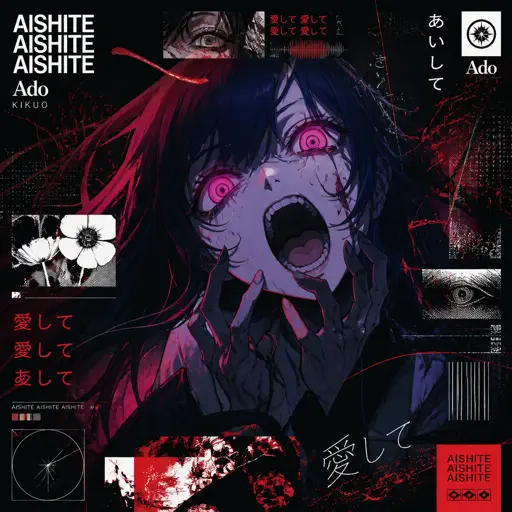
Aishite Aishite Aishite
Ado
Hard
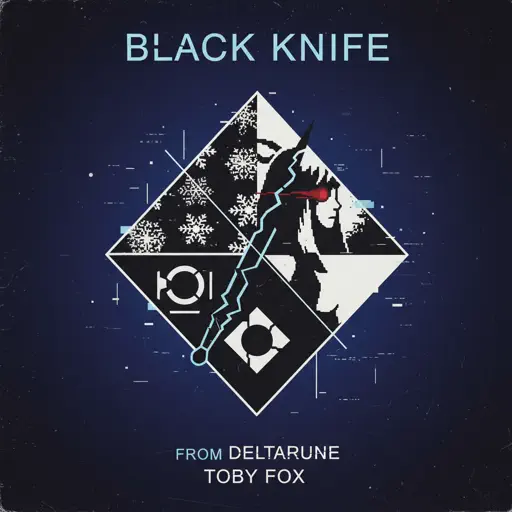
Black Knife (from Deltarune)
Toby Fox
Hard
Nevada
Vicetone
Hard
Fortnite Festive Christmas lobby music
Fortnite
Recommended Sheets

Dark Red
Steve Lacy
Normal
Lit (Koe No Katachi)
Musics Emotion
Normal
Kaiju no Hanauta
Vaundy
Normal
Waiting For You
Alex G
Normal
THE LEGEND from DELTARUNE
Toby Fox
Normal
The Promised Love
Jay Chou
Normal
Wait for It - Hamilton
Leslie Odom Jr.
Normal
Hypercharged
Electric Callboy
Normal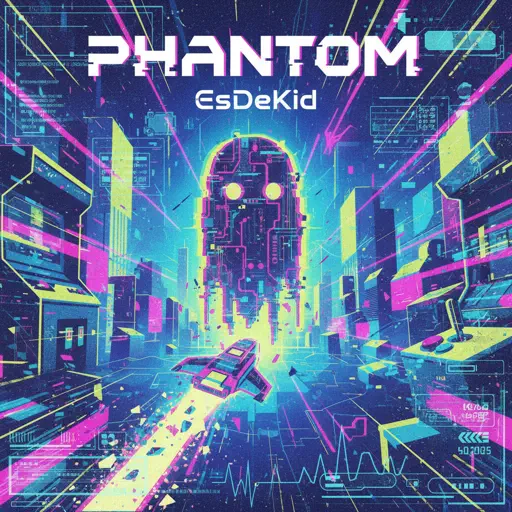
Phantom
EsDeeKid
Normal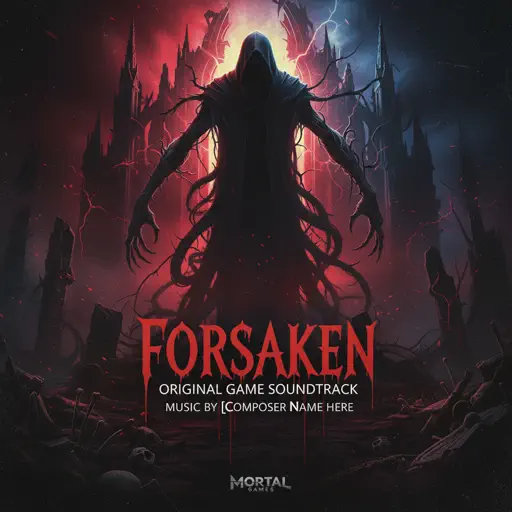
Famine (Pursuer Jason)
FORSAKEN OST
Hard
Cardigan
Taylor Swift
Normal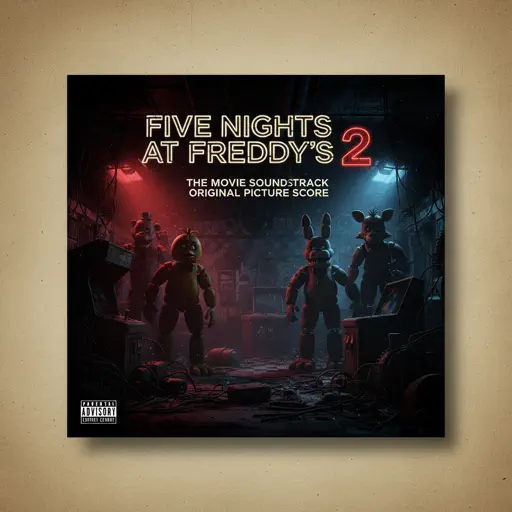
Five Nights at Freddy's 2 Movie
The Newton Brothers
Normal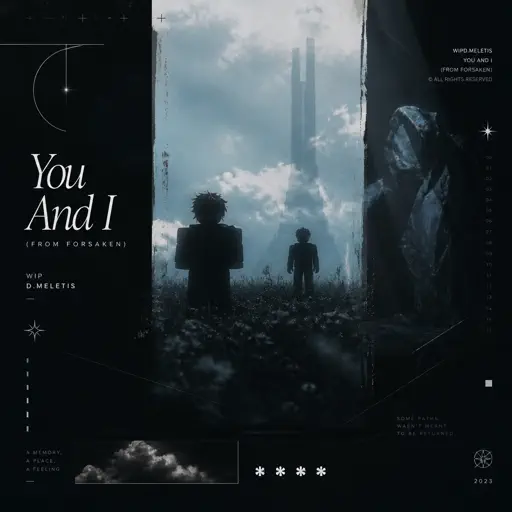
You And I (From Forsaken) - WIP
D.Meletis
Normal
The Night We Met
Lord Huron
Normal
Survive the Night - Five Nights at Freddy's 2
MandoPony
Normal
Kid Cudi
Playboi Carti
Normal
The Gummy Bear Song
Gummibär
Normal
Welcome to the Black Parade
My Chemical Romance
Normal
Hallelujah
Kanye West
Hard
Port Ormos (Day)
Yu-Peng Chen
HardFrequently Asked Questions
What is Roblox Piano Practice Online?
This is a free online tool that lets you practice Roblox virtual piano sheets in your browser. No downloads required - just pick a song and start practicing.
How do I use this online practice tool?
1. Select a song from the recommendations or use the search function. 2. Click play and the sheet will auto-scroll with highlighted notes. 3. Watch the virtual piano keyboard for highlighted keys and practice along. 4. Use speed control to slow down playback - perfect for beginners.
Can I play using my keyboard?
Yes! The virtual piano supports computer keyboard input. The keys correspond to the standard Roblox piano layout (1234567890qwerty...). You can practice on your keyboard while following the sheet.
What does the Transpose feature do?
Transpose raises or lowers the pitch of the sheet. Some Roblox piano games have different default tunings, so transpose helps match the correct pitch. Usually adjusting by +12 or -12 semitones works.
Does this tool work on mobile?
Yes, but desktop provides the best experience. On mobile you can view the sheet and virtual piano demo, but keyboard input requires a computer. We recommend using a desktop for the best practice experience.
How do I find sheets suitable for my level?
Below you'll find recommendations sorted by difficulty: Easy for beginners, Normal for intermediate players, and Hard/Expert for advanced challenges. You can also use the search function to find songs by title or artist.