
Roblox Piano Practice Online
Loading piano...
Practice Guide
Quick guide on how to use the online piano practice tool.
What is this?
This tool allows you to practice playing virtual piano sheets directly in your browser. It simulates a piano keyboard and helps you learn the notes and rhythm before playing in Roblox.
How to Practice Online
Use your computer keyboard or mouse to play the virtual piano keys directly. As the sheet music plays, the corresponding keys on the virtual piano will light up to help you follow along. You can also copy the sheet code to use directly in Roblox.
Discover Sheets
Random Shuffle: Click the Shuffle button in the center of the top control bar to instantly load a random new song without reloading the page.
Search: Click the Search button next to Shuffle to open the search window. Type a song title or artist name to quickly find and switch to the sheet you want to practice.
Playback Controls
- Play/Pause: Start or stop playback.
- 1xSpeed: Adjust tempo (0.5x - 2.0x).
- KTranspose: Shift the pitch up or down.
- SSustain: Toggle sustain pedal effect.
Easy Mode

Easy
Where You Lead
Carole King

Easy
Mockingbird
Eminem

Easy
Harvey
Alex G

Easy
Immortal
Playboi Carti

Easy
Sleeping City Funk
Emotional Recycling Bin

Easy
Gravity Falls Main Title Theme
Brad Breeck

Easy
Mist
EsDeeKid

Easy
Nice To Know - BFDIA 19 Cake At Stake Intro
BFDIA 19

Easy
If You Love These People (Man of Steel)
Hans Zimmer

Easy
Pimp Hoe
Mike Sherm
Normal Mode
Normal
Ticking Away
VALORANT
Normal
Twins at the carousel
Kikuo
Normal
Location Unknown (Brooklyn Session)
HONNE & BEKA
Normal
It's Been So Long
The Living Tombstone
Normal
Hello Charlotte EP 2 OST
Farewell
Normal
Self Aware
Temper City
Normal
Praeludium and Allegro
Kreisler
Normal
Kerosene
Crystal Castles
Normal
Piano: Voice of no Return – NieR: Automata
岡部啓一

Normal
School Rooftop
Hisohkah
Hard Mode

Hard
back to friends
sombr
Hard
Merry Christmas Mr. Lawrence
Ryuichi Sakamoto
Hard
Die With A Smile
Lady Gaga & Bruno Mars
Hard
Creep
Scott Bradlee's Postmodern Jukebox

Hard
Zankyou Sanka - 残響散歌 - Demon Slayer
Aimer
Hard
Driftveil City - Toothless Dancing
Hitomi Sato
Hard
Gathers Under Night - Under Night In-Birth
Raito

Hard
Port Ormos (Day)
Yu-Peng Chen
Hard
Engeki
Nanou
Hard
Namae wo Yobu yo - 名前を呼ぶよ- 이름을 부를게
LUCKLIFE
Recommended Sheets
LOVELY BASTARDS
ZWE1HVNDXR
Normal
Pesan Terakhir
Lyodra
Normal
Sunny Day 晴天
Jay Chou 周杰倫
Normal
departure! - Hunter x Hunter OP1
Togash
HardImmortal
Playboi Carti
Easy
Where's My Love
SYML
Normal
Die Moldau
Bedřich Smetana
Normal
hysteric
jaydes
Normal
Nothing's New
Rio Romeo
Hard
Diamond is unbreakable -Josuke theme
Jojo's Bizzarre Aventure
Normal
LEMONADE
aespa
Normal
Pasilyo
Sunkissed Lola
Normal
Lonely
Akon
Normal
Days Gone
Nathan Whitehead
Normal
Ordinary
Alex Warren
NormalTicking Away
VALORANT
Normal
A-Smallest (ONE OST)
Cheesy Hfj
Normal
Grasswalk - Plants vs. Zombies
Laura Shigihara
Normal
Beaches
beabadoobee
Normal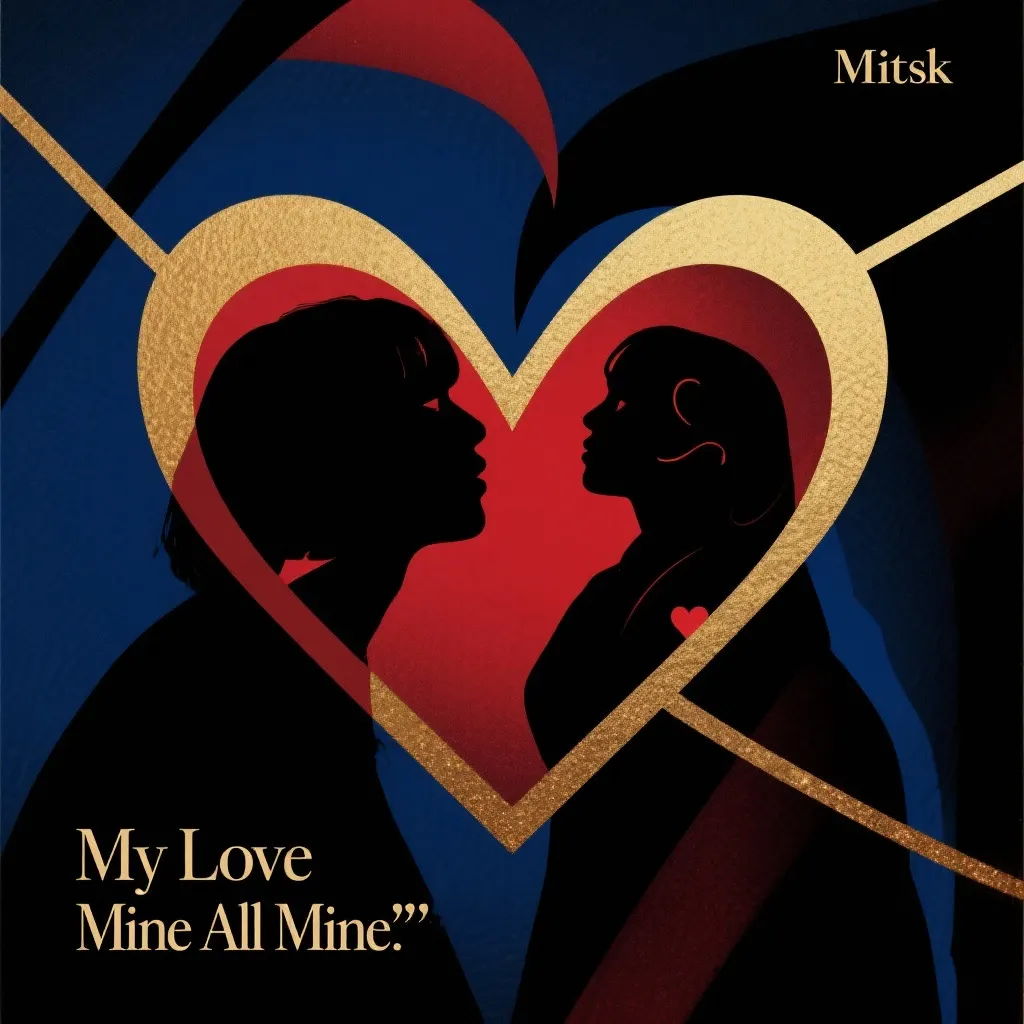
My Love Mine All Mine
Mitski
NormalFrequently Asked Questions
What is Roblox Piano Practice Online?
This is a free online tool that lets you practice Roblox virtual piano sheets in your browser. No downloads required - just pick a song and start practicing.
How do I use this online practice tool?
1. Select a song from the recommendations or use the search function. 2. Click play and the sheet will auto-scroll with highlighted notes. 3. Watch the virtual piano keyboard for highlighted keys and practice along. 4. Use speed control to slow down playback - perfect for beginners.
Can I play using my keyboard?
Yes! The virtual piano supports computer keyboard input. The keys correspond to the standard Roblox piano layout (1234567890qwerty...). You can practice on your keyboard while following the sheet.
What does the Transpose feature do?
Transpose raises or lowers the pitch of the sheet. Some Roblox piano games have different default tunings, so transpose helps match the correct pitch. Usually adjusting by +12 or -12 semitones works.
Does this tool work on mobile?
Yes, but desktop provides the best experience. On mobile you can view the sheet and virtual piano demo, but keyboard input requires a computer. We recommend using a desktop for the best practice experience.
How do I find sheets suitable for my level?
Below you'll find recommendations sorted by difficulty: Easy for beginners, Normal for intermediate players, and Hard/Expert for advanced challenges. You can also use the search function to find songs by title or artist.