
Roblox Piano Practice Online
Loading piano...
Practice Guide
Quick guide on how to use the online piano practice tool.
What is this?
This tool allows you to practice playing virtual piano sheets directly in your browser. It simulates a piano keyboard and helps you learn the notes and rhythm before playing in Roblox.
How to Practice Online
Use your computer keyboard or mouse to play the virtual piano keys directly. As the sheet music plays, the corresponding keys on the virtual piano will light up to help you follow along. You can also copy the sheet code to use directly in Roblox.
Discover Sheets
Random Shuffle: Click the Shuffle button in the center of the top control bar to instantly load a random new song without reloading the page.
Search: Click the Search button next to Shuffle to open the search window. Type a song title or artist name to quickly find and switch to the sheet you want to practice.
Playback Controls
- Play/Pause: Start or stop playback.
- 1xSpeed: Adjust tempo (0.5x - 2.0x).
- KTranspose: Shift the pitch up or down.
- SSustain: Toggle sustain pedal effect.
Easy Mode

Easy
Nice To Know - BFDIA 19 Cake At Stake Intro
BFDIA 19

Easy
Mist
EsDeeKid

Easy
Sleeping City Funk
Emotional Recycling Bin

Easy
Pimp Hoe
Mike Sherm

Easy
Harvey
Alex G

Easy
Immortal
Playboi Carti

Easy
If You Love These People (Man of Steel)
Hans Zimmer

Easy
Cupid (Twin Version)
Fifty Fifty

Easy
Balcony
Cave Story

Easy
Gravity Falls Main Title Theme
Brad Breeck
Normal Mode
Normal
Days Gone
Nathan Whitehead
Normal
Self Aware
Temper City
Normal
Kimi Dake O Mamoritai (Ultraman Dyna Ending)
Takeshi Tsuruno
Normal
Waltz of Lovers No.1
Егор Юрий
Normal
Young Girl A
siinamota
Normal
Carol of the Bells (From "Home Alone")
John Williams
Normal
Into the Infinity Castle (From "Demon Slayer")
Jimmy's Atelier
Normal
Formidable
Stromae
Normal
Reckless
Madison Beer
Normal
Who Do You Love?
YG
Hard Mode
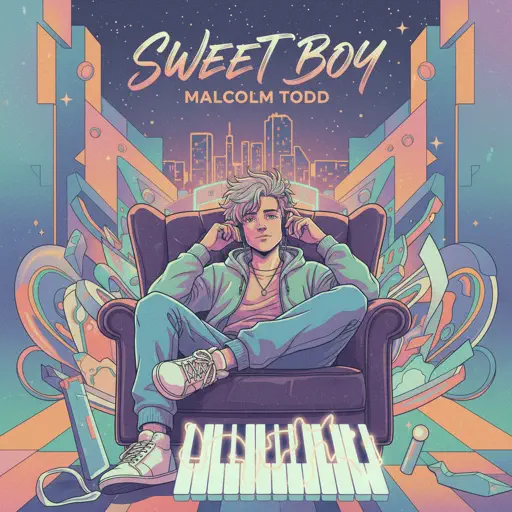
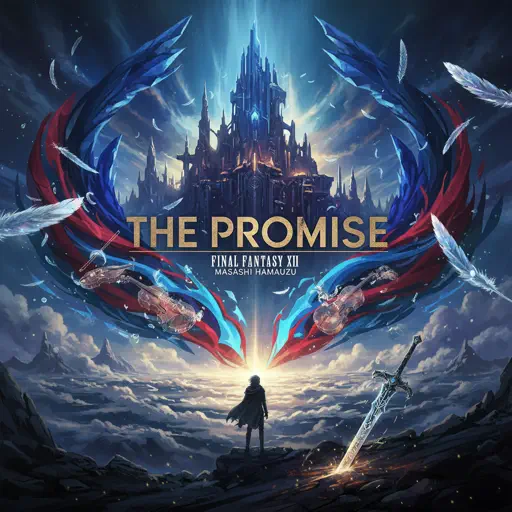


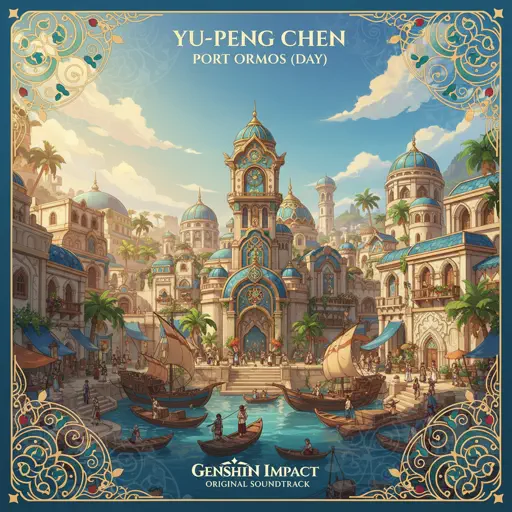
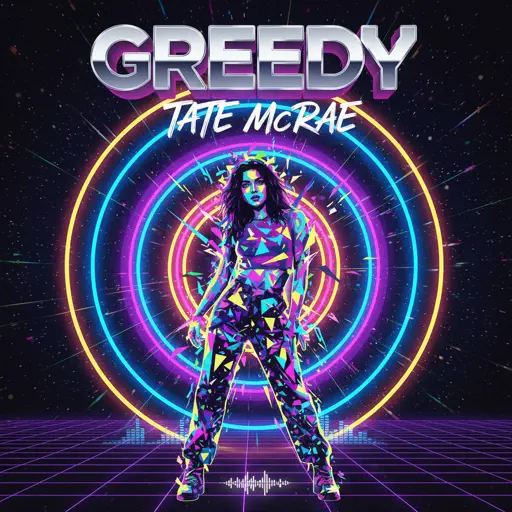

Recommended Sheets

We Are! - ウィーアー! - One Piece
Hiroshi Kitadani
Hard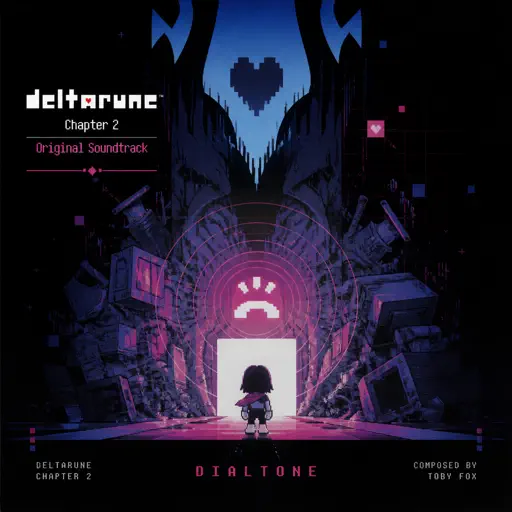
Dialtone - Deltarune Chapter 2 OST
Toby Fox
Normal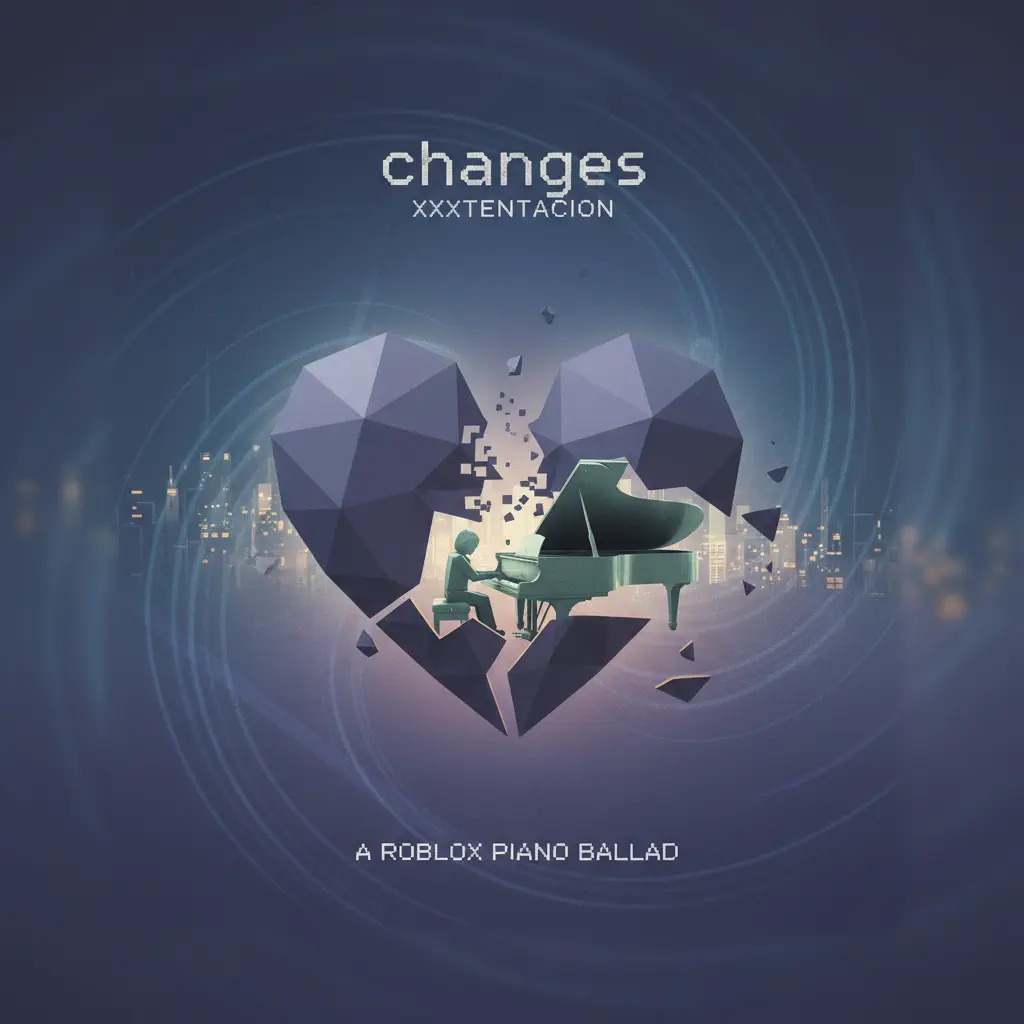
changes
XXXTENTACION
Normal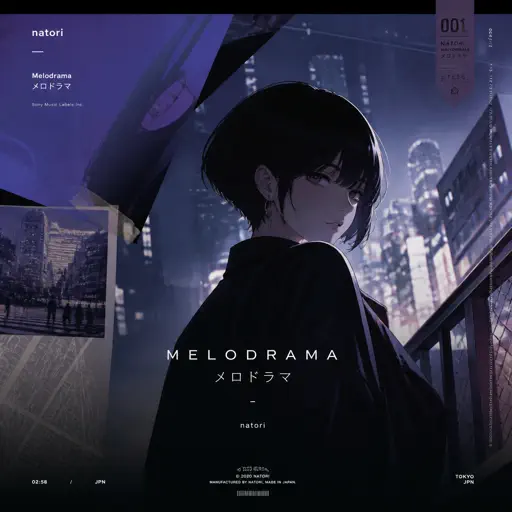
Melodrama
natori
Normal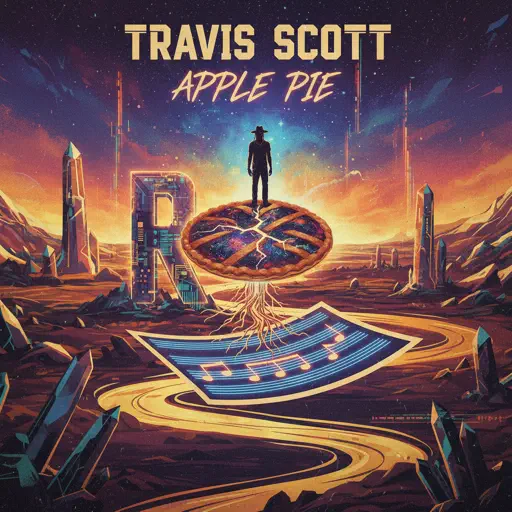
Apple Pie
Travis Scott
Normal
Lover Girl
Laufey
Hard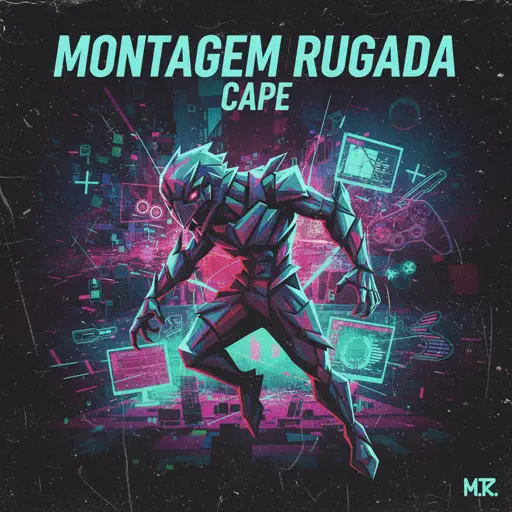
MONTAGEM RUGADA
cape
Hard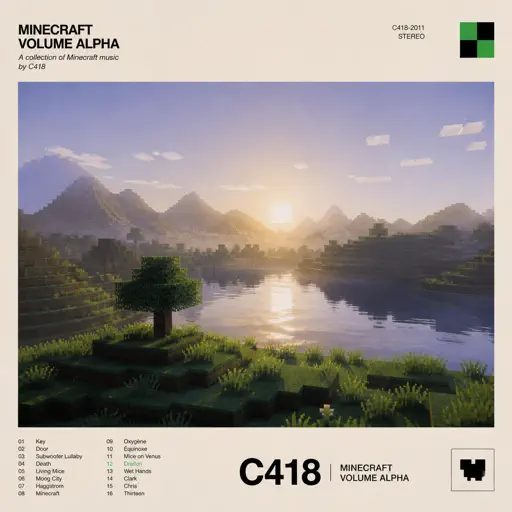
Dreiton
C418
Normal
Initial D First Stage Sound - Admiration
Initial D
Normal
LUNCH
Billie Eilish
Normal
Once Upon a Time
Toby Fox
Normal
Secret Door
Arctic Monkeys
Normal
I Really want to stay at your house (Cyberpunk: Edgerunners)
Rosa Walton
Hard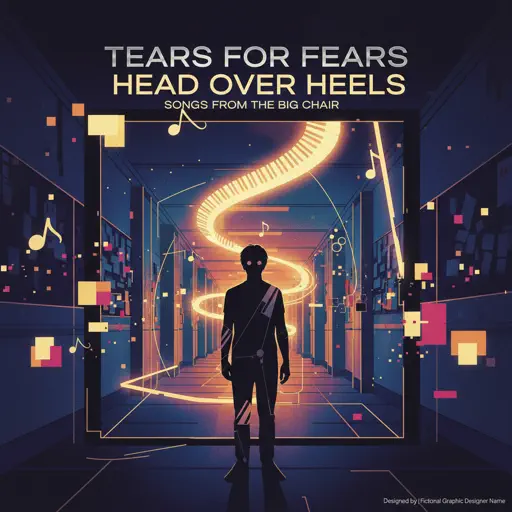
Head Over Heels
Tears For Fears
Hard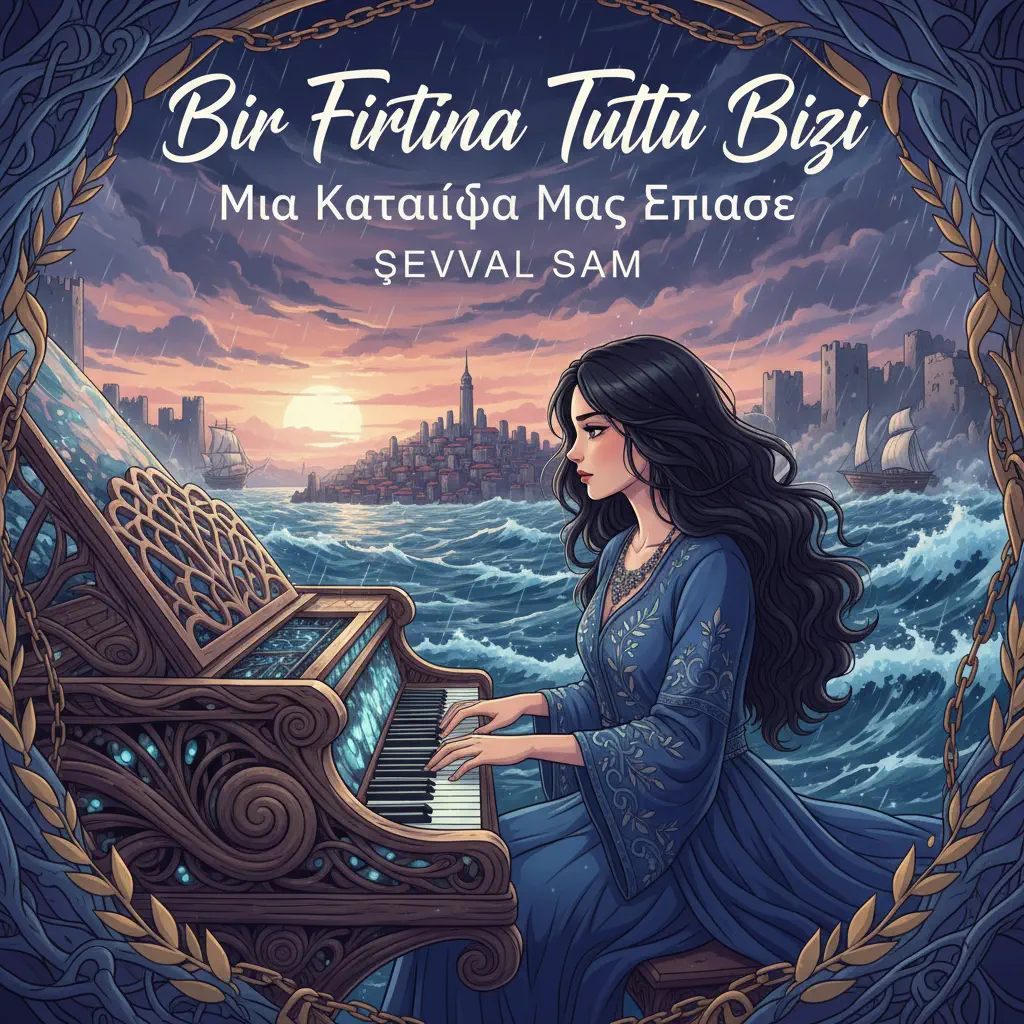
Bir Fırtına Tuttu Bizi (Selanik Türküsü)
Şevval Sam
Normal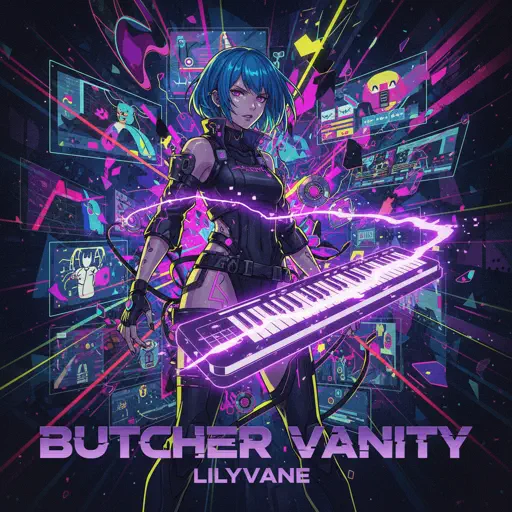
Butcher Vanity
Vane Lily
Normal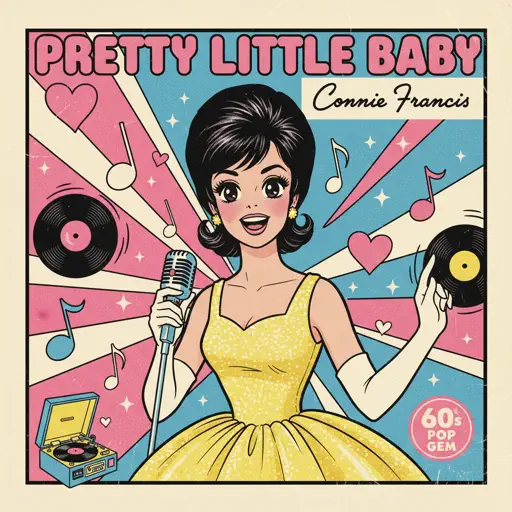
Pretty Little Baby
Connie Francis
Hard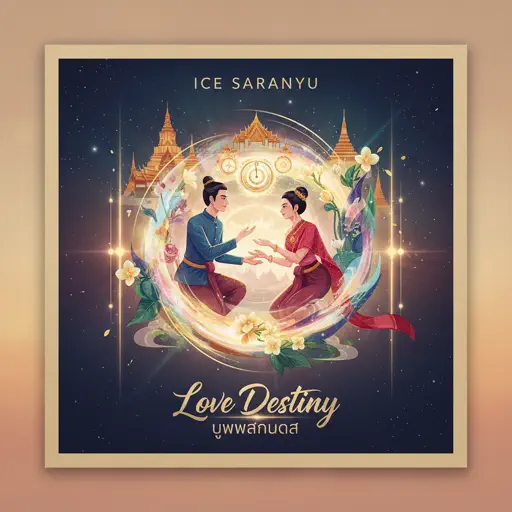
Love Destiny
Ice Saranyu
Normal
Hotel California
Eagles
Hard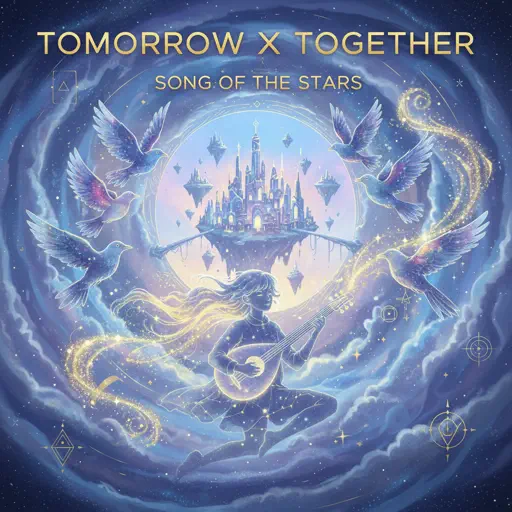
Song of the Stars
TOMORROW X TOGETHER
HardFrequently Asked Questions
What is Roblox Piano Practice Online?
This is a free online tool that lets you practice Roblox virtual piano sheets in your browser. No downloads required - just pick a song and start practicing.
How do I use this online practice tool?
1. Select a song from the recommendations or use the search function. 2. Click play and the sheet will auto-scroll with highlighted notes. 3. Watch the virtual piano keyboard for highlighted keys and practice along. 4. Use speed control to slow down playback - perfect for beginners.
Can I play using my keyboard?
Yes! The virtual piano supports computer keyboard input. The keys correspond to the standard Roblox piano layout (1234567890qwerty...). You can practice on your keyboard while following the sheet.
What does the Transpose feature do?
Transpose raises or lowers the pitch of the sheet. Some Roblox piano games have different default tunings, so transpose helps match the correct pitch. Usually adjusting by +12 or -12 semitones works.
Does this tool work on mobile?
Yes, but desktop provides the best experience. On mobile you can view the sheet and virtual piano demo, but keyboard input requires a computer. We recommend using a desktop for the best practice experience.
How do I find sheets suitable for my level?
Below you'll find recommendations sorted by difficulty: Easy for beginners, Normal for intermediate players, and Hard/Expert for advanced challenges. You can also use the search function to find songs by title or artist.