
Roblox Piano Practice Online
Loading piano...
Practice Guide
Quick guide on how to use the online piano practice tool.
What is this?
This tool allows you to practice playing virtual piano sheets directly in your browser. It simulates a piano keyboard and helps you learn the notes and rhythm before playing in Roblox.
How to Practice Online
Use your computer keyboard or mouse to play the virtual piano keys directly. As the sheet music plays, the corresponding keys on the virtual piano will light up to help you follow along. You can also copy the sheet code to use directly in Roblox.
Discover Sheets
Random Shuffle: Click the Shuffle button in the center of the top control bar to instantly load a random new song without reloading the page.
Search: Click the Search button next to Shuffle to open the search window. Type a song title or artist name to quickly find and switch to the sheet you want to practice.
Playback Controls
- Play/Pause: Start or stop playback.
- 1xSpeed: Adjust tempo (0.5x - 2.0x).
- KTranspose: Shift the pitch up or down.
- SSustain: Toggle sustain pedal effect.
Easy Mode










Normal Mode
Normal
Song of Healing (From The Legend of Zelda: Majora's Mask)
Koji Kondo
Normal
Turning Page
Sleeping At Last
Normal
If I Ain't Got You
Alicia Keys
Normal
Clash Royale Intro Sound
Supercell
Normal
The Lost Soul Down
NBSPLV
Normal
Meaningful Love
Silo
Normal
Ecstacy
SUICIDAL-IDOL

Normal
Hotaru no Hikari
Naruto Shippuden

Normal
Made In Japan
Buck Owens

Normal
Vết Mưa
Vũ Cát Tường
Hard Mode

Hard
Cinnamon Girl
Lana Del Rey
Hard
Dreams Come True
aespa
Hard
Lag Train
Inabakumori
Hard
LEMONADE
Forrest Frank
Hard
Wish
Trippie Redd
Hard
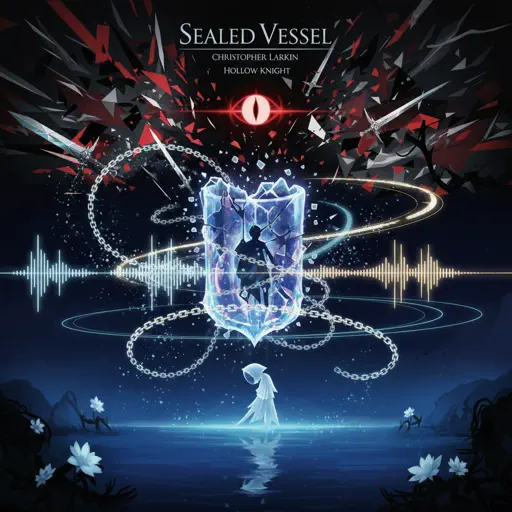
Sealed Vessel - Hollow Knight
Christopher Larkin

Hard
Racing Into The Night
YOASOBI
Hard
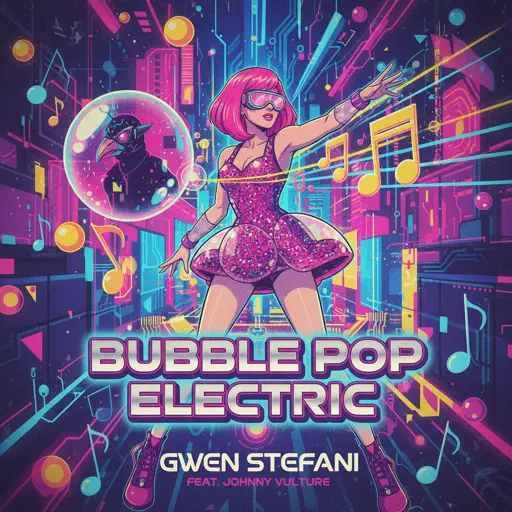
Bubble Pop Electric
Gwen Stefani
Hard
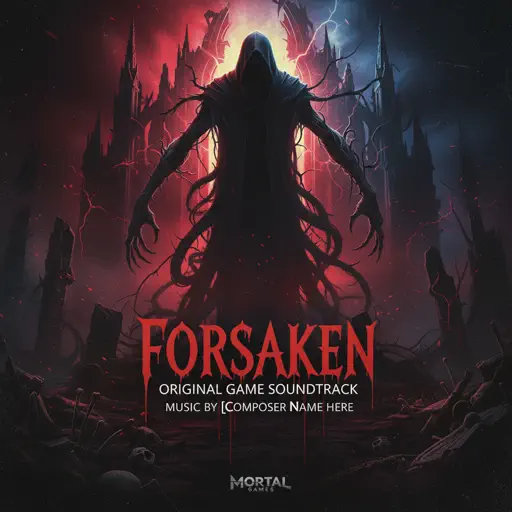
Famine (Pursuer Jason)
FORSAKEN OST
Hard
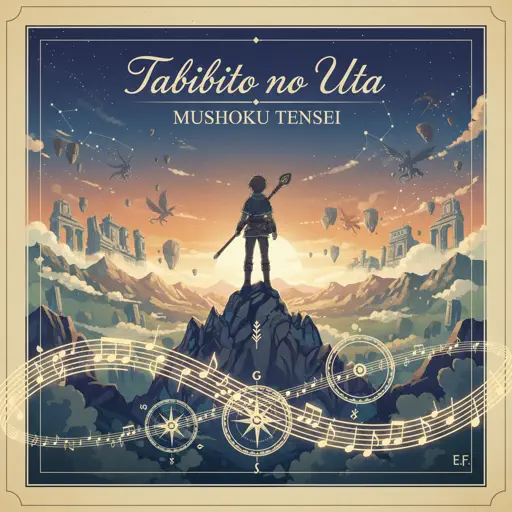
Tabibito no Uta - Jobless Reincarnation
Mushoku Tensei
Recommended Sheets
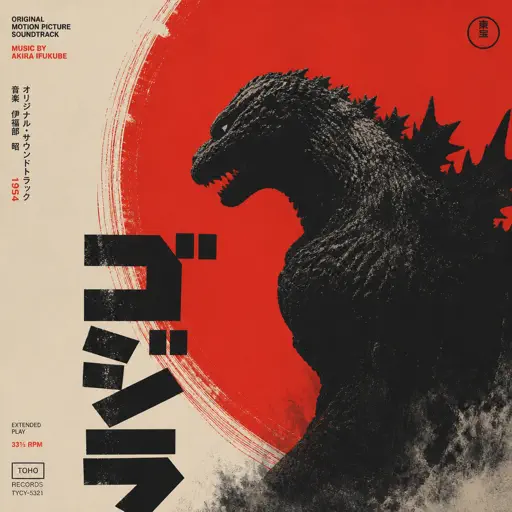
Godzilla Theme
Akira Ifukube
Normal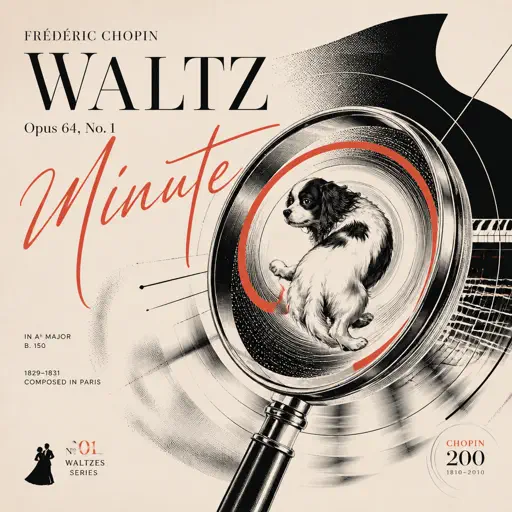
Chopin Minute Waltz - Waltz Opus 64, No. 1
Frédéric Chopin
Hard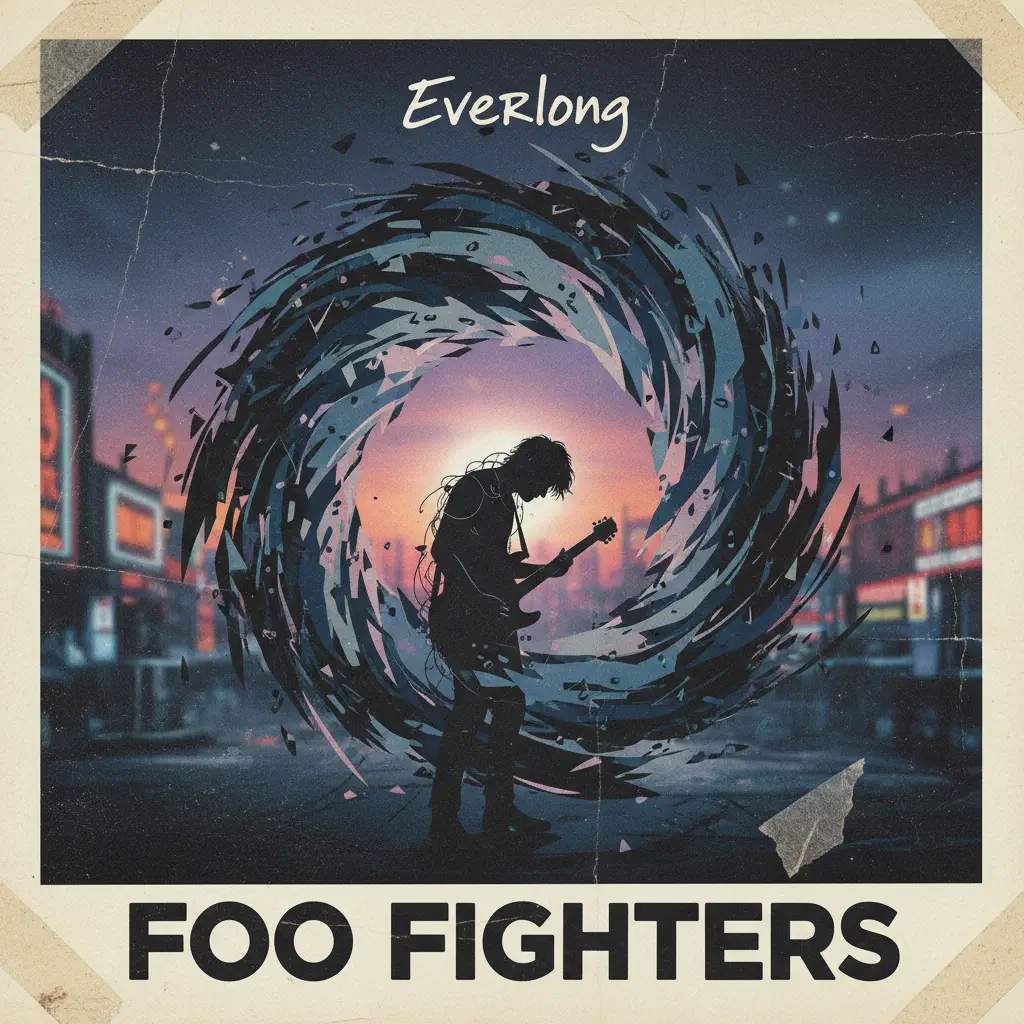
Everlong
Foo Fighters
Hard
Kimetsu no Yaiba OP - 紅蓮華
LiSA
Normal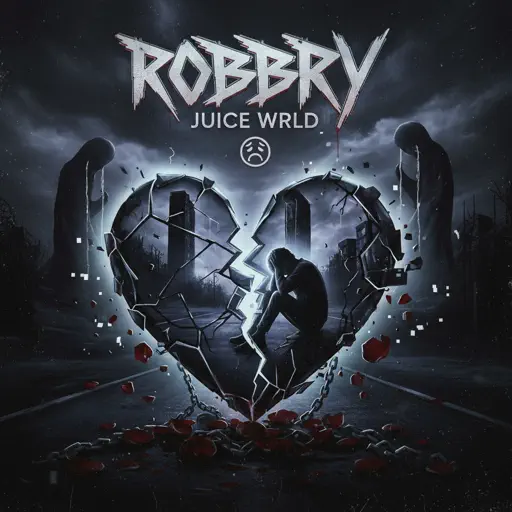
Robbery
Juice WRLD
Normal
Party Tonight - Mordecai And The Rigbys (From "Regular Show")
I am Justice
Hard
The Amazing Digital Circus Main Theme
Gooseworx
Normal
Shiawase (VIP)
Dion Timmer
Hard
LUNCH
Billie Eilish
Normal
OG - untitled tag game ost
untitled tag game
Hard
Disassembly Required (Murder Drones)
Liam Vickers
Normal
Aria Math
C418 (Minecraft)
Normal
SPAGHETTI
LE SSERAFIM
Normal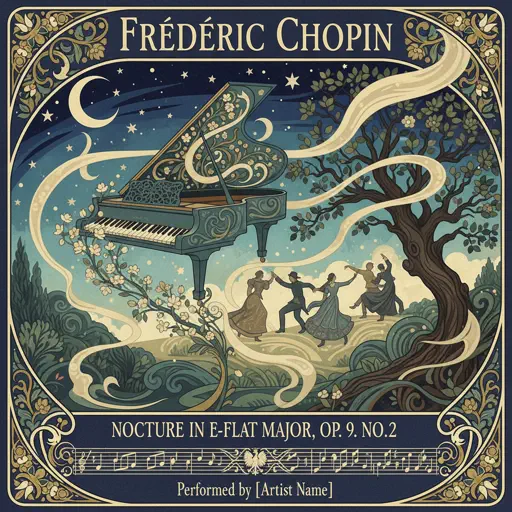
Nocturne in E-Flat Major, Op. 9, No. 2
Frédéric Chopin
Normal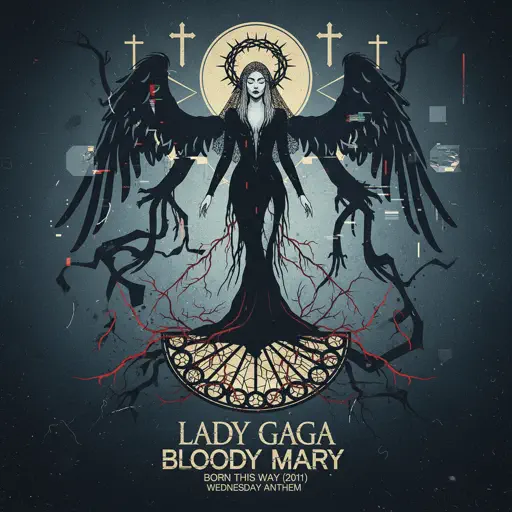
Bloody Mary
Lady Gaga
Normal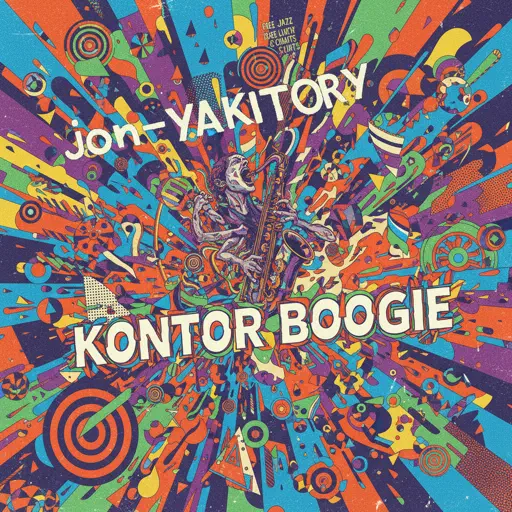
Konton Boogie
jon-YAKITORY
Hard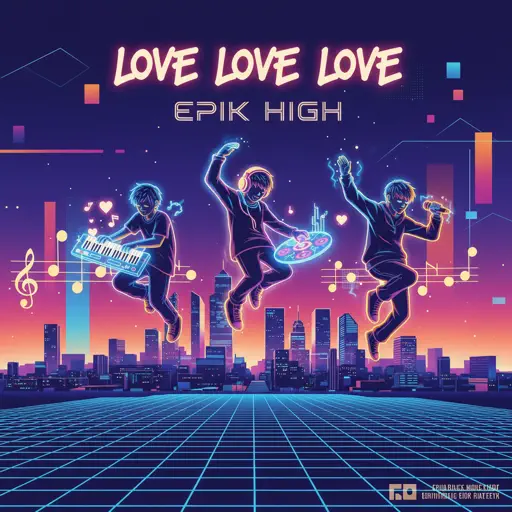
Love Love Love
Epik High
Hard
Megalo Strike Back
Toby Fox
Normal
Stick Season
Noah Kahan
NormalClash Royale Intro Sound
Supercell
NormalFrequently Asked Questions
What is Roblox Piano Practice Online?
This is a free online tool that lets you practice Roblox virtual piano sheets in your browser. No downloads required - just pick a song and start practicing.
How do I use this online practice tool?
1. Select a song from the recommendations or use the search function. 2. Click play and the sheet will auto-scroll with highlighted notes. 3. Watch the virtual piano keyboard for highlighted keys and practice along. 4. Use speed control to slow down playback - perfect for beginners.
Can I play using my keyboard?
Yes! The virtual piano supports computer keyboard input. The keys correspond to the standard Roblox piano layout (1234567890qwerty...). You can practice on your keyboard while following the sheet.
What does the Transpose feature do?
Transpose raises or lowers the pitch of the sheet. Some Roblox piano games have different default tunings, so transpose helps match the correct pitch. Usually adjusting by +12 or -12 semitones works.
Does this tool work on mobile?
Yes, but desktop provides the best experience. On mobile you can view the sheet and virtual piano demo, but keyboard input requires a computer. We recommend using a desktop for the best practice experience.
How do I find sheets suitable for my level?
Below you'll find recommendations sorted by difficulty: Easy for beginners, Normal for intermediate players, and Hard/Expert for advanced challenges. You can also use the search function to find songs by title or artist.