
Roblox Piano Practice Online
Loading piano...
Practice Guide
Quick guide on how to use the online piano practice tool.
What is this?
This tool allows you to practice playing virtual piano sheets directly in your browser. It simulates a piano keyboard and helps you learn the notes and rhythm before playing in Roblox.
How to Practice Online
Use your computer keyboard or mouse to play the virtual piano keys directly. As the sheet music plays, the corresponding keys on the virtual piano will light up to help you follow along. You can also copy the sheet code to use directly in Roblox.
Discover Sheets
Random Shuffle: Click the Shuffle button in the center of the top control bar to instantly load a random new song without reloading the page.
Search: Click the Search button next to Shuffle to open the search window. Type a song title or artist name to quickly find and switch to the sheet you want to practice.
Playback Controls
- Play/Pause: Start or stop playback.
- 1xSpeed: Adjust tempo (0.5x - 2.0x).
- KTranspose: Shift the pitch up or down.
- SSustain: Toggle sustain pedal effect.
Easy Mode

Easy
Immortal
Playboi Carti

Easy
Pimp Hoe
Mike Sherm

Easy
Mockingbird
Eminem

Easy
Cupid (Twin Version)
Fifty Fifty

Easy
Sleeping City Funk
Emotional Recycling Bin

Easy
If You Love These People (Man of Steel)
Hans Zimmer

Easy
Nice To Know - BFDIA 19 Cake At Stake Intro
BFDIA 19

Easy
Gravity Falls Main Title Theme
Brad Breeck

Easy
Mist
EsDeeKid

Easy
Where You Lead
Carole King
Normal Mode
Normal
Forever Young
Alphaville

Normal
DRAMA
G-DRAGON

Normal
A-Smallest (ONE OST)
Cheesy Hfj
Normal
I'm Blue (Da Ba Dee)
Eiffel 65

Normal
Gravity Falls Opening Theme
Brad Breeck

Normal
when the devil falls in love
Hakdo

Normal
L'amour Toujours
Gigi D'Agostino
Normal
SPECIALZ - Jujutsu Kaisen Season 2 OP 2
King Gnu
Normal
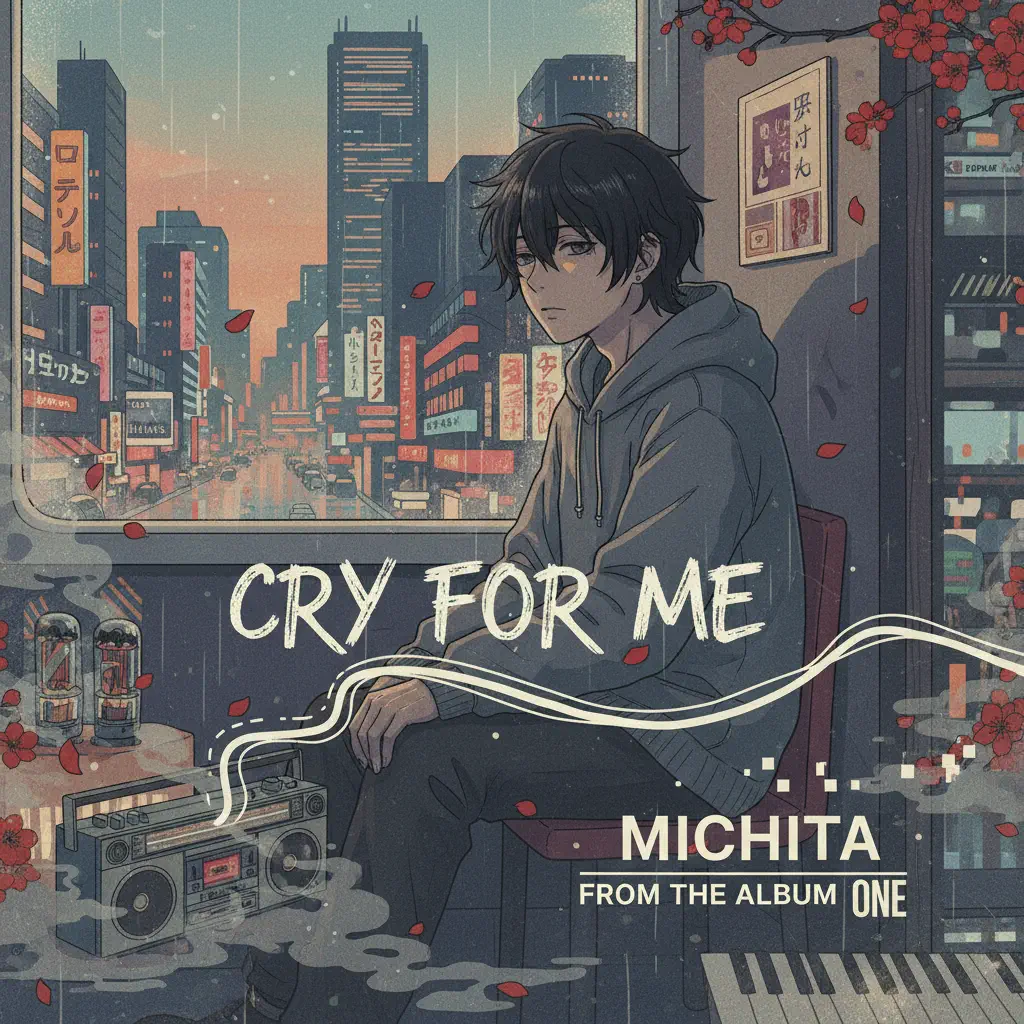
Cry For Me
Michita
Normal
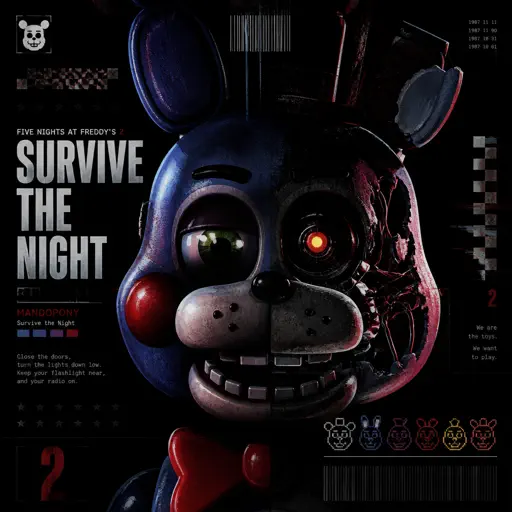
Survive the Night - Five Nights at Freddy's 2
MandoPony
Hard Mode
Hard
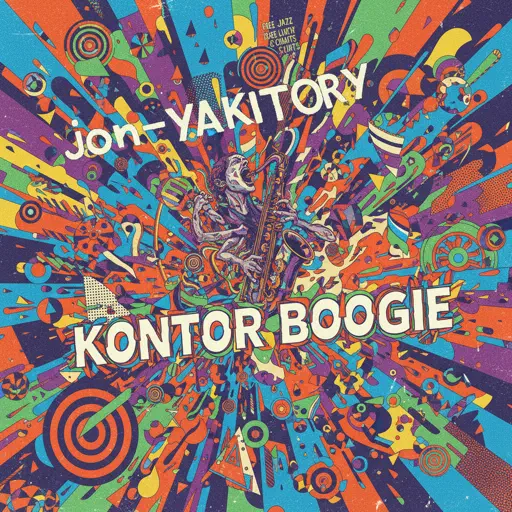
Konton Boogie
jon-YAKITORY
Hard
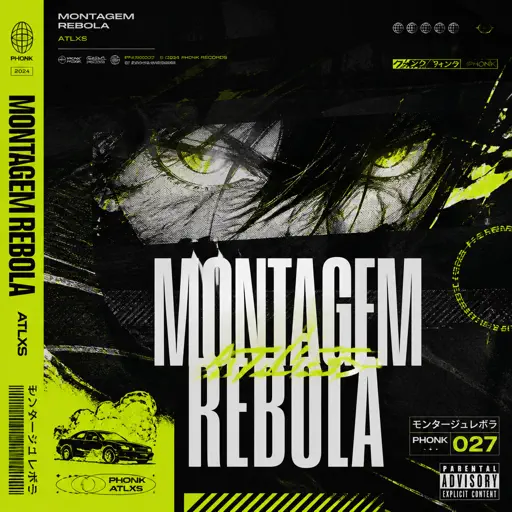
MONTAGEM REBOLA
ATLXS
Hard
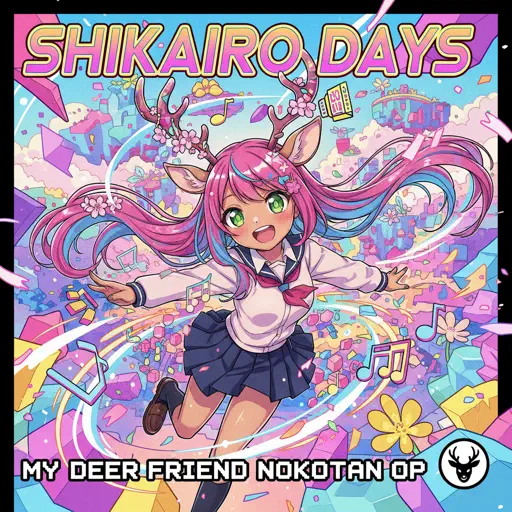
Shikairo Days/シカ色デイズ
My Deer Friend Nokotan OP
Hard
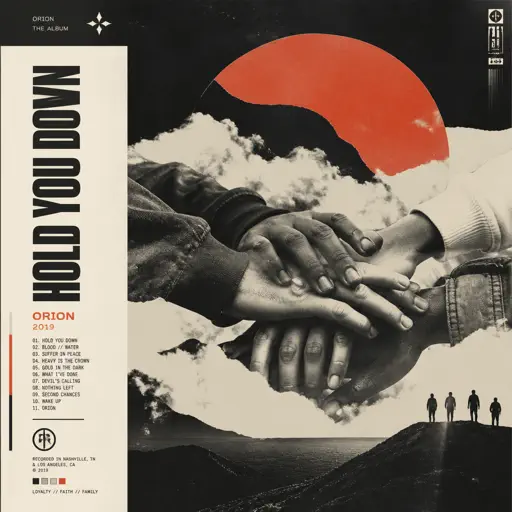
Hold You Down
X Ambassadors
Hard
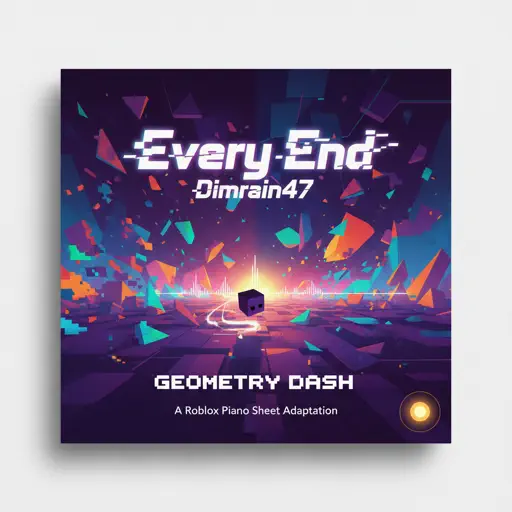
Every End - Geometry Dash
Dimrain47
Hard
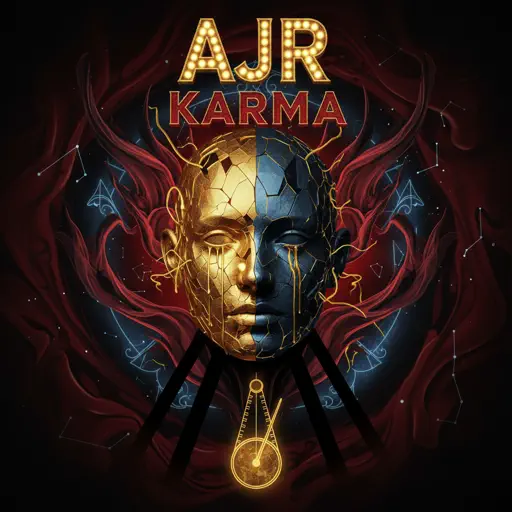
Karma
AJR
Hard
Animation Warrior Theme - Geometry Dash Orbit
Nighthawk22
Hard
Fly, My Wings - Limbus Company
Mili

Hard
Port Ormos (Day)
Yu-Peng Chen
Hard
Freedom Dive
XI
Recommended Sheets
Vampire
Olivia Rodrigo
Normal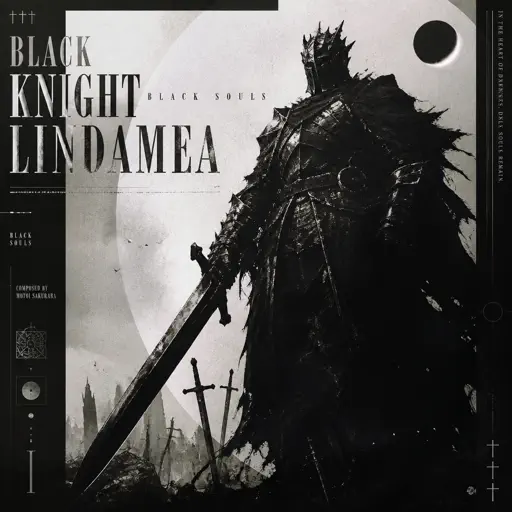
Black Knight Lindamea
Black Souls
Hard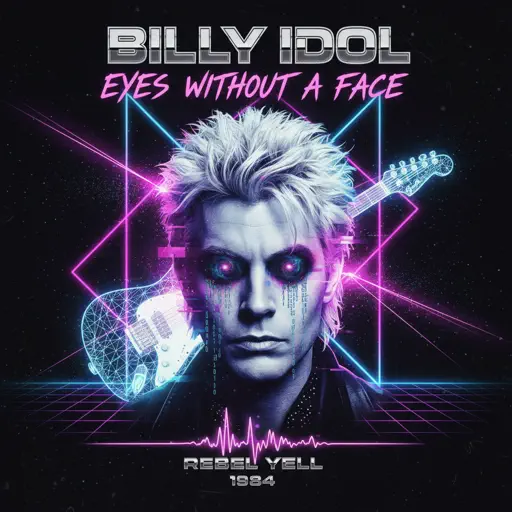
Eyes Without A Face
Billy Idol
Normal
Robbery
Juice WRLD
Normal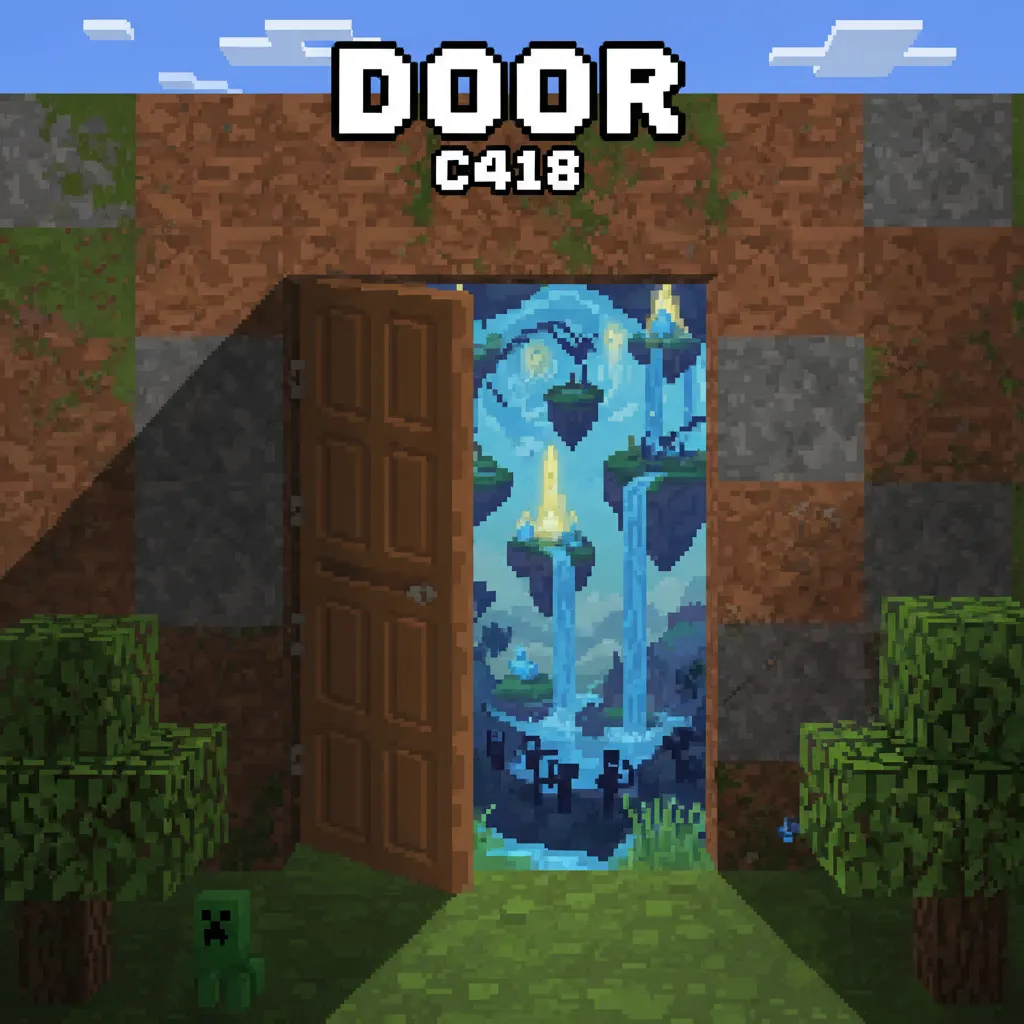
Door
C418 (Minecraft)
Normal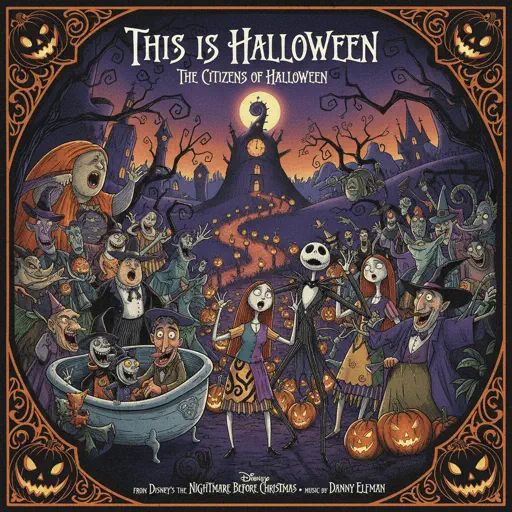
This Is Halloween
The Citizens of Halloween
Normal
Sóng Gió
Jack & K-ICM
Normal
Sparkle - From Your Name
RADWIMPS
Normal
Santeria
Sublime
Hard
Unravel (Tokyo Ghoul)
AmaLee
Normal
Electar - Rec Room
Gribbly
Normal
Wildberry Lillet
Nina Chuba
Hard
A Sky Full of Stars
Coldplay
Hard
Kaiju no Hanauta
Vaundy
Normal
Rush Piggies
Sheet Music Boss
Hard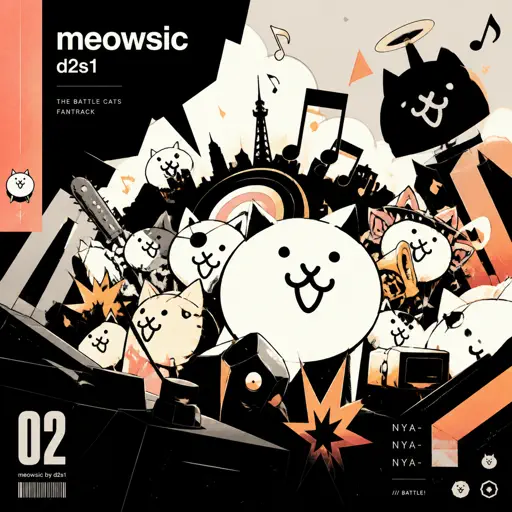
meowsic
d2s1
Normal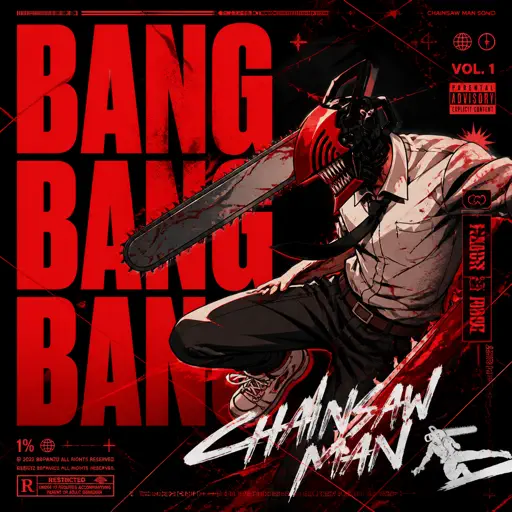
BANG BANG BANG - Chainsaw Man Song
BBpanzu
Normal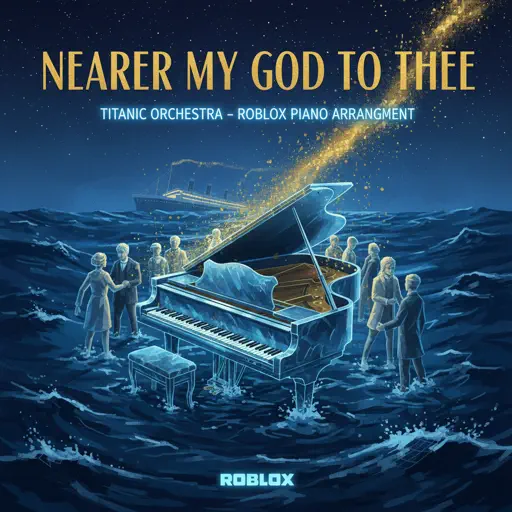
Nearer My God to Thee - Titanic's Last Scene
Titanic Orchestra
Normal
Kid Cudi
Playboi Carti
Normal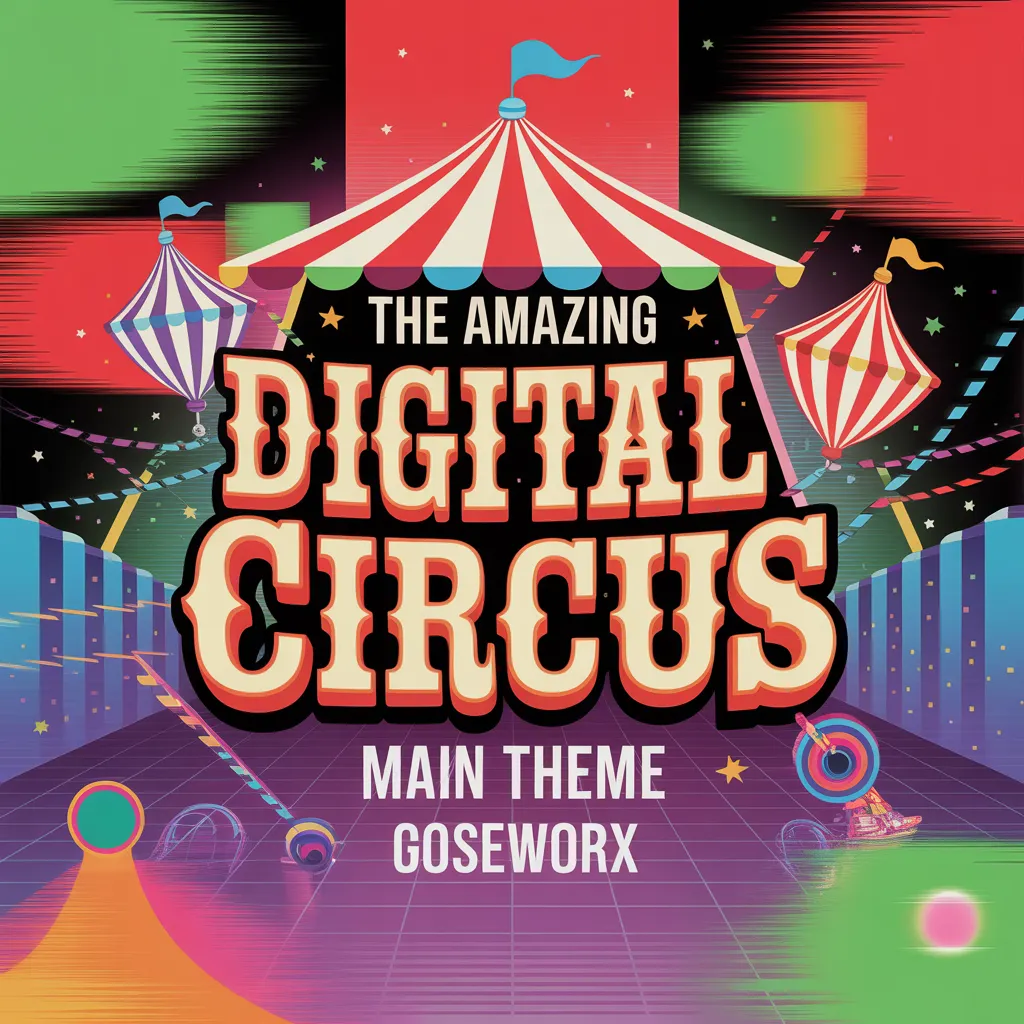
The Amazing Digital Circus Main Theme
Gooseworx
NormalFrequently Asked Questions
What is Roblox Piano Practice Online?
This is a free online tool that lets you practice Roblox virtual piano sheets in your browser. No downloads required - just pick a song and start practicing.
How do I use this online practice tool?
1. Select a song from the recommendations or use the search function. 2. Click play and the sheet will auto-scroll with highlighted notes. 3. Watch the virtual piano keyboard for highlighted keys and practice along. 4. Use speed control to slow down playback - perfect for beginners.
Can I play using my keyboard?
Yes! The virtual piano supports computer keyboard input. The keys correspond to the standard Roblox piano layout (1234567890qwerty...). You can practice on your keyboard while following the sheet.
What does the Transpose feature do?
Transpose raises or lowers the pitch of the sheet. Some Roblox piano games have different default tunings, so transpose helps match the correct pitch. Usually adjusting by +12 or -12 semitones works.
Does this tool work on mobile?
Yes, but desktop provides the best experience. On mobile you can view the sheet and virtual piano demo, but keyboard input requires a computer. We recommend using a desktop for the best practice experience.
How do I find sheets suitable for my level?
Below you'll find recommendations sorted by difficulty: Easy for beginners, Normal for intermediate players, and Hard/Expert for advanced challenges. You can also use the search function to find songs by title or artist.