
Roblox Piano Practice Online
Loading piano...
Practice Guide
Quick guide on how to use the online piano practice tool.
What is this?
This tool allows you to practice playing virtual piano sheets directly in your browser. It simulates a piano keyboard and helps you learn the notes and rhythm before playing in Roblox.
How to Practice Online
Use your computer keyboard or mouse to play the virtual piano keys directly. As the sheet music plays, the corresponding keys on the virtual piano will light up to help you follow along. You can also copy the sheet code to use directly in Roblox.
Discover Sheets
Random Shuffle: Click the Shuffle button in the center of the top control bar to instantly load a random new song without reloading the page.
Search: Click the Search button next to Shuffle to open the search window. Type a song title or artist name to quickly find and switch to the sheet you want to practice.
Playback Controls
- Play/Pause: Start or stop playback.
- 1xSpeed: Adjust tempo (0.5x - 2.0x).
- KTranspose: Shift the pitch up or down.
- SSustain: Toggle sustain pedal effect.
Easy Mode

Easy
Balcony
Cave Story

Easy
Fur Elise
Beethoven

Easy
LET ME SEE YA MOVE!
Lumi Athena

Easy
Mockingbird
Eminem

Easy
Cupid (Twin Version)
Fifty Fifty

Easy
Gravity Falls Main Title Theme
Brad Breeck

Easy
If You Love These People (Man of Steel)
Hans Zimmer

Easy
Immortal
Playboi Carti

Easy
Harvey
Alex G

Easy
Sleeping City Funk
Emotional Recycling Bin
Normal Mode
Normal
Sometimes
Mattyeux
Normal
Famous Prophets (Stars)
Car Seat Headrest
Normal
Hjerteknuser
Kaizers Orchestra
Normal
Howl's Moving Castle Theme
Joe Hisaishi
Normal
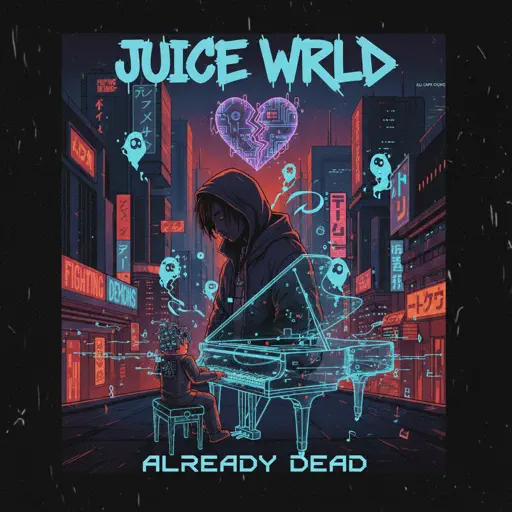
Already Dead
Juice WRLD
Normal
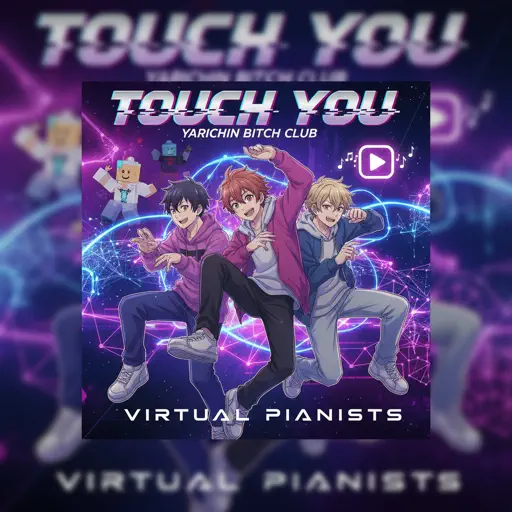
Touch You
Yarichin Bitch Club
Normal
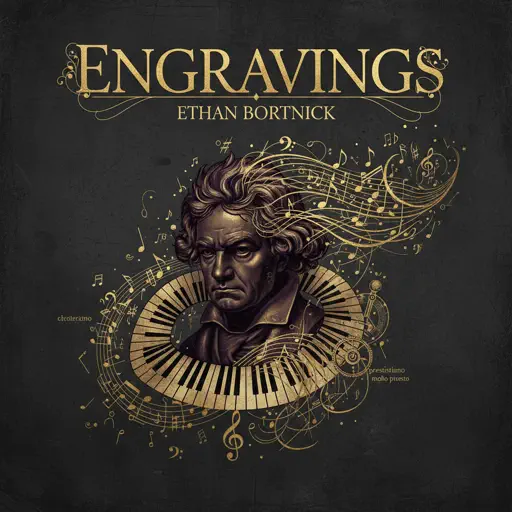
engravings
Ethan Bortnick

Normal
Gravity Falls Opening Theme
Brad Breeck
Normal
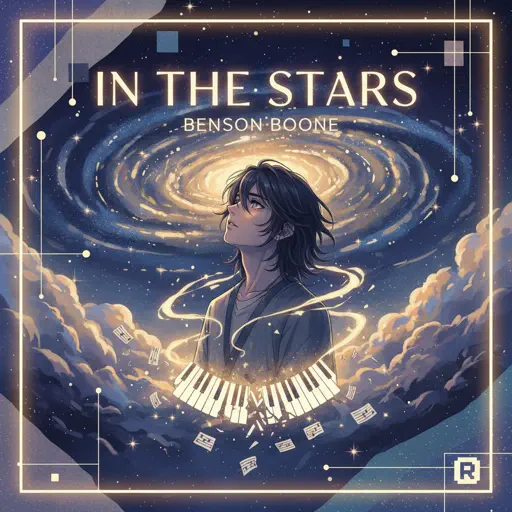
In The Stars
Benson Boone
Normal
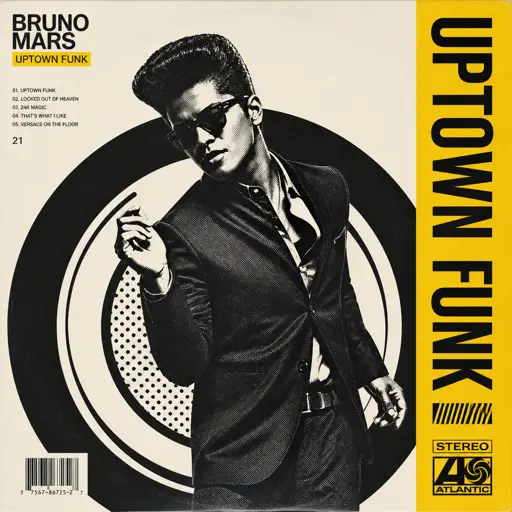
Uptown Funk
Bruno Mars
Hard Mode

Hard
Heart of Stone
Six the Musical
Hard
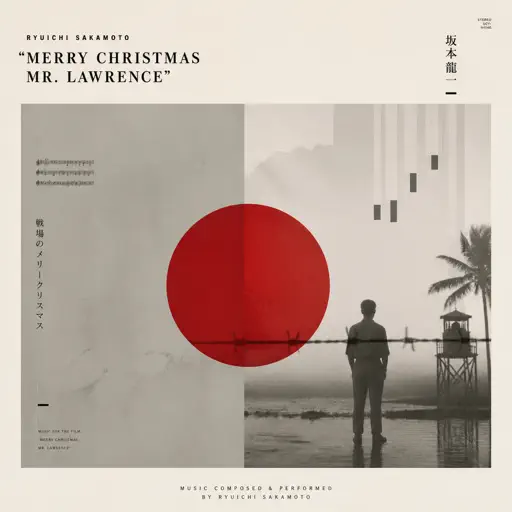
Merry Christmas Mr. Lawrence
Ryuichi Sakamoto
Hard
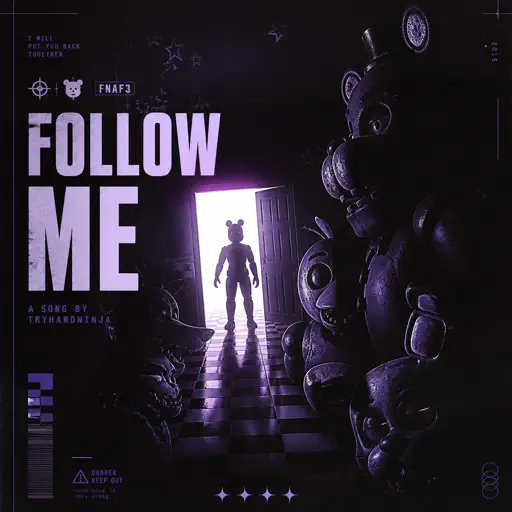
Follow Me (FNAF SONG)
Tryhardninja
Hard
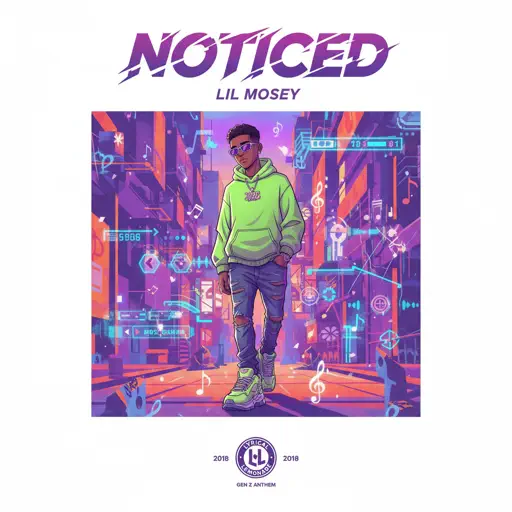
Noticed
Lil Mosey
Hard
Yellow
Coldplay
Hard
IFHY
Tyler, The Creator
Hard
Bad Apple!!
Masayoshi Minoshima
Hard
Dandelions
Ruth B.
Hard
Creep
Scott Bradlee's Postmodern Jukebox
Hard
Daylight
Shinedown
Recommended Sheets
My Confession - Doki Doki Literature Club
Dan Salvato
Normal
ALKA TALE - Summer Pockets
Konomi Suzuki
Normal
SWEET / I THOUGHT YOU WANTED TO DANCE
Tyler, The Creator
Hard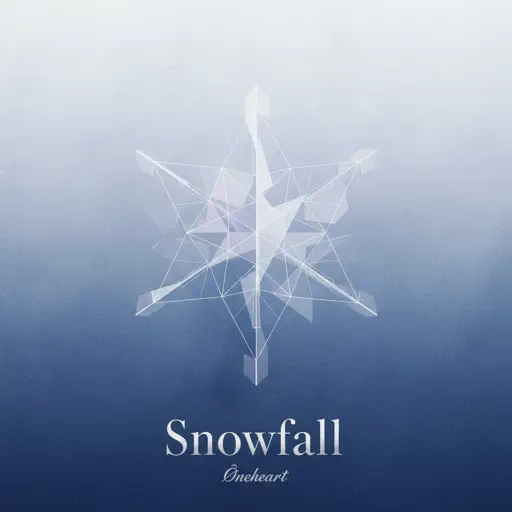
snowfall
Øneheart
Normal
Angel Of My Dreams
JADE
Normal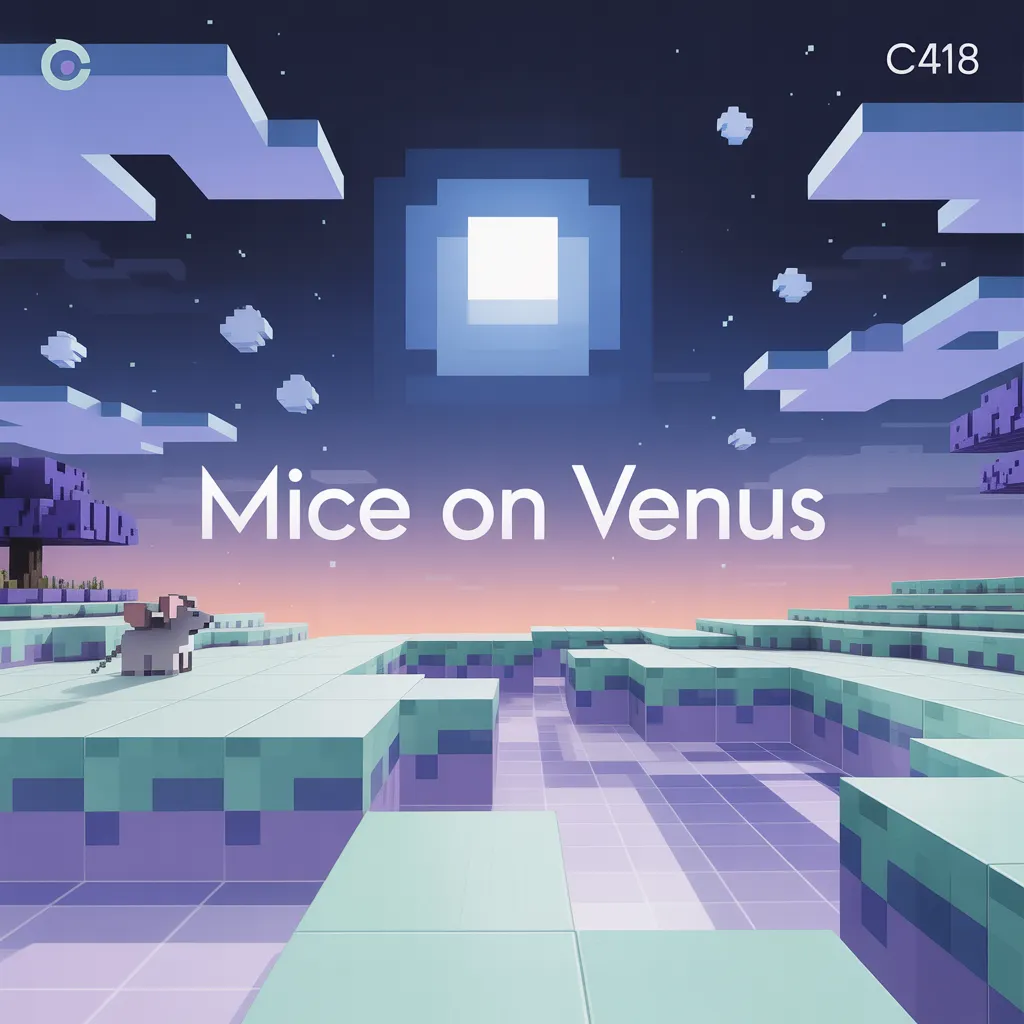
Mice on Venus
C418
Normal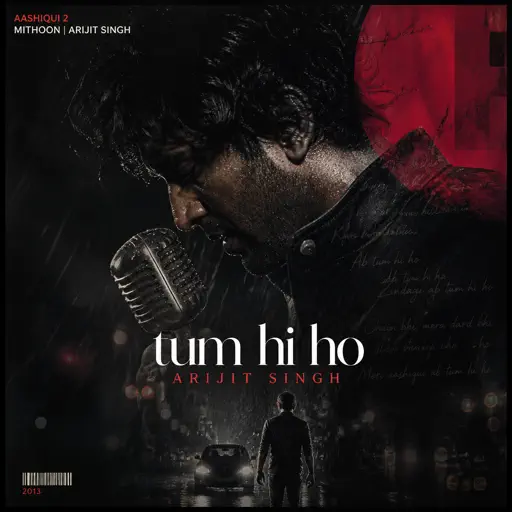
Tum Hi Ho
Arijit Singh
Normal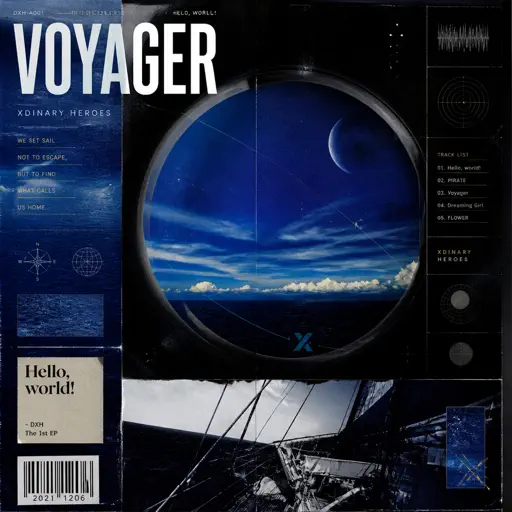
Voyager
Xdinary Heroes
Normal
Melancholy
Tiny Bunny
Normal
OG - untitled tag game ost
untitled tag game
Hard
Running the Show - The Amazing Digital Circus
John Michael Hopkins
Hard
Hey Kids
Molina
Normal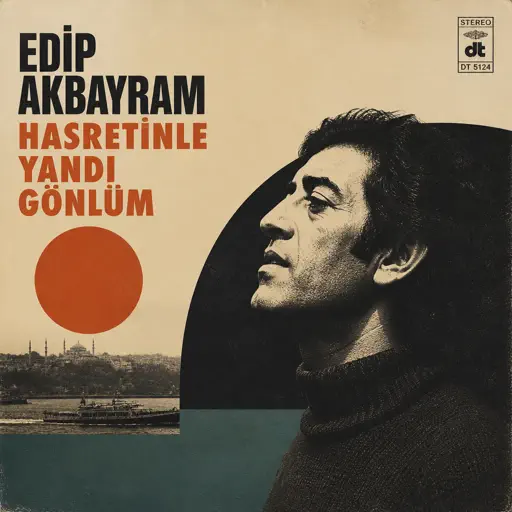
Hasretinle Yandı Gönlüm
Edip Akbayram
Normal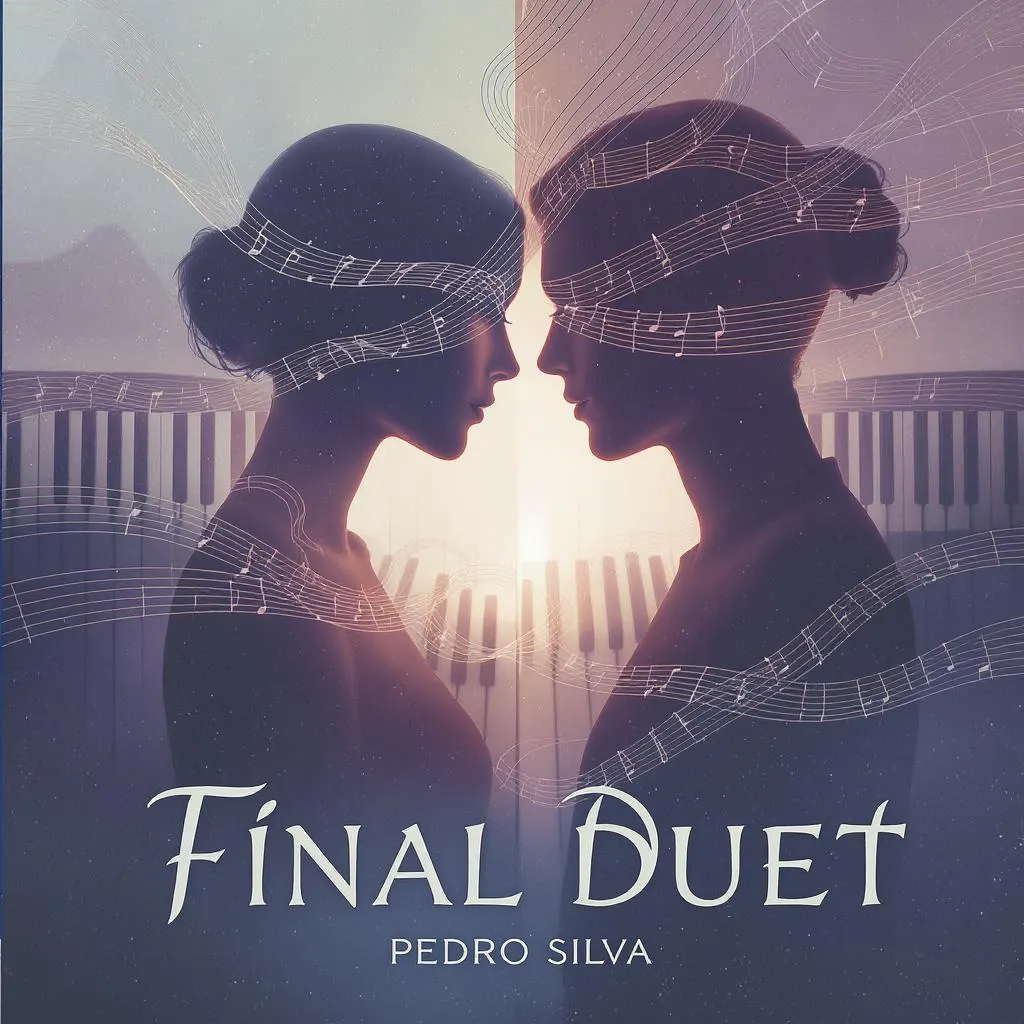
Final Duet (Omori)
Pedro Silva
Normal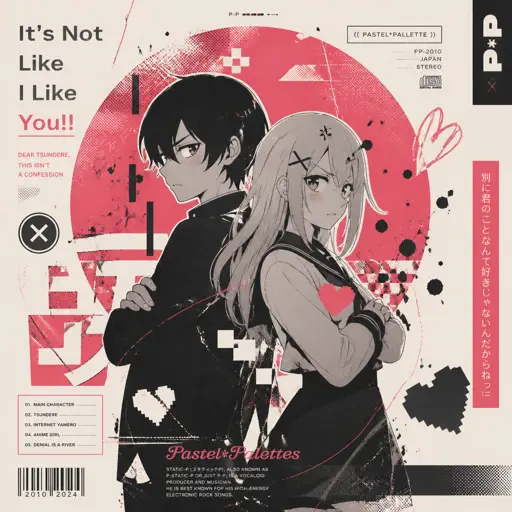
It's Not Like I Like You!!
Static-P
Normal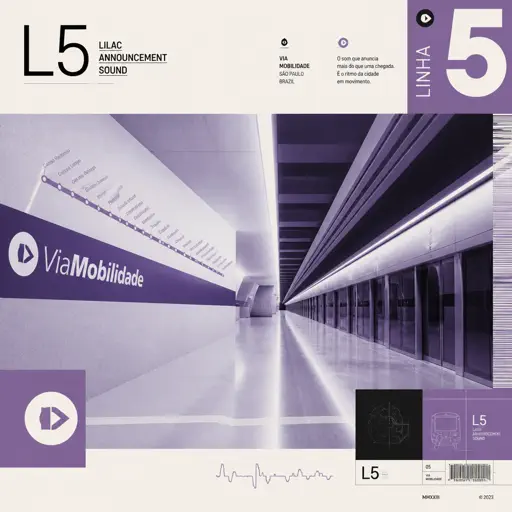
L5 - Lilac announcement sound
ViaMobilidade
NormalGravity Falls Main Title Theme
Brad Breeck
Easy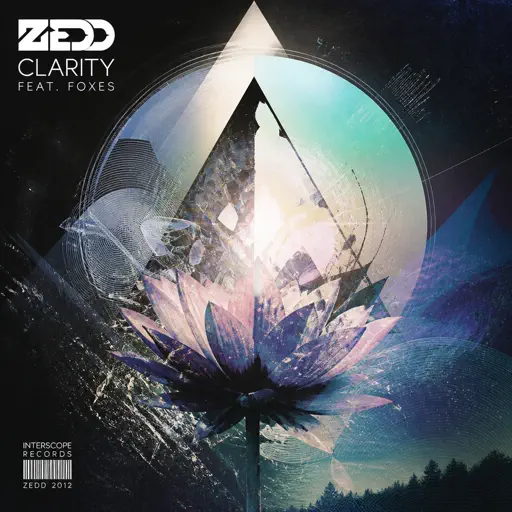
Clarity
Zedd
Normal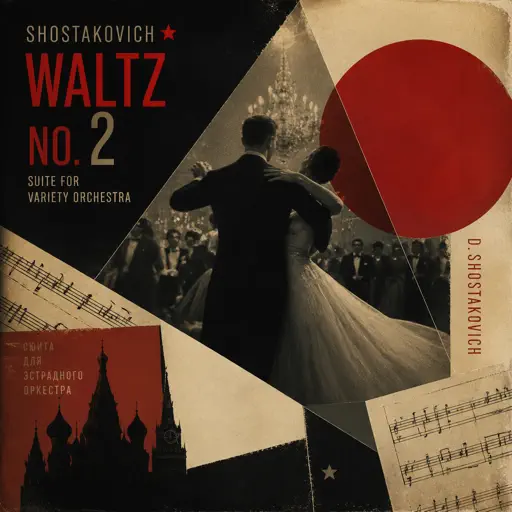
Waltz No.2
Dmitri Shostakovich
Hard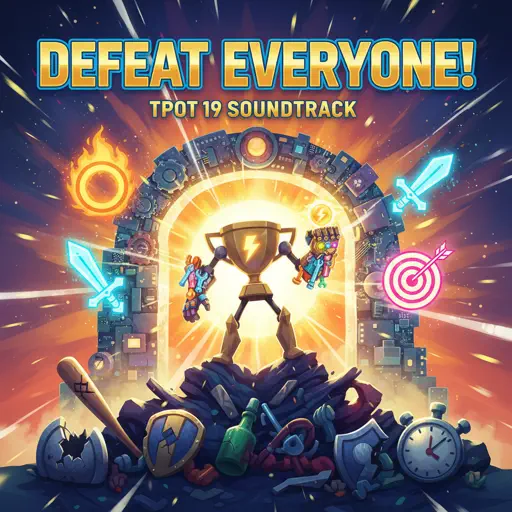
Defeat Everyone! - TPOT 19 Soundtrack
Ian Woodside
HardFrequently Asked Questions
What is Roblox Piano Practice Online?
This is a free online tool that lets you practice Roblox virtual piano sheets in your browser. No downloads required - just pick a song and start practicing.
How do I use this online practice tool?
1. Select a song from the recommendations or use the search function. 2. Click play and the sheet will auto-scroll with highlighted notes. 3. Watch the virtual piano keyboard for highlighted keys and practice along. 4. Use speed control to slow down playback - perfect for beginners.
Can I play using my keyboard?
Yes! The virtual piano supports computer keyboard input. The keys correspond to the standard Roblox piano layout (1234567890qwerty...). You can practice on your keyboard while following the sheet.
What does the Transpose feature do?
Transpose raises or lowers the pitch of the sheet. Some Roblox piano games have different default tunings, so transpose helps match the correct pitch. Usually adjusting by +12 or -12 semitones works.
Does this tool work on mobile?
Yes, but desktop provides the best experience. On mobile you can view the sheet and virtual piano demo, but keyboard input requires a computer. We recommend using a desktop for the best practice experience.
How do I find sheets suitable for my level?
Below you'll find recommendations sorted by difficulty: Easy for beginners, Normal for intermediate players, and Hard/Expert for advanced challenges. You can also use the search function to find songs by title or artist.