
Roblox Piano Practice Online
Loading piano...
Practice Guide
Quick guide on how to use the online piano practice tool.
What is this?
This tool allows you to practice playing virtual piano sheets directly in your browser. It simulates a piano keyboard and helps you learn the notes and rhythm before playing in Roblox.
How to Practice Online
Use your computer keyboard or mouse to play the virtual piano keys directly. As the sheet music plays, the corresponding keys on the virtual piano will light up to help you follow along. You can also copy the sheet code to use directly in Roblox.
Discover Sheets
Random Shuffle: Click the Shuffle button in the center of the top control bar to instantly load a random new song without reloading the page.
Search: Click the Search button next to Shuffle to open the search window. Type a song title or artist name to quickly find and switch to the sheet you want to practice.
Playback Controls
- Play/Pause: Start or stop playback.
- 1xSpeed: Adjust tempo (0.5x - 2.0x).
- KTranspose: Shift the pitch up or down.
- SSustain: Toggle sustain pedal effect.
Easy Mode

Easy
If You Love These People (Man of Steel)
Hans Zimmer

Easy
Fur Elise
Beethoven

Easy
Harvey
Alex G

Easy
Pimp Hoe
Mike Sherm

Easy
Mockingbird
Eminem

Easy
Balcony
Cave Story

Easy
Gravity Falls Main Title Theme
Brad Breeck

Easy
Sleeping City Funk
Emotional Recycling Bin

Easy
Where You Lead
Carole King

Easy
LET ME SEE YA MOVE!
Lumi Athena
Normal Mode
Normal
Buông Đôi Tay Nhau Ra
Sơn Tùng M-TP
Normal
Vogel Im Kafig - Attack on Titan
Sawano Hiroyuki
Normal
Tum Hi Ho
Arijit Singh
Normal
Drowning Love
Chasing Kou
Normal
Morning Mood
Edvard Grieg
Normal
Oscillation - Deepwoken OST
Naktigonis
Normal
BEASTARS -wolf and rabbit-
Satoru Kōsaki
Normal
Champagne Coast
Blood Orange
Normal
Quelqu'un de bien
Livaï
Normal
JUDAS x GOJO vs SUKUNA
Lady Gaga
Hard Mode

Recommended Sheets
Aruarian Dance
Nujabes
Normal
One Way!
Autumn!
Normal
Ditto
NewJeans
Hard
Party Tonight - Mordecai And The Rigbys (From "Regular Show")
I am Justice
Hard
Sóng Gió
Jack & K-ICM
Normal
Date - Your Name (君の名は)
RADWIMPS
Normal
We Are! - ウィーアー! - One Piece
Hiroshi Kitadani
Hard
Kamado Tanjirou no Uta (竈門炭治郎のうた) - Demon Slayer
Go Shiina
Normal
Chiquitita
ABBA
Hard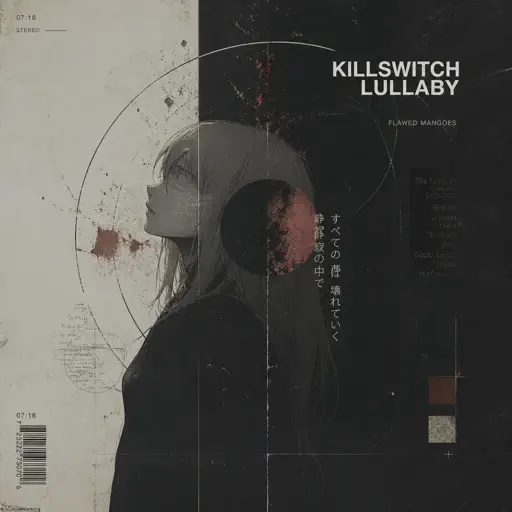
Killswitch Lullaby
Flawed Mangoes
Normal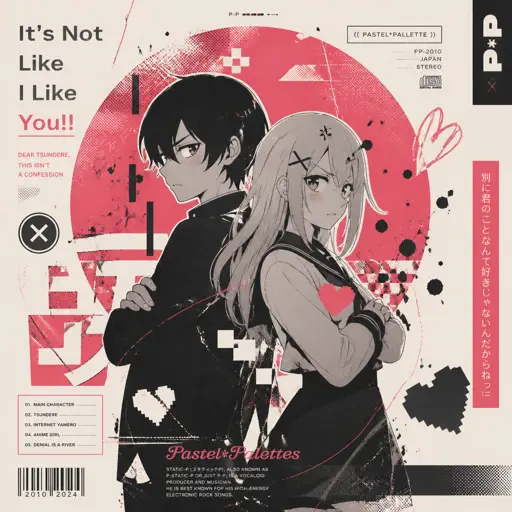
It's Not Like I Like You!!
Static-P
Normal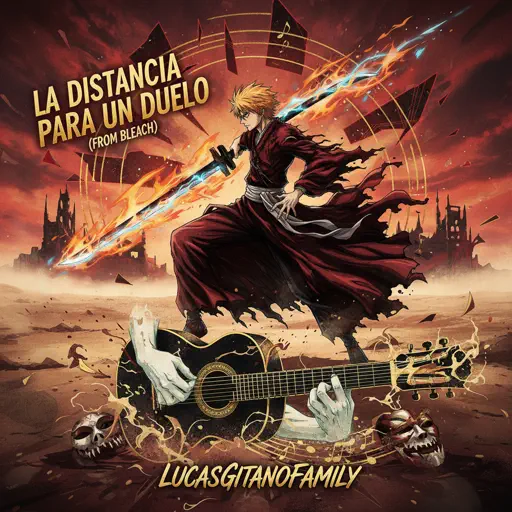
La Distancia Para Un Duelo (From Bleach)
LucasGitanoFamily
Hard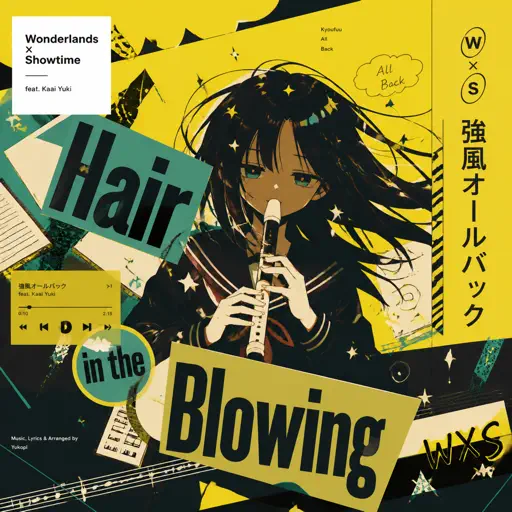
Kyoufuu All Back
Wonderlands×Showtime
Normal
Noticed
Lil Mosey
Hard
Just Monika
Random Encounters
Hard
SWEET / I THOUGHT YOU WANTED TO DANCE
Tyler, The Creator
Hard
Kokoronashi (心做し)
majiko
Hard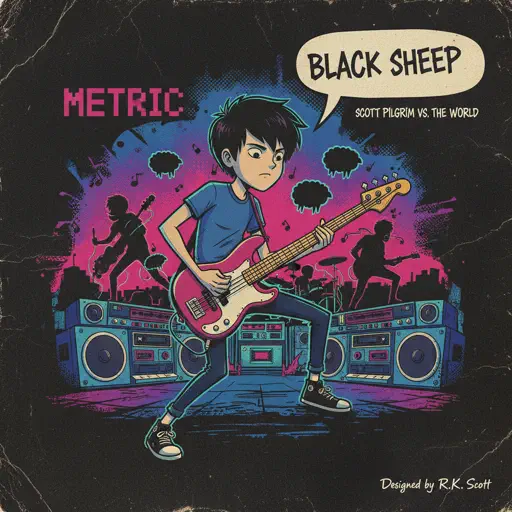
Black Sheep
Metric
Normal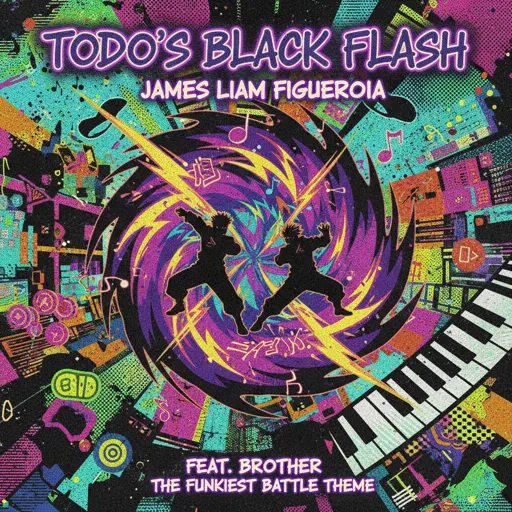
Todo's Black Flash - Jujutsu Kaisen
James Liam Figueroa
Hard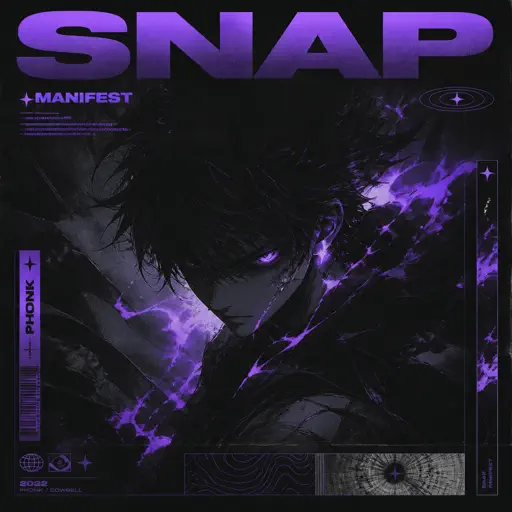
Snap
manifest
NormalFrequently Asked Questions
What is Roblox Piano Practice Online?
This is a free online tool that lets you practice Roblox virtual piano sheets in your browser. No downloads required - just pick a song and start practicing.
How do I use this online practice tool?
1. Select a song from the recommendations or use the search function. 2. Click play and the sheet will auto-scroll with highlighted notes. 3. Watch the virtual piano keyboard for highlighted keys and practice along. 4. Use speed control to slow down playback - perfect for beginners.
Can I play using my keyboard?
Yes! The virtual piano supports computer keyboard input. The keys correspond to the standard Roblox piano layout (1234567890qwerty...). You can practice on your keyboard while following the sheet.
What does the Transpose feature do?
Transpose raises or lowers the pitch of the sheet. Some Roblox piano games have different default tunings, so transpose helps match the correct pitch. Usually adjusting by +12 or -12 semitones works.
Does this tool work on mobile?
Yes, but desktop provides the best experience. On mobile you can view the sheet and virtual piano demo, but keyboard input requires a computer. We recommend using a desktop for the best practice experience.
How do I find sheets suitable for my level?
Below you'll find recommendations sorted by difficulty: Easy for beginners, Normal for intermediate players, and Hard/Expert for advanced challenges. You can also use the search function to find songs by title or artist.