
Roblox Piano Practice Online
Loading piano...
Practice Guide
Quick guide on how to use the online piano practice tool.
What is this?
This tool allows you to practice playing virtual piano sheets directly in your browser. It simulates a piano keyboard and helps you learn the notes and rhythm before playing in Roblox.
How to Practice Online
Use your computer keyboard or mouse to play the virtual piano keys directly. As the sheet music plays, the corresponding keys on the virtual piano will light up to help you follow along. You can also copy the sheet code to use directly in Roblox.
Discover Sheets
Random Shuffle: Click the Shuffle button in the center of the top control bar to instantly load a random new song without reloading the page.
Search: Click the Search button next to Shuffle to open the search window. Type a song title or artist name to quickly find and switch to the sheet you want to practice.
Playback Controls
- Play/Pause: Start or stop playback.
- 1xSpeed: Adjust tempo (0.5x - 2.0x).
- KTranspose: Shift the pitch up or down.
- SSustain: Toggle sustain pedal effect.
Easy Mode

Easy
Mockingbird
Eminem

Easy
Nice To Know - BFDIA 19 Cake At Stake Intro
BFDIA 19

Easy
Sleeping City Funk
Emotional Recycling Bin

Easy
LET ME SEE YA MOVE!
Lumi Athena

Easy
Pimp Hoe
Mike Sherm

Easy
Immortal
Playboi Carti

Easy
Gravity Falls Main Title Theme
Brad Breeck

Easy
Where You Lead
Carole King

Easy
Balcony
Cave Story

Easy
Mist
EsDeeKid
Normal Mode
Normal
Whole Lotta Red
Playboi Carti
Normal
The Less I Know The Better
Tame Impala
Normal
Lost in paradise - JUJUTSU KAISEN
AKLO

Normal
Your Reality
Doki Doki Literature Club!
Normal
absolute in doubt
Lil Peep
Normal
L5 - Lilac announcement sound
ViaMobilidade
Normal
JUDAS x GOJO vs SUKUNA
Lady Gaga
Normal
Promise
Laufey
Normal
Waltz of Lovers No.1
Егор Юрий
Normal
Eternal Dream (Murder Drones)
AJ Dispirito
Hard Mode
Hard
The One Who's Running the Show - The Amazing Digital Circus
Gooseworx
Hard
Dreams Come True
aespa

Hard
STAR☆T☆RAIN - 推しの子 Oshi no Ko
Yusuke Onodera
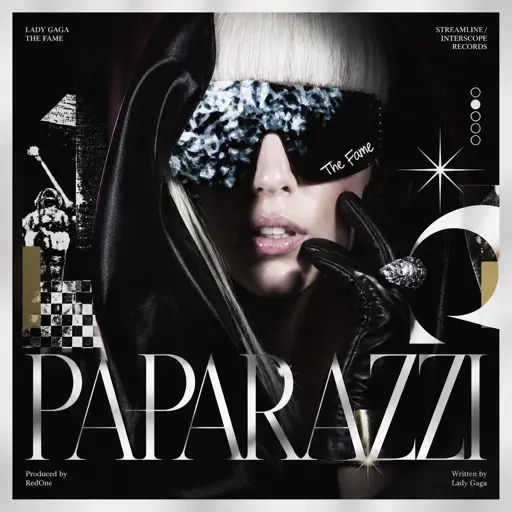
Hard
Paparazzi
Lady Gaga
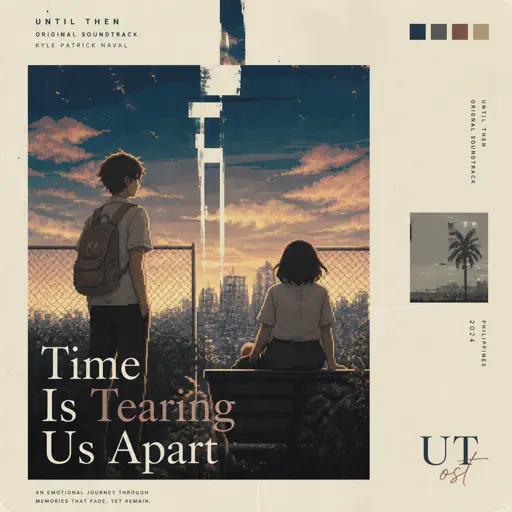
Hard
Time Is Tearing Us Apart - Until Then OST
Kyle Patrick Naval

Hard
Sign of the Times
Harry Styles

Hard
Valentine
Laufey
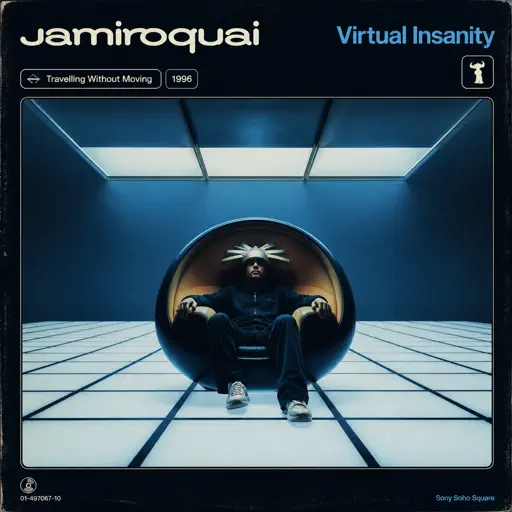
Hard
Virtual Insanity
Jamiroquai

Hard
Fame is a Gun
Addison Rae
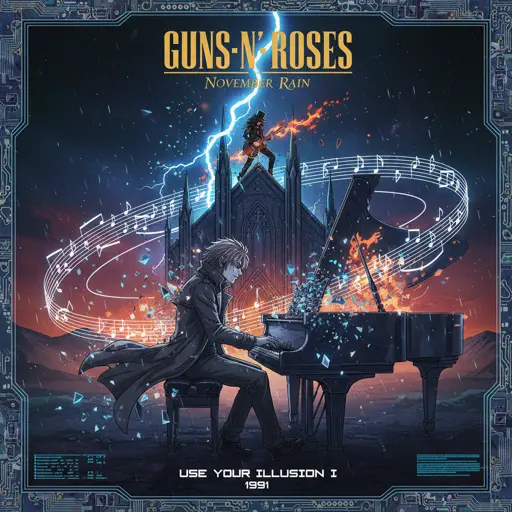
Hard
November Rain
Guns N' Roses
Recommended Sheets

back to friends
sombr
Hard
Ballads at Sunset
Alej
NormalWhole Lotta Red
Playboi Carti
Normal
Lemon - Unnatural
Kenshi Yonezu
Hard
Hero too
Kyoka Jiro
Normal
Heartaches
Al Bowlly
Hard
Piano Tiles
Armani West
Normal
Old Dickdonald
Lilcockpump
Normal
Bergentrückung / ASGORE
Toby Fox
Normal
Lonely
Akon
Normal
Memory Reboot
VØJ
Normal
Great Balls Of Fire
Jerry Lee Lewis
Normal
Patience
Tame Impala
Normal
Congratulations
Mac Miller
Hard
OOBE - Rec Room OST
Gribbly
Normal
Rapp Snitch Knishes
MF DOOM
Normal
Electar - Rec Room
Gribbly
Normal
Dernière Danse
Indila
Normal
TPOT Intro Theme (Gibberish!!)
coal bones
Normal
Feel Good Inc
Gorillaz
NormalFrequently Asked Questions
What is Roblox Piano Practice Online?
This is a free online tool that lets you practice Roblox virtual piano sheets in your browser. No downloads required - just pick a song and start practicing.
How do I use this online practice tool?
1. Select a song from the recommendations or use the search function. 2. Click play and the sheet will auto-scroll with highlighted notes. 3. Watch the virtual piano keyboard for highlighted keys and practice along. 4. Use speed control to slow down playback - perfect for beginners.
Can I play using my keyboard?
Yes! The virtual piano supports computer keyboard input. The keys correspond to the standard Roblox piano layout (1234567890qwerty...). You can practice on your keyboard while following the sheet.
What does the Transpose feature do?
Transpose raises or lowers the pitch of the sheet. Some Roblox piano games have different default tunings, so transpose helps match the correct pitch. Usually adjusting by +12 or -12 semitones works.
Does this tool work on mobile?
Yes, but desktop provides the best experience. On mobile you can view the sheet and virtual piano demo, but keyboard input requires a computer. We recommend using a desktop for the best practice experience.
How do I find sheets suitable for my level?
Below you'll find recommendations sorted by difficulty: Easy for beginners, Normal for intermediate players, and Hard/Expert for advanced challenges. You can also use the search function to find songs by title or artist.