
Roblox Piano Practice Online
Loading piano...
Practice Guide
Quick guide on how to use the online piano practice tool.
What is this?
This tool allows you to practice playing virtual piano sheets directly in your browser. It simulates a piano keyboard and helps you learn the notes and rhythm before playing in Roblox.
How to Practice Online
Use your computer keyboard or mouse to play the virtual piano keys directly. As the sheet music plays, the corresponding keys on the virtual piano will light up to help you follow along. You can also copy the sheet code to use directly in Roblox.
Discover Sheets
Random Shuffle: Click the Shuffle button in the center of the top control bar to instantly load a random new song without reloading the page.
Search: Click the Search button next to Shuffle to open the search window. Type a song title or artist name to quickly find and switch to the sheet you want to practice.
Playback Controls
- Play/Pause: Start or stop playback.
- 1xSpeed: Adjust tempo (0.5x - 2.0x).
- KTranspose: Shift the pitch up or down.
- SSustain: Toggle sustain pedal effect.
Easy Mode

Easy
Cupid (Twin Version)
Fifty Fifty

Easy
Harvey
Alex G

Easy
Sleeping City Funk
Emotional Recycling Bin

Easy
Fur Elise
Beethoven

Easy
Balcony
Cave Story

Easy
Mist
EsDeeKid

Easy
Mockingbird
Eminem

Easy
Nice To Know - BFDIA 19 Cake At Stake Intro
BFDIA 19

Easy
If You Love These People (Man of Steel)
Hans Zimmer

Easy
Pimp Hoe
Mike Sherm
Normal Mode

Hard Mode
Hard
Virtual Insanity
Jamiroquai
Hard
swordland (Sword Art Online)
Yuki Kajiura
Hard
Otherside
Red Hot Chili Peppers
Hard
Rush E (Full Version)
Sheet Music Boss
Hard
Sweetly
Lord Kael
Hard
Black Knife (from Deltarune)
Toby Fox
Hard
Boyfriend
Dove Cameron
Hard
Cinnamon Girl
Lana Del Rey

Hard
Hotel California
Eagles
Hard
Port Ormos (Day)
Yu-Peng Chen
Recommended Sheets
Sukidakara
Yuika
Normal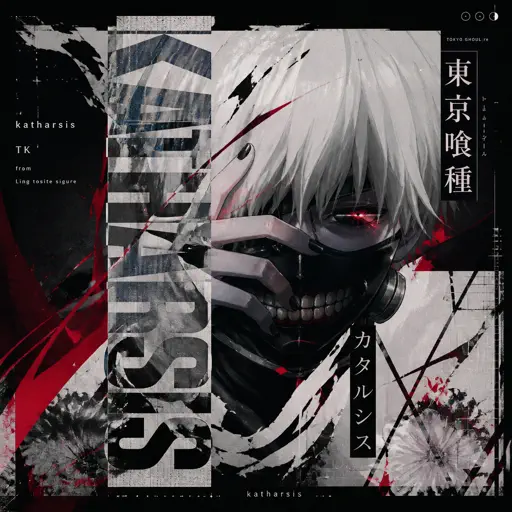
katharsis - Tokyo Ghoul
TK from Ling tosite sigure
Hard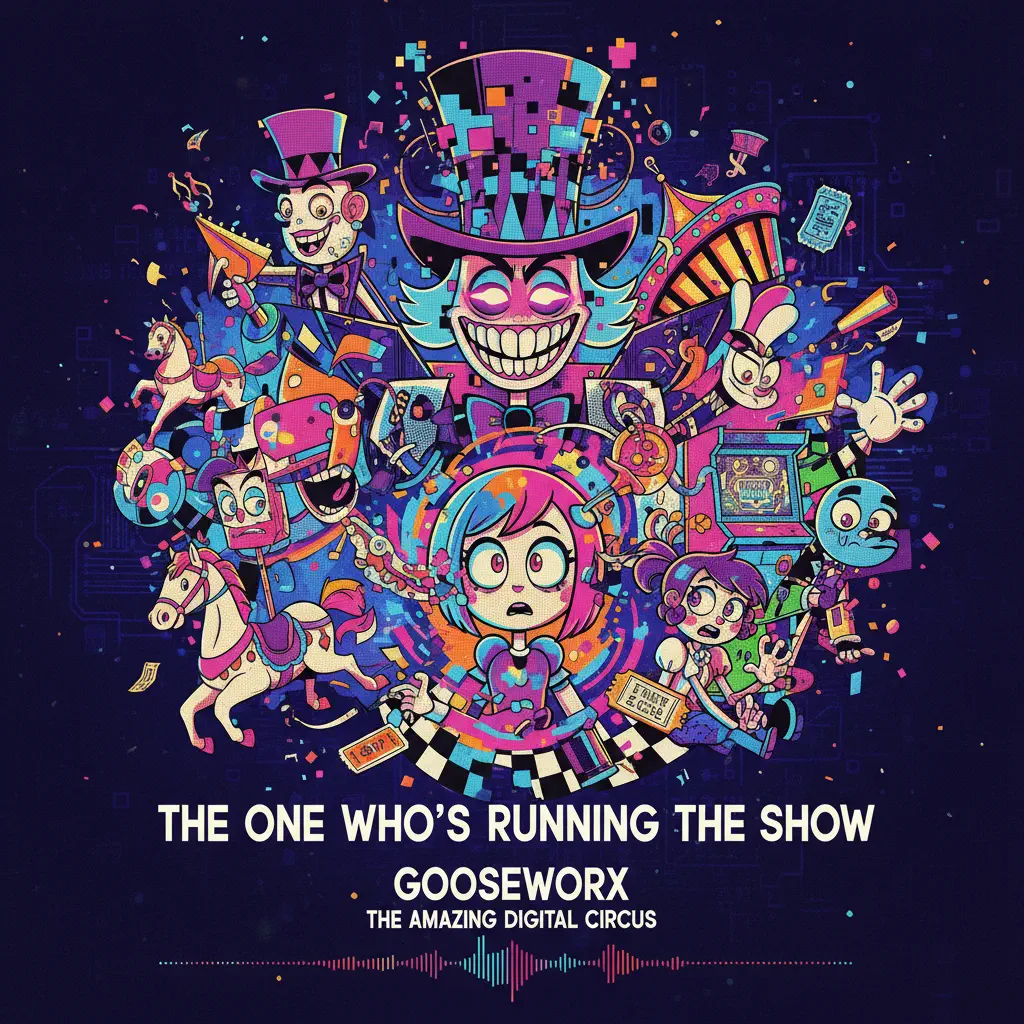
The One Who's Running the Show - The Amazing Digital Circus
Gooseworx
Hard
Beanie
Chezile
Hard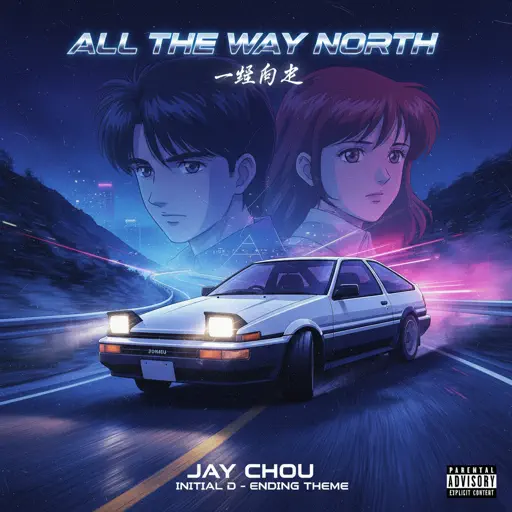
All the Way North
Jay Chou
Hard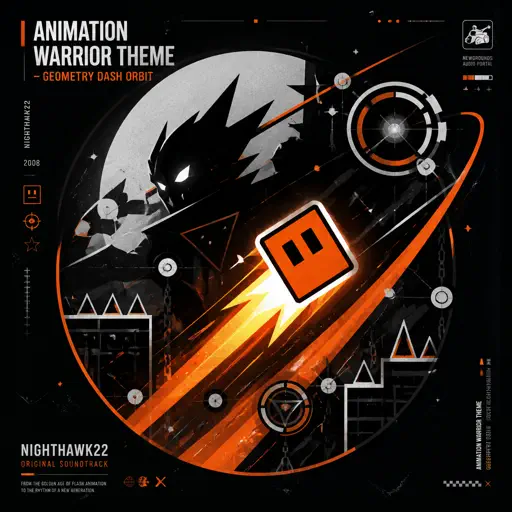
Animation Warrior Theme - Geometry Dash Orbit
Nighthawk22
Hard
Tomorrow (Konosuba)
Miura Jam
Hard
Man I Need
Olivia Dean
Hard
Heart of Stone
Six the Musical
Hard
Chúng Ta Không Thuộc Về Nhau
Sơn Tùng M-TP
Normal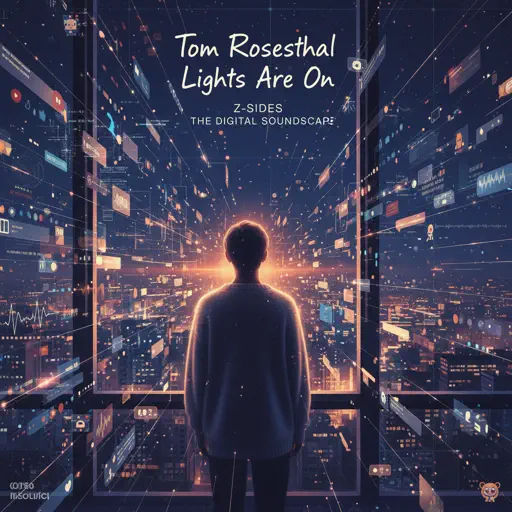
Lights Are On
Tom Rosenthal
Normal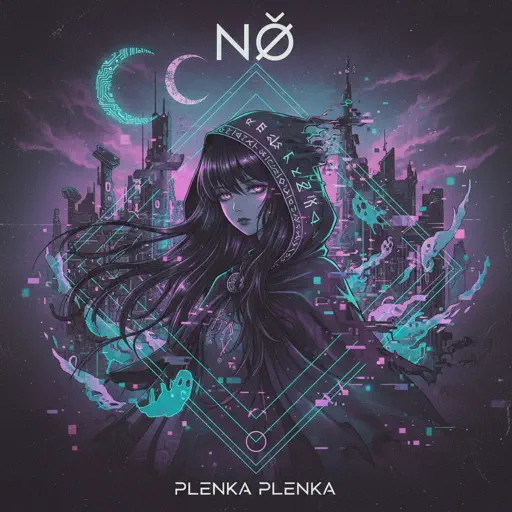
No
Plenka
Normal
Hazy Moon
Miku Sanaa
Normal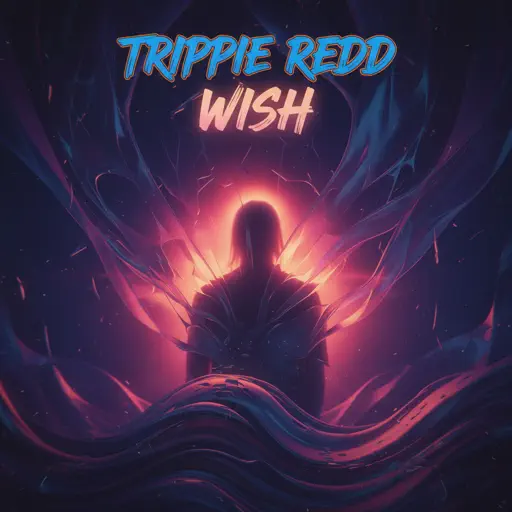
Wish
Trippie Redd
Hard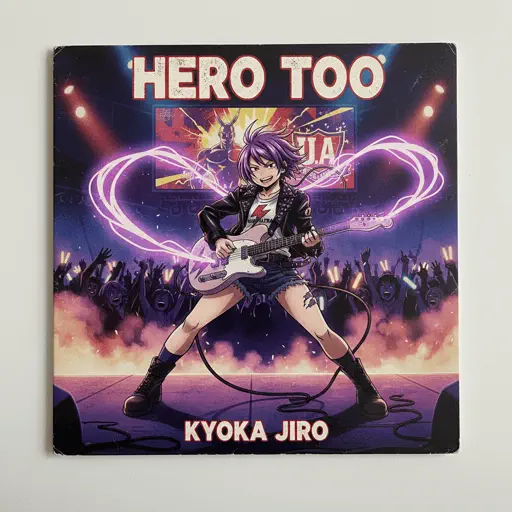
Hero too
Kyoka Jiro
Normal
Driftveil City - Toothless Dancing
Hitomi Sato
Hard
if looks could kill
Destroy Lonely
Normal
Stateside
PinkPantheress
Normal
Black Knight Lindamea
Black Souls
Hard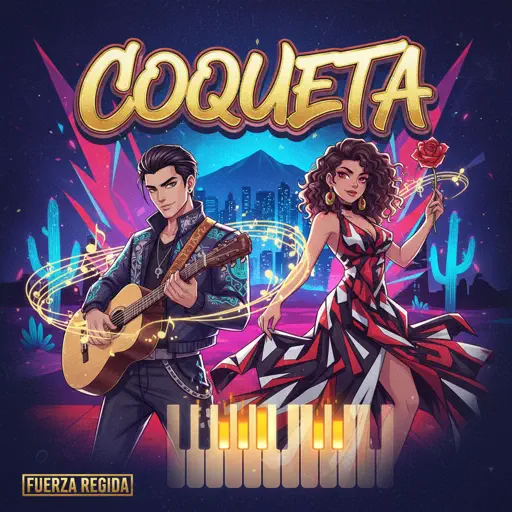
COQUETA
Fuerza Regida
NormalFrequently Asked Questions
What is Roblox Piano Practice Online?
This is a free online tool that lets you practice Roblox virtual piano sheets in your browser. No downloads required - just pick a song and start practicing.
How do I use this online practice tool?
1. Select a song from the recommendations or use the search function. 2. Click play and the sheet will auto-scroll with highlighted notes. 3. Watch the virtual piano keyboard for highlighted keys and practice along. 4. Use speed control to slow down playback - perfect for beginners.
Can I play using my keyboard?
Yes! The virtual piano supports computer keyboard input. The keys correspond to the standard Roblox piano layout (1234567890qwerty...). You can practice on your keyboard while following the sheet.
What does the Transpose feature do?
Transpose raises or lowers the pitch of the sheet. Some Roblox piano games have different default tunings, so transpose helps match the correct pitch. Usually adjusting by +12 or -12 semitones works.
Does this tool work on mobile?
Yes, but desktop provides the best experience. On mobile you can view the sheet and virtual piano demo, but keyboard input requires a computer. We recommend using a desktop for the best practice experience.
How do I find sheets suitable for my level?
Below you'll find recommendations sorted by difficulty: Easy for beginners, Normal for intermediate players, and Hard/Expert for advanced challenges. You can also use the search function to find songs by title or artist.