

Roblox Piano Practice Online
Loading piano...
Practice Guide
Quick guide on how to use the online piano practice tool.
What is this?
This tool allows you to practice playing virtual piano sheets directly in your browser. It simulates a piano keyboard and helps you learn the notes and rhythm before playing in Roblox.
How to Practice Online
Use your computer keyboard or mouse to play the virtual piano keys directly. As the sheet music plays, the corresponding keys on the virtual piano will light up to help you follow along. You can also copy the sheet code to use directly in Roblox.
Discover Sheets
Random Shuffle: Click the Shuffle button in the center of the top control bar to instantly load a random new song without reloading the page.
Search: Click the Search button next to Shuffle to open the search window. Type a song title or artist name to quickly find and switch to the sheet you want to practice.
Playback Controls
- Play/Pause: Start or stop playback.
- 1xSpeed: Adjust tempo (0.5x - 2.0x).
- KTranspose: Shift the pitch up or down.
- SSustain: Toggle sustain pedal effect.
Easy Mode

Easy
Mockingbird
Eminem

Easy
If You Love These People (Man of Steel)
Hans Zimmer

Easy
Nice To Know - BFDIA 19 Cake At Stake Intro
BFDIA 19

Easy
Harvey
Alex G

Easy
Pimp Hoe
Mike Sherm

Easy
Where You Lead
Carole King

Easy
Fur Elise
Beethoven

Easy
Cupid (Twin Version)
Fifty Fifty

Easy
Sleeping City Funk
Emotional Recycling Bin

Easy
Balcony
Cave Story
Normal Mode
Normal
the city mouse and the country mouse - Chainsaw Man
kensuke ushio

Normal
Song of Storms (The Legend of Zelda)
Legend of Zelda

Normal
Pasilyo
Sunkissed Lola

Normal
Sienna
The Marías

Normal
IDOL
Yoasobi
Normal
Doll Dancing
Puddle Of Infinity
Normal
You're Mine (Baldi's Basics)
Dagames
Normal
Counting Stars
One Republic

Normal
Golden
HUNTR/X

Normal
Shape of You
Ed Sheeran
Hard Mode
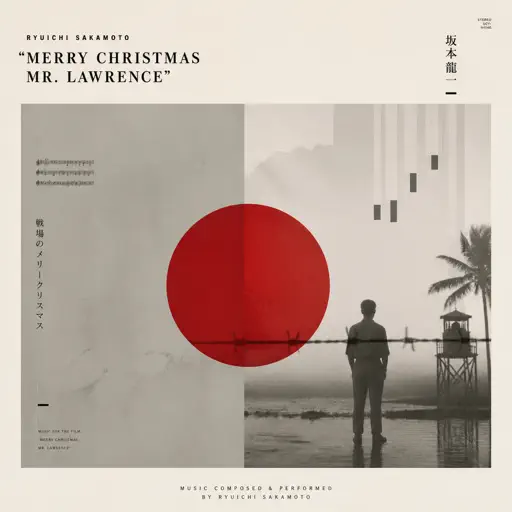
Hard
Merry Christmas Mr. Lawrence
Ryuichi Sakamoto
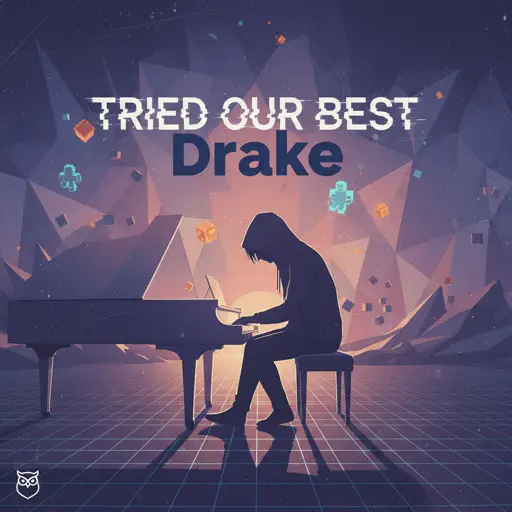
Hard
Tried Our Best
Drake
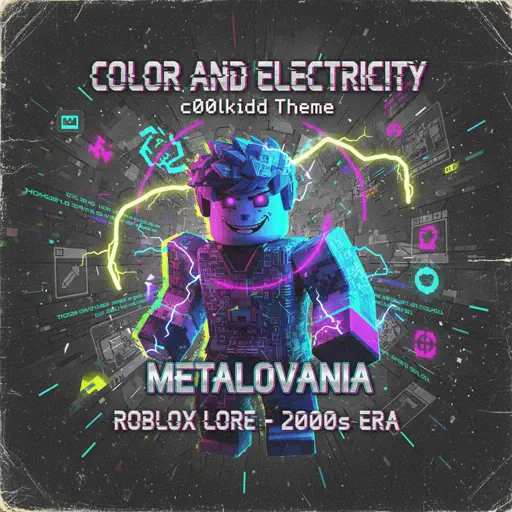
Hard
FF9CAE (Color and Electricity c00lkidd Theme)
Metalovania
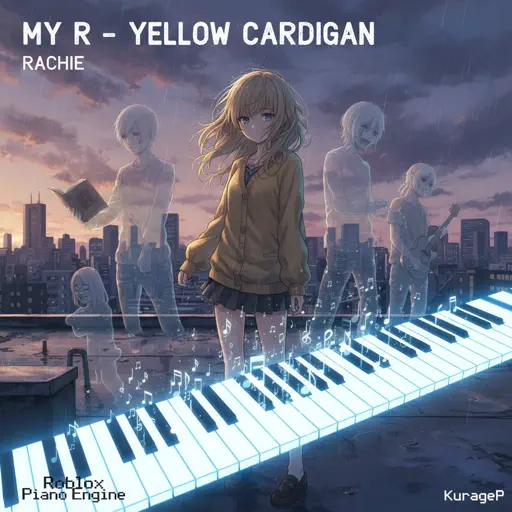
Hard
My R - Yellow Cardigan
Rachie
Hard
Kalapastangan
fitterkarma

Hard
Guanshan Wine
Deng Shen Me Jun
Hard
Haydn Surprise Symphony No. 94 Movement 2
Haydn

Hard
All the Way North
Jay Chou

Hard
Kawaikute Gomen
HoneyWorks
Hard
PLAYING WITH FIRE
BLACKPINK
Recommended Sheets
Fluxxwave
Clovis Reyes
Normal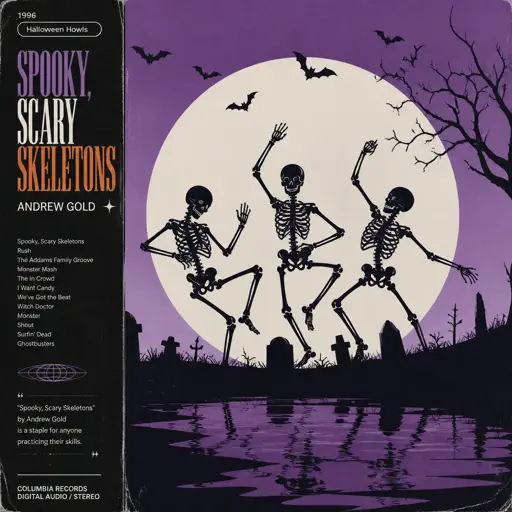
Spooky, Scary Skeletons
Andrew Gold
Normal
What Was I Made For
Billie Eilish
Normal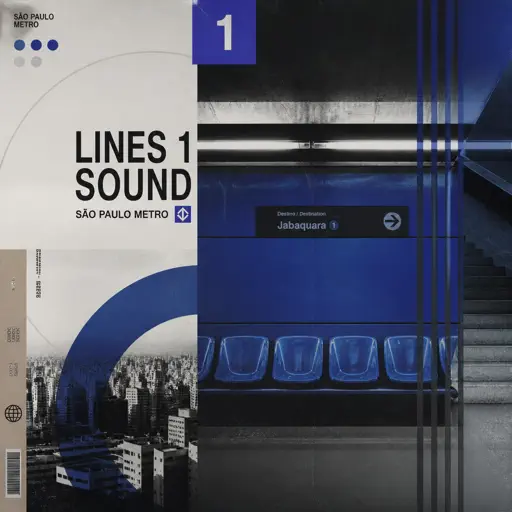
Lines 1 Sound São Paulo Metro
Metro-SP
Normal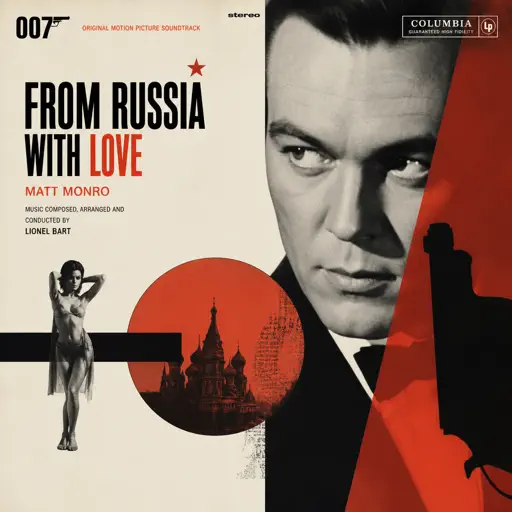
From Russia with Love
Matt Monro
Hard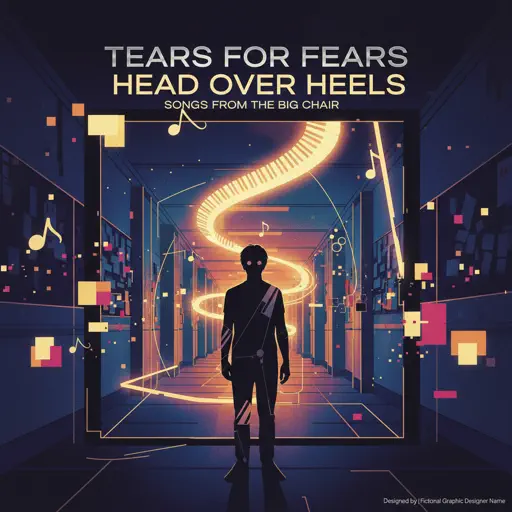
Head Over Heels
Tears For Fears
Hard
Bloodline
Alex Warren
Normal
Bahagia Lagi
Piche Kota
Hard
We Are The Champions
Queen
Hard
Powers Collide - TPOT 19
Ian Woodside
Normal
Your New Home - The Amazing Digital Circus
Gooseworx
Normal
Tomorrow (Konosuba)
Miura Jam
Hard
Wonderwall
Oasis
Hard
Sparks
Coldplay
Hard
BANG BANG BANG - Chainsaw Man Song
BBpanzu
Normal
Car's Outside
James Arthur
Normal
Shikairo Days/シカ色デイズ
My Deer Friend Nokotan OP
Hard
Nevada
Vicetone
Hard
Running Soul
yrii egor
HardAll the Way North
Jay Chou
HardFrequently Asked Questions
What is Roblox Piano Practice Online?
This is a free online tool that lets you practice Roblox virtual piano sheets in your browser. No downloads required - just pick a song and start practicing.
How do I use this online practice tool?
1. Select a song from the recommendations or use the search function. 2. Click play and the sheet will auto-scroll with highlighted notes. 3. Watch the virtual piano keyboard for highlighted keys and practice along. 4. Use speed control to slow down playback - perfect for beginners.
Can I play using my keyboard?
Yes! The virtual piano supports computer keyboard input. The keys correspond to the standard Roblox piano layout (1234567890qwerty...). You can practice on your keyboard while following the sheet.
What does the Transpose feature do?
Transpose raises or lowers the pitch of the sheet. Some Roblox piano games have different default tunings, so transpose helps match the correct pitch. Usually adjusting by +12 or -12 semitones works.
Does this tool work on mobile?
Yes, but desktop provides the best experience. On mobile you can view the sheet and virtual piano demo, but keyboard input requires a computer. We recommend using a desktop for the best practice experience.
How do I find sheets suitable for my level?
Below you'll find recommendations sorted by difficulty: Easy for beginners, Normal for intermediate players, and Hard/Expert for advanced challenges. You can also use the search function to find songs by title or artist.