
Roblox Piano Practice Online
Loading piano...
Practice Guide
Quick guide on how to use the online piano practice tool.
What is this?
This tool allows you to practice playing virtual piano sheets directly in your browser. It simulates a piano keyboard and helps you learn the notes and rhythm before playing in Roblox.
How to Practice Online
Use your computer keyboard or mouse to play the virtual piano keys directly. As the sheet music plays, the corresponding keys on the virtual piano will light up to help you follow along. You can also copy the sheet code to use directly in Roblox.
Discover Sheets
Random Shuffle: Click the Shuffle button in the center of the top control bar to instantly load a random new song without reloading the page.
Search: Click the Search button next to Shuffle to open the search window. Type a song title or artist name to quickly find and switch to the sheet you want to practice.
Playback Controls
- Play/Pause: Start or stop playback.
- 1xSpeed: Adjust tempo (0.5x - 2.0x).
- KTranspose: Shift the pitch up or down.
- SSustain: Toggle sustain pedal effect.
Easy Mode

Easy
Mockingbird
Eminem

Easy
Where You Lead
Carole King

Easy
Immortal
Playboi Carti

Easy
Cupid (Twin Version)
Fifty Fifty

Easy
Balcony
Cave Story

Easy
If You Love These People (Man of Steel)
Hans Zimmer

Easy
Nice To Know - BFDIA 19 Cake At Stake Intro
BFDIA 19

Easy
Harvey
Alex G

Easy
Fur Elise
Beethoven

Easy
Pimp Hoe
Mike Sherm
Normal Mode

Normal
Brainrot Rap
Party Tunes
Normal
Song of Storms (The Legend of Zelda)
Legend of Zelda
Normal
Save Me
Morandi
Normal
Wildfire - Star Rail - Of Snow and Ember
HOYO-MiX
Normal
Counting Stars
One Republic

Normal
The Winner Takes It All
ABBA
Normal
Restless
untitled
Normal
Axel F
Crazy Frog
Normal
Turning Page
Sleeping At Last

Normal
Flamingo
Kero Kero Bonito
Hard Mode
Hard
Brain Rot ブレインロット
Tokya Manaka
Hard
Sphere
Creo
Hard
Bohemian Rhapsody
Queen

Hard
Shinzo wo Sasageyo ! - 心臓を捧げよ! - Attack on Titan
Linked Horizon

Hard
White Blossoms
Mimokeys

Hard
Every Living Breathing Moment
Grant Steller
Hard
Merry-Go-Round of Life - from 'Howl's Moving Castle'
Joe Hisaishi

Hard
CandyCookieChocolate
Hatsune Miku
Hard
Upside Down
Diana Ross
Hard
From Russia with Love
Matt Monro
Recommended Sheets
End of Beginning
Djo
Normal
Sadness and Sorrow - Naruto
Toshio Masuda
Normal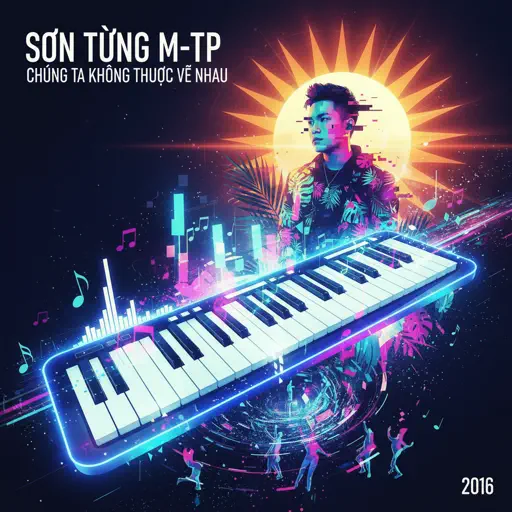
Chúng Ta Không Thuộc Về Nhau
Sơn Tùng M-TP
Normal
Hallelujah
Kanye West
Hard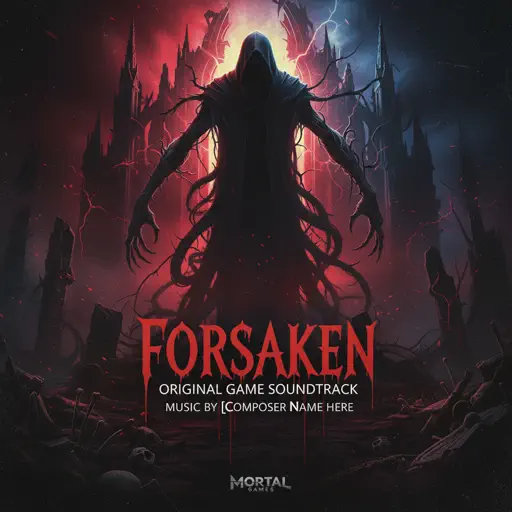
Famine (Pursuer Jason)
FORSAKEN OST
Hard
Sealed Vessel - Hollow Knight
Christopher Larkin
Hard
NO BATIDÃO
ZXKAI
Normal
Sign of the Times
Harry Styles
Hard
Sanguine Paradise
Lil Uzi Vert
Normal
Arkadaşım Eşşek
Barış Manço
Normal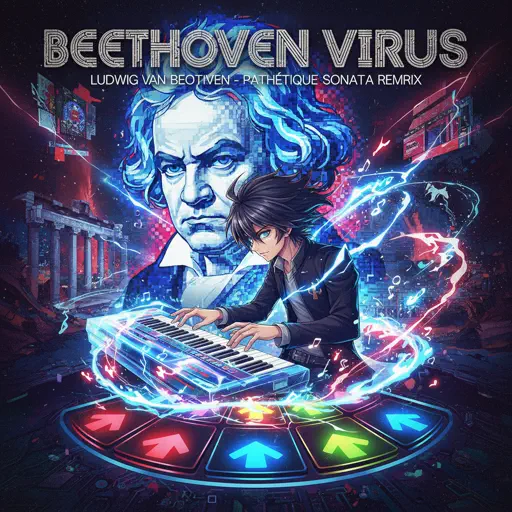
Beethoven Virus
Ludwig van Beethoven
Hard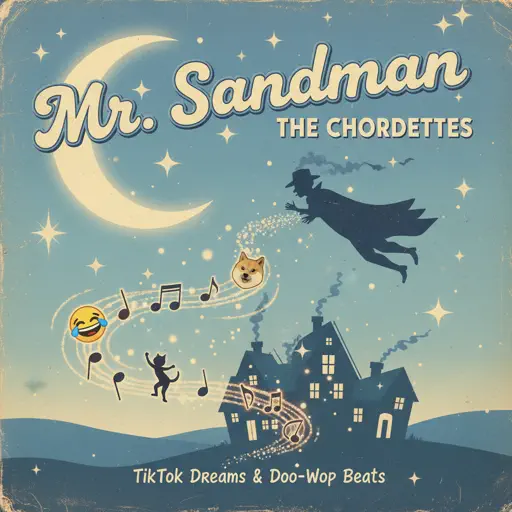
Mr. Sandman
The Chordettes
Hard
when the devil falls in love
Hakdo
Normal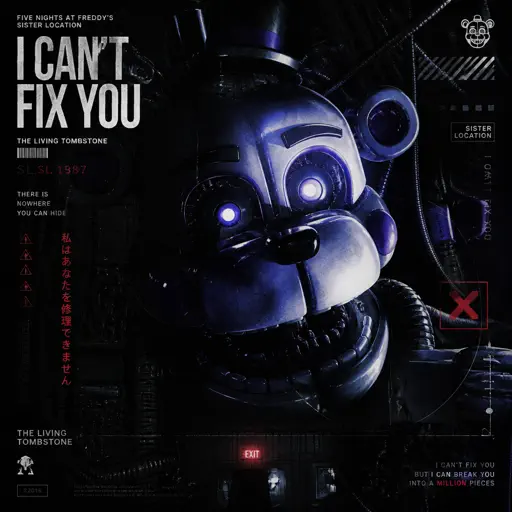
I Can’t Fix You
The Living Tombstone
Hard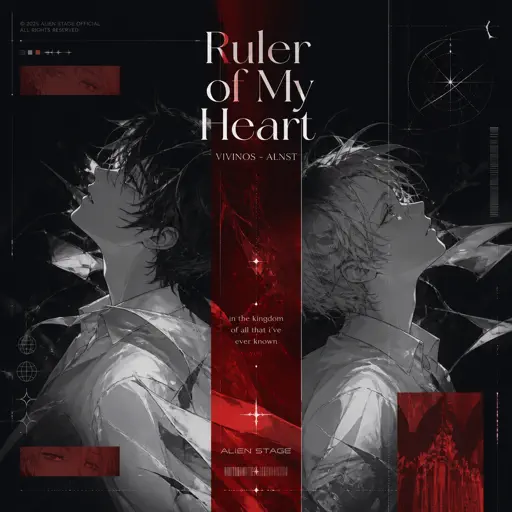
Ruler of My Heart (VIVINOS - ALNST)
Alien stage
Hard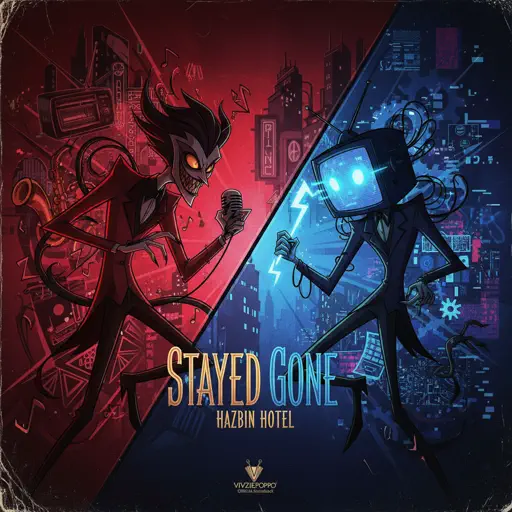
Stayed Gone
Hazbin Hotel
Hard
We Are! - ウィーアー! - One Piece
Hiroshi Kitadani
Hard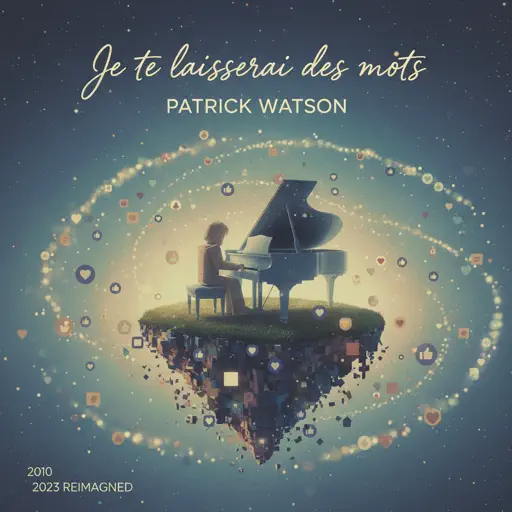
Je te laisserai des mots
Patrick Watson
Normal
Quaoar
Camellia
Hard
Enter Sandman
Metallica
NormalFrequently Asked Questions
What is Roblox Piano Practice Online?
This is a free online tool that lets you practice Roblox virtual piano sheets in your browser. No downloads required - just pick a song and start practicing.
How do I use this online practice tool?
1. Select a song from the recommendations or use the search function. 2. Click play and the sheet will auto-scroll with highlighted notes. 3. Watch the virtual piano keyboard for highlighted keys and practice along. 4. Use speed control to slow down playback - perfect for beginners.
Can I play using my keyboard?
Yes! The virtual piano supports computer keyboard input. The keys correspond to the standard Roblox piano layout (1234567890qwerty...). You can practice on your keyboard while following the sheet.
What does the Transpose feature do?
Transpose raises or lowers the pitch of the sheet. Some Roblox piano games have different default tunings, so transpose helps match the correct pitch. Usually adjusting by +12 or -12 semitones works.
Does this tool work on mobile?
Yes, but desktop provides the best experience. On mobile you can view the sheet and virtual piano demo, but keyboard input requires a computer. We recommend using a desktop for the best practice experience.
How do I find sheets suitable for my level?
Below you'll find recommendations sorted by difficulty: Easy for beginners, Normal for intermediate players, and Hard/Expert for advanced challenges. You can also use the search function to find songs by title or artist.