
Roblox Piano Practice Online
Loading piano...
Practice Guide
Quick guide on how to use the online piano practice tool.
What is this?
This tool allows you to practice playing virtual piano sheets directly in your browser. It simulates a piano keyboard and helps you learn the notes and rhythm before playing in Roblox.
How to Practice Online
Use your computer keyboard or mouse to play the virtual piano keys directly. As the sheet music plays, the corresponding keys on the virtual piano will light up to help you follow along. You can also copy the sheet code to use directly in Roblox.
Discover Sheets
Random Shuffle: Click the Shuffle button in the center of the top control bar to instantly load a random new song without reloading the page.
Search: Click the Search button next to Shuffle to open the search window. Type a song title or artist name to quickly find and switch to the sheet you want to practice.
Playback Controls
- Play/Pause: Start or stop playback.
- 1xSpeed: Adjust tempo (0.5x - 2.0x).
- KTranspose: Shift the pitch up or down.
- SSustain: Toggle sustain pedal effect.
Easy Mode

Easy
Balcony
Cave Story

Easy
Nice To Know - BFDIA 19 Cake At Stake Intro
BFDIA 19

Easy
Cupid (Twin Version)
Fifty Fifty

Easy
Where You Lead
Carole King

Easy
Immortal
Playboi Carti

Easy
Fur Elise
Beethoven

Easy
If You Love These People (Man of Steel)
Hans Zimmer

Easy
Pimp Hoe
Mike Sherm

Easy
Harvey
Alex G

Easy
Sleeping City Funk
Emotional Recycling Bin
Normal Mode
Normal
Black Sorrow (VIVINOS - ALNST Alien Stage)
PARK BYEONG HOON
Normal
Schubert Serenade (Lullaby Bonnie V.)
Scott Cawthon
Normal
玫瑰少年 Thiếu Niên Hoa Hồng
Strictlyviolin荀博

Normal
Hotline Bling
Billie Eilish

Normal
Don't Look Back in Anger
Oasis
Normal
Shoota
Playboi Carti & Lil Uzi Vert
Normal
SPECIALZ - Jujutsu Kaisen Season 2 OP 2
King Gnu

Normal
Jožin Z Bažin
Ivan Mládek

Normal
NO BATIDÃO
ZXKAI
Normal
5469
d2s1(E.G. Makarov)
Hard Mode

Hard
Josuke's Theme (JoJo's Bizarre Adventure: Diamond is Unbreakable)
Yugo Kanno
Hard
I Can’t Fix You
The Living Tombstone
Hard
Ditto
NewJeans
Hard
The Shepherd's Boy - Breaking The Wall - Doctor Who
Murray Gold
Hard
Kalapastangan
fitterkarma
Hard
York'scher Marsch
Beethoven
Hard
Creep
Scott Bradlee's Postmodern Jukebox
Hard
Pretty Little Baby
Connie Francis
Hard
Upside Down
Diana Ross
Hard
Nope your too late i already died
wifiskeleton
Recommended Sheets
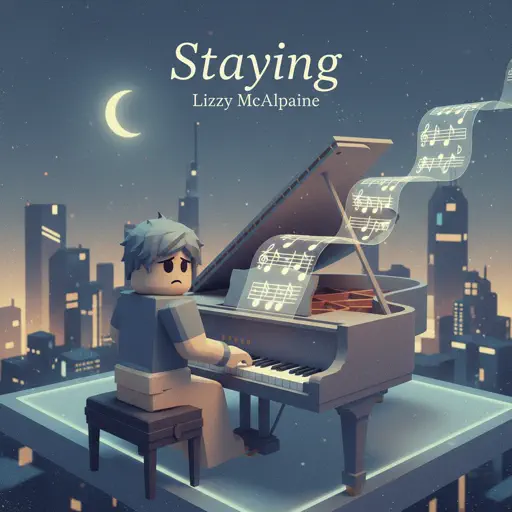
Staying
Lizzy McAlpine
Normal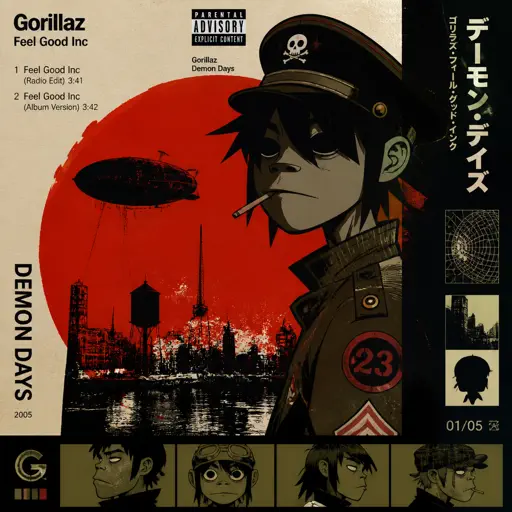
Feel Good Inc
Gorillaz
Normal
HOMAGE FUNK
KIXIA & KREZUS
Normal
BEASTARS -wolf and rabbit-
Satoru Kōsaki
Normal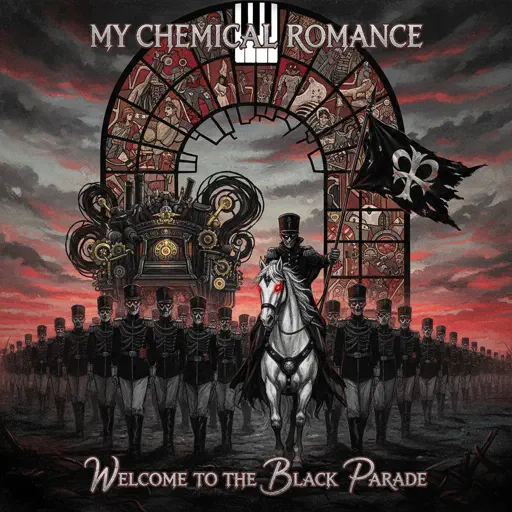
Welcome to the Black Parade
My Chemical Romance
Normal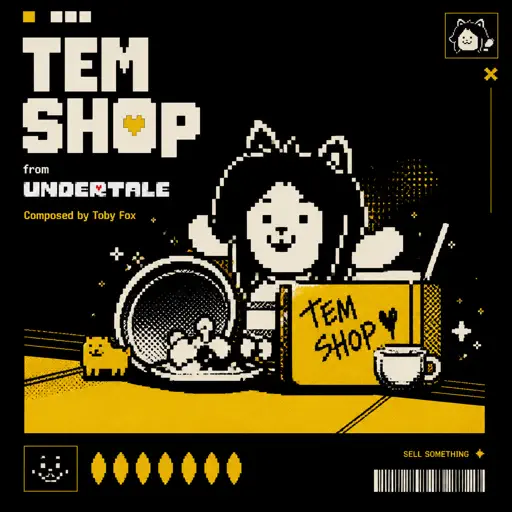
Tem Shop (from Undertale)
Toby Fox
Normal
HEAVENLY JUMPSTYLE
TWXNY
Hard
The Grimm Troupe (Hollow Knight)
Christopher Larkin
Hard
Duniyaa (Luka Chuppi)
Akhil
Normal
Children
Robert Miles
Normal
Elegy for Rem - Requiem of Silence (Re Zero Ost)
Amy B
Normal
Hasretinle Yandı Gönlüm
Edip Akbayram
Normal
Wife
Mitski
Normal
Debito di Sonno (Mafioso Chase Theme)
Forsaken
Hard
Coffin Dance
Vicetone
Normal
Komet
Apache 207
Normal
Hjerteknuser
Kaizers Orchestra
Normal
ALKA TALE - Summer Pockets
Konomi Suzuki
Normal
20 Min
Lil Uzi Vert
Normal
Neath Dark Waters - Final Fantasy XIV
Masayoshi Soken
HardFrequently Asked Questions
What is Roblox Piano Practice Online?
This is a free online tool that lets you practice Roblox virtual piano sheets in your browser. No downloads required - just pick a song and start practicing.
How do I use this online practice tool?
1. Select a song from the recommendations or use the search function. 2. Click play and the sheet will auto-scroll with highlighted notes. 3. Watch the virtual piano keyboard for highlighted keys and practice along. 4. Use speed control to slow down playback - perfect for beginners.
Can I play using my keyboard?
Yes! The virtual piano supports computer keyboard input. The keys correspond to the standard Roblox piano layout (1234567890qwerty...). You can practice on your keyboard while following the sheet.
What does the Transpose feature do?
Transpose raises or lowers the pitch of the sheet. Some Roblox piano games have different default tunings, so transpose helps match the correct pitch. Usually adjusting by +12 or -12 semitones works.
Does this tool work on mobile?
Yes, but desktop provides the best experience. On mobile you can view the sheet and virtual piano demo, but keyboard input requires a computer. We recommend using a desktop for the best practice experience.
How do I find sheets suitable for my level?
Below you'll find recommendations sorted by difficulty: Easy for beginners, Normal for intermediate players, and Hard/Expert for advanced challenges. You can also use the search function to find songs by title or artist.