
Roblox Piano Practice Online
Loading piano...
Practice Guide
Quick guide on how to use the online piano practice tool.
What is this?
This tool allows you to practice playing virtual piano sheets directly in your browser. It simulates a piano keyboard and helps you learn the notes and rhythm before playing in Roblox.
How to Practice Online
Use your computer keyboard or mouse to play the virtual piano keys directly. As the sheet music plays, the corresponding keys on the virtual piano will light up to help you follow along. You can also copy the sheet code to use directly in Roblox.
Discover Sheets
Random Shuffle: Click the Shuffle button in the center of the top control bar to instantly load a random new song without reloading the page.
Search: Click the Search button next to Shuffle to open the search window. Type a song title or artist name to quickly find and switch to the sheet you want to practice.
Playback Controls
- Play/Pause: Start or stop playback.
- 1xSpeed: Adjust tempo (0.5x - 2.0x).
- KTranspose: Shift the pitch up or down.
- SSustain: Toggle sustain pedal effect.
Easy Mode

Easy
LET ME SEE YA MOVE!
Lumi Athena

Easy
Mist
EsDeeKid

Easy
Cupid (Twin Version)
Fifty Fifty

Easy
Sleeping City Funk
Emotional Recycling Bin

Easy
Gravity Falls Main Title Theme
Brad Breeck

Easy
Pimp Hoe
Mike Sherm

Easy
If You Love These People (Man of Steel)
Hans Zimmer

Easy
Balcony
Cave Story

Easy
Where You Lead
Carole King

Easy
Harvey
Alex G
Normal Mode
Normal
Ride Like the Wind
Christopher Cross
Normal
Stay Calm
Griffinilla, Jeff Burgess
Normal
Fly Me to the Moon
Frank Sinatra
Normal
Old Dickdonald
Lilcockpump

Normal
DRAMA
G-DRAGON
Normal
nocturne of silent stars
yrii egorov
Normal
Living Mice
C418
Normal
Sinking Town
Yoeko Kurahashi
Normal
Waiting For You
Alex G
Normal
Nathalie - Bir Günah Gibi
Julio Iglesias


Recommended Sheets
Doll Dancing
Puddle Of Infinity
Normal
Lost Woods (The Legend of Zelda: Ocarina of Time)
Legend of Zelda
Normal
Eternal Dream (Murder Drones)
AJ Dispirito
Normal
Coffin Dance
Vicetone
Normal
The Entertainer
Scott Joplin
Hard
Tau The Song
HDSQ
Normal
Hallelujah
Kanye West
Hard
90210
Travis Scott
Hard
Raining Tacos
Parry Gripp
Normal
There's a Feller in the Moon
John W Dick
Hard
Blue Valentine
NMIXX
Normal
BIRDBRAIN
Jamie Paige
Normal
Lupang Hinirang (Philippine National Anthem)
Legend The Band
Normal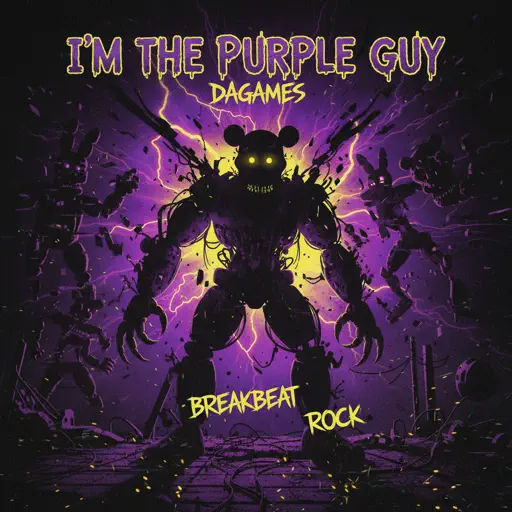
I'm the Purple Guy
Dagames
Hard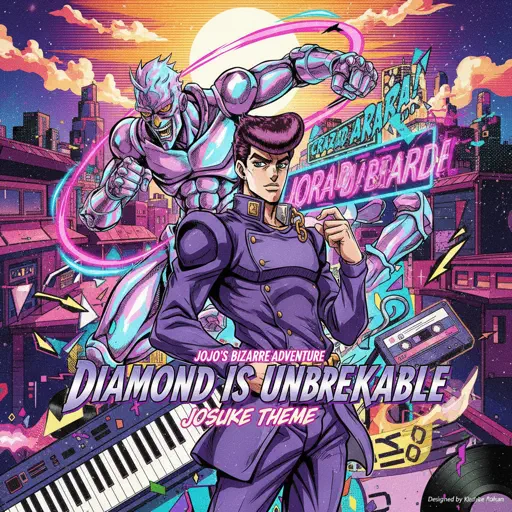
Diamond is unbreakable -Josuke theme
Jojo's Bizzarre Aventure
Normal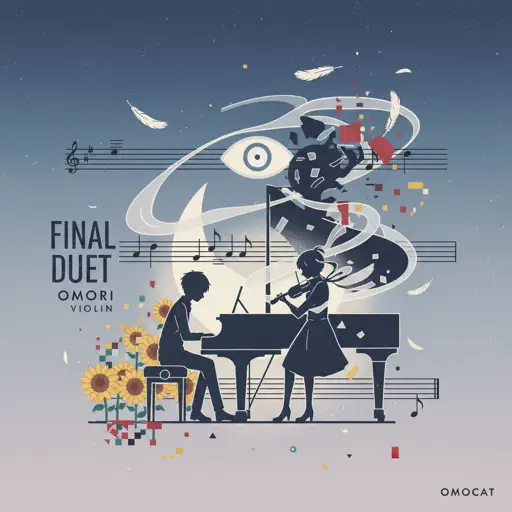
Final Duet Omori - Violin
OMOCAT143
Normal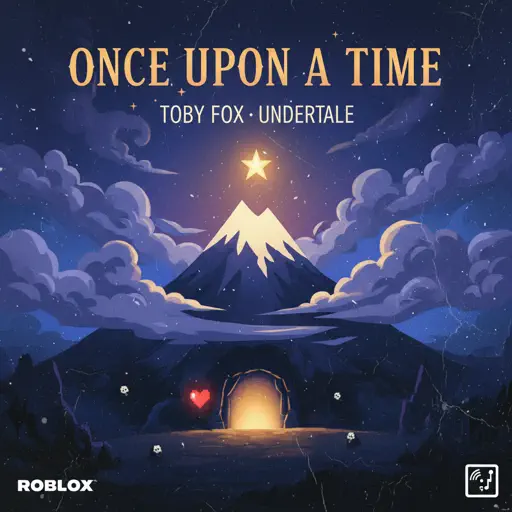
Once Upon a Time
Toby Fox
Normal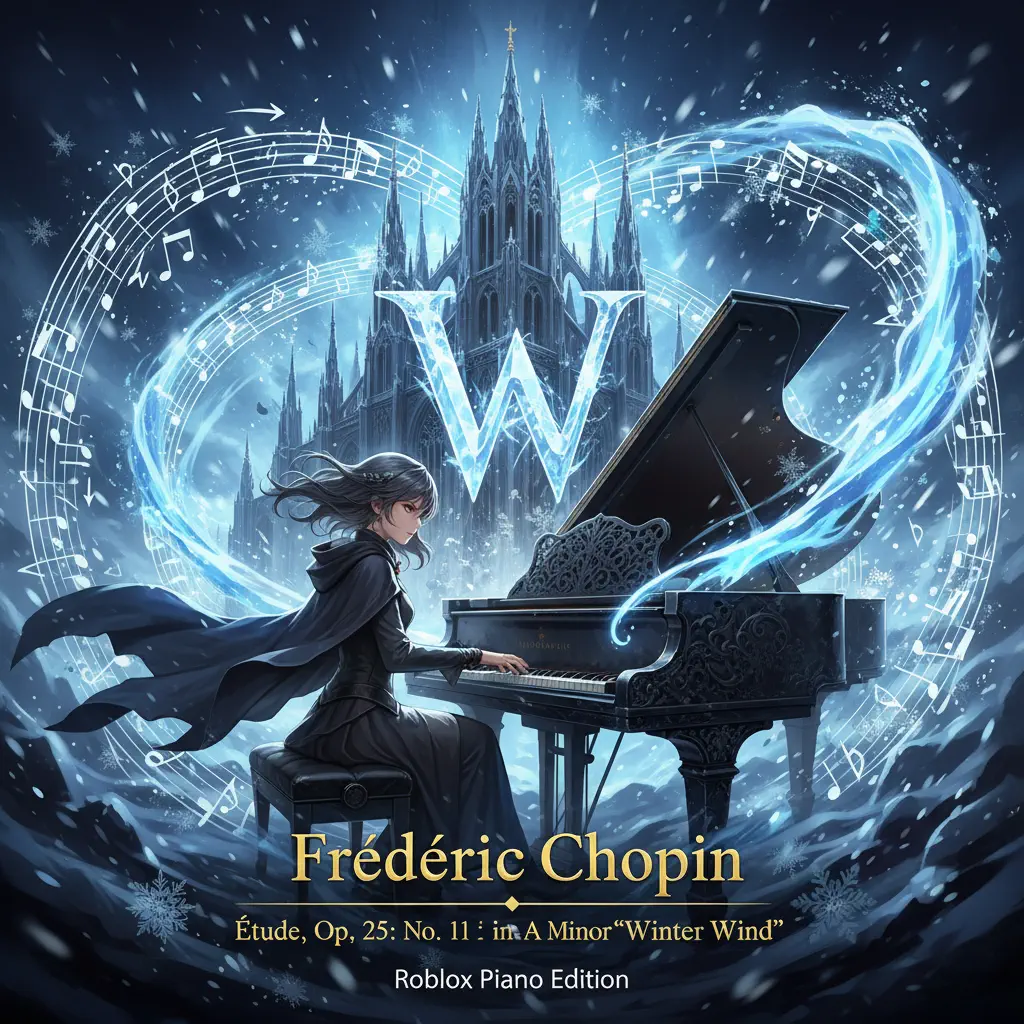
Winter Wind Étude Op. 25 No. 11
Frédéric Chopin
Normal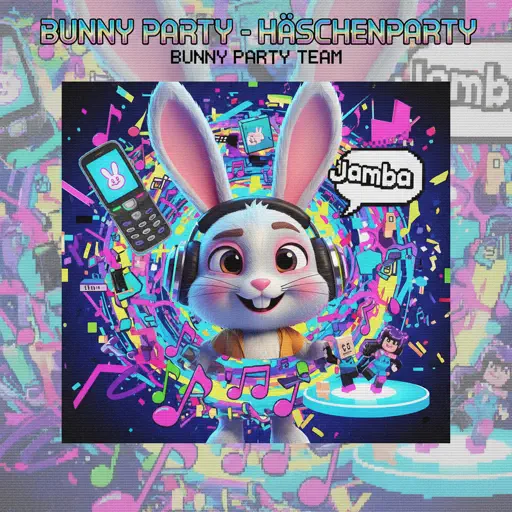
Bunny Party - Häschenparty
Bunny Party Team
Normal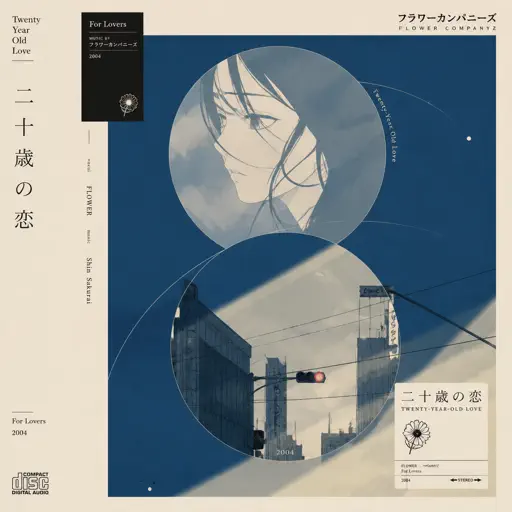
Hatachi No Koi
Lamp
HardFrequently Asked Questions
What is Roblox Piano Practice Online?
This is a free online tool that lets you practice Roblox virtual piano sheets in your browser. No downloads required - just pick a song and start practicing.
How do I use this online practice tool?
1. Select a song from the recommendations or use the search function. 2. Click play and the sheet will auto-scroll with highlighted notes. 3. Watch the virtual piano keyboard for highlighted keys and practice along. 4. Use speed control to slow down playback - perfect for beginners.
Can I play using my keyboard?
Yes! The virtual piano supports computer keyboard input. The keys correspond to the standard Roblox piano layout (1234567890qwerty...). You can practice on your keyboard while following the sheet.
What does the Transpose feature do?
Transpose raises or lowers the pitch of the sheet. Some Roblox piano games have different default tunings, so transpose helps match the correct pitch. Usually adjusting by +12 or -12 semitones works.
Does this tool work on mobile?
Yes, but desktop provides the best experience. On mobile you can view the sheet and virtual piano demo, but keyboard input requires a computer. We recommend using a desktop for the best practice experience.
How do I find sheets suitable for my level?
Below you'll find recommendations sorted by difficulty: Easy for beginners, Normal for intermediate players, and Hard/Expert for advanced challenges. You can also use the search function to find songs by title or artist.