
Roblox Piano Practice Online
Loading piano...
Practice Guide
Quick guide on how to use the online piano practice tool.
What is this?
This tool allows you to practice playing virtual piano sheets directly in your browser. It simulates a piano keyboard and helps you learn the notes and rhythm before playing in Roblox.
How to Practice Online
Use your computer keyboard or mouse to play the virtual piano keys directly. As the sheet music plays, the corresponding keys on the virtual piano will light up to help you follow along. You can also copy the sheet code to use directly in Roblox.
Discover Sheets
Random Shuffle: Click the Shuffle button in the center of the top control bar to instantly load a random new song without reloading the page.
Search: Click the Search button next to Shuffle to open the search window. Type a song title or artist name to quickly find and switch to the sheet you want to practice.
Playback Controls
- Play/Pause: Start or stop playback.
- 1xSpeed: Adjust tempo (0.5x - 2.0x).
- KTranspose: Shift the pitch up or down.
- SSustain: Toggle sustain pedal effect.
Easy Mode

Easy
LET ME SEE YA MOVE!
Lumi Athena

Easy
Mist
EsDeeKid

Easy
If You Love These People (Man of Steel)
Hans Zimmer

Easy
Mockingbird
Eminem

Easy
Gravity Falls Main Title Theme
Brad Breeck

Easy
Pimp Hoe
Mike Sherm

Easy
Balcony
Cave Story

Easy
Nice To Know - BFDIA 19 Cake At Stake Intro
BFDIA 19

Easy
Where You Lead
Carole King

Easy
Fur Elise
Beethoven
Normal Mode
Normal
Thick of It
KSI

Normal
The Ecstasy Of Gold
Ennio Morricone
Normal
My Confession - Doki Doki Literature Club
Dan Salvato
Normal
ClutterFunk (Geometry Dash lvl 11)
Waterflame
Normal
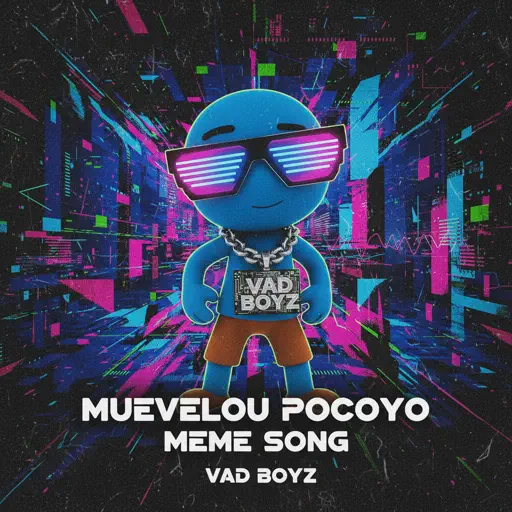
MUEVELOU POCOYO MEME SONG
VAD BOYZ

Normal
Around the World (La La La La La)
A Touch Of Class
Normal
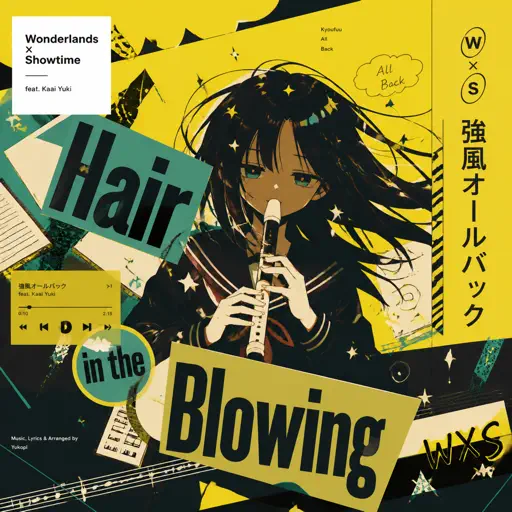
Kyoufuu All Back
Wonderlands×Showtime
Normal
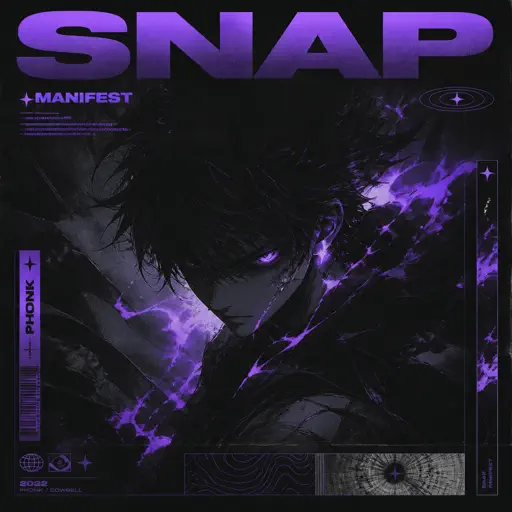
Snap
manifest
Normal
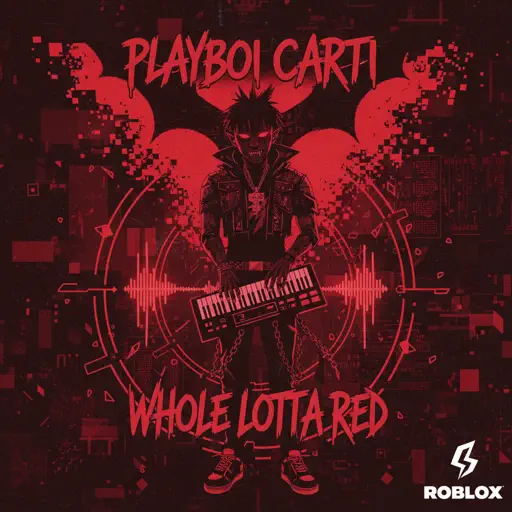
Whole Lotta Red
Playboi Carti
Normal
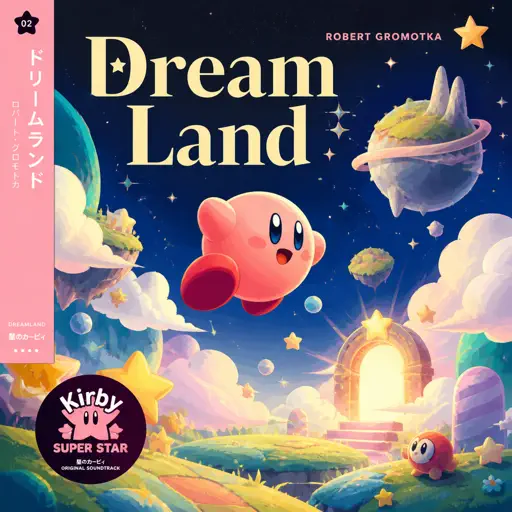
Dreamland
Robert Gromotka
Hard Mode
Hard
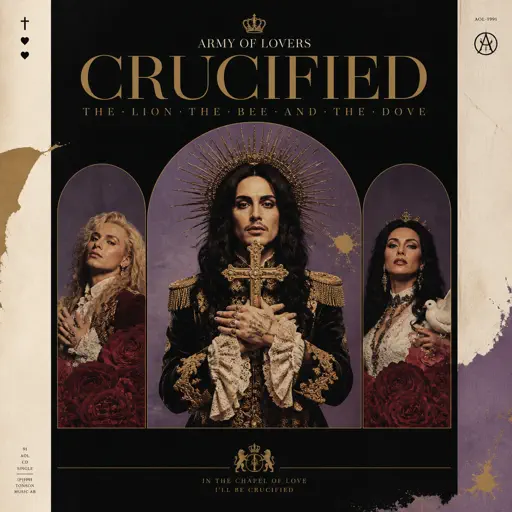
Crucified
Army Of Lovers
Hard
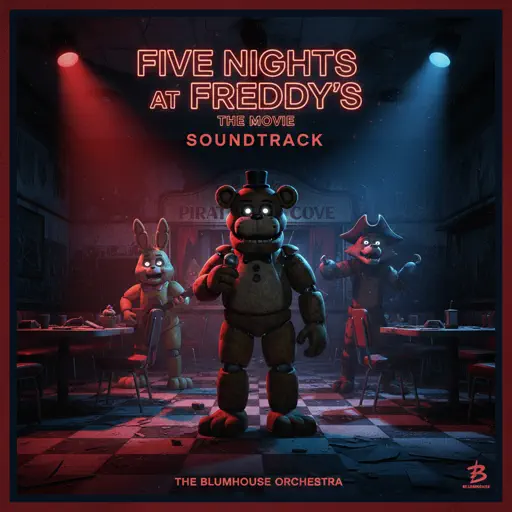
Five Nights at Freddy's Movie
The Newton Brothers
Hard
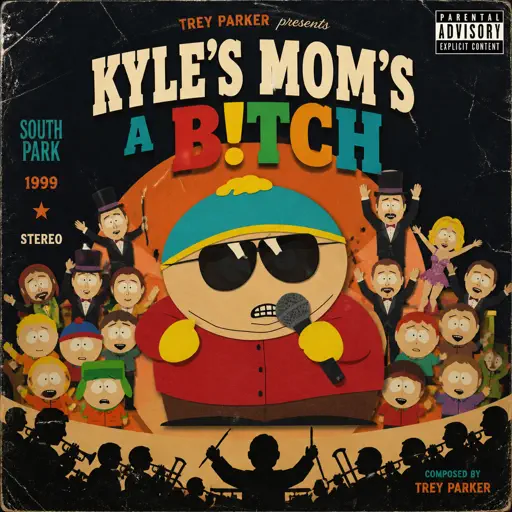
Kyles mom's a bitch (South Park)
Trey Parker
Hard
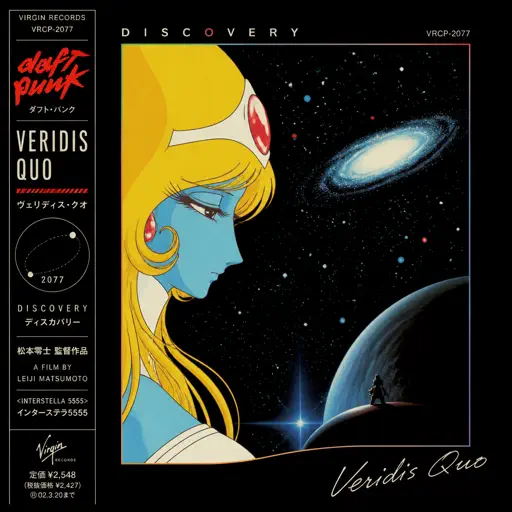
Veridis Quo
Daft Punk
Hard
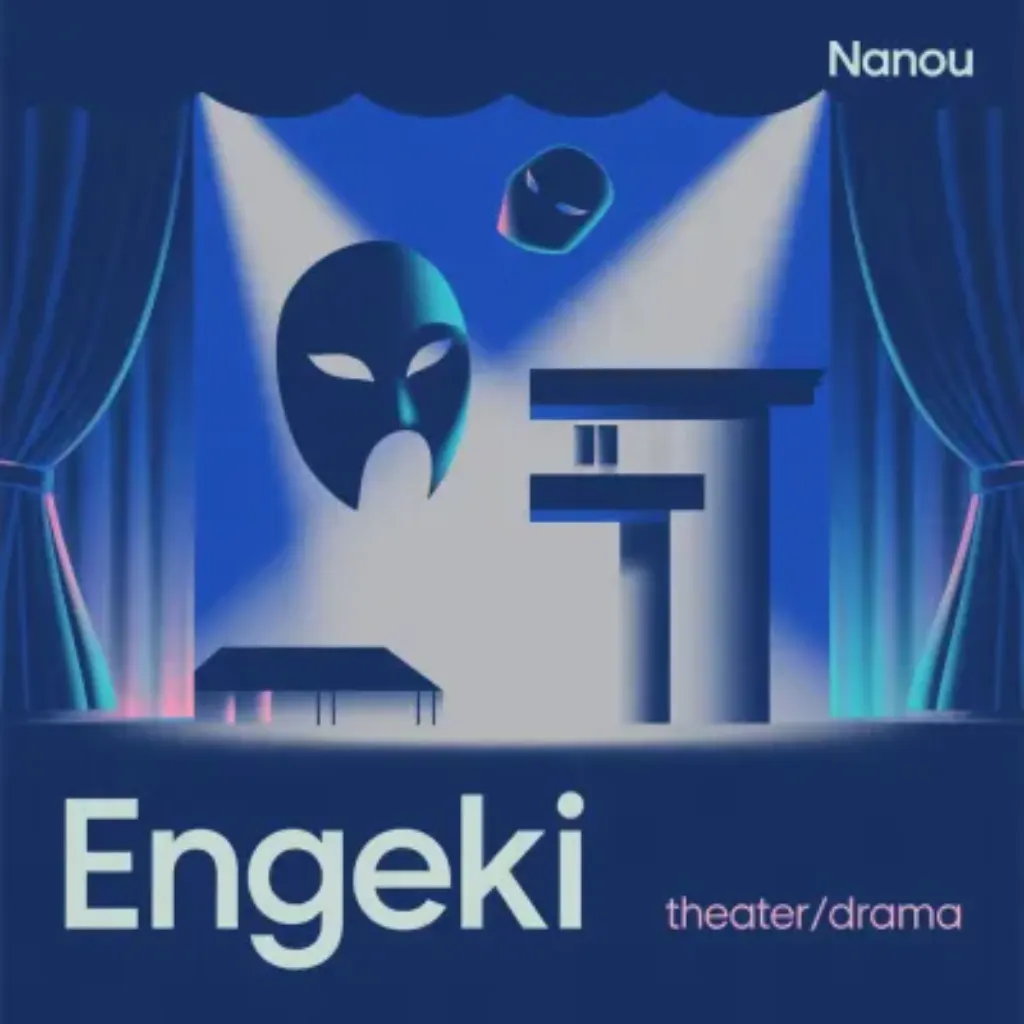
Engeki
Nanou
Hard
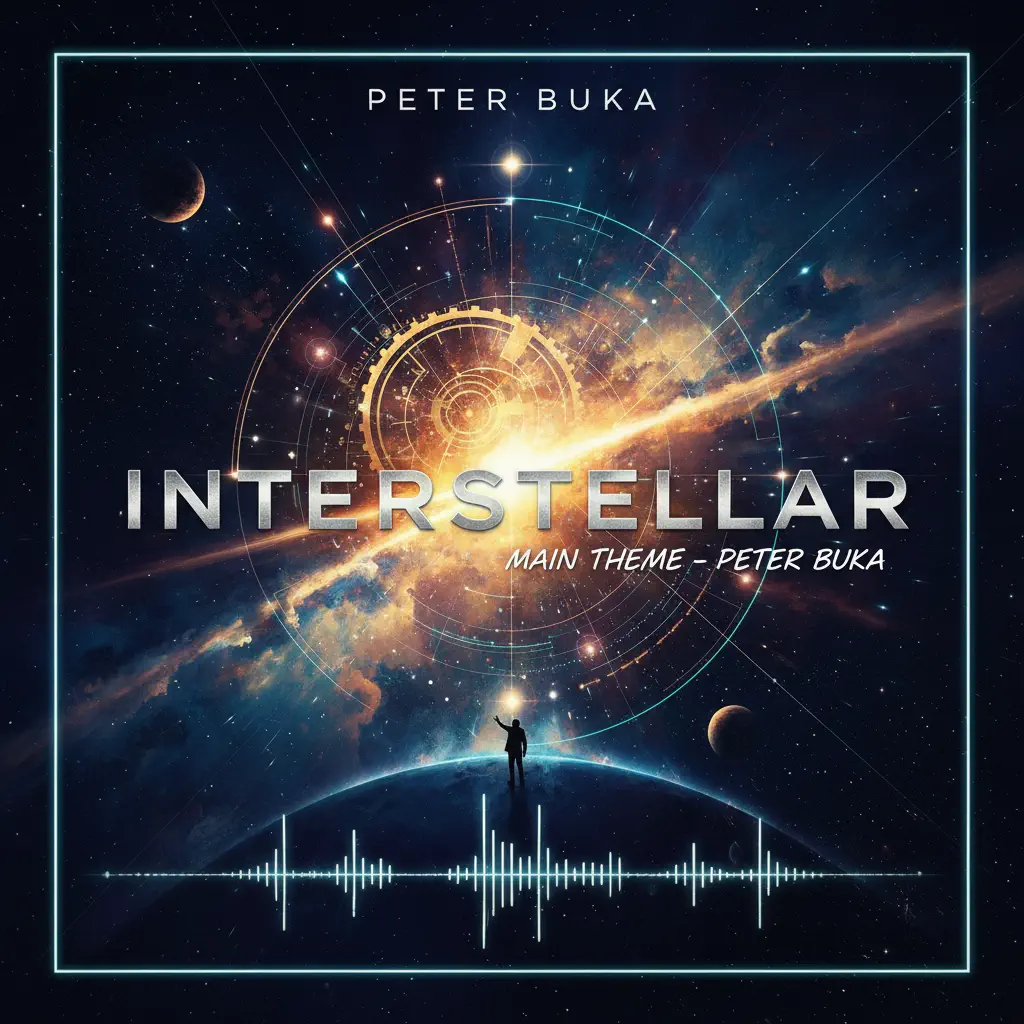
Interstellar Main Theme
Peter Buka
Hard
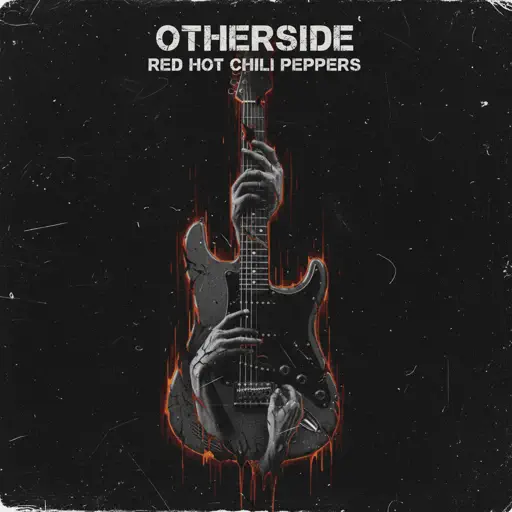
Otherside
Red Hot Chili Peppers

Hard
Tada Koe Hitotsu
Rokudenashi
Hard
The Perfect Girl (such a strange girl)
Mareux
Hard
1812 Overture Finale
Tchaikovsky
Recommended Sheets
Spring (The Four Seasons)
Vivaldi
Normal
AIZO - Jujutsu Kaisen Season 3 OP
King Gnu
Normal
FOREVER (Murder Drones)
AJ Dispirito
Hard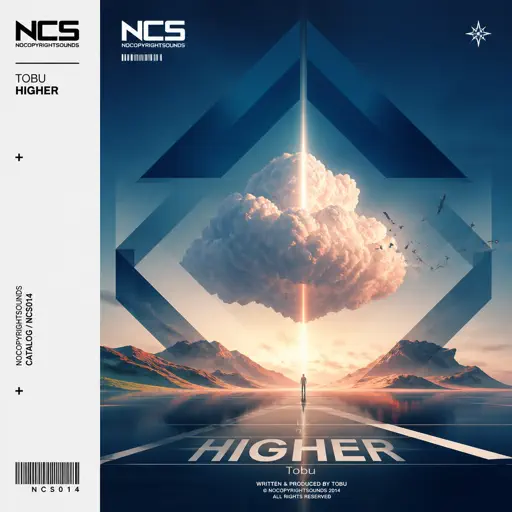
Higher
Tobu
Hard
Ai đưa em về - LOW CORTISOL DANCE
TIA
NormalLET ME SEE YA MOVE!
Lumi Athena
Easy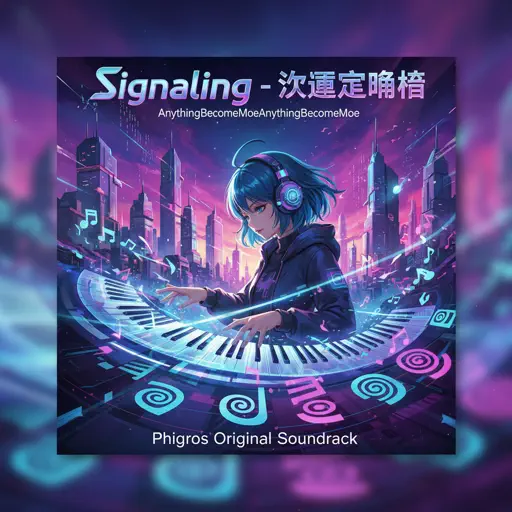
Signalling - 次元通信
AnythingBecomeMoe
Hard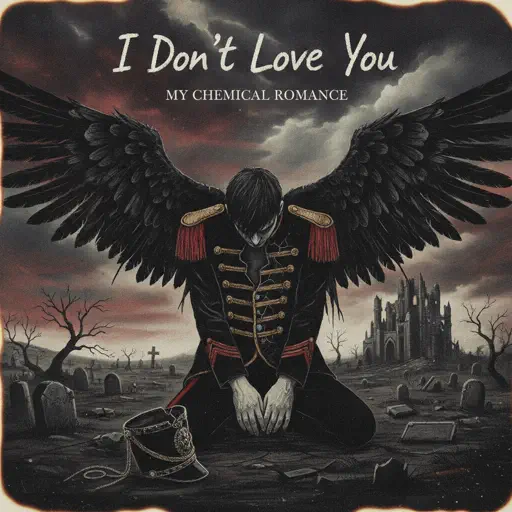
I Don't Love You
My Chemical Romance
HardFive Nights at Freddy's Movie
The Newton Brothers
Hard
Love Love Love
Epik High
Hard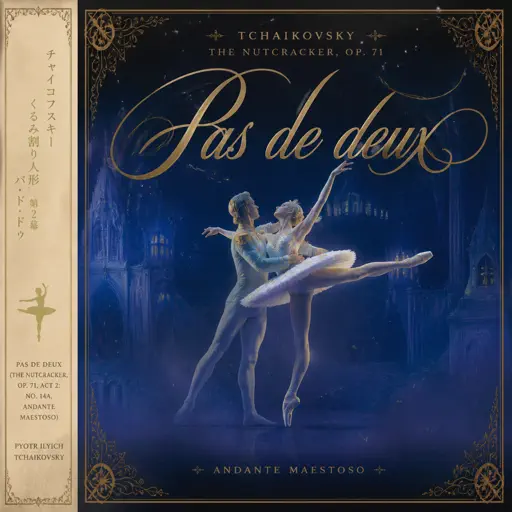
Pas de deux (The Nutcracker, Op. 71, Act 2: No. 14a, Andante maestoso)
Pyotr Ilyich Tchaikovsky
Hard
Velune
Santi Lavadenz
Normal
Beauty and the Beast
Ariana Grande
Normal
Sign of the Times
Harry Styles
Hard
SPAGHETTI
LE SSERAFIM
NormalKyles mom's a bitch (South Park)
Trey Parker
Hard
STAR☆T☆RAIN - 推しの子 Oshi no Ko
Yusuke Onodera
Hard
It's Been So Long
The Living Tombstone
Normal
I Can’t Fix You
The Living Tombstone
Hard
Grasswalk - Plants vs. Zombies
Laura Shigihara
NormalFrequently Asked Questions
What is Roblox Piano Practice Online?
This is a free online tool that lets you practice Roblox virtual piano sheets in your browser. No downloads required - just pick a song and start practicing.
How do I use this online practice tool?
1. Select a song from the recommendations or use the search function. 2. Click play and the sheet will auto-scroll with highlighted notes. 3. Watch the virtual piano keyboard for highlighted keys and practice along. 4. Use speed control to slow down playback - perfect for beginners.
Can I play using my keyboard?
Yes! The virtual piano supports computer keyboard input. The keys correspond to the standard Roblox piano layout (1234567890qwerty...). You can practice on your keyboard while following the sheet.
What does the Transpose feature do?
Transpose raises or lowers the pitch of the sheet. Some Roblox piano games have different default tunings, so transpose helps match the correct pitch. Usually adjusting by +12 or -12 semitones works.
Does this tool work on mobile?
Yes, but desktop provides the best experience. On mobile you can view the sheet and virtual piano demo, but keyboard input requires a computer. We recommend using a desktop for the best practice experience.
How do I find sheets suitable for my level?
Below you'll find recommendations sorted by difficulty: Easy for beginners, Normal for intermediate players, and Hard/Expert for advanced challenges. You can also use the search function to find songs by title or artist.