
Roblox Piano Practice Online
Loading piano...
Practice Guide
Quick guide on how to use the online piano practice tool.
What is this?
This tool allows you to practice playing virtual piano sheets directly in your browser. It simulates a piano keyboard and helps you learn the notes and rhythm before playing in Roblox.
How to Practice Online
Use your computer keyboard or mouse to play the virtual piano keys directly. As the sheet music plays, the corresponding keys on the virtual piano will light up to help you follow along. You can also copy the sheet code to use directly in Roblox.
Discover Sheets
Random Shuffle: Click the Shuffle button in the center of the top control bar to instantly load a random new song without reloading the page.
Search: Click the Search button next to Shuffle to open the search window. Type a song title or artist name to quickly find and switch to the sheet you want to practice.
Playback Controls
- Play/Pause: Start or stop playback.
- 1xSpeed: Adjust tempo (0.5x - 2.0x).
- KTranspose: Shift the pitch up or down.
- SSustain: Toggle sustain pedal effect.
Easy Mode

Easy
Immortal
Playboi Carti

Easy
Balcony
Cave Story

Easy
If You Love These People (Man of Steel)
Hans Zimmer

Easy
Mockingbird
Eminem

Easy
Pimp Hoe
Mike Sherm

Easy
Sleeping City Funk
Emotional Recycling Bin

Easy
Harvey
Alex G

Easy
Mist
EsDeeKid

Easy
Nice To Know - BFDIA 19 Cake At Stake Intro
BFDIA 19

Easy
LET ME SEE YA MOVE!
Lumi Athena
Normal Mode
Normal
ROXANNE
Arizona Zervas
Normal
OOBE - Rec Room OST
Gribbly
Normal
Kurşun Adres Sormaz Ki
Kenan Doğulu

Normal
Smooth Operator
Sade
Normal
Old Dickdonald
Lilcockpump
Normal
Quelqu'un de bien
Livaï

Normal
Jingle Bells
James Lord Pierpont

Normal
Ride Like the Wind
Christopher Cross
Normal
Cry For Me WA WA WA
Ironmouse
Normal
Piano Man
Billy Joel
Hard Mode

Hard
Slash Inferno
Boom Kitty

Hard
Gnarly
KATSEYE

Hard
All the Way North
Jay Chou

Hard
Karma
AJR
Hard
commatose - geometry dash
glass beach
Hard
BATTLE UNDER A BROKEN SKY
AZALI
Hard
Head Over Heels
Tears For Fears
Hard
i like the way you kiss me
Artemas
Hard
Golden Brown X Love Story
Staykul25

Hard
I Want You to Tell Me the Moon is Beautiful!
kakizaki yuta
Recommended Sheets
My R - Yellow Cardigan
Rachie
Hard
The Night Begins to Shine - Teen Titans GO!
B.E.R.
Normal
Jax Toy (THE AMAZING DIGITAL CIRCUS)
Jakeneutron
Normal
Haydn Surprise Symphony No. 94 Movement 2
Haydn
Hard
FF9CAE (Color and Electricity c00lkidd Theme)
Metalovania
Hard
Great Balls Of Fire
Jerry Lee Lewis
Normal
BIRDS OF A FEATHER
Billie Eilish
Normal
Super Mario Bros. Theme
Nintendo
Normal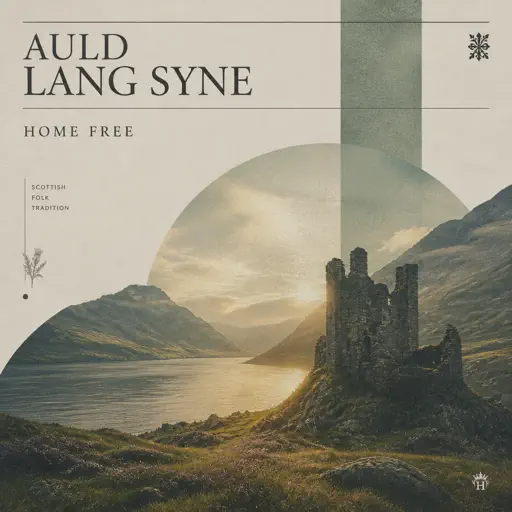
Auld Lang Syne
Home Free
Normal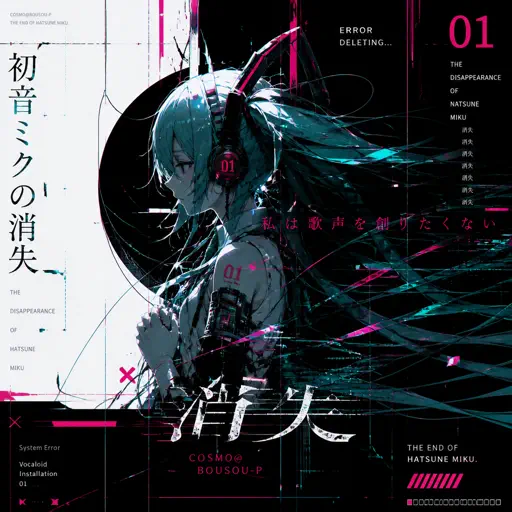
The Disappearance of Hatsune Miku
Hatsune Miku
Normal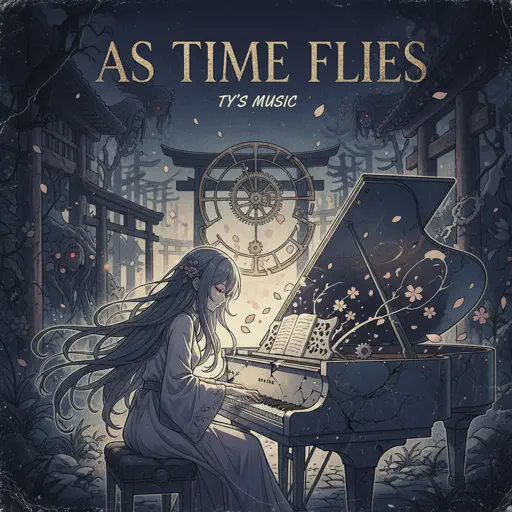
As Time Flies
Ty's Music
Normal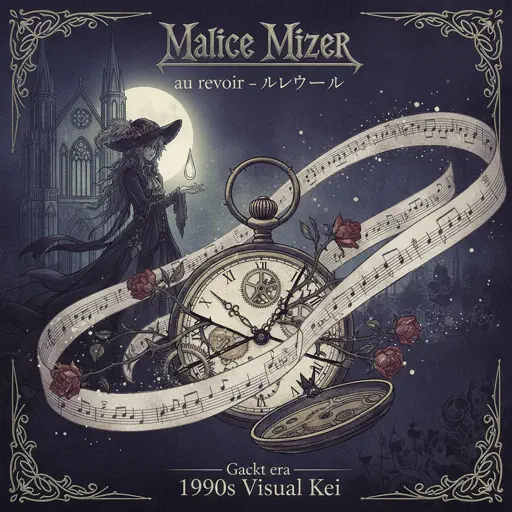
au revoir
Malice Mizer
Hard
Otherside
Red Hot Chili Peppers
Hard
Bunny Party - Häschenparty
Bunny Party Team
Normal
Tetris Theme
Video Game Players
Normal
Beethoven Virus
Ludwig van Beethoven
Hard
Daisy Bell
Harry Dacre
Normal
Dreiton
C418
Normal
Those Who Remain
DirectorMusic
Hard
nocturne of silent stars
yrii egorov
NormalFrequently Asked Questions
What is Roblox Piano Practice Online?
This is a free online tool that lets you practice Roblox virtual piano sheets in your browser. No downloads required - just pick a song and start practicing.
How do I use this online practice tool?
1. Select a song from the recommendations or use the search function. 2. Click play and the sheet will auto-scroll with highlighted notes. 3. Watch the virtual piano keyboard for highlighted keys and practice along. 4. Use speed control to slow down playback - perfect for beginners.
Can I play using my keyboard?
Yes! The virtual piano supports computer keyboard input. The keys correspond to the standard Roblox piano layout (1234567890qwerty...). You can practice on your keyboard while following the sheet.
What does the Transpose feature do?
Transpose raises or lowers the pitch of the sheet. Some Roblox piano games have different default tunings, so transpose helps match the correct pitch. Usually adjusting by +12 or -12 semitones works.
Does this tool work on mobile?
Yes, but desktop provides the best experience. On mobile you can view the sheet and virtual piano demo, but keyboard input requires a computer. We recommend using a desktop for the best practice experience.
How do I find sheets suitable for my level?
Below you'll find recommendations sorted by difficulty: Easy for beginners, Normal for intermediate players, and Hard/Expert for advanced challenges. You can also use the search function to find songs by title or artist.