
Roblox Piano Practice Online
Loading piano...
Practice Guide
Quick guide on how to use the online piano practice tool.
What is this?
This tool allows you to practice playing virtual piano sheets directly in your browser. It simulates a piano keyboard and helps you learn the notes and rhythm before playing in Roblox.
How to Practice Online
Use your computer keyboard or mouse to play the virtual piano keys directly. As the sheet music plays, the corresponding keys on the virtual piano will light up to help you follow along. You can also copy the sheet code to use directly in Roblox.
Discover Sheets
Random Shuffle: Click the Shuffle button in the center of the top control bar to instantly load a random new song without reloading the page.
Search: Click the Search button next to Shuffle to open the search window. Type a song title or artist name to quickly find and switch to the sheet you want to practice.
Playback Controls
- Play/Pause: Start or stop playback.
- 1xSpeed: Adjust tempo (0.5x - 2.0x).
- KTranspose: Shift the pitch up or down.
- SSustain: Toggle sustain pedal effect.
Easy Mode

Easy
Cupid (Twin Version)
Fifty Fifty

Easy
Mockingbird
Eminem

Easy
Balcony
Cave Story

Easy
Harvey
Alex G

Easy
Nice To Know - BFDIA 19 Cake At Stake Intro
BFDIA 19

Easy
Mist
EsDeeKid

Easy
Sleeping City Funk
Emotional Recycling Bin

Easy
Pimp Hoe
Mike Sherm

Easy
If You Love These People (Man of Steel)
Hans Zimmer

Easy
Fur Elise
Beethoven
Normal Mode
Normal
Sayo-Nara (Doki Doki Literature Club)
Dan Salvato
Normal
Another Rain (Halo 3: ODST)
Martin O'Donnell
Normal
ICONIC BY MISTAKE
KATSEYE
Normal
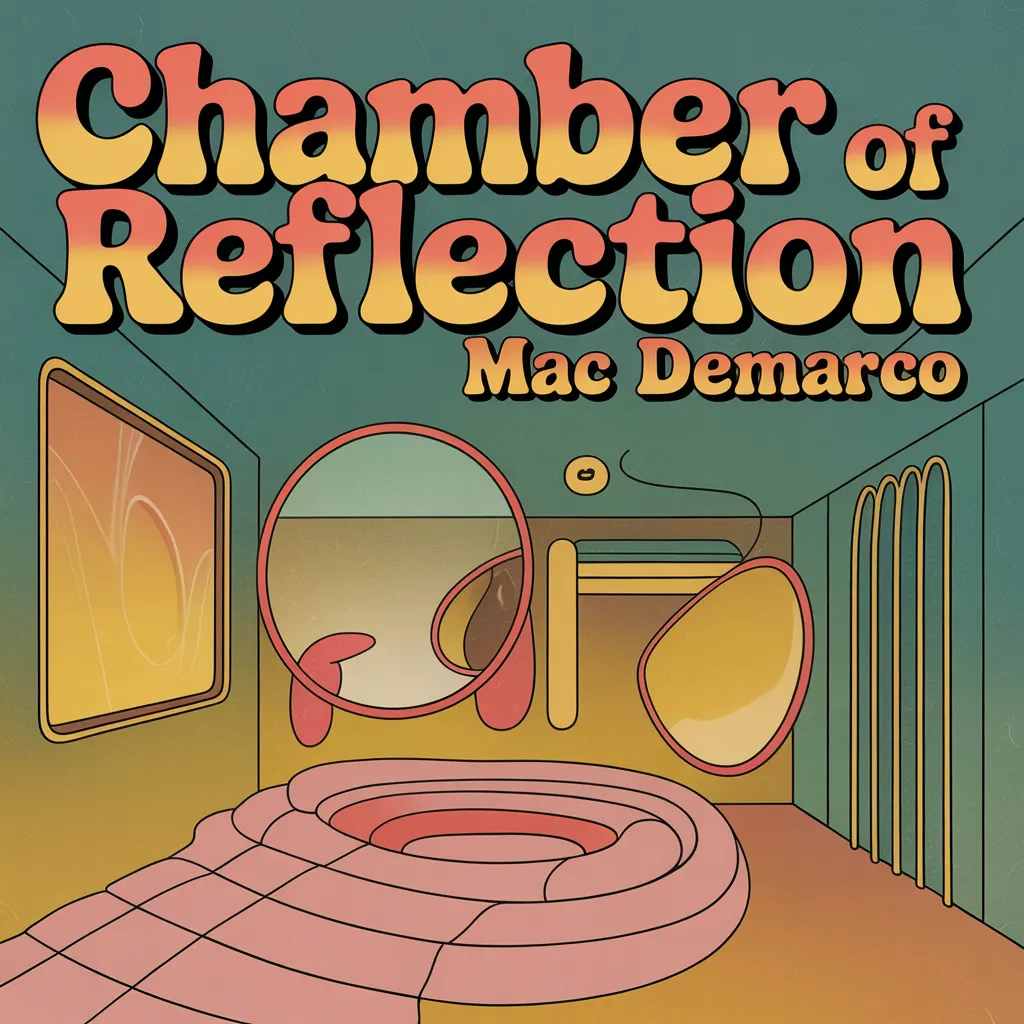
Chamber Of Reflection
Mac DeMarco
Normal
Roller
Apache 207
Normal
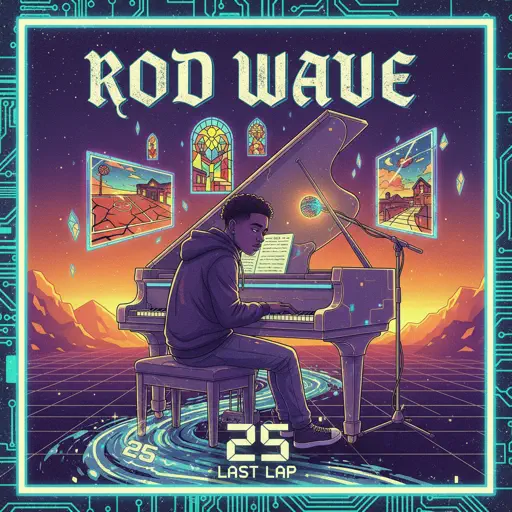
25
Rod Wave
Normal
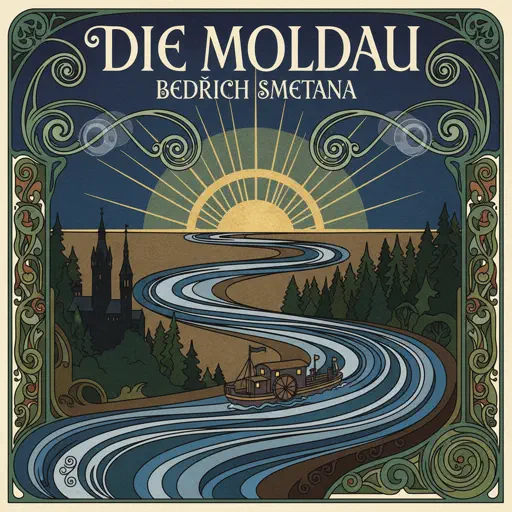
Die Moldau
Bedřich Smetana
Normal
Morning Mood
Edvard Grieg
Normal
High School Sweethearts
Melanie Martinez

Normal
Flowers
Miley Cyrus
Hard Mode
Hard
Succession (Main Title Theme)
Nicholas Britell
Hard
Black Catcher (Black Clover)
VK Blanka

Hard
Vienna
Billy Joel
Hard
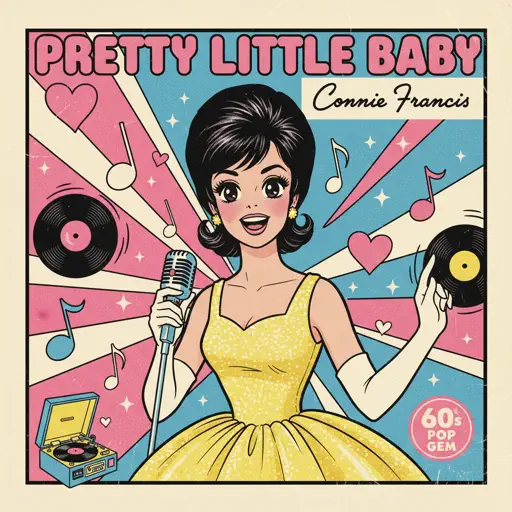
Pretty Little Baby
Connie Francis
Hard
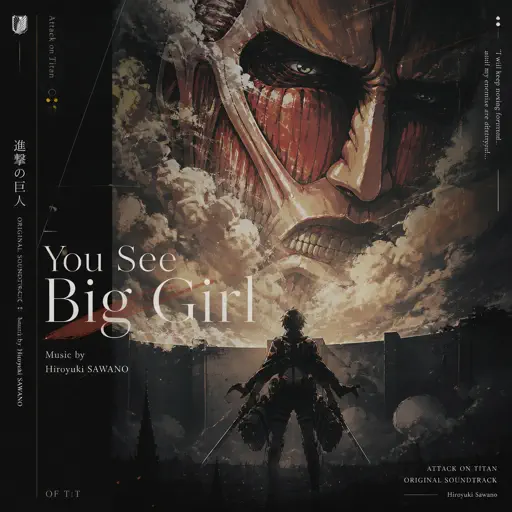
You See Big Girl / T:T
Sawano Hiroyuki
Hard
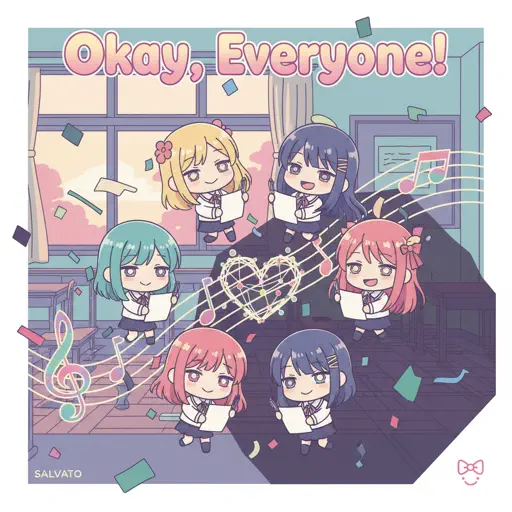
Okay, Everyone!
Doki Doki Literature Club
Hard
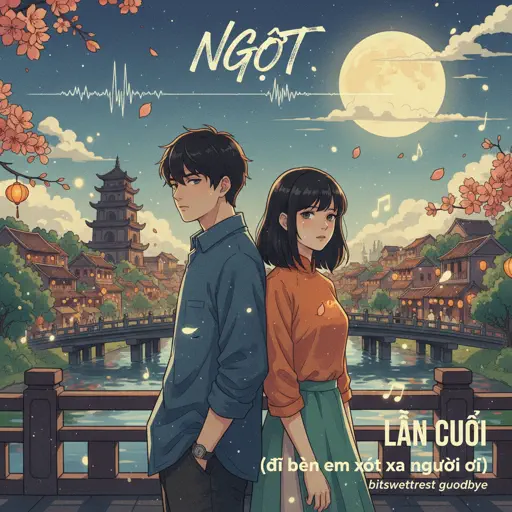
LẦN CUỐI (đi bên em xót xa người ơi)
Ngọt
Hard
Glued
Melanie Martinez
Hard
Mr. Blue Sky
Electric Light Orchestra
Hard
Rein Me In
Sam Fender
Recommended Sheets

Dernière Danse
Indila
Normal
Last Surprise (Persona 5)
Persona 5
Hard
RAPSTAR
Polo G
Normal
Borderline
Tame Impala
Normal
U.N. Owen Was Her?
Flandre's Theme
Hard
no, the moon
Teen Suicide
Normal
Took Her To The O
King Von
Hard
Miku
Anamanaguchi
Hard
You've Been Trolled
Antony Cannon
Hard
OIIA OIIA (Spinning Cat)
W&W
Normal
Speed Demon
Michael Jackson
Normal
Windfall
TheFatRat
Hard
The Less I Know The Better
Tame Impala
Normal
Notion
The Rare Occasions
Normal
Erika (Advanced)
German Folk Regiment
Normal
Futura Free
Frank Ocean
Normal
Clouds
Alex G
Normal
Who Will Know - Shin Godzilla
Shiro SAGISU
Normal
We Are Charlie Kirk
Spalexma
Normal
Dandelions
Ruth B.
HardFrequently Asked Questions
What is Roblox Piano Practice Online?
This is a free online tool that lets you practice Roblox virtual piano sheets in your browser. No downloads required - just pick a song and start practicing.
How do I use this online practice tool?
1. Select a song from the recommendations or use the search function. 2. Click play and the sheet will auto-scroll with highlighted notes. 3. Watch the virtual piano keyboard for highlighted keys and practice along. 4. Use speed control to slow down playback - perfect for beginners.
Can I play using my keyboard?
Yes! The virtual piano supports computer keyboard input. The keys correspond to the standard Roblox piano layout (1234567890qwerty...). You can practice on your keyboard while following the sheet.
What does the Transpose feature do?
Transpose raises or lowers the pitch of the sheet. Some Roblox piano games have different default tunings, so transpose helps match the correct pitch. Usually adjusting by +12 or -12 semitones works.
Does this tool work on mobile?
Yes, but desktop provides the best experience. On mobile you can view the sheet and virtual piano demo, but keyboard input requires a computer. We recommend using a desktop for the best practice experience.
How do I find sheets suitable for my level?
Below you'll find recommendations sorted by difficulty: Easy for beginners, Normal for intermediate players, and Hard/Expert for advanced challenges. You can also use the search function to find songs by title or artist.