
Roblox Piano Practice Online
Loading piano...
Practice Guide
Quick guide on how to use the online piano practice tool.
What is this?
This tool allows you to practice playing virtual piano sheets directly in your browser. It simulates a piano keyboard and helps you learn the notes and rhythm before playing in Roblox.
How to Practice Online
Use your computer keyboard or mouse to play the virtual piano keys directly. As the sheet music plays, the corresponding keys on the virtual piano will light up to help you follow along. You can also copy the sheet code to use directly in Roblox.
Discover Sheets
Random Shuffle: Click the Shuffle button in the center of the top control bar to instantly load a random new song without reloading the page.
Search: Click the Search button next to Shuffle to open the search window. Type a song title or artist name to quickly find and switch to the sheet you want to practice.
Playback Controls
- Play/Pause: Start or stop playback.
- 1xSpeed: Adjust tempo (0.5x - 2.0x).
- KTranspose: Shift the pitch up or down.
- SSustain: Toggle sustain pedal effect.
Easy Mode

Easy
Where You Lead
Carole King

Easy
Gravity Falls Main Title Theme
Brad Breeck

Easy
Immortal
Playboi Carti

Easy
Cupid (Twin Version)
Fifty Fifty

Easy
Mockingbird
Eminem

Easy
Balcony
Cave Story

Easy
Fur Elise
Beethoven

Easy
Nice To Know - BFDIA 19 Cake At Stake Intro
BFDIA 19

Easy
Pimp Hoe
Mike Sherm

Easy
Sleeping City Funk
Emotional Recycling Bin
Normal Mode
Normal
Keskin Biçak
Sezen Aksu
Normal
Sun's Coming Up
Tame Impala
Normal
Survive the Night - Five Nights at Freddy's 2
MandoPony
Normal
Sweden
C418
Normal
Skyfall
Adele (James Bond)
Normal
Dancing In The Dark - From The Home
Rihanna
Normal
Moog City 2 - Minecraft
C418
Normal
Love Me Again
John Newman
Normal
Hypercharged
Electric Callboy

Normal
I'm so crazy for youuu </3
Rebzyyx
Hard Mode
Hard
Buddy Holly
Weezer (get weezered meme)

Hard
Marigold
Aimyon

Hard
Vienna
Billy Joel
Hard
Five Nights at Freddy's Movie
The Newton Brothers

Hard
Honeypie
JAWNY

Hard
All the Way North
Jay Chou
Hard
Gathers Under Night - Under Night In-Birth
Raito
Hard
Rush E (Impossible Version)
Sheet Music Boss

Hard
Dan Dan Kokoro Hikareteku (Dragon Ball GT)
Jann-Aron JP

Hard
lit (A Silent Voice)
Kensuke Ushio
Recommended Sheets
Honeypie
JAWNY
Hard
Aria Math
C418 (Minecraft)
Normal
We are Bulletproof : the Eternal
BTS
Normal
Scorched Earth Symphony - FlameFrags
Nombra101
Normal
Killswitch Lullaby
Flawed Mangoes
Normal
We Are! - ウィーアー! - One Piece
Hiroshi Kitadani
Hard
pinKing 绝区零
HOYO-MiX
Normal
Last Surprise (Persona 5)
Persona 5
Hard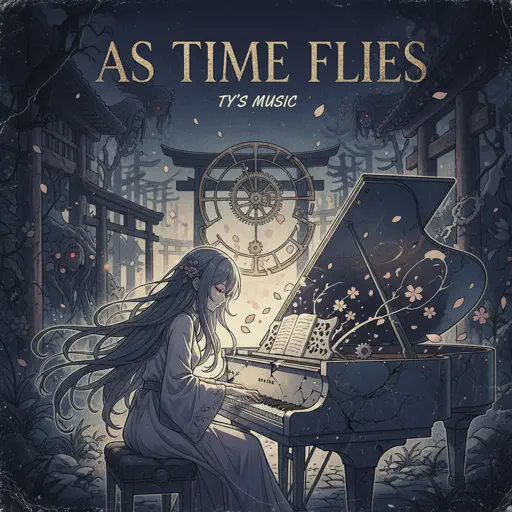
As Time Flies
Ty's Music
Normal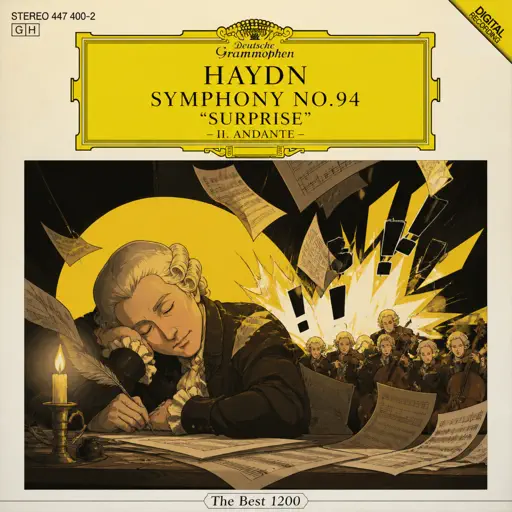
Haydn Surprise Symphony No. 94 Movement 2
Haydn
Hard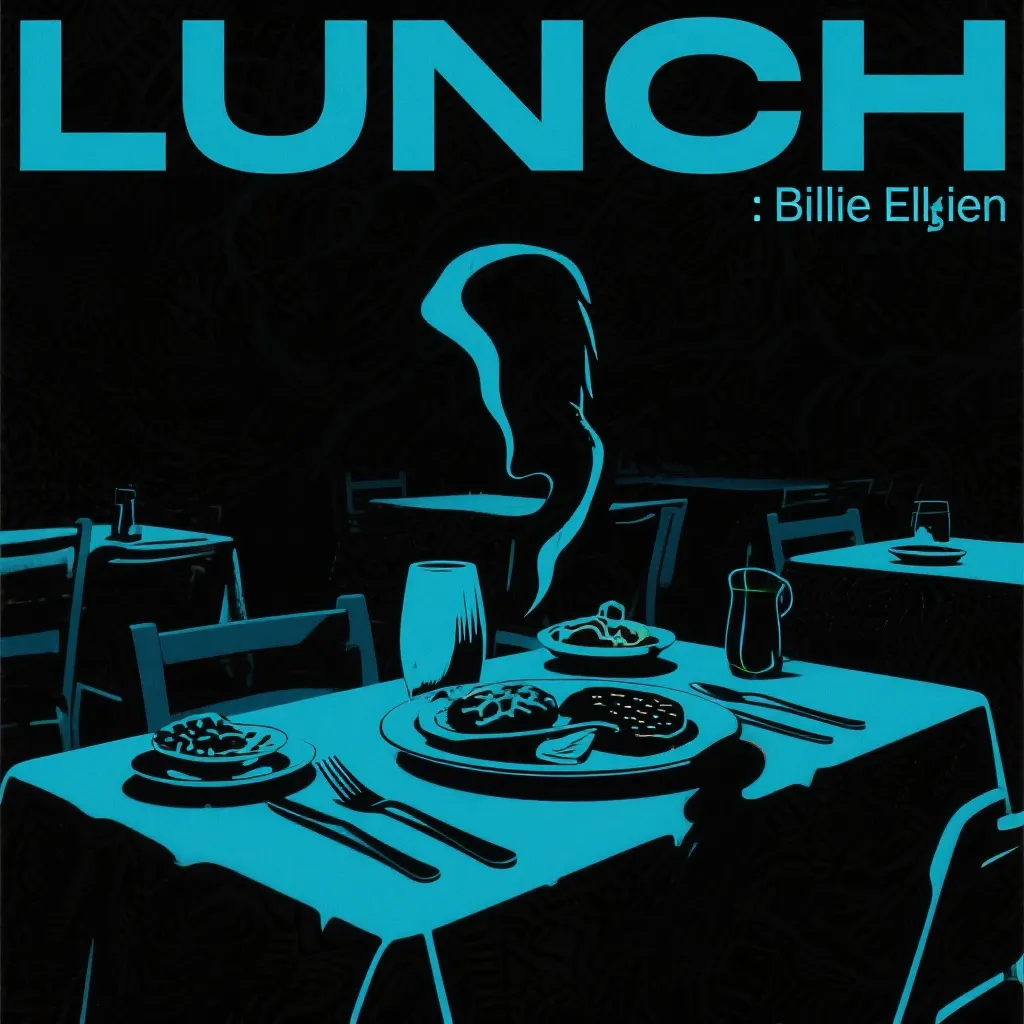
LUNCH
Billie Eilish
NormalMockingbird
Eminem
Easy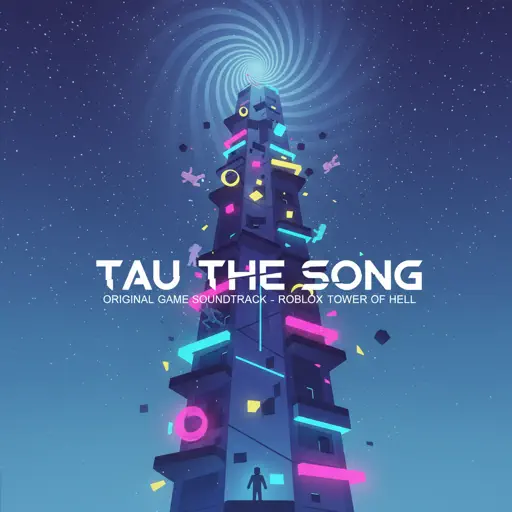
Tau The Song
HDSQ
Normal
Do It
Stray Kids
Normal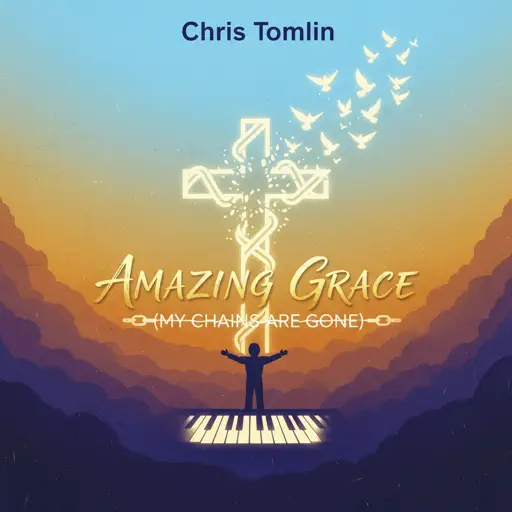
Amazing Grace (My Chains Are Gone)
Chris Tomlin
Normal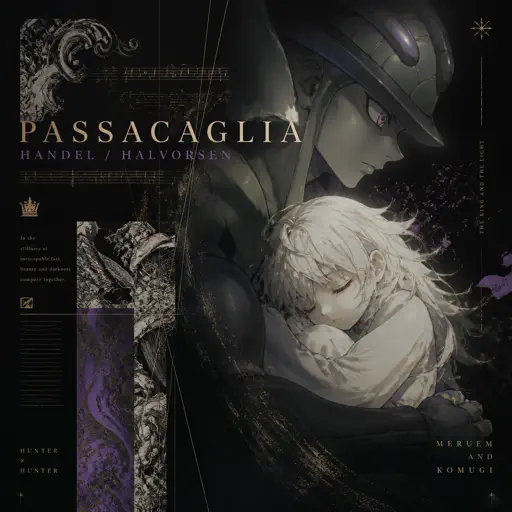
Passacaglia
Handel/Halvorsen
Hard
Mist
EsDeeKid
Easy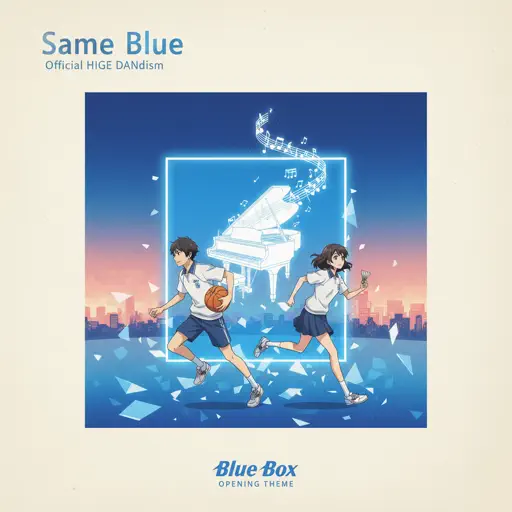
Same Blue
Blue Box OP
Normal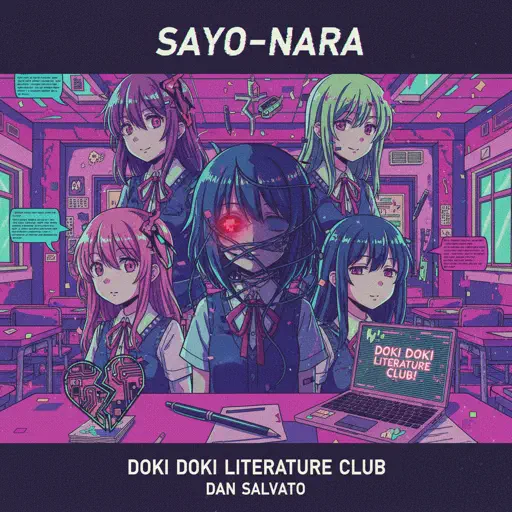
Sayo-Nara (Doki Doki Literature Club)
Dan Salvato
Normal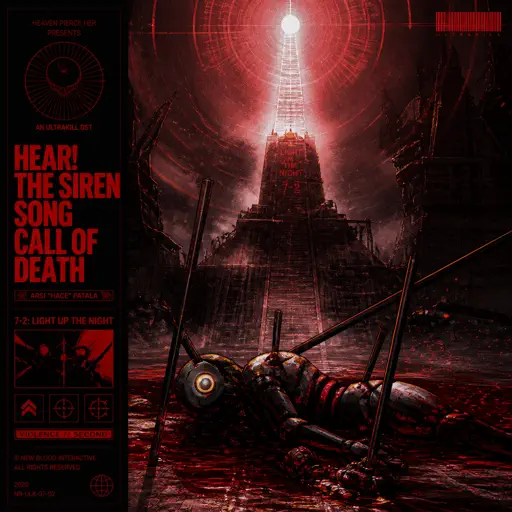
Hear! the Siren Song Call of Death - ULTRAKILL OST
Heaven Pierce Her
HardFrequently Asked Questions
What is Roblox Piano Practice Online?
This is a free online tool that lets you practice Roblox virtual piano sheets in your browser. No downloads required - just pick a song and start practicing.
How do I use this online practice tool?
1. Select a song from the recommendations or use the search function. 2. Click play and the sheet will auto-scroll with highlighted notes. 3. Watch the virtual piano keyboard for highlighted keys and practice along. 4. Use speed control to slow down playback - perfect for beginners.
Can I play using my keyboard?
Yes! The virtual piano supports computer keyboard input. The keys correspond to the standard Roblox piano layout (1234567890qwerty...). You can practice on your keyboard while following the sheet.
What does the Transpose feature do?
Transpose raises or lowers the pitch of the sheet. Some Roblox piano games have different default tunings, so transpose helps match the correct pitch. Usually adjusting by +12 or -12 semitones works.
Does this tool work on mobile?
Yes, but desktop provides the best experience. On mobile you can view the sheet and virtual piano demo, but keyboard input requires a computer. We recommend using a desktop for the best practice experience.
How do I find sheets suitable for my level?
Below you'll find recommendations sorted by difficulty: Easy for beginners, Normal for intermediate players, and Hard/Expert for advanced challenges. You can also use the search function to find songs by title or artist.