
Roblox Piano Practice Online
Loading piano...
Practice Guide
Quick guide on how to use the online piano practice tool.
What is this?
This tool allows you to practice playing virtual piano sheets directly in your browser. It simulates a piano keyboard and helps you learn the notes and rhythm before playing in Roblox.
How to Practice Online
Use your computer keyboard or mouse to play the virtual piano keys directly. As the sheet music plays, the corresponding keys on the virtual piano will light up to help you follow along. You can also copy the sheet code to use directly in Roblox.
Discover Sheets
Random Shuffle: Click the Shuffle button in the center of the top control bar to instantly load a random new song without reloading the page.
Search: Click the Search button next to Shuffle to open the search window. Type a song title or artist name to quickly find and switch to the sheet you want to practice.
Playback Controls
- Play/Pause: Start or stop playback.
- 1xSpeed: Adjust tempo (0.5x - 2.0x).
- KTranspose: Shift the pitch up or down.
- SSustain: Toggle sustain pedal effect.
Easy Mode
Easy
Immortal
Playboi Carti

Easy
Cupid (Twin Version)
Fifty Fifty
Easy
Sleeping City Funk
Emotional Recycling Bin
Easy
If You Love These People (Man of Steel)
Hans Zimmer
Easy
Balcony
Cave Story
Easy
Mist
EsDeeKid
Easy
Where You Lead
Carole King
Easy
Nice To Know - BFDIA 19 Cake At Stake Intro
BFDIA 19
Easy
LET ME SEE YA MOVE!
Lumi Athena
Easy
Fur Elise
Beethoven
Normal Mode

Normal
Butch 4 Butch
Rio Romeo
Normal
Piano Man
Billy Joel
Normal
Disassembly Required (Murder Drones)
Liam Vickers
Normal
Every Breath You Take
The Police
Normal
Escape
Nemzzz
Normal
meowsic
d2s1
Normal
ICARUS
Tony Ann
Normal
Gymnopédie No. 1
Erik Satie
Normal
Grasswalk - Plants vs. Zombies
Laura Shigihara
Normal
Red Like Roses, Pt. 1 - RWBY
Jeff Williams
Hard Mode

Hard
Otsukare Summer
HALCALI
Hard
Biome Fest - Minecraft
C418
Hard
Head Over Heels
Tears For Fears

Hard
Tada Koe Hitotsu
Rokudenashi
Hard
Five Nights at Freddy's Movie
The Newton Brothers
Hard
90210
Travis Scott
Hard
MONTAGEM RUGADA
cape

Hard
Inferno インフェルノ - Fire Force OP
Mrs green apple
Hard
Unreggcognizable
Forsaken OST
Hard
Lag Train
Inabakumori
Recommended Sheets
Mr. Blue Sky
Electric Light Orchestra
Hard
Sweet but Psycho
Ava Max
Normal
Moonlight Sonata 2nd Movement
Ludwig van Beethoven
Normal
Les
Childish Gambino
Normal
FEAR
NF
Normal
Takedown
HUNTR/X
NormalEscape
Nemzzz
Normal
Those Who Remain
DirectorMusic
Hard
Quaoar
Camellia
Hard
Bertaut
Nadin Amizah
Normal
Fairytale of New York
The Pogues
Normal
Tết Đong Đầy
KHOA
Hard
Jazz in Paris
Media Right Productions
Hard
From Russia with Love
Matt Monro
Hard
requiem for the lost ones
Shiro SAGISU
HardHead Over Heels
Tears For Fears
Hard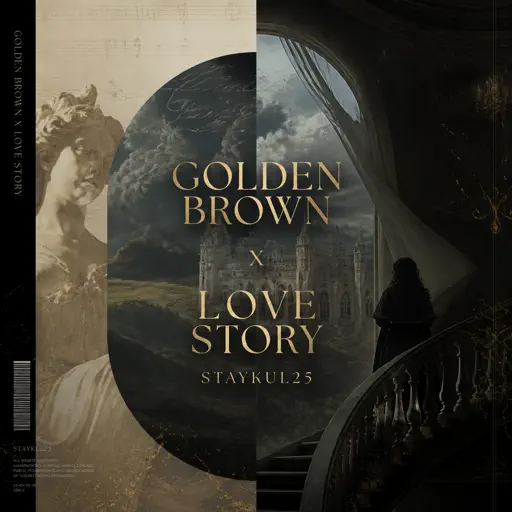
Golden Brown X Love Story
Staykul25
Hard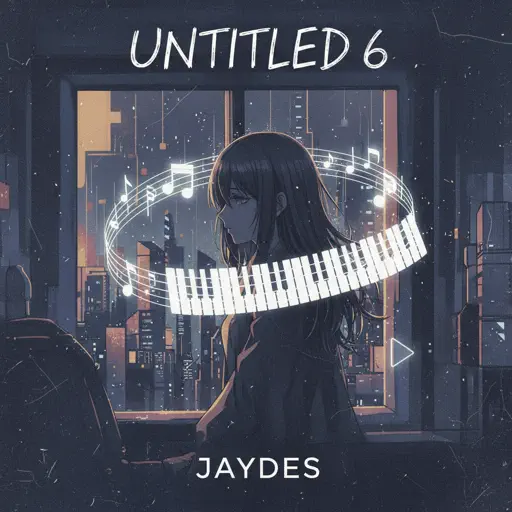
Untitled 6
Jaydes
Normal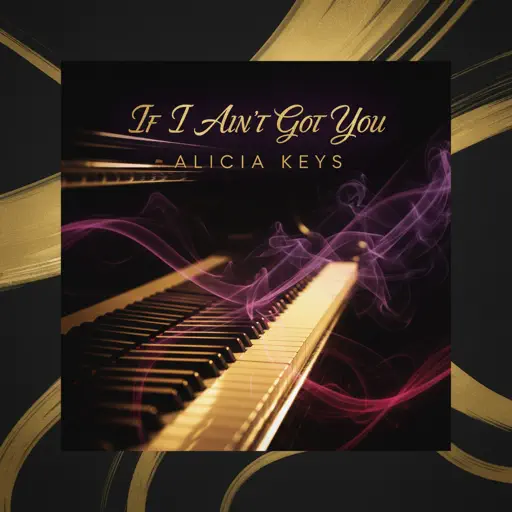
If I Ain't Got You
Alicia Keys
Normal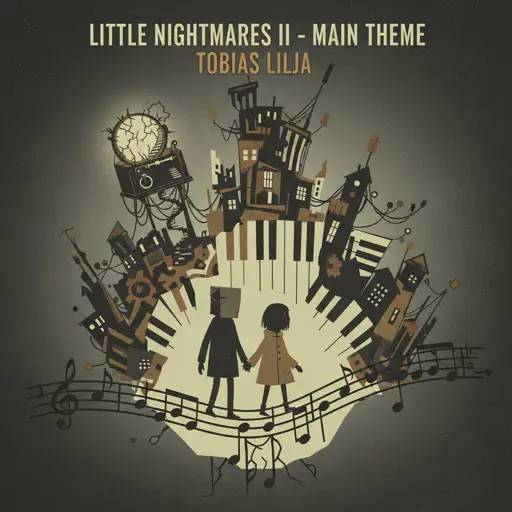
Little Nightmares 2 - Main Theme
Tobias Lilja
HardFrequently Asked Questions
What is Roblox Piano Practice Online?
This is a free online tool that lets you practice Roblox virtual piano sheets in your browser. No downloads required - just pick a song and start practicing.
How do I use this online practice tool?
1. Select a song from the recommendations or use the search function. 2. Click play and the sheet will auto-scroll with highlighted notes. 3. Watch the virtual piano keyboard for highlighted keys and practice along. 4. Use speed control to slow down playback - perfect for beginners.
Can I play using my keyboard?
Yes! The virtual piano supports computer keyboard input. The keys correspond to the standard Roblox piano layout (1234567890qwerty...). You can practice on your keyboard while following the sheet.
What does the Transpose feature do?
Transpose raises or lowers the pitch of the sheet. Some Roblox piano games have different default tunings, so transpose helps match the correct pitch. Usually adjusting by +12 or -12 semitones works.
Does this tool work on mobile?
Yes, but desktop provides the best experience. On mobile you can view the sheet and virtual piano demo, but keyboard input requires a computer. We recommend using a desktop for the best practice experience.
How do I find sheets suitable for my level?
Below you'll find recommendations sorted by difficulty: Easy for beginners, Normal for intermediate players, and Hard/Expert for advanced challenges. You can also use the search function to find songs by title or artist.