

Roblox Piano Practice Online
Loading piano...
Practice Guide
Quick guide on how to use the online piano practice tool.
What is this?
This tool allows you to practice playing virtual piano sheets directly in your browser. It simulates a piano keyboard and helps you learn the notes and rhythm before playing in Roblox.
How to Practice Online
Use your computer keyboard or mouse to play the virtual piano keys directly. As the sheet music plays, the corresponding keys on the virtual piano will light up to help you follow along. You can also copy the sheet code to use directly in Roblox.
Discover Sheets
Random Shuffle: Click the Shuffle button in the center of the top control bar to instantly load a random new song without reloading the page.
Search: Click the Search button next to Shuffle to open the search window. Type a song title or artist name to quickly find and switch to the sheet you want to practice.
Playback Controls
- Play/Pause: Start or stop playback.
- 1xSpeed: Adjust tempo (0.5x - 2.0x).
- KTranspose: Shift the pitch up or down.
- SSustain: Toggle sustain pedal effect.
Easy Mode










Normal Mode
Normal
Risk It All
Bruno Mars
Normal
Praeludium and Allegro
Kreisler
Normal
HOMAGE FUNK
KIXIA & KREZUS
Normal
Silksong Theme
kohto

Normal
Blue Bird 青鳥 - Naruto Shippuden
Akano
Normal
Love Me Again
John Newman
Normal
Valencina & Lucio Battle Theme - Limbus Company
Studio EIM
Normal
Someone Like You
Adele
Normal
Blinding Lights
The Weeknd
Normal
Black Sorrow (VIVINOS - ALNST Alien Stage)
PARK BYEONG HOON
Hard Mode
Hard
No Time for Caution - Interstellar
Hans Zimmer
Hard
Aishite Aishite Aishite
Ado
Hard
Animation Warrior Theme - Geometry Dash Orbit
Nighthawk22

Hard
Tada Koe Hitotsu
Rokudenashi
Hard
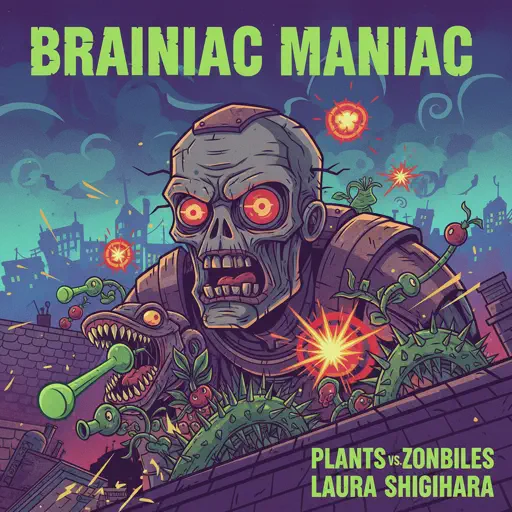
Brainiac Maniac - Plants vs. Zombies
Laura Shigihara

Hard
Lovers Rock
TV Girl

Hard
Congratulations
Mac Miller
Hard
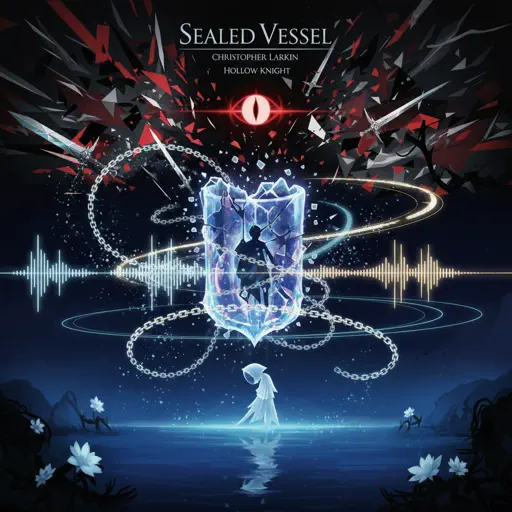
Sealed Vessel - Hollow Knight
Christopher Larkin
Hard
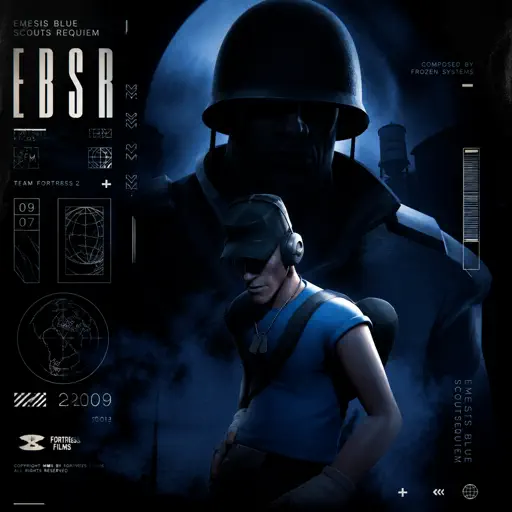
Emesis Blue Scouts Requiem
Fortress Films
Hard
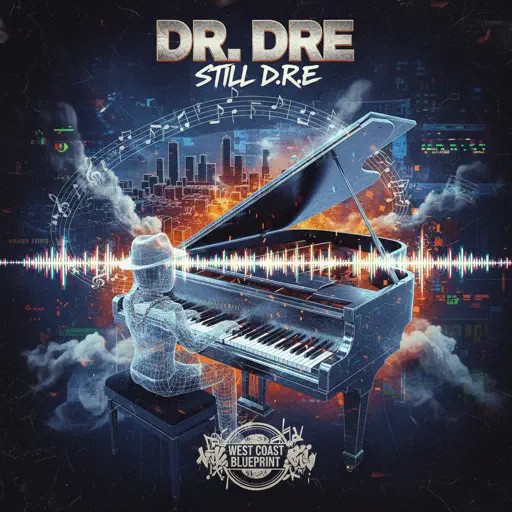
Still D.R.E.
Dr. Dre
Recommended Sheets
Diamond is unbreakable -Josuke theme
Jojo's Bizzarre Aventure
Normal
Freaks
Surf Curse
Normal
Hungarian Rhapsody No. 2
Franz Liszt
Hard
Gusty Garden Galaxy
Super Mario Galaxy
Hard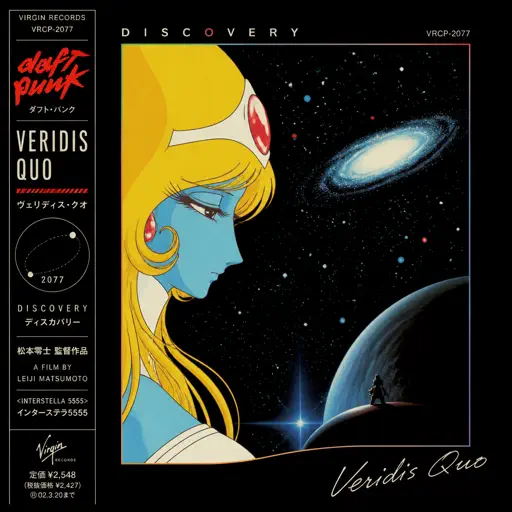
Veridis Quo
Daft Punk
Hard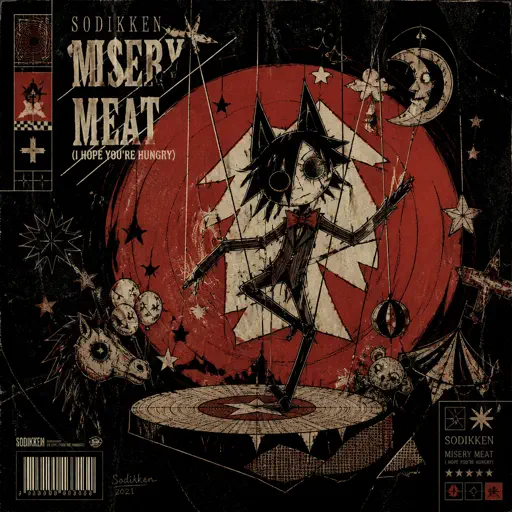
Misery Meat (i hope your hungry)
Sodikken
Hard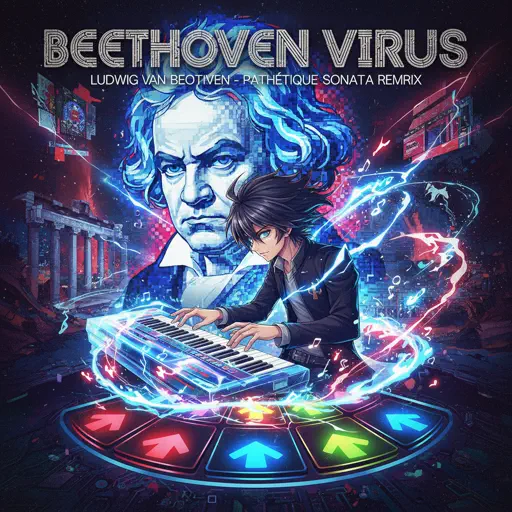
Beethoven Virus
Ludwig van Beethoven
Hard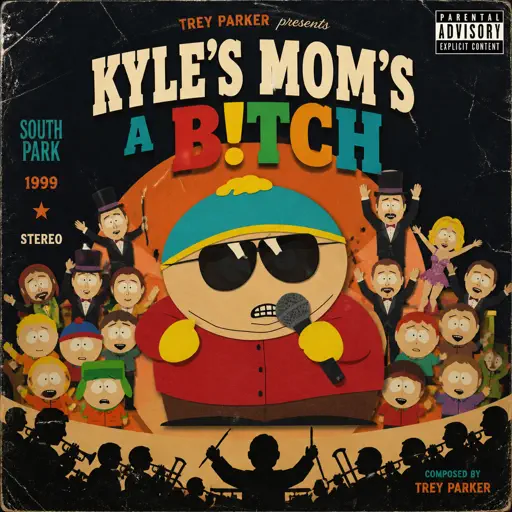
Kyles mom's a bitch (South Park)
Trey Parker
Hard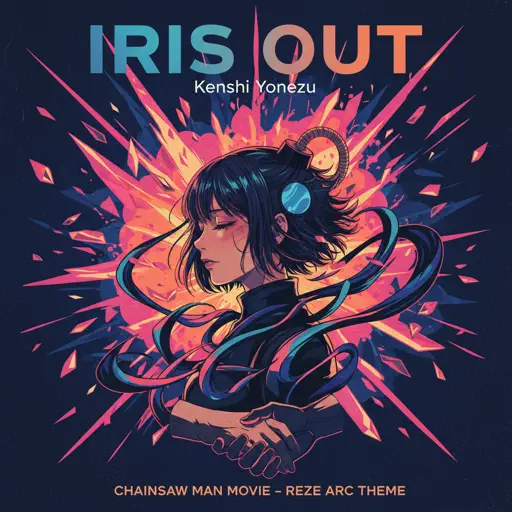
IRIS OUT - Chainsaw Man Movie
Kenshi Yonezu
Hard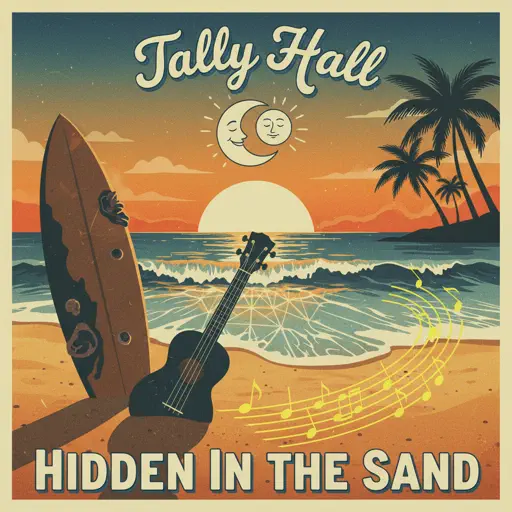
Hidden In the Sand
Tally Hall
Normal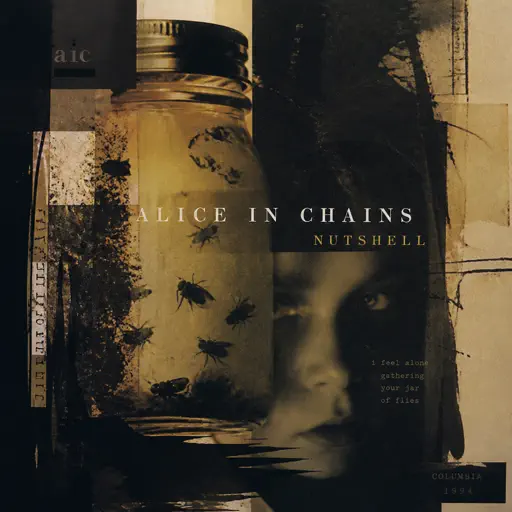
Nutshell
Alice In Chains
Hard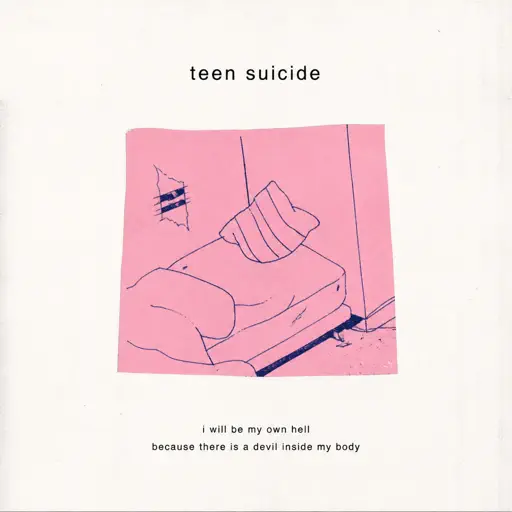
no, the moon
Teen Suicide
Normal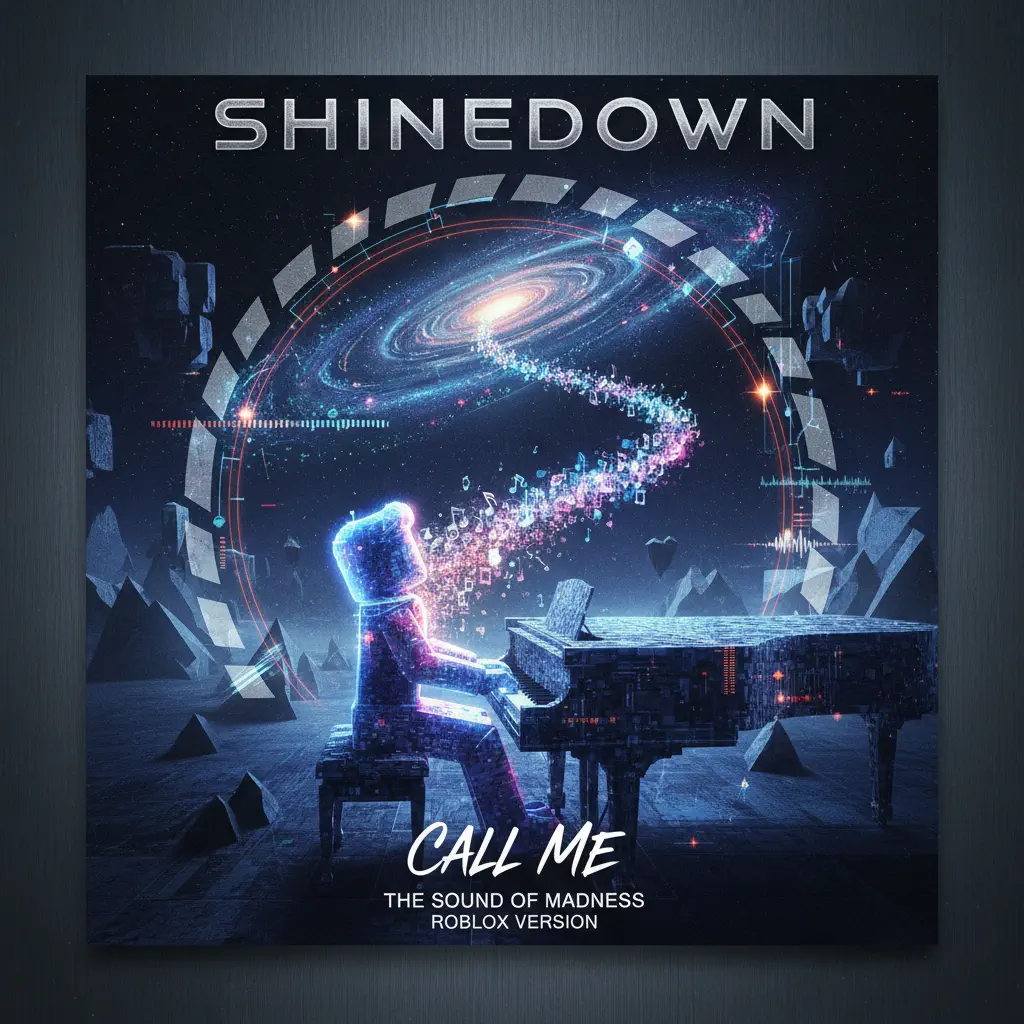
Call Me
Shinedown
Normal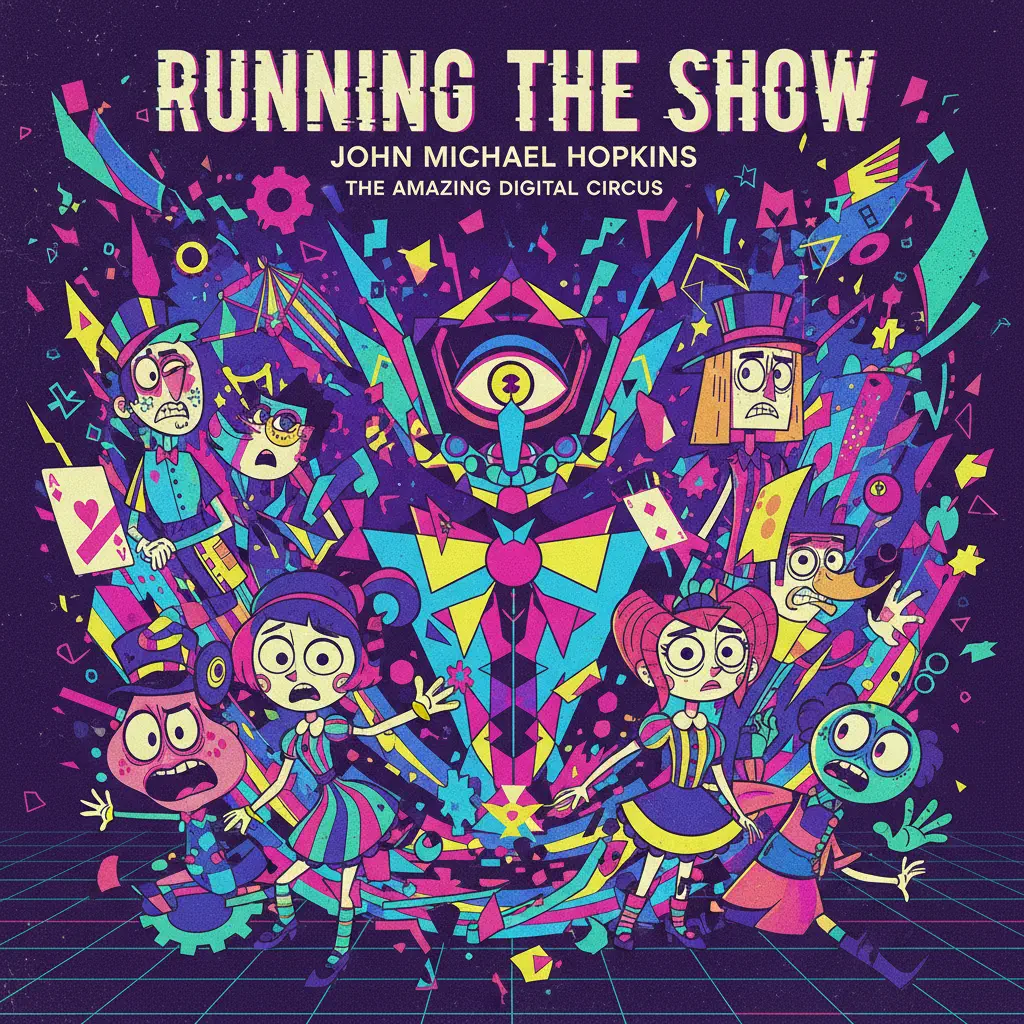
Running the Show - The Amazing Digital Circus
John Michael Hopkins
Hard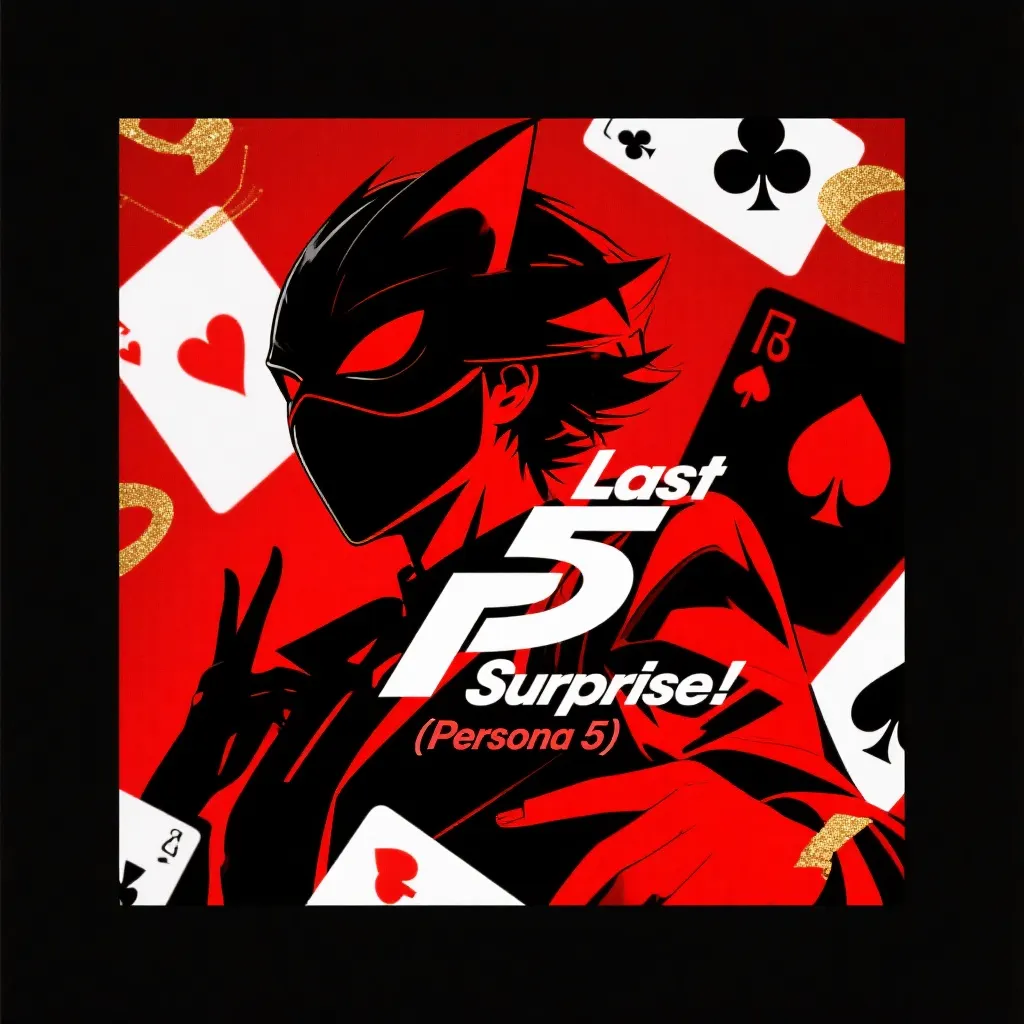
Last Surprise (Persona 5)
Persona 5
Hard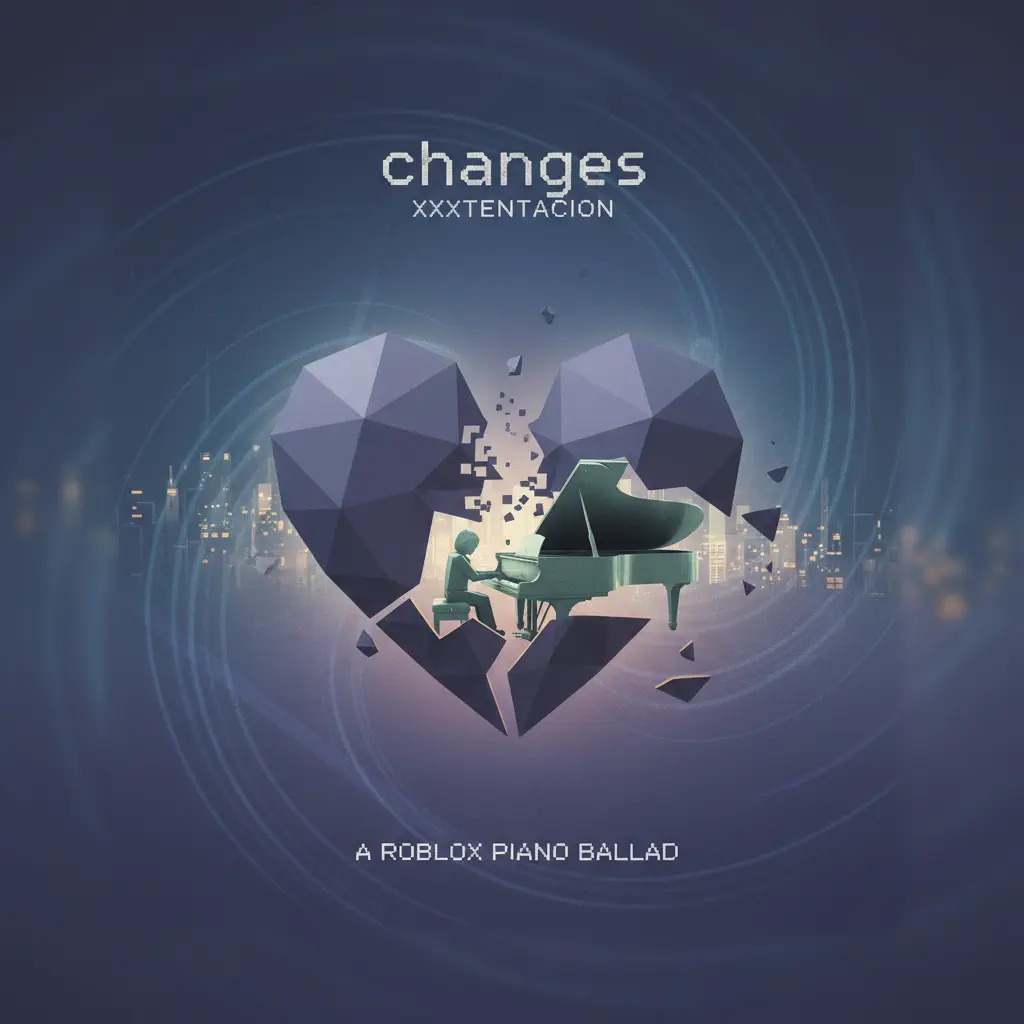
changes
XXXTENTACION
Normal
At the Speed of Light
Dimrain47
Hard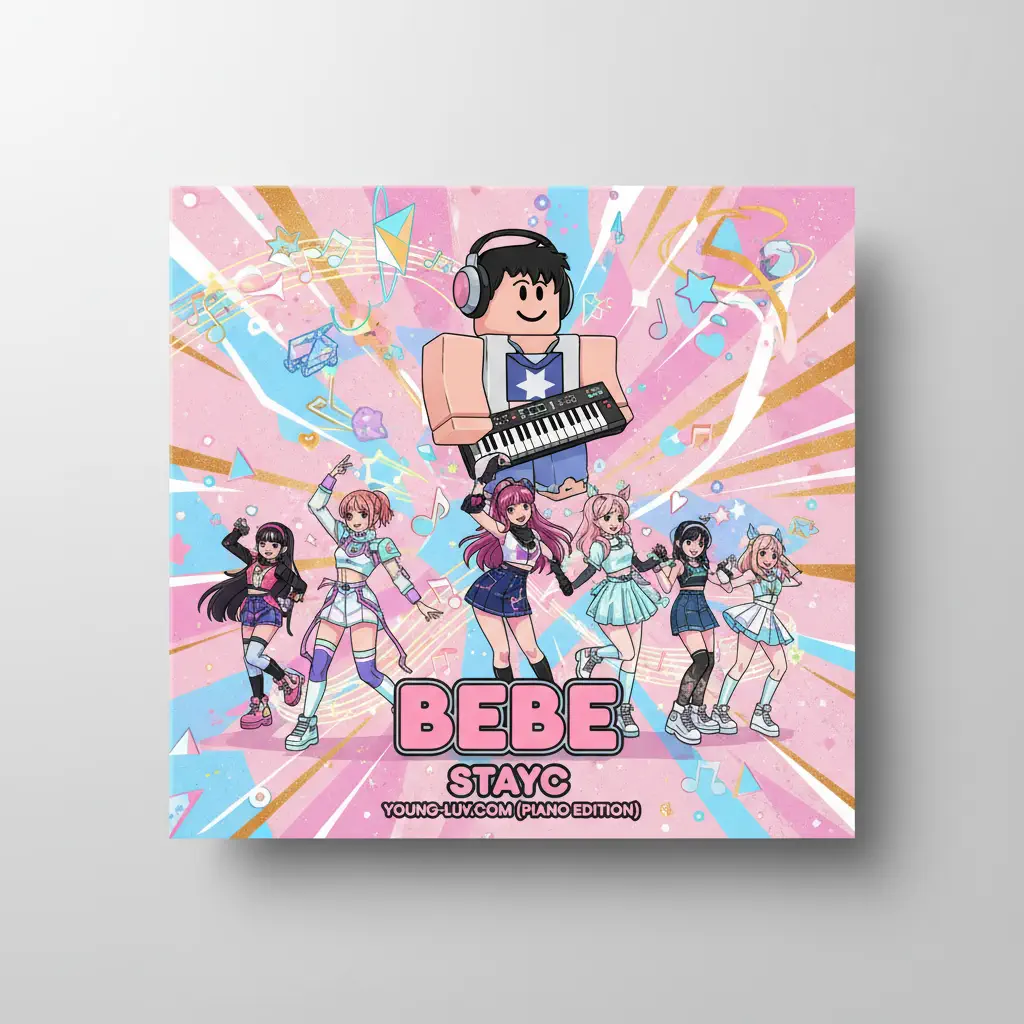
Bebe
Stayc
Normal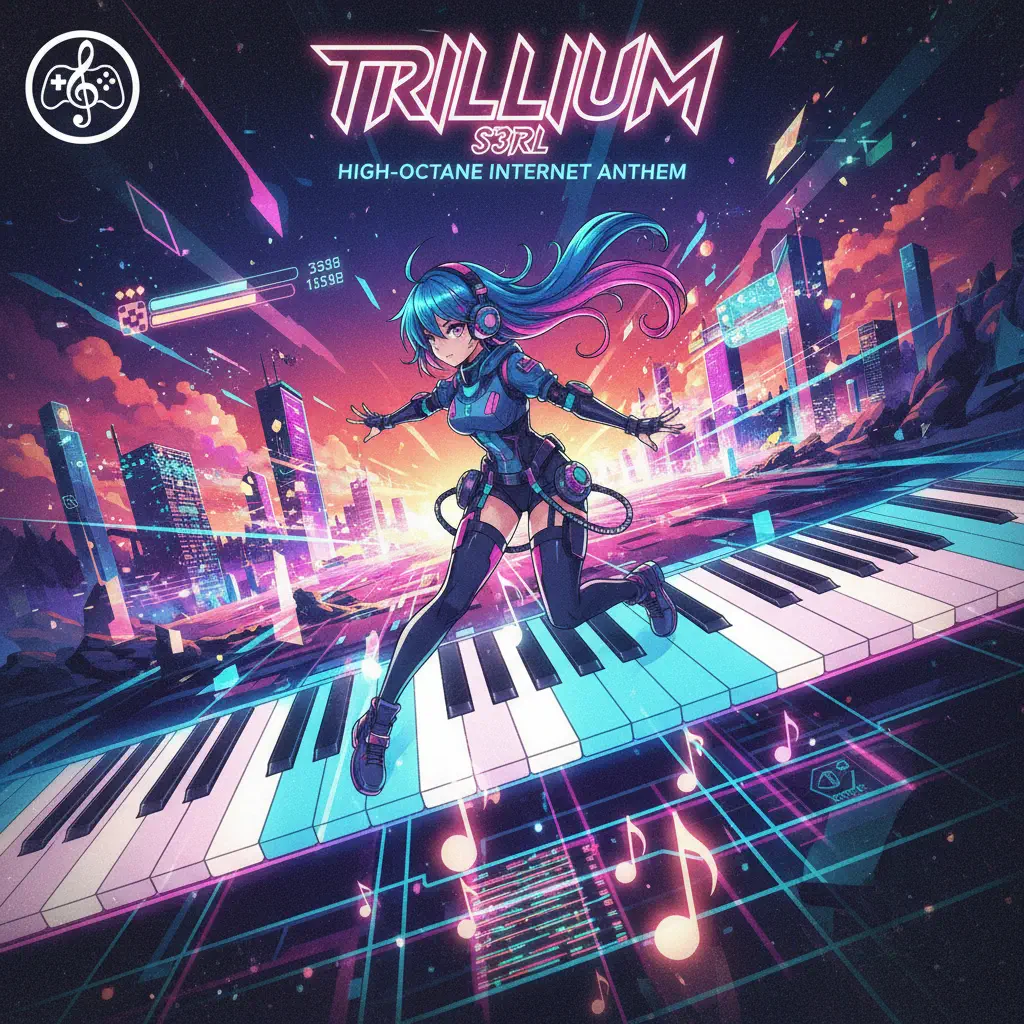
Trillium
S3RL
Normal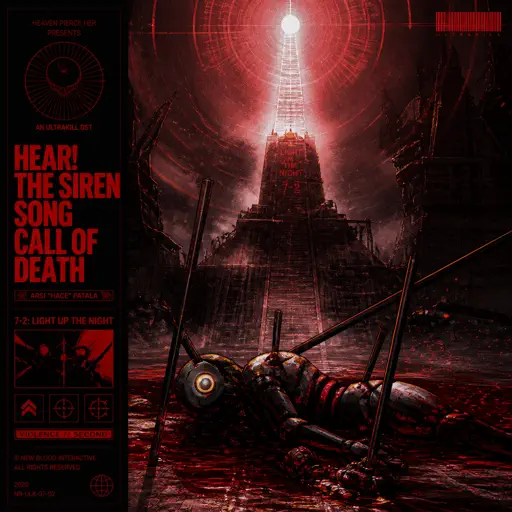
Hear! the Siren Song Call of Death - ULTRAKILL OST
Heaven Pierce Her
HardFrequently Asked Questions
What is Roblox Piano Practice Online?
This is a free online tool that lets you practice Roblox virtual piano sheets in your browser. No downloads required - just pick a song and start practicing.
How do I use this online practice tool?
1. Select a song from the recommendations or use the search function. 2. Click play and the sheet will auto-scroll with highlighted notes. 3. Watch the virtual piano keyboard for highlighted keys and practice along. 4. Use speed control to slow down playback - perfect for beginners.
Can I play using my keyboard?
Yes! The virtual piano supports computer keyboard input. The keys correspond to the standard Roblox piano layout (1234567890qwerty...). You can practice on your keyboard while following the sheet.
What does the Transpose feature do?
Transpose raises or lowers the pitch of the sheet. Some Roblox piano games have different default tunings, so transpose helps match the correct pitch. Usually adjusting by +12 or -12 semitones works.
Does this tool work on mobile?
Yes, but desktop provides the best experience. On mobile you can view the sheet and virtual piano demo, but keyboard input requires a computer. We recommend using a desktop for the best practice experience.
How do I find sheets suitable for my level?
Below you'll find recommendations sorted by difficulty: Easy for beginners, Normal for intermediate players, and Hard/Expert for advanced challenges. You can also use the search function to find songs by title or artist.