
Roblox Piano Practice Online
Loading piano...
Practice Guide
Quick guide on how to use the online piano practice tool.
What is this?
This tool allows you to practice playing virtual piano sheets directly in your browser. It simulates a piano keyboard and helps you learn the notes and rhythm before playing in Roblox.
How to Practice Online
Use your computer keyboard or mouse to play the virtual piano keys directly. As the sheet music plays, the corresponding keys on the virtual piano will light up to help you follow along. You can also copy the sheet code to use directly in Roblox.
Discover Sheets
Random Shuffle: Click the Shuffle button in the center of the top control bar to instantly load a random new song without reloading the page.
Search: Click the Search button next to Shuffle to open the search window. Type a song title or artist name to quickly find and switch to the sheet you want to practice.
Playback Controls
- Play/Pause: Start or stop playback.
- 1xSpeed: Adjust tempo (0.5x - 2.0x).
- KTranspose: Shift the pitch up or down.
- SSustain: Toggle sustain pedal effect.
Easy Mode

Easy
LET ME SEE YA MOVE!
Lumi Athena

Easy
Fur Elise
Beethoven

Easy
Gravity Falls Main Title Theme
Brad Breeck

Easy
Cupid (Twin Version)
Fifty Fifty

Easy
Where You Lead
Carole King

Easy
Mockingbird
Eminem

Easy
Mist
EsDeeKid

Easy
If You Love These People (Man of Steel)
Hans Zimmer

Easy
Nice To Know - BFDIA 19 Cake At Stake Intro
BFDIA 19

Easy
Pimp Hoe
Mike Sherm
Normal Mode
Normal
Waltz of Lovers No.1
Егор Юрий
Normal
hysteric
jaydes
Normal
Young And Beautiful
Lana Del Rey
Normal
Shut up My Moms Calling
Hotel Ugly
Normal
Thunderstruck
AC/DC

Normal
The Mandalorian - Star Wars
Ludwig Göransson
Normal
crystallized
Camellia
Normal
SPAGHETTI
LE SSERAFIM
Normal
House of Memories
Panic! At The Disco
Normal
Blue Valentine
NMIXX

Recommended Sheets
9 to 5
Dolly Parton
Normalcrystallized
Camellia
Normal
v0idness
crxw
Normal
Careless Whisper
George Michael
Hard
Rush E (Full Version)
Sheet Music Boss
Hard
Lost Woods (The Legend of Zelda: Ocarina of Time)
Legend of Zelda
Normal
Stick With You
TOMORROW X TOGETHER
Normal
Daylight
Shinedown
Hard
Oscillation - Deepwoken OST
Naktigonis
Normal
Symphony
Clean Bandit feat. Zara Larsson
Normal
Risk It All
Bruno Mars
Normal
Soviet Anthem - USSR Anthem
USSR
Normal
Melodrama
natori
Normal
SLOW DANCING IN THE DARK
Joji
Normal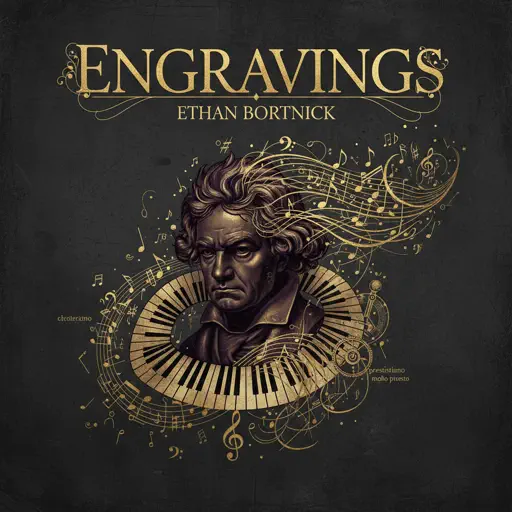
engravings
Ethan Bortnick
Normal
Romantic Happy Birthday
Seander Alfonsus
Normal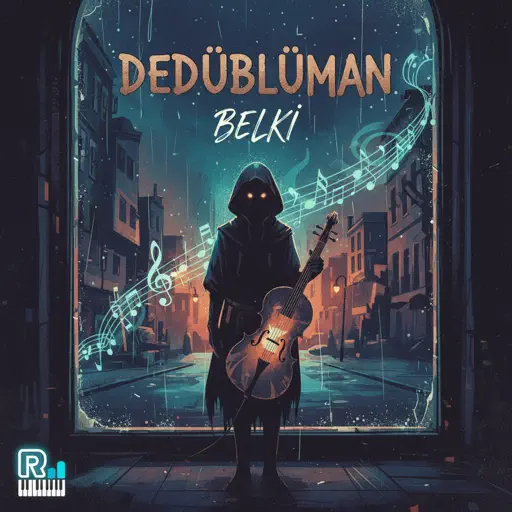
Belki
Dedublüman
Normal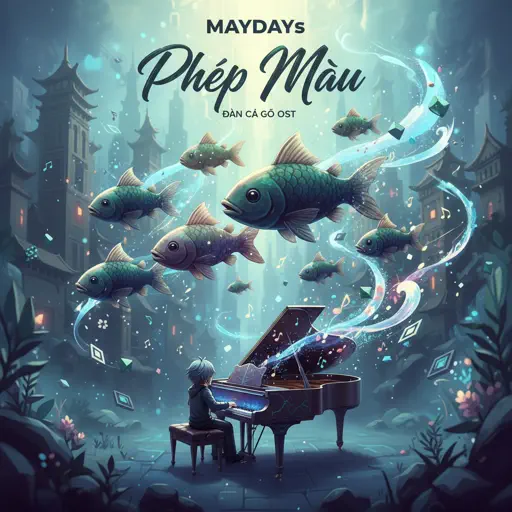
Phép Màu (Đàn Cá Gỗ OST)
MAYDAYs
Normal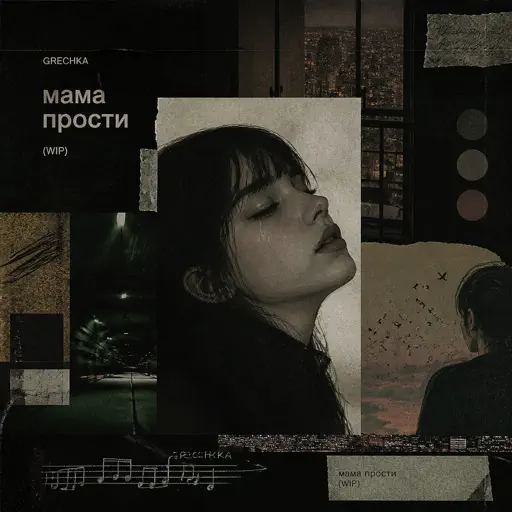
Мама прости
Grechka
Normal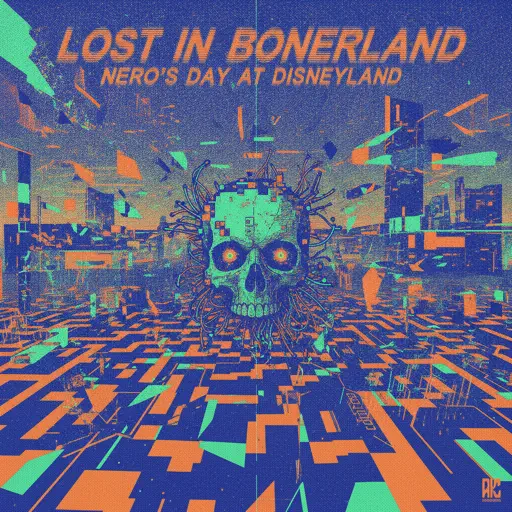
Lost in Bonerland
Nero's Day At Disneyland
HardFrequently Asked Questions
What is Roblox Piano Practice Online?
This is a free online tool that lets you practice Roblox virtual piano sheets in your browser. No downloads required - just pick a song and start practicing.
How do I use this online practice tool?
1. Select a song from the recommendations or use the search function. 2. Click play and the sheet will auto-scroll with highlighted notes. 3. Watch the virtual piano keyboard for highlighted keys and practice along. 4. Use speed control to slow down playback - perfect for beginners.
Can I play using my keyboard?
Yes! The virtual piano supports computer keyboard input. The keys correspond to the standard Roblox piano layout (1234567890qwerty...). You can practice on your keyboard while following the sheet.
What does the Transpose feature do?
Transpose raises or lowers the pitch of the sheet. Some Roblox piano games have different default tunings, so transpose helps match the correct pitch. Usually adjusting by +12 or -12 semitones works.
Does this tool work on mobile?
Yes, but desktop provides the best experience. On mobile you can view the sheet and virtual piano demo, but keyboard input requires a computer. We recommend using a desktop for the best practice experience.
How do I find sheets suitable for my level?
Below you'll find recommendations sorted by difficulty: Easy for beginners, Normal for intermediate players, and Hard/Expert for advanced challenges. You can also use the search function to find songs by title or artist.