
Roblox Piano Practice Online
Loading piano...
Practice Guide
Quick guide on how to use the online piano practice tool.
What is this?
This tool allows you to practice playing virtual piano sheets directly in your browser. It simulates a piano keyboard and helps you learn the notes and rhythm before playing in Roblox.
How to Practice Online
Use your computer keyboard or mouse to play the virtual piano keys directly. As the sheet music plays, the corresponding keys on the virtual piano will light up to help you follow along. You can also copy the sheet code to use directly in Roblox.
Discover Sheets
Random Shuffle: Click the Shuffle button in the center of the top control bar to instantly load a random new song without reloading the page.
Search: Click the Search button next to Shuffle to open the search window. Type a song title or artist name to quickly find and switch to the sheet you want to practice.
Playback Controls
- Play/Pause: Start or stop playback.
- 1xSpeed: Adjust tempo (0.5x - 2.0x).
- KTranspose: Shift the pitch up or down.
- SSustain: Toggle sustain pedal effect.
Easy Mode










Normal Mode
Normal
Truth In The Lies
Central Cee
Normal
OOBE - Rec Room OST
Gribbly

Normal
Angel Of My Dreams
JADE
Normal
snowfall
Øneheart
Normal
Kings & Queens
Ava Max
Normal
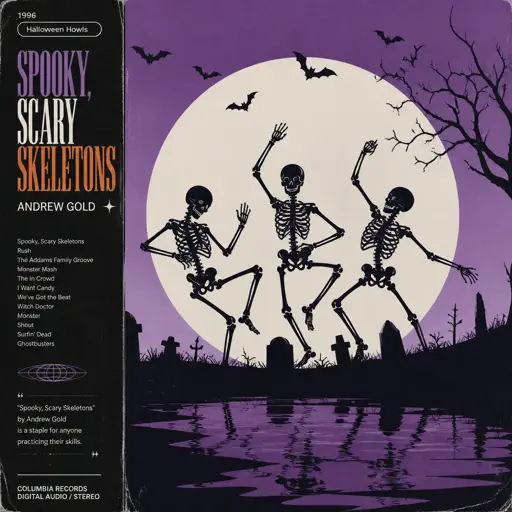
Spooky, Scary Skeletons
Andrew Gold
Normal
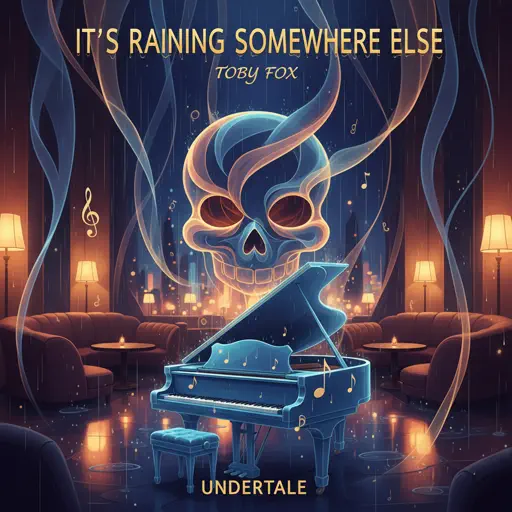
It's Raining Somewhere Else
Toby Fox
Normal
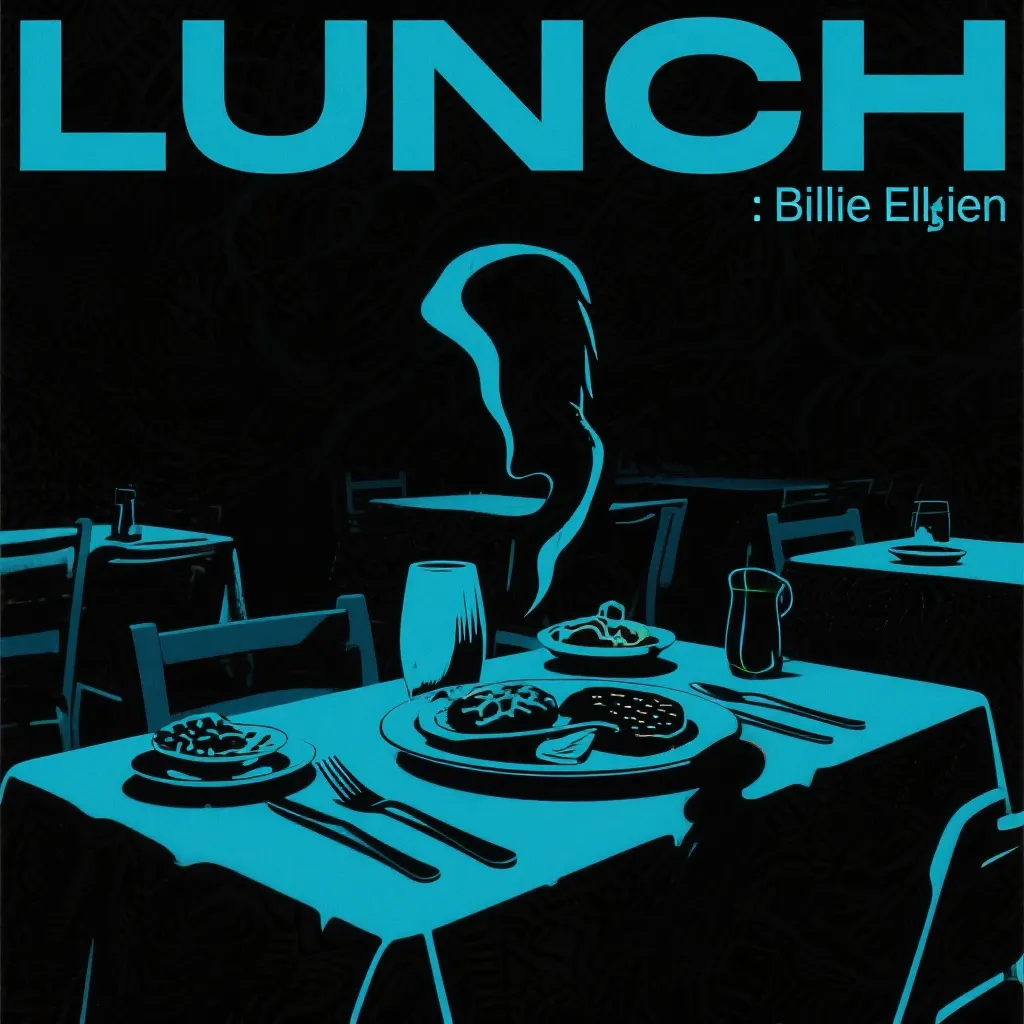
LUNCH
Billie Eilish
Normal
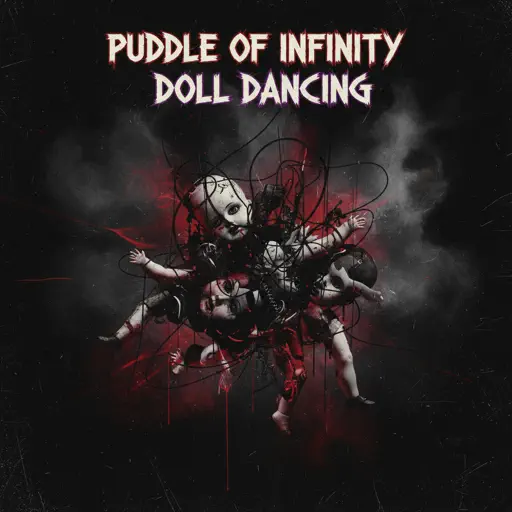
Doll Dancing
Puddle Of Infinity

Normal
if looks could kill
Destroy Lonely
Hard Mode
Hard
Interstellar Main Theme
Peter Buka
Hard
All the Way North
Jay Chou
Hard
greedy
Tate McRae
Hard
Heartaches
Al Bowlly
Hard
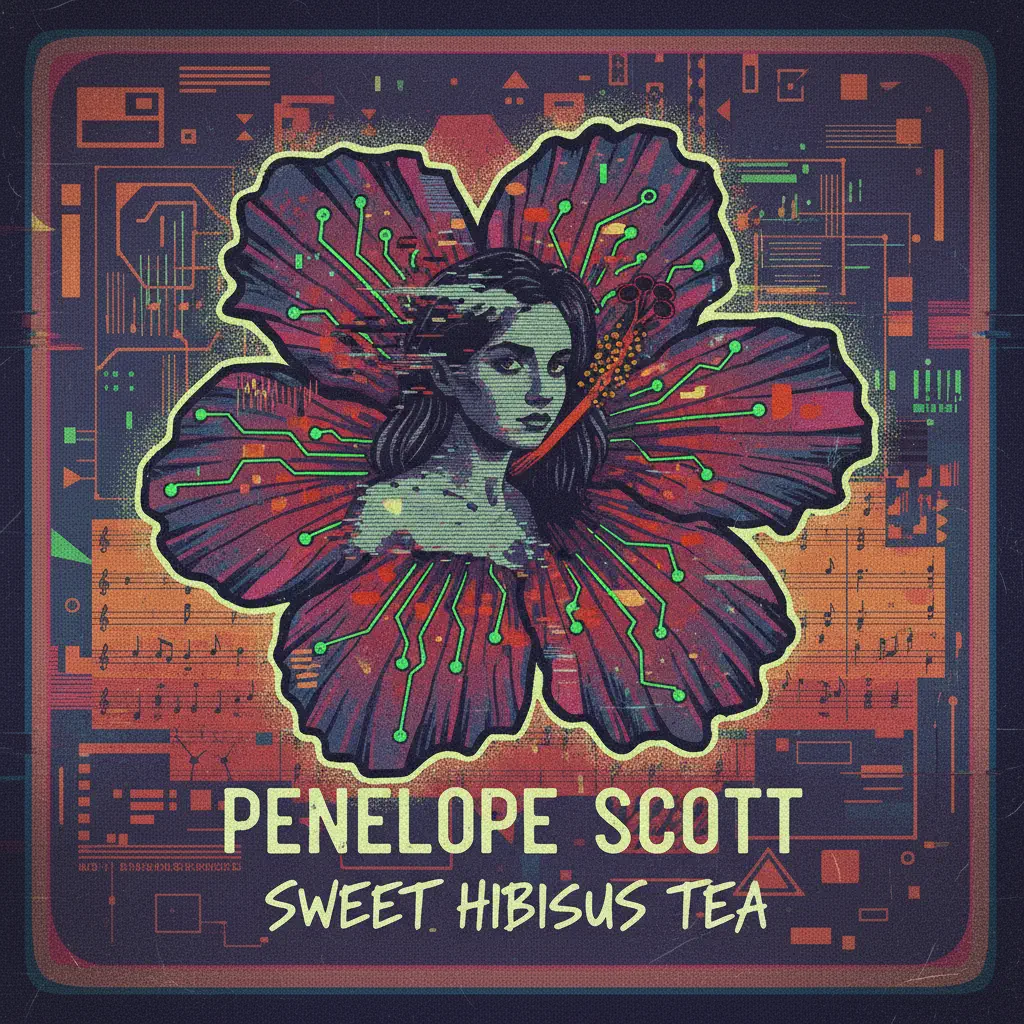
Sweet Hibiscus Tea
Penelope Scott
Hard
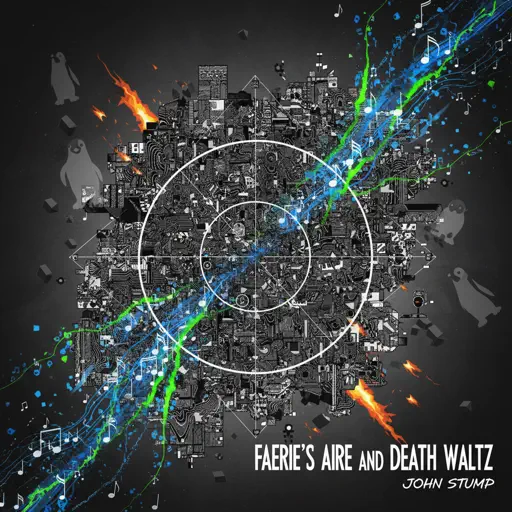
Faerie's Aire and Death Waltz
John Stump
Hard
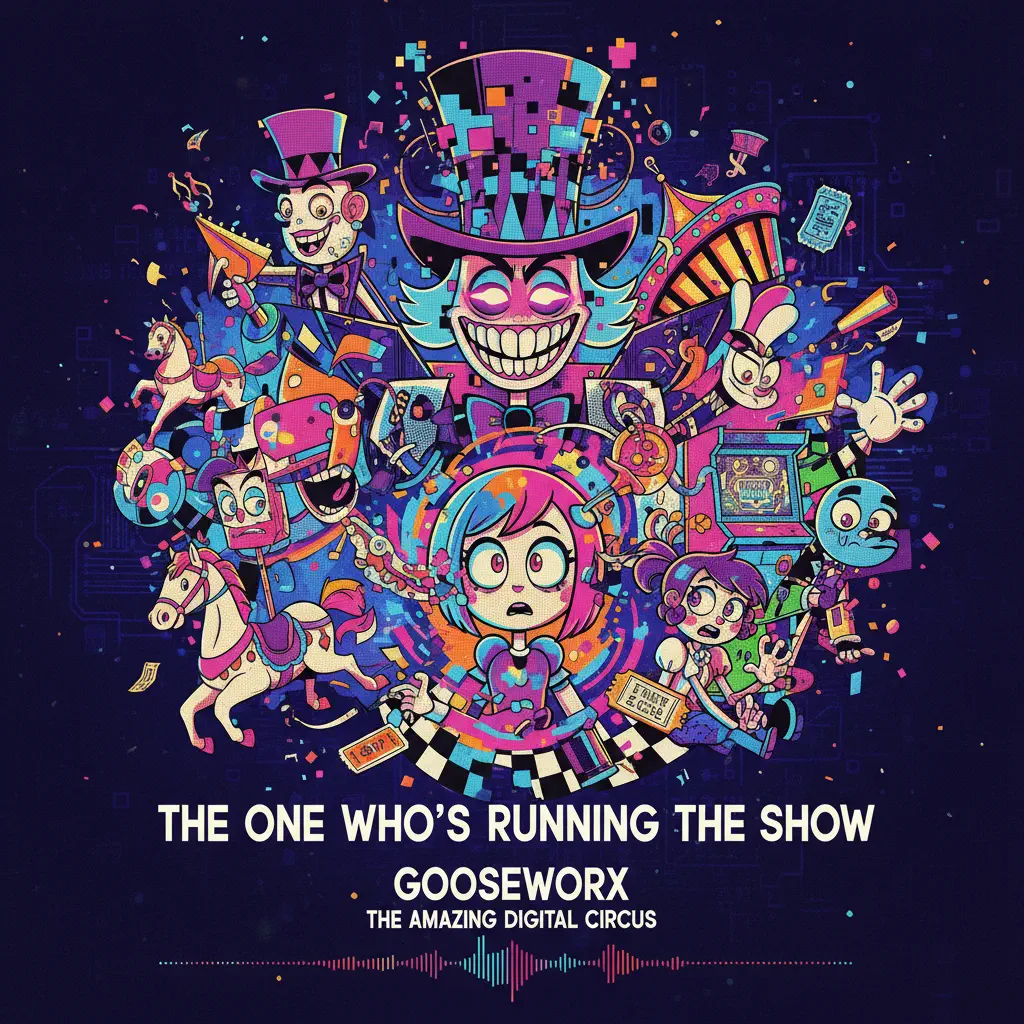
The One Who's Running the Show - The Amazing Digital Circus
Gooseworx
Hard
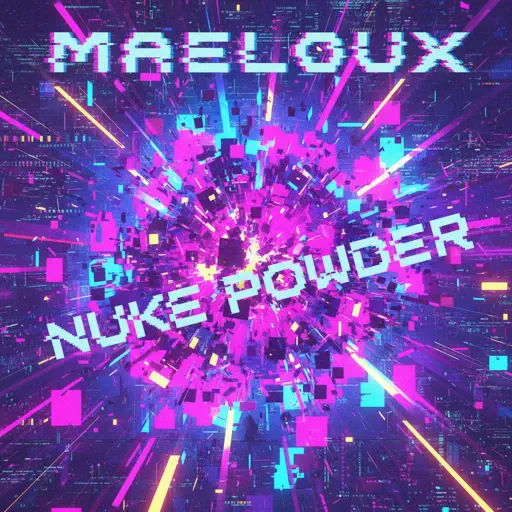
Nuke Powder
MaelouX

Hard
At the Speed of Light
Dimrain47
Hard
Sphere
Creo
Recommended Sheets
Gathers Under Night - Under Night In-Birth
Raito
Hard
You And I (From Forsaken) - WIP
D.Meletis
Normal
Meaningful Love
Silo
Normal
Something in the Orange
Zach Bryan
Hard
Agony
Yung Lean
Hard
Coffin Dance
Vicetone
Normal
Kyoto
C418
Normal
2 days into college
Aimee Carty
Hard
Wish
Trippie Redd
Hard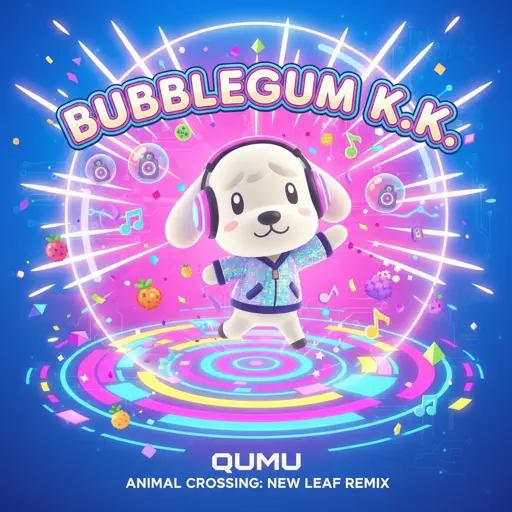
Bubblegum K.K. (From "Animal Crossing: New Leaf")
Qumu
Normal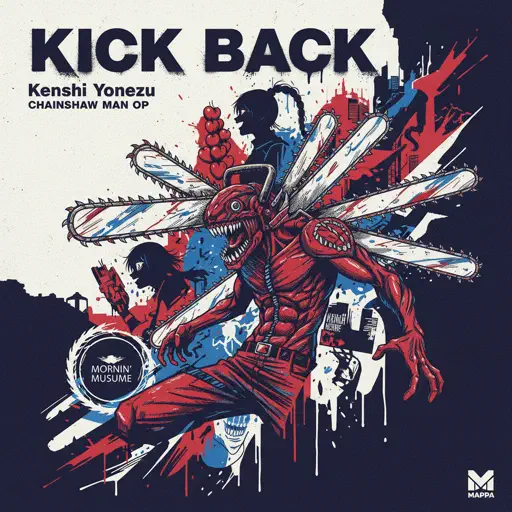
KICK BACK - Chainsaw Man OP
Kenshi Yonezu
Normal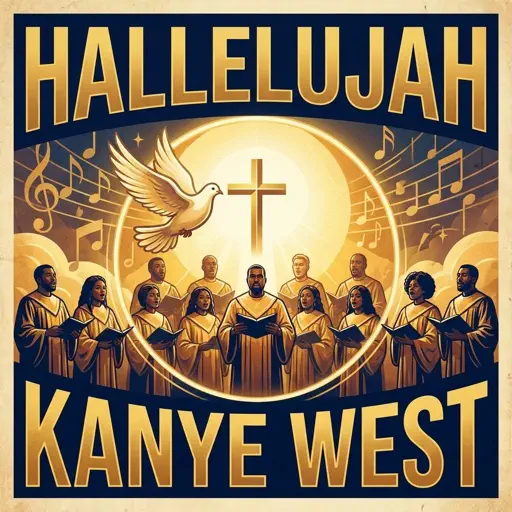
Hallelujah
Kanye West
Hard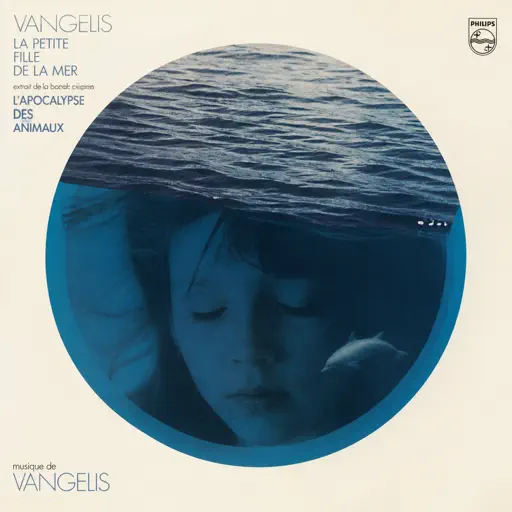
La petite fille de la mer
Vangelis
Normal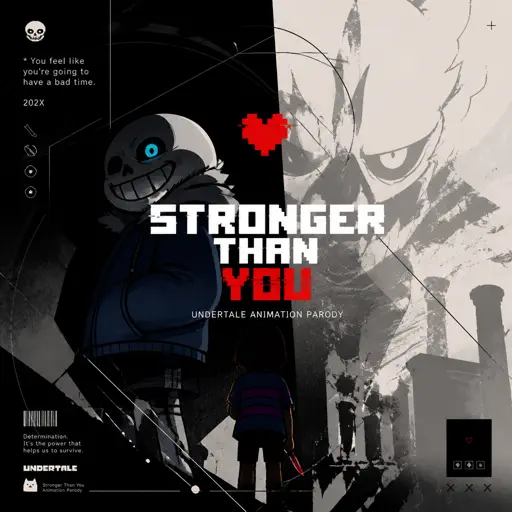
Stronger Than You - Undertale Animation Parody
Undertale
Normal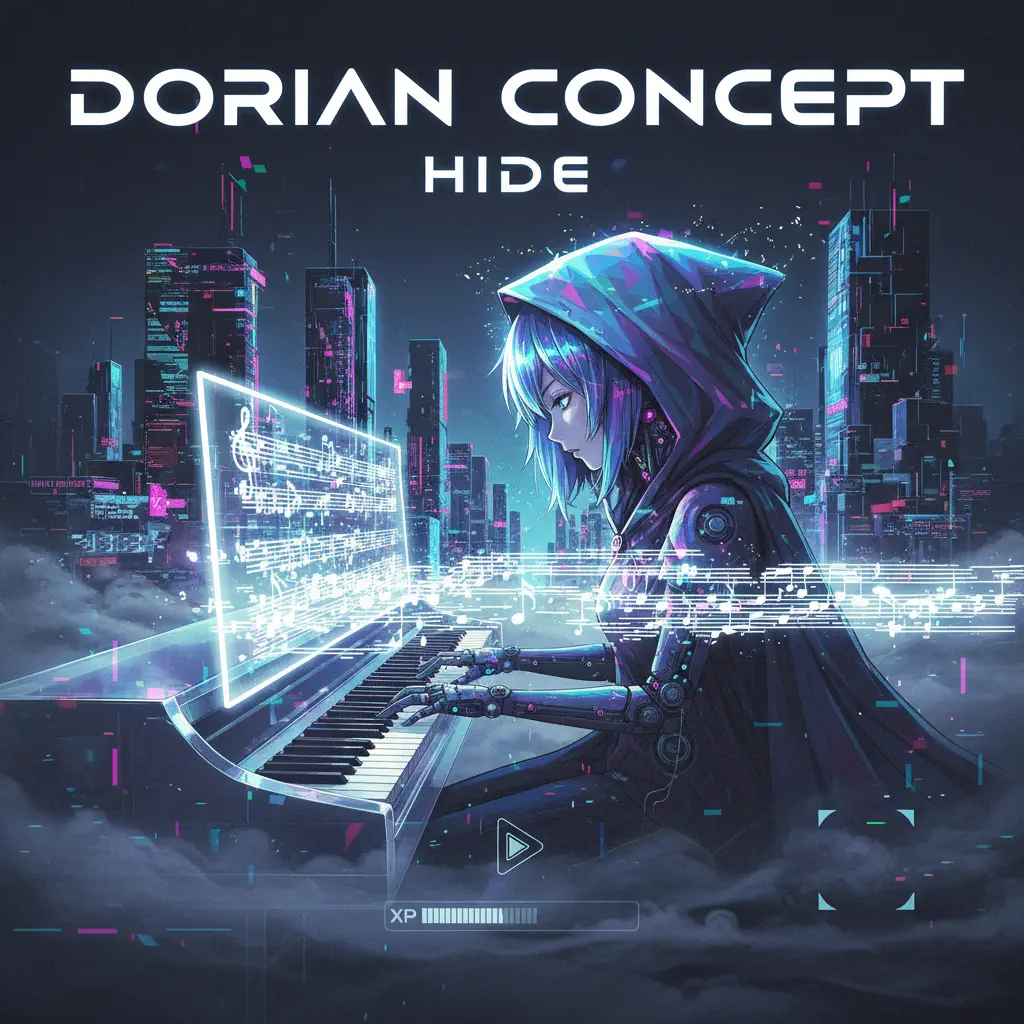
Hide
Dorian Concept
Normal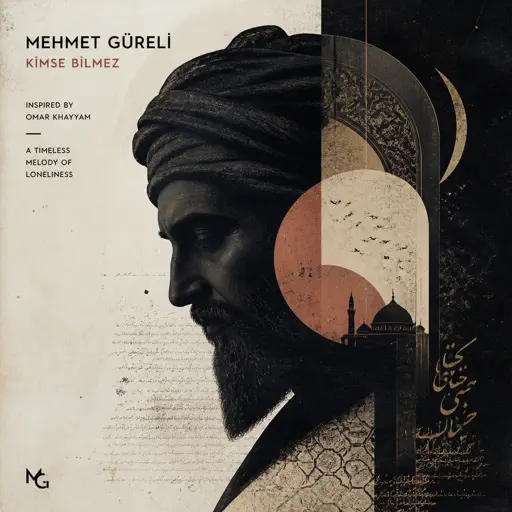
Kimse Bilmez
Mehmet Güreli
Normal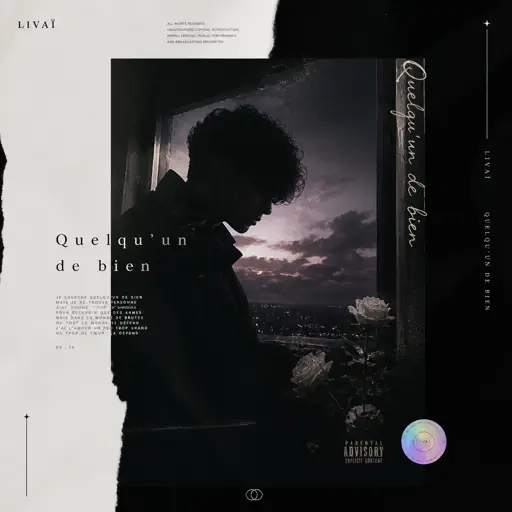
Quelqu'un de bien
Livaï
Normal
Tháng Tư Là Lời Nói Dối Của Em
Hà Anh Tuấn
Hard
IFHY
Tyler, The Creator
Hard
Nathalie - Bir Günah Gibi
Julio Iglesias
NormalFrequently Asked Questions
What is Roblox Piano Practice Online?
This is a free online tool that lets you practice Roblox virtual piano sheets in your browser. No downloads required - just pick a song and start practicing.
How do I use this online practice tool?
1. Select a song from the recommendations or use the search function. 2. Click play and the sheet will auto-scroll with highlighted notes. 3. Watch the virtual piano keyboard for highlighted keys and practice along. 4. Use speed control to slow down playback - perfect for beginners.
Can I play using my keyboard?
Yes! The virtual piano supports computer keyboard input. The keys correspond to the standard Roblox piano layout (1234567890qwerty...). You can practice on your keyboard while following the sheet.
What does the Transpose feature do?
Transpose raises or lowers the pitch of the sheet. Some Roblox piano games have different default tunings, so transpose helps match the correct pitch. Usually adjusting by +12 or -12 semitones works.
Does this tool work on mobile?
Yes, but desktop provides the best experience. On mobile you can view the sheet and virtual piano demo, but keyboard input requires a computer. We recommend using a desktop for the best practice experience.
How do I find sheets suitable for my level?
Below you'll find recommendations sorted by difficulty: Easy for beginners, Normal for intermediate players, and Hard/Expert for advanced challenges. You can also use the search function to find songs by title or artist.