
Roblox Piano Practice Online
Loading piano...
Practice Guide
Quick guide on how to use the online piano practice tool.
What is this?
This tool allows you to practice playing virtual piano sheets directly in your browser. It simulates a piano keyboard and helps you learn the notes and rhythm before playing in Roblox.
How to Practice Online
Use your computer keyboard or mouse to play the virtual piano keys directly. As the sheet music plays, the corresponding keys on the virtual piano will light up to help you follow along. You can also copy the sheet code to use directly in Roblox.
Discover Sheets
Random Shuffle: Click the Shuffle button in the center of the top control bar to instantly load a random new song without reloading the page.
Search: Click the Search button next to Shuffle to open the search window. Type a song title or artist name to quickly find and switch to the sheet you want to practice.
Playback Controls
- Play/Pause: Start or stop playback.
- 1xSpeed: Adjust tempo (0.5x - 2.0x).
- KTranspose: Shift the pitch up or down.
- SSustain: Toggle sustain pedal effect.
Easy Mode

Easy
Balcony
Cave Story

Easy
Harvey
Alex G

Easy
Where You Lead
Carole King

Easy
Sleeping City Funk
Emotional Recycling Bin

Easy
Gravity Falls Main Title Theme
Brad Breeck

Easy
Nice To Know - BFDIA 19 Cake At Stake Intro
BFDIA 19

Easy
Immortal
Playboi Carti

Easy
Mist
EsDeeKid

Easy
Cupid (Twin Version)
Fifty Fifty

Easy
Mockingbird
Eminem
Normal Mode
Normal
Scorched Earth Symphony - FlameFrags
Nombra101
Normal
Beautiful Things
Benson Boone
Normal
Dance With The Devil
Immortal Technique
Normal
convenience
jaydes
Normal
Purple Rain
Prince
Normal
Enter Sandman
Metallica
Normal
Velune
Santi Lavadenz
Normal
The Water Magician OST - Main Theme
The Water Magician
Normal
Eyes Without A Face
Billy Idol

Normal
Sukidakara
Yuika
Hard Mode
Hard
Head Over Heels
Tears For Fears
Hard
Todo's Black Flash - Jujutsu Kaisen
James Liam Figueroa

Hard
Fame is a Gun
Addison Rae
Hard
Hear! the Siren Song Call of Death - ULTRAKILL OST
Heaven Pierce Her
Hard
Still D.R.E.
Dr. Dre

Hard
All the Way North
Jay Chou
Hard
Lost in Bonerland
Nero's Day At Disneyland
Hard
Nothing's New
Rio Romeo
Hard
departure! - Hunter x Hunter OP1
Togash

Hard
Windfall
TheFatRat
Recommended Sheets
Serenade
Franz Schubert
Hard
Forever Young
Alphaville
Normal
Daisy Bell
Harry Dacre
Normal
The Ecstasy Of Gold
Ennio Morricone
NormalWhere You Lead
Carole King
Easy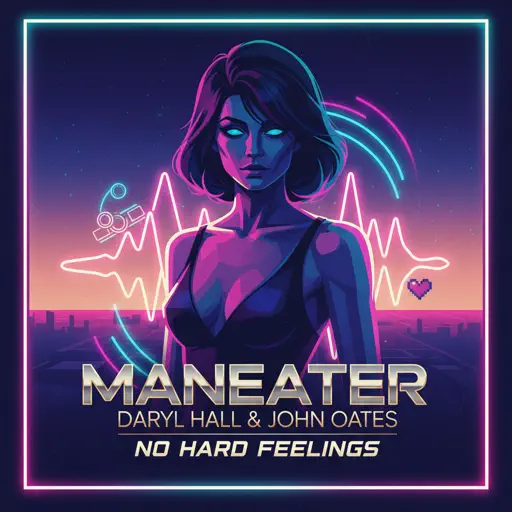
Maneater
Daryl Hall & John Oates
Hard
Viva la Vida
Coldplay
Normal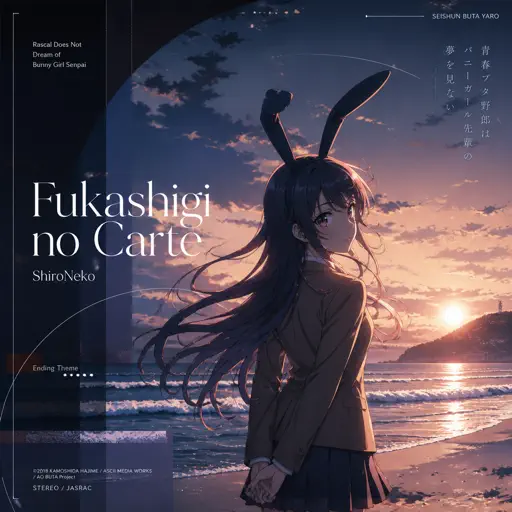
Fukashigi no Carte (Bunny Girl Senpai)
ShiroNeko
Normal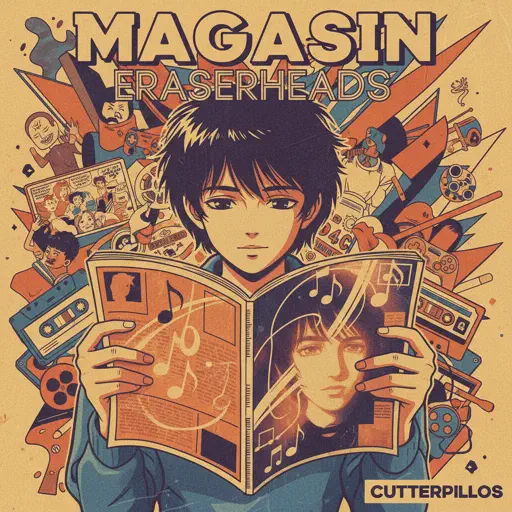
Magasin
Eraserheads
Normal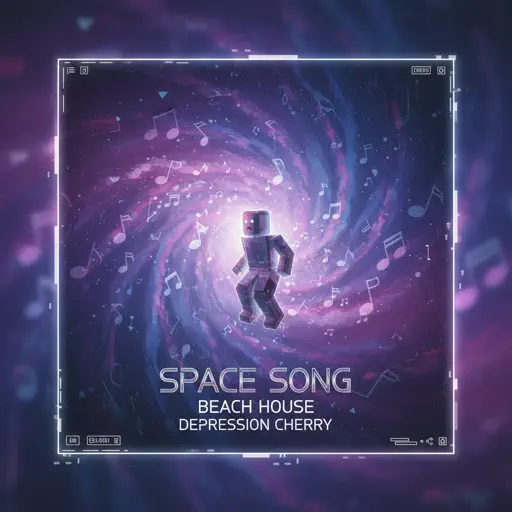
Space Song
Beach House
Normal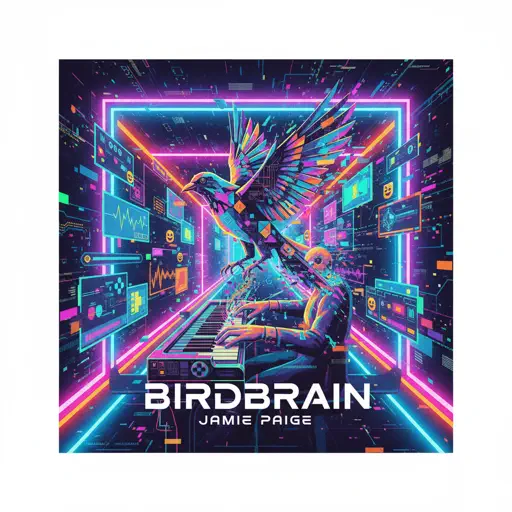
BIRDBRAIN
Jamie Paige
Normal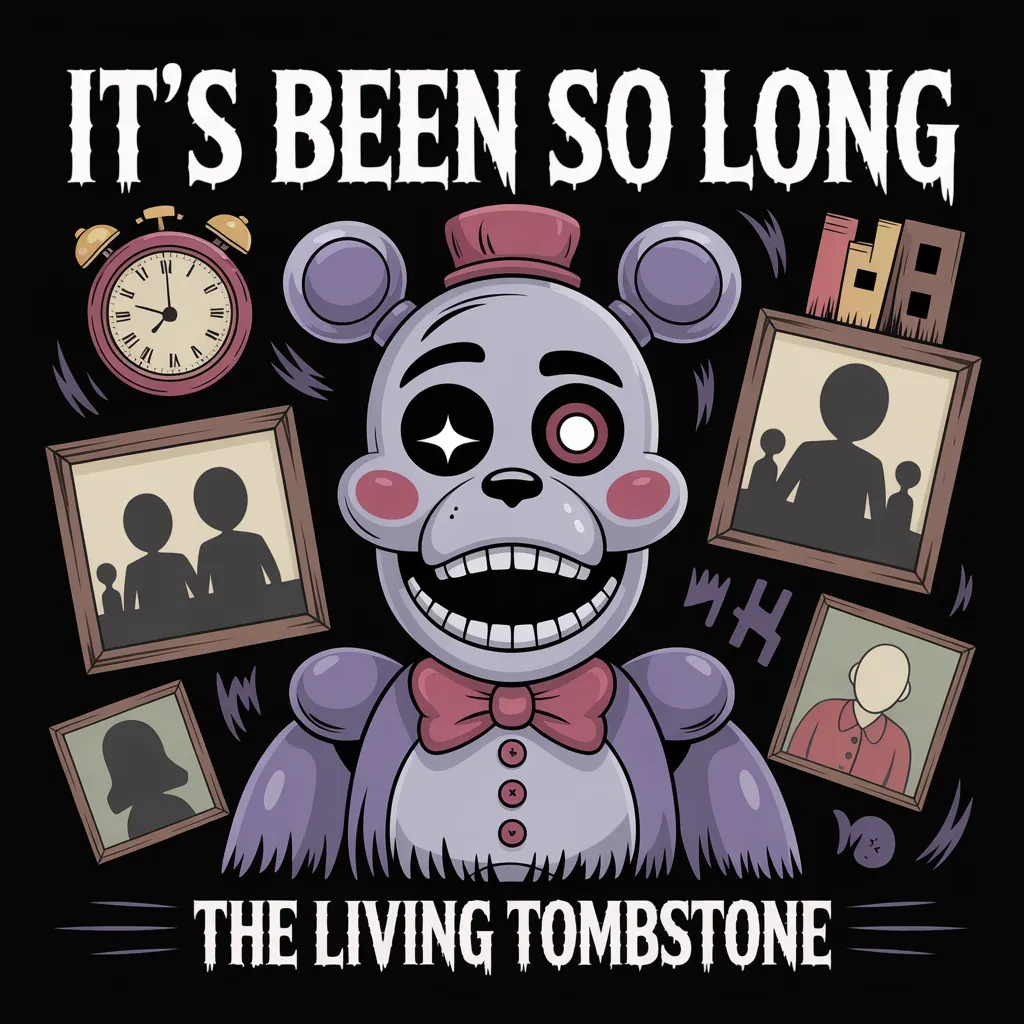
It's Been So Long
The Living Tombstone
Normal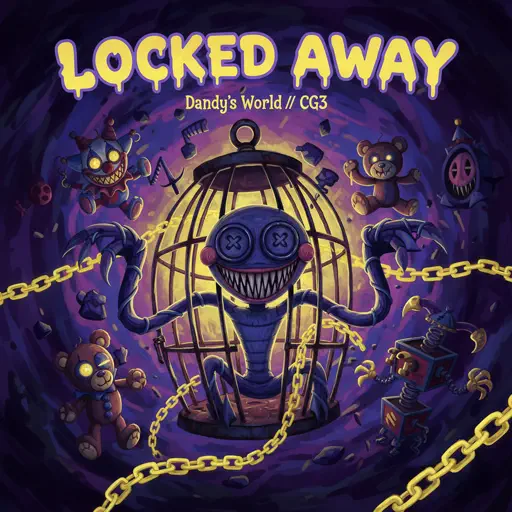
Locked Away (Dandy's World)
CG5
Normal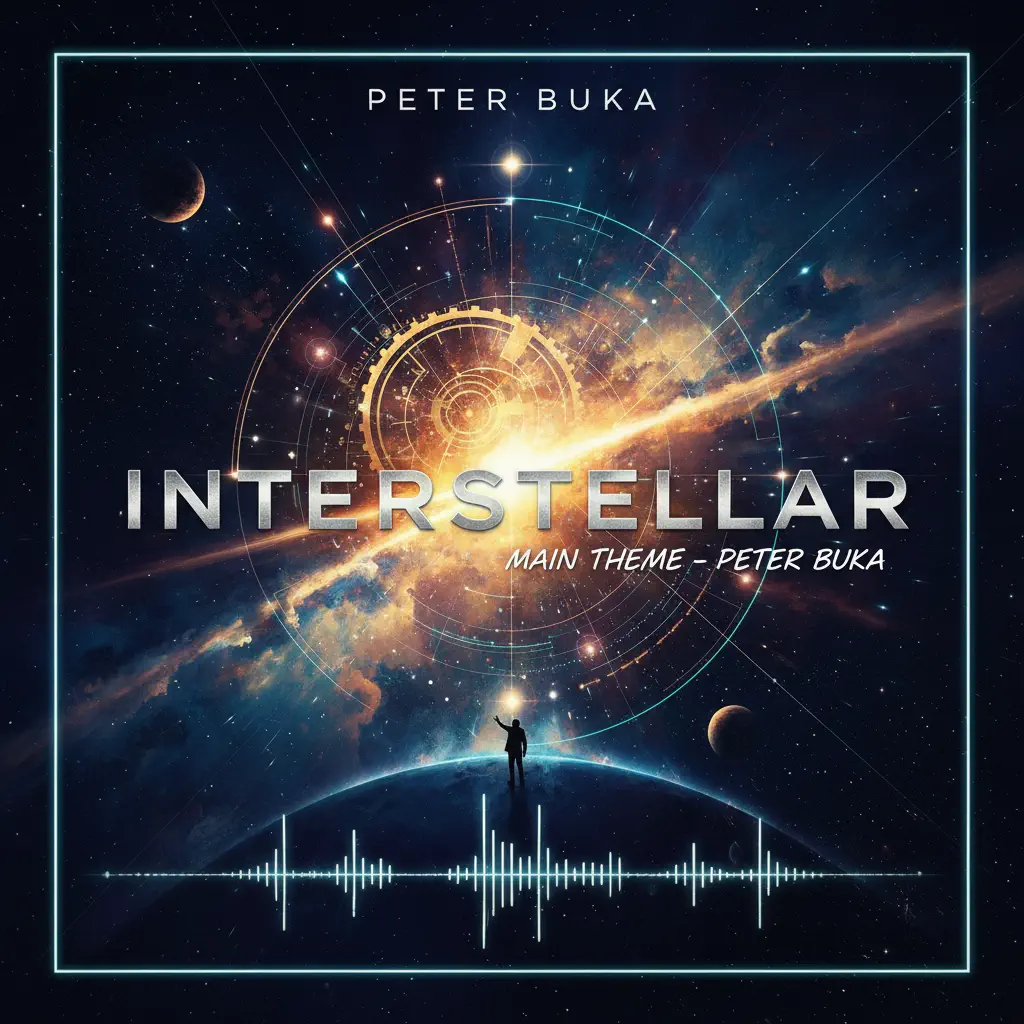
Interstellar Main Theme
Peter Buka
Hard
The Lost Soul Down
NBSPLV
Normal
Shape of You
Ed Sheeran
Normal
Senbonzakura
KuroUsa-P
Normal
Wielder Volo Battle (Pokemon Legends: Arceus)
The Greatest Bits
Hard
commatose - geometry dash
glass beach
Hard
Waltz No.2
Dmitri Shostakovich
HardFrequently Asked Questions
What is Roblox Piano Practice Online?
This is a free online tool that lets you practice Roblox virtual piano sheets in your browser. No downloads required - just pick a song and start practicing.
How do I use this online practice tool?
1. Select a song from the recommendations or use the search function. 2. Click play and the sheet will auto-scroll with highlighted notes. 3. Watch the virtual piano keyboard for highlighted keys and practice along. 4. Use speed control to slow down playback - perfect for beginners.
Can I play using my keyboard?
Yes! The virtual piano supports computer keyboard input. The keys correspond to the standard Roblox piano layout (1234567890qwerty...). You can practice on your keyboard while following the sheet.
What does the Transpose feature do?
Transpose raises or lowers the pitch of the sheet. Some Roblox piano games have different default tunings, so transpose helps match the correct pitch. Usually adjusting by +12 or -12 semitones works.
Does this tool work on mobile?
Yes, but desktop provides the best experience. On mobile you can view the sheet and virtual piano demo, but keyboard input requires a computer. We recommend using a desktop for the best practice experience.
How do I find sheets suitable for my level?
Below you'll find recommendations sorted by difficulty: Easy for beginners, Normal for intermediate players, and Hard/Expert for advanced challenges. You can also use the search function to find songs by title or artist.