
Roblox Piano Practice Online
Loading piano...
Practice Guide
Quick guide on how to use the online piano practice tool.
What is this?
This tool allows you to practice playing virtual piano sheets directly in your browser. It simulates a piano keyboard and helps you learn the notes and rhythm before playing in Roblox.
How to Practice Online
Use your computer keyboard or mouse to play the virtual piano keys directly. As the sheet music plays, the corresponding keys on the virtual piano will light up to help you follow along. You can also copy the sheet code to use directly in Roblox.
Discover Sheets
Random Shuffle: Click the Shuffle button in the center of the top control bar to instantly load a random new song without reloading the page.
Search: Click the Search button next to Shuffle to open the search window. Type a song title or artist name to quickly find and switch to the sheet you want to practice.
Playback Controls
- Play/Pause: Start or stop playback.
- 1xSpeed: Adjust tempo (0.5x - 2.0x).
- KTranspose: Shift the pitch up or down.
- SSustain: Toggle sustain pedal effect.
Easy Mode

Easy
Immortal
Playboi Carti

Easy
Fur Elise
Beethoven

Easy
Where You Lead
Carole King

Easy
Mist
EsDeeKid

Easy
Cupid (Twin Version)
Fifty Fifty

Easy
If You Love These People (Man of Steel)
Hans Zimmer

Easy
Gravity Falls Main Title Theme
Brad Breeck

Easy
Mockingbird
Eminem

Easy
Harvey
Alex G

Easy
Nice To Know - BFDIA 19 Cake At Stake Intro
BFDIA 19
Normal Mode

Normal
Initial D First Stage Sound - Admiration
Initial D
Normal
Freaks
Surf Curse
Normal
IDOL
Yoasobi
Normal
It's Not Like I Like You!!
Static-P

Normal
Rises the Moon
Liana Flores
Normal
Je te laisserai des mots
Patrick Watson
Normal
It's Been So Long
The Living Tombstone

Normal
The Perfect Christmas - Dandy's World
BlushCrunch Studio

Normal
Sanguine Paradise
Lil Uzi Vert
Normal
Fairytale of New York
The Pogues
Hard Mode
Hard
Gnarly
KATSEYE
Hard
That Time I Got Reincarnated as a Slime Season 3 OP - PEACEKEEPER
STEREO DIVE FOUNDATION
Hard
Hold You Down
X Ambassadors
Hard
Tried Our Best
Drake
Hard
As the World Caves In
Matt Maltese
Hard
Rush Piggies
Sheet Music Boss
Hard
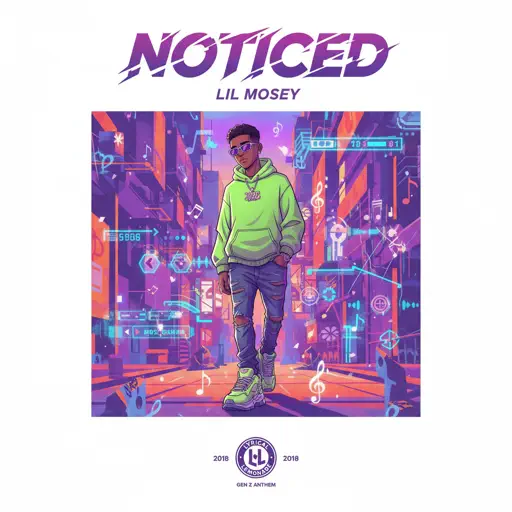
Noticed
Lil Mosey
Hard
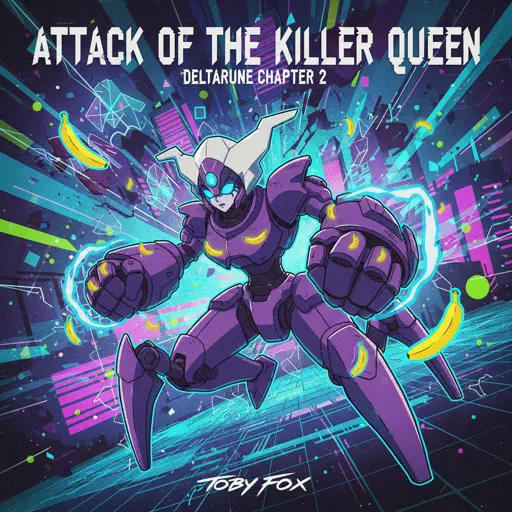
Attack of the Killer Queen (from Deltarune)
Toby Fox
Hard
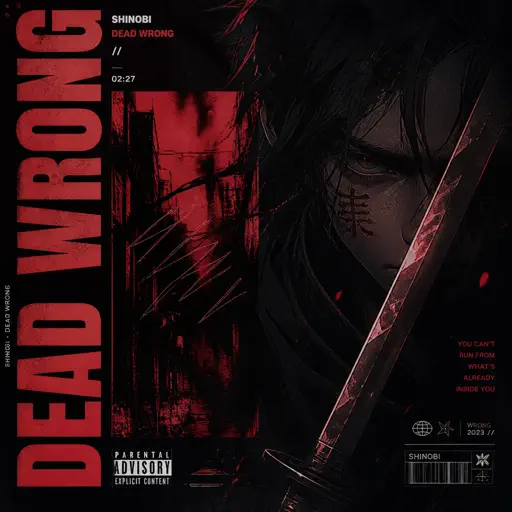
Dead Wrong
Shinobi

Hard
Mazeppa
Franz Liszt
Recommended Sheets
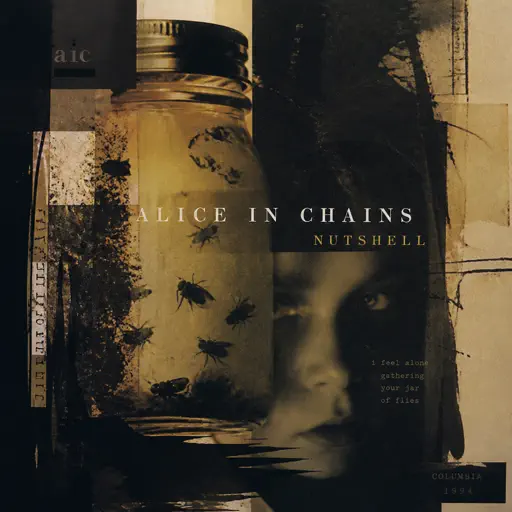
Nutshell
Alice In Chains
Hard
Lapse
Lucas King
Hard
Megalo Strike Back
Toby Fox
Normal
Made You Look
Meghan Trainor
Normal
Touch You
Yarichin Bitch Club
Normal
I Love You
OMFG
Hard
Cure (VIVINOS - ALNST)
AKUGETSU
Hard
Beanie
Chezile
Hard
Tempest Sonata 3rd Movement
Ludwig van Beethoven
Hard
Dance With The Devil
Immortal Technique
Normal
Black Catcher (Black Clover)
VK Blanka
Hard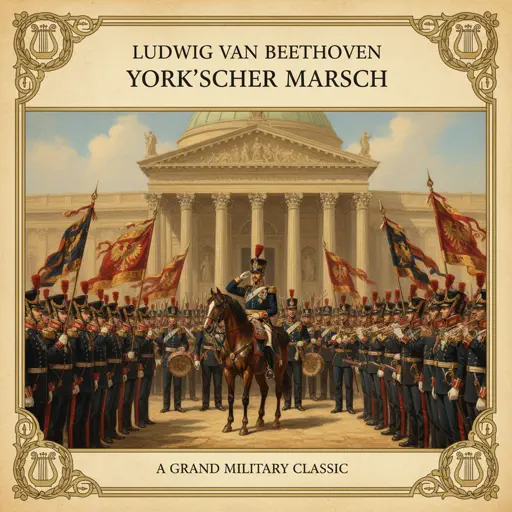
York'scher Marsch
Beethoven
Hard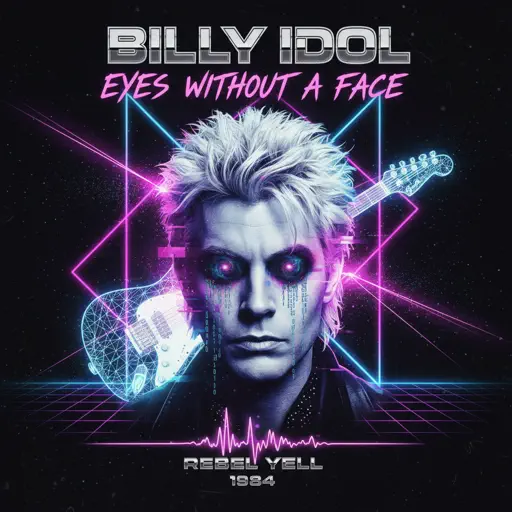
Eyes Without A Face
Billy Idol
Normal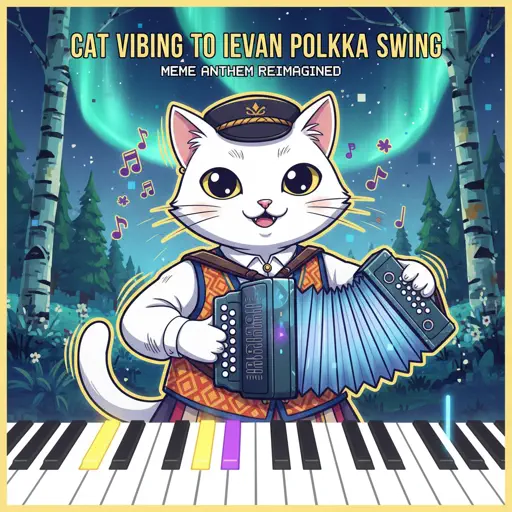
Cat Vibing To Ievan Polkka Swing
Cat Vibing Meme
Normal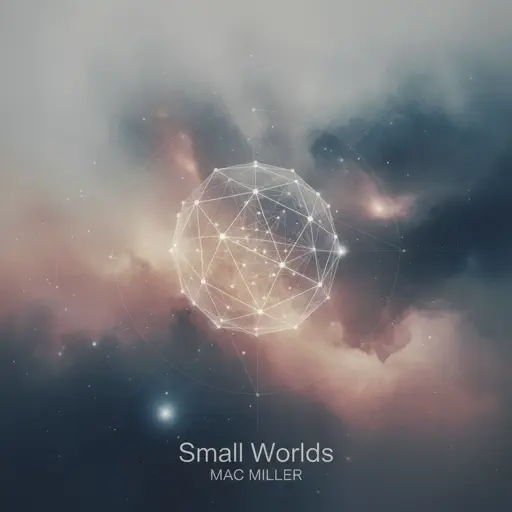
Small Worlds
Mac Miller
Normal
XOXO
Feng
Hard
Brainiac Maniac - Plants vs. Zombies
Laura Shigihara
Hard
Turning Page
Sleeping At Last
Normal
Clair de lune
Claude Debussy
Normal
Metamorphosis
Your Arms Are My Cocoon
NormalFrequently Asked Questions
What is Roblox Piano Practice Online?
This is a free online tool that lets you practice Roblox virtual piano sheets in your browser. No downloads required - just pick a song and start practicing.
How do I use this online practice tool?
1. Select a song from the recommendations or use the search function. 2. Click play and the sheet will auto-scroll with highlighted notes. 3. Watch the virtual piano keyboard for highlighted keys and practice along. 4. Use speed control to slow down playback - perfect for beginners.
Can I play using my keyboard?
Yes! The virtual piano supports computer keyboard input. The keys correspond to the standard Roblox piano layout (1234567890qwerty...). You can practice on your keyboard while following the sheet.
What does the Transpose feature do?
Transpose raises or lowers the pitch of the sheet. Some Roblox piano games have different default tunings, so transpose helps match the correct pitch. Usually adjusting by +12 or -12 semitones works.
Does this tool work on mobile?
Yes, but desktop provides the best experience. On mobile you can view the sheet and virtual piano demo, but keyboard input requires a computer. We recommend using a desktop for the best practice experience.
How do I find sheets suitable for my level?
Below you'll find recommendations sorted by difficulty: Easy for beginners, Normal for intermediate players, and Hard/Expert for advanced challenges. You can also use the search function to find songs by title or artist.