
Roblox Piano Practice Online
Loading piano...
Practice Guide
Quick guide on how to use the online piano practice tool.
What is this?
This tool allows you to practice playing virtual piano sheets directly in your browser. It simulates a piano keyboard and helps you learn the notes and rhythm before playing in Roblox.
How to Practice Online
Use your computer keyboard or mouse to play the virtual piano keys directly. As the sheet music plays, the corresponding keys on the virtual piano will light up to help you follow along. You can also copy the sheet code to use directly in Roblox.
Discover Sheets
Random Shuffle: Click the Shuffle button in the center of the top control bar to instantly load a random new song without reloading the page.
Search: Click the Search button next to Shuffle to open the search window. Type a song title or artist name to quickly find and switch to the sheet you want to practice.
Playback Controls
- Play/Pause: Start or stop playback.
- 1xSpeed: Adjust tempo (0.5x - 2.0x).
- KTranspose: Shift the pitch up or down.
- SSustain: Toggle sustain pedal effect.
Easy Mode









Normal Mode
Normal
Riptide
Vance Joy
Normal
Jax Toy (THE AMAZING DIGITAL CIRCUS)
Jakeneutron
Normal
Life Goes On
Oliver Tree

Normal
King of Karaoke (K歌之王)
Eason Chan
Normal
Formidable
Stromae
Normal
Small Worlds
Mac Miller
Normal
Snowman
Sia

Normal
Legendary Lovers
Katy Perry
Normal
The King's Lullaby (Extended Version)
The Baby in Yellow

Normal
Dark Red
Steve Lacy
Hard Mode

Hard
Zankyou Sanka - 残響散歌 - Demon Slayer
Aimer
Hard
Midu Echoing
YANGYINYUE
Hard
Engeki
Nanou
Hard
Sweet Hibiscus Tea
Penelope Scott
Hard
No Time for Caution - Interstellar
Hans Zimmer
Hard
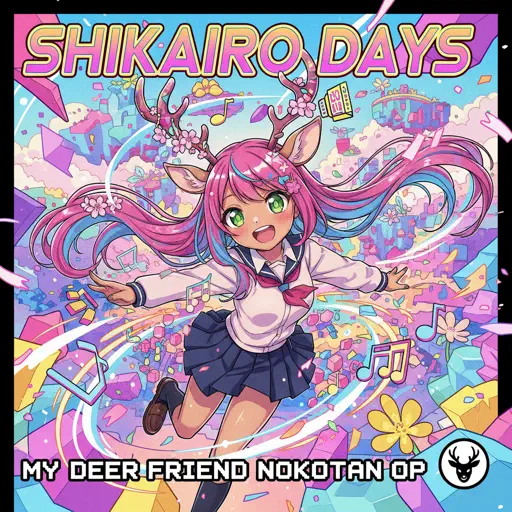
Shikairo Days/シカ色デイズ
My Deer Friend Nokotan OP
Hard
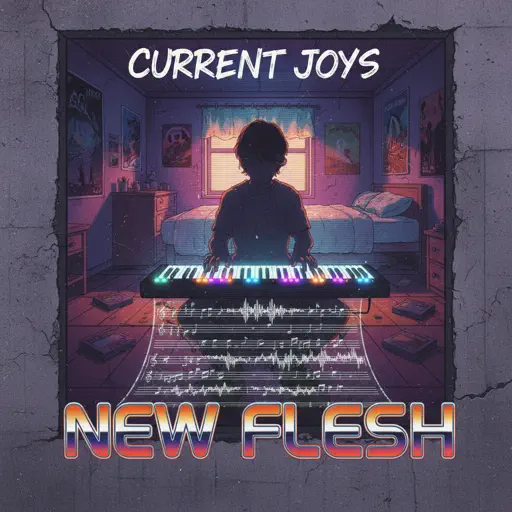
New Flesh
Current Joys
Hard
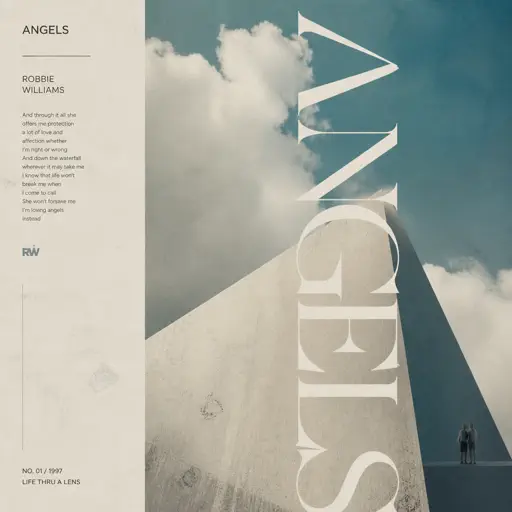
Angels
Robbie Williams
Hard
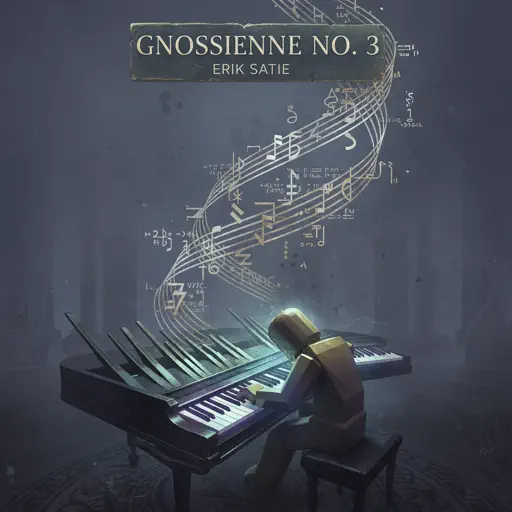
Gnossienne: No. 3
Erik Satie
Hard
Just Monika
Random Encounters
Recommended Sheets
What pumpkin - homestuck- MS Paint Adventures
Alexander Rosetti
Hard
Green Onions
Booker T. & the M.G.'s
Normal
Every Living Breathing Moment
Grant Steller
Hard
A Thousand Years
Christina Perri
Normal
Jesters Pity
The Coffin of Andy and Leyley
Normal
Rush Piggies
Sheet Music Boss
Hard
The Final Flash of Existance
Scp Main Theme Combined
Hard
Summertime Sadness
Lana Del Rey
Hard
Meaningful Love
Silo
Normal
Date - Your Name (君の名は)
RADWIMPS
Normal
Who Do You Love?
YG
Normal
Mist
EsDeeKid
Easy
Sienna
The Marías
Normal
Người Đầu Tiên
Juky San
Normal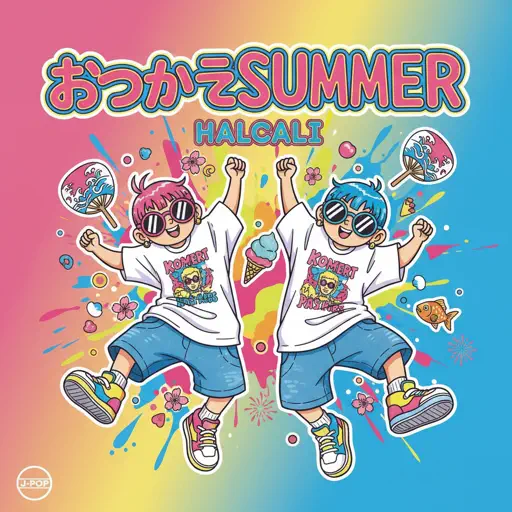
Otsukare Summer
HALCALI
Hard
did i tell u that i miss u
adore
Normal
Angel Of My Dreams
JADE
Normal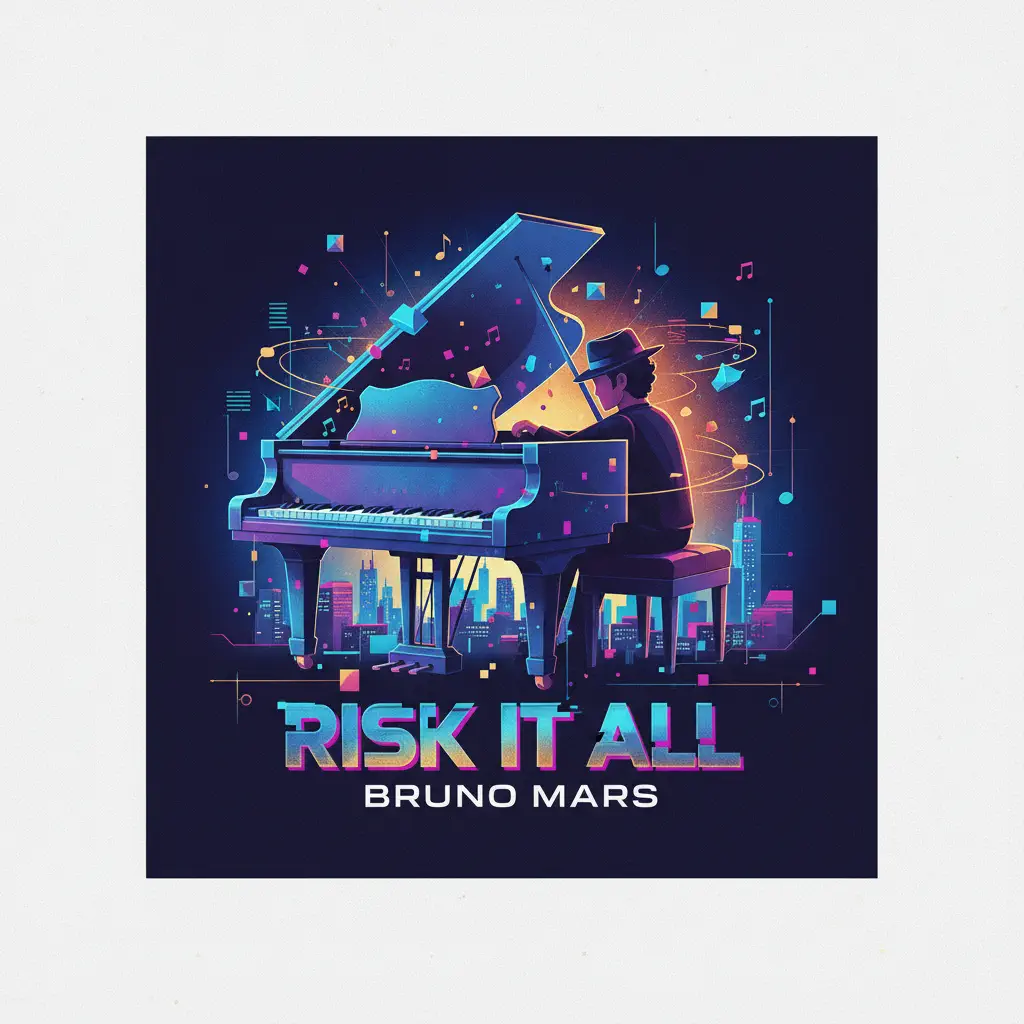
Risk It All
Bruno Mars
Normal
Young And Beautiful
Lana Del Rey
Normal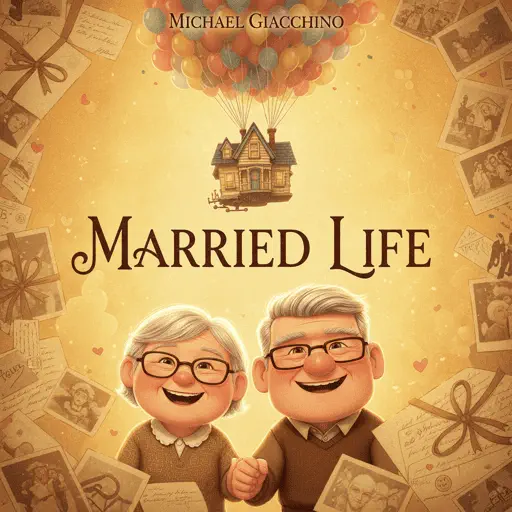
Married Life (Carl and Ellie) - Pixar's Up Theme
Michael Giacchino
NormalFrequently Asked Questions
What is Roblox Piano Practice Online?
This is a free online tool that lets you practice Roblox virtual piano sheets in your browser. No downloads required - just pick a song and start practicing.
How do I use this online practice tool?
1. Select a song from the recommendations or use the search function. 2. Click play and the sheet will auto-scroll with highlighted notes. 3. Watch the virtual piano keyboard for highlighted keys and practice along. 4. Use speed control to slow down playback - perfect for beginners.
Can I play using my keyboard?
Yes! The virtual piano supports computer keyboard input. The keys correspond to the standard Roblox piano layout (1234567890qwerty...). You can practice on your keyboard while following the sheet.
What does the Transpose feature do?
Transpose raises or lowers the pitch of the sheet. Some Roblox piano games have different default tunings, so transpose helps match the correct pitch. Usually adjusting by +12 or -12 semitones works.
Does this tool work on mobile?
Yes, but desktop provides the best experience. On mobile you can view the sheet and virtual piano demo, but keyboard input requires a computer. We recommend using a desktop for the best practice experience.
How do I find sheets suitable for my level?
Below you'll find recommendations sorted by difficulty: Easy for beginners, Normal for intermediate players, and Hard/Expert for advanced challenges. You can also use the search function to find songs by title or artist.