
Roblox Piano Practice Online
Loading piano...
Practice Guide
Quick guide on how to use the online piano practice tool.
What is this?
This tool allows you to practice playing virtual piano sheets directly in your browser. It simulates a piano keyboard and helps you learn the notes and rhythm before playing in Roblox.
How to Practice Online
Use your computer keyboard or mouse to play the virtual piano keys directly. As the sheet music plays, the corresponding keys on the virtual piano will light up to help you follow along. You can also copy the sheet code to use directly in Roblox.
Discover Sheets
Random Shuffle: Click the Shuffle button in the center of the top control bar to instantly load a random new song without reloading the page.
Search: Click the Search button next to Shuffle to open the search window. Type a song title or artist name to quickly find and switch to the sheet you want to practice.
Playback Controls
- Play/Pause: Start or stop playback.
- 1xSpeed: Adjust tempo (0.5x - 2.0x).
- KTranspose: Shift the pitch up or down.
- SSustain: Toggle sustain pedal effect.
Easy Mode

Easy
Pimp Hoe
Mike Sherm

Easy
Fur Elise
Beethoven

Easy
Cupid (Twin Version)
Fifty Fifty

Easy
Where You Lead
Carole King

Easy
Nice To Know - BFDIA 19 Cake At Stake Intro
BFDIA 19

Easy
If You Love These People (Man of Steel)
Hans Zimmer

Easy
Immortal
Playboi Carti

Easy
Balcony
Cave Story

Easy
Harvey
Alex G

Easy
Gravity Falls Main Title Theme
Brad Breeck
Normal Mode
Normal
Gurenge - 紅蓮華 - Demon Slayer
LiSA
Normal
Beautiful Girl
INXS
Normal
Promise
Laufey

Normal
I'll Change for You
Mitski
Normal
Car's Outside
James Arthur
Normal
One Way!
Autumn!
Normal
Falling Down
Lil Peep & XXXTENTACION
Normal
Megalo Strike Back
Toby Fox
Normal
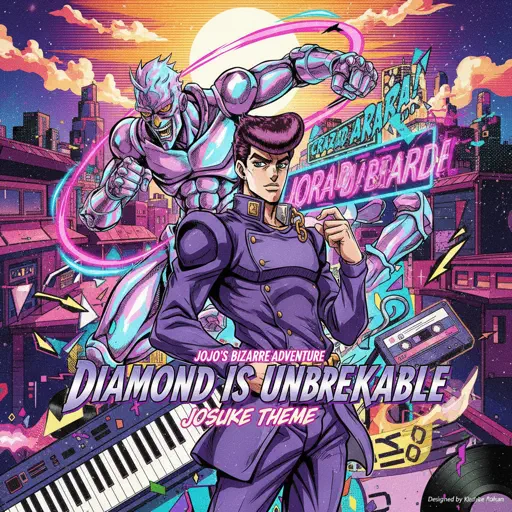
Diamond is unbreakable -Josuke theme
Jojo's Bizzarre Aventure
Normal
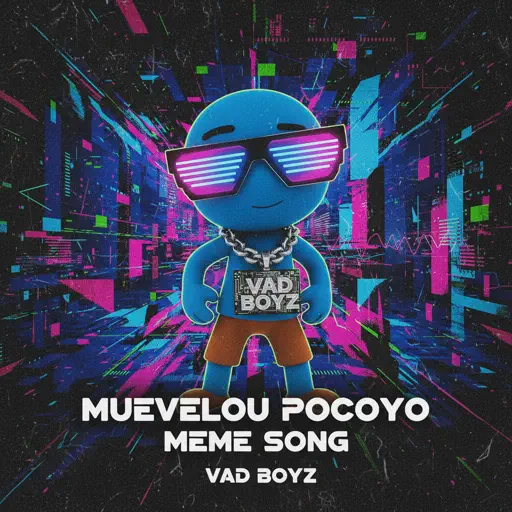
MUEVELOU POCOYO MEME SONG
VAD BOYZ
Hard Mode

Hard
Tết Đong Đầy
KHOA
Hard
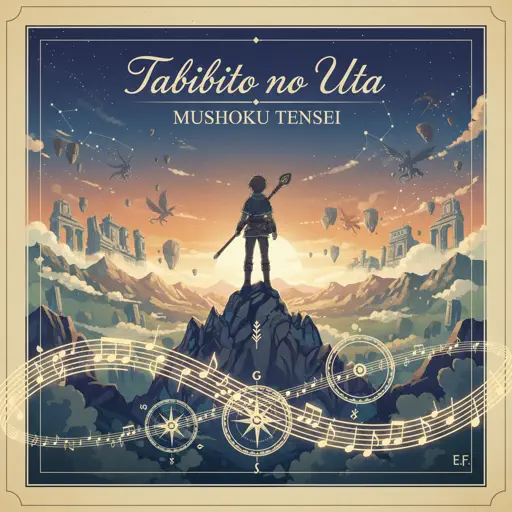
Tabibito no Uta - Jobless Reincarnation
Mushoku Tensei
Hard
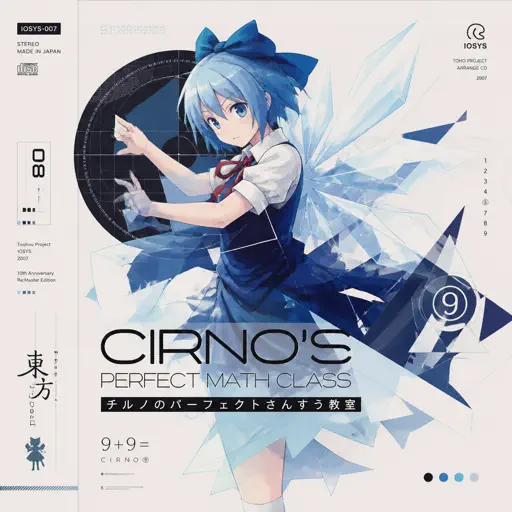
Cirno's Perfect Math Class チルノのパーフェクトさんすう教室
IOSYS
Hard
Marigold
Aimyon
Hard
Brainiac Maniac - Plants vs. Zombies
Laura Shigihara
Hard
My R - Yellow Cardigan
Rachie

Hard
iloveitiloveitiloveit
Bella Kay
Hard
No Time for Caution - Interstellar
Hans Zimmer
Hard
Gnossienne: No. 3
Erik Satie
Hard
The Seed
AURORA
Recommended Sheets
Static
Steve Lacy
Normal
Je T’aime
Lara Fabian
Hard
Erika
German soldier song
Normal
engravings
Ethan Bortnick
Normal
The Water Magician OST - Main Theme
The Water Magician
Normal
Runaway
AURORA
Normal
Succession (Main Title Theme)
Nicholas Britell
Hard
Serenade
Franz Schubert
Hard
Living Mice
C418
Normal
High School Sweethearts
Melanie Martinez
Normal
greedy
Tate McRae
Hard
I Can't Help It
Michael Jackson
Normal
LET ME SEE YA MOVE!
Lumi Athena
Easy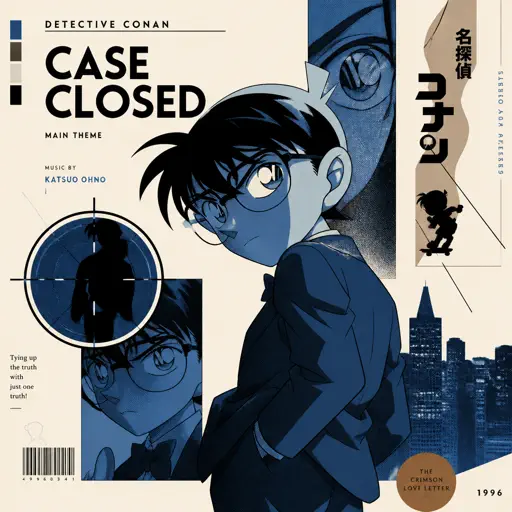
Case Closed (From Detective Conan)
Gosho Aoyama
Normal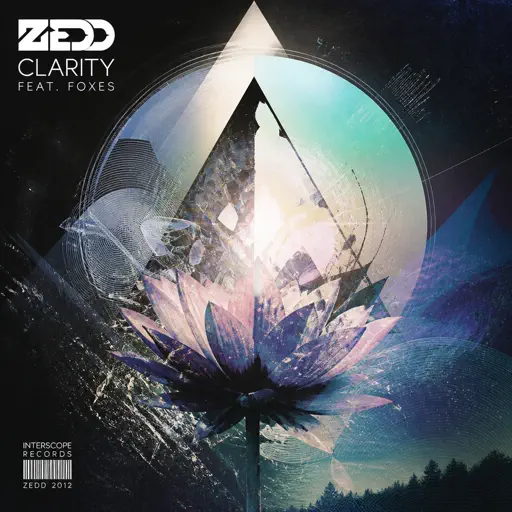
Clarity
Zedd
Normal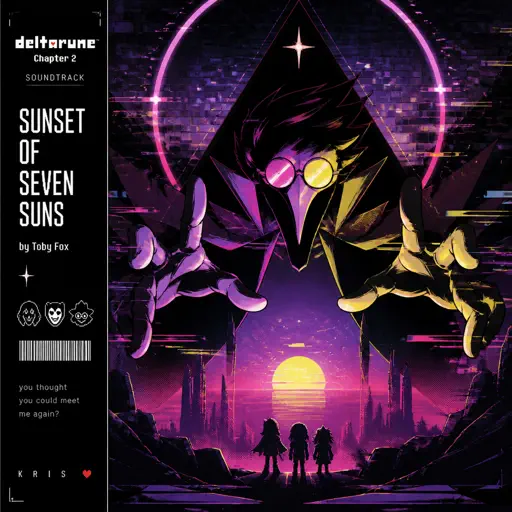
Sunset of Seven Suns - DELTARUNE
Toby Fox
Normal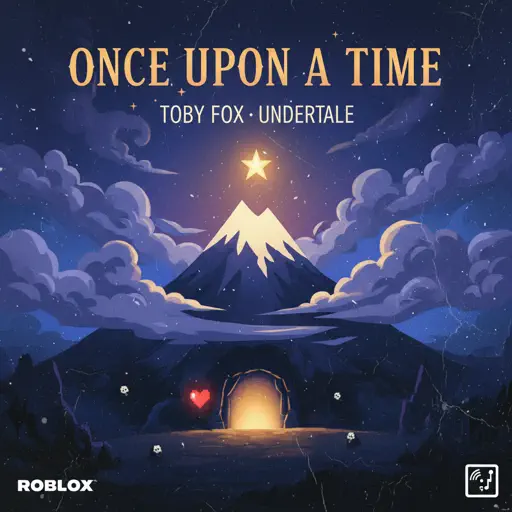
Once Upon a Time
Toby Fox
Normal
Lost in Bonerland
Nero's Day At Disneyland
Hard
Emesis Blue Scouts Requiem
Fortress Films
Hard
Rush E (Impossible Version)
Sheet Music Boss
HardFrequently Asked Questions
What is Roblox Piano Practice Online?
This is a free online tool that lets you practice Roblox virtual piano sheets in your browser. No downloads required - just pick a song and start practicing.
How do I use this online practice tool?
1. Select a song from the recommendations or use the search function. 2. Click play and the sheet will auto-scroll with highlighted notes. 3. Watch the virtual piano keyboard for highlighted keys and practice along. 4. Use speed control to slow down playback - perfect for beginners.
Can I play using my keyboard?
Yes! The virtual piano supports computer keyboard input. The keys correspond to the standard Roblox piano layout (1234567890qwerty...). You can practice on your keyboard while following the sheet.
What does the Transpose feature do?
Transpose raises or lowers the pitch of the sheet. Some Roblox piano games have different default tunings, so transpose helps match the correct pitch. Usually adjusting by +12 or -12 semitones works.
Does this tool work on mobile?
Yes, but desktop provides the best experience. On mobile you can view the sheet and virtual piano demo, but keyboard input requires a computer. We recommend using a desktop for the best practice experience.
How do I find sheets suitable for my level?
Below you'll find recommendations sorted by difficulty: Easy for beginners, Normal for intermediate players, and Hard/Expert for advanced challenges. You can also use the search function to find songs by title or artist.