
Roblox Piano Practice Online
Loading piano...
Practice Guide
Quick guide on how to use the online piano practice tool.
What is this?
This tool allows you to practice playing virtual piano sheets directly in your browser. It simulates a piano keyboard and helps you learn the notes and rhythm before playing in Roblox.
How to Practice Online
Use your computer keyboard or mouse to play the virtual piano keys directly. As the sheet music plays, the corresponding keys on the virtual piano will light up to help you follow along. You can also copy the sheet code to use directly in Roblox.
Discover Sheets
Random Shuffle: Click the Shuffle button in the center of the top control bar to instantly load a random new song without reloading the page.
Search: Click the Search button next to Shuffle to open the search window. Type a song title or artist name to quickly find and switch to the sheet you want to practice.
Playback Controls
- Play/Pause: Start or stop playback.
- 1xSpeed: Adjust tempo (0.5x - 2.0x).
- KTranspose: Shift the pitch up or down.
- SSustain: Toggle sustain pedal effect.
Easy Mode

Easy
Where You Lead
Carole King

Easy
Fur Elise
Beethoven

Easy
Nice To Know - BFDIA 19 Cake At Stake Intro
BFDIA 19

Easy
Sleeping City Funk
Emotional Recycling Bin

Easy
Mockingbird
Eminem

Easy
Gravity Falls Main Title Theme
Brad Breeck

Easy
Balcony
Cave Story

Easy
Immortal
Playboi Carti

Easy
Cupid (Twin Version)
Fifty Fifty

Easy
Pimp Hoe
Mike Sherm
Normal Mode

Normal
Initial D First Stage Sound - Admiration
Initial D
Normal
FNAF Song 1
The Living Tombstone

Normal
Battle Hymn of the Republic
Julia Ward Howe
Normal
Sweden
C418
Normal
Apple Pie
Travis Scott
Normal
Hide
Dorian Concept
Normal
Robbery
Juice WRLD
Normal
Rapp Snitch Knishes
MF DOOM
Normal
Coffin Dance
Vicetone
Normal
The Nights
Avicii
Hard Mode
Hard
Sacred Play Secret Place
matryoshka
Hard
Pas de deux (The Nutcracker, Op. 71, Act 2: No. 14a, Andante maestoso)
Pyotr Ilyich Tchaikovsky
Hard
Kokoronashi (心做し)
majiko
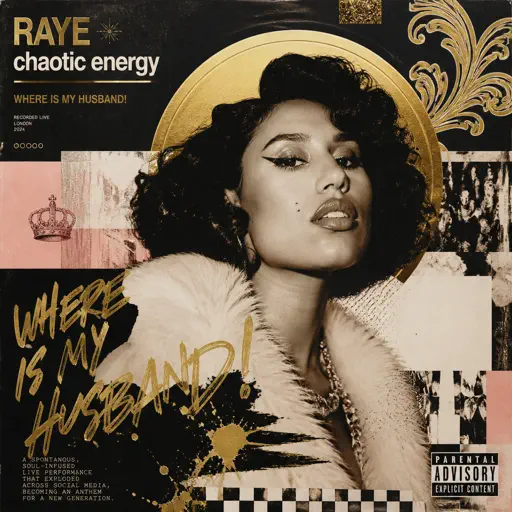
Hard
WHERE IS MY HUSBAND!
RAYE
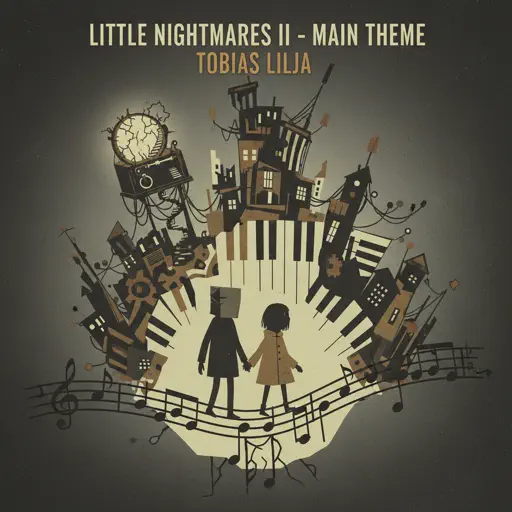
Hard
Little Nightmares 2 - Main Theme
Tobias Lilja

Hard
Hallelujah
Kanye West
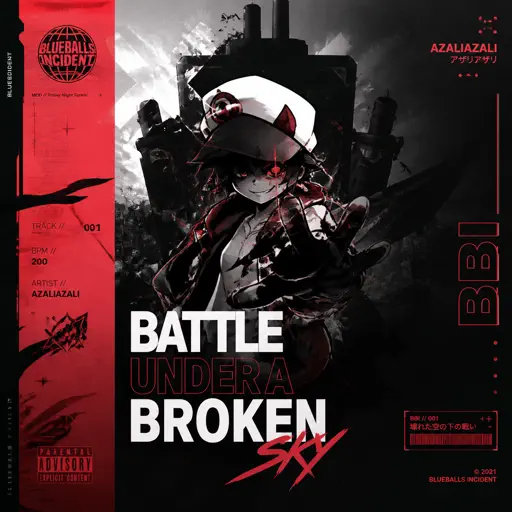
Hard
BATTLE UNDER A BROKEN SKY
AZALI

Hard
back to friends
sombr
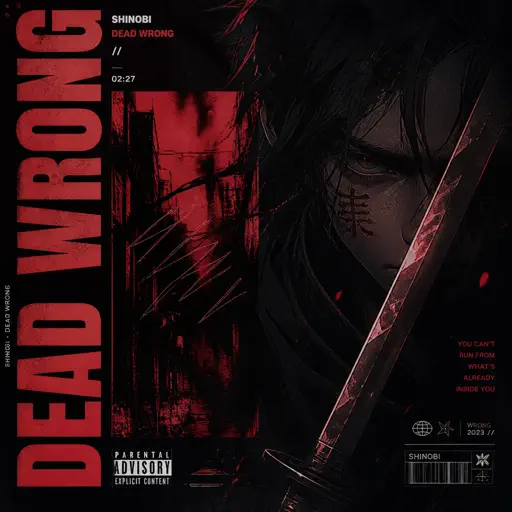
Hard
Dead Wrong
Shinobi
Hard
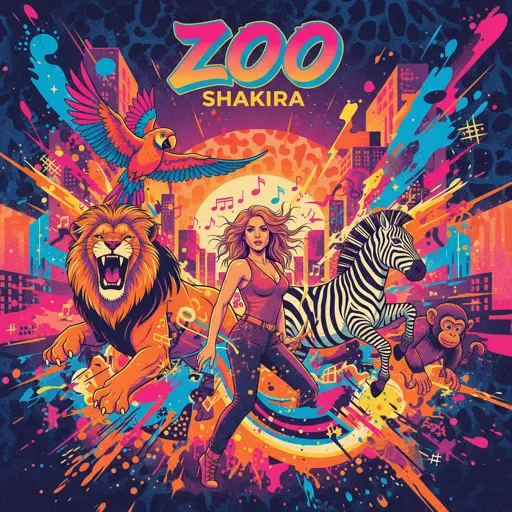
Zoo - From Zootopia 2
Shakira
Recommended Sheets

Sóng Gió
Jack & K-ICM
Normal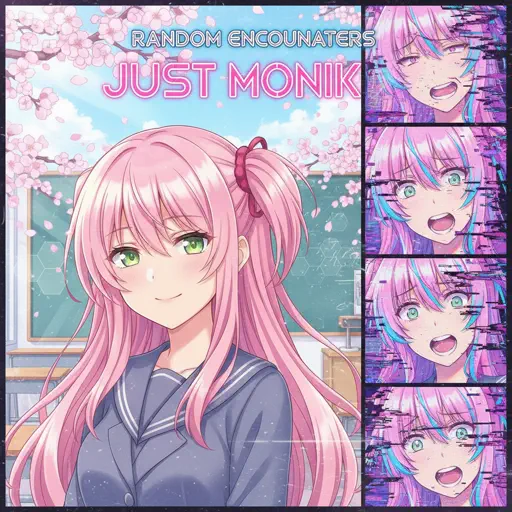
Just Monika
Random Encounters
Hard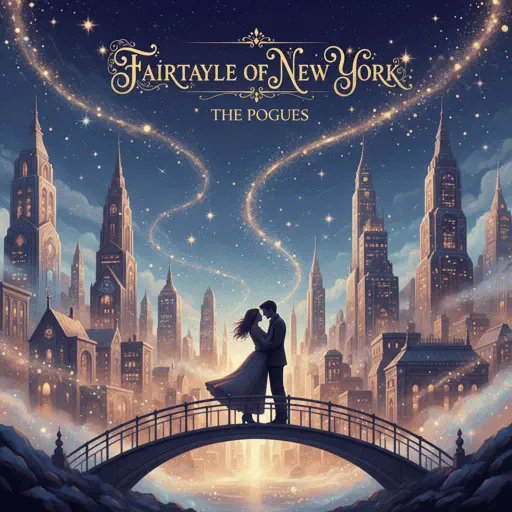
Fairytale of New York
The Pogues
Normal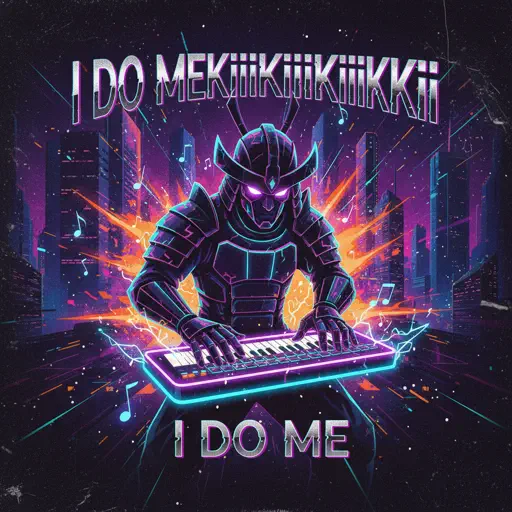
I DO ME
KiiiKiii
NormalBattle Hymn of the Republic
Julia Ward Howe
Normal
Mangu
Fourtwnty ft. Charita Utami
Hard
Clouds
Alex G
Normal
Killswitch Lullaby
Flawed Mangoes
NormalRapp Snitch Knishes
MF DOOM
Normal
Time Is Tearing Us Apart - Until Then OST
Kyle Patrick Naval
Hard
SAD!
XXXTENTACION
Hard
The Winner Takes It All
ABBA
Normal
Save Me
Morandi
Normal
Hyori Ittai - HUNTER X HUNTER
HelloROMIX
Hard
Love Love Love
Epik High
Hard
Waltz In A Minor
Frédéric Chopin
Normal
Rock With You
Michael Jackson
Normal
Moonlight on the River
Mac DeMarco
Normal
WIGGLECORE
FLOOR BABA
Normal
Queen St
twentythree
NormalFrequently Asked Questions
What is Roblox Piano Practice Online?
This is a free online tool that lets you practice Roblox virtual piano sheets in your browser. No downloads required - just pick a song and start practicing.
How do I use this online practice tool?
1. Select a song from the recommendations or use the search function. 2. Click play and the sheet will auto-scroll with highlighted notes. 3. Watch the virtual piano keyboard for highlighted keys and practice along. 4. Use speed control to slow down playback - perfect for beginners.
Can I play using my keyboard?
Yes! The virtual piano supports computer keyboard input. The keys correspond to the standard Roblox piano layout (1234567890qwerty...). You can practice on your keyboard while following the sheet.
What does the Transpose feature do?
Transpose raises or lowers the pitch of the sheet. Some Roblox piano games have different default tunings, so transpose helps match the correct pitch. Usually adjusting by +12 or -12 semitones works.
Does this tool work on mobile?
Yes, but desktop provides the best experience. On mobile you can view the sheet and virtual piano demo, but keyboard input requires a computer. We recommend using a desktop for the best practice experience.
How do I find sheets suitable for my level?
Below you'll find recommendations sorted by difficulty: Easy for beginners, Normal for intermediate players, and Hard/Expert for advanced challenges. You can also use the search function to find songs by title or artist.