
Roblox Piano Practice Online
Loading piano...
Practice Guide
Quick guide on how to use the online piano practice tool.
What is this?
This tool allows you to practice playing virtual piano sheets directly in your browser. It simulates a piano keyboard and helps you learn the notes and rhythm before playing in Roblox.
How to Practice Online
Use your computer keyboard or mouse to play the virtual piano keys directly. As the sheet music plays, the corresponding keys on the virtual piano will light up to help you follow along. You can also copy the sheet code to use directly in Roblox.
Discover Sheets
Random Shuffle: Click the Shuffle button in the center of the top control bar to instantly load a random new song without reloading the page.
Search: Click the Search button next to Shuffle to open the search window. Type a song title or artist name to quickly find and switch to the sheet you want to practice.
Playback Controls
- Play/Pause: Start or stop playback.
- 1xSpeed: Adjust tempo (0.5x - 2.0x).
- KTranspose: Shift the pitch up or down.
- SSustain: Toggle sustain pedal effect.
Easy Mode

Easy
Immortal
Playboi Carti

Easy
Fur Elise
Beethoven

Easy
Pimp Hoe
Mike Sherm

Easy
Balcony
Cave Story

Easy
Gravity Falls Main Title Theme
Brad Breeck

Easy
Harvey
Alex G

Easy
Nice To Know - BFDIA 19 Cake At Stake Intro
BFDIA 19

Easy
Mist
EsDeeKid

Easy
LET ME SEE YA MOVE!
Lumi Athena

Easy
Sleeping City Funk
Emotional Recycling Bin
Normal Mode
Normal
Spooky, Scary Skeletons
Andrew Gold

Normal
There's a Great Big Beautiful Tomorrow
Robert Sherman
Normal
Escape
Nemzzz

Normal
the perfect pair
beabadoobee
Normal
The Pink Panther Theme
Henry Mancini
Normal
I Just Might
Bruno Mars
Normal
No
Plenka
Normal
Same Blue
Blue Box OP
Normal
TIKI TIKI
QMIIR
Normal
poison tree
liza v posteli
Hard Mode
Hard
Yellow
Coldplay

Hard
U.N. Owen Was Her?
Flandre's Theme
Hard
Gnossienne: No. 3
Erik Satie
Hard
Beethoven Virus
Ludwig van Beethoven
Hard
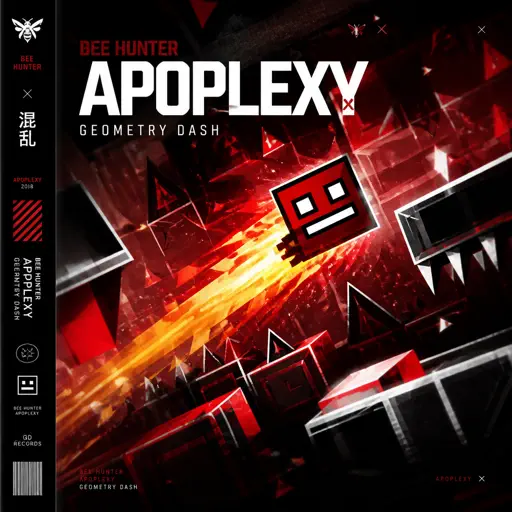
Apoplexy - Geometry Dash
Bee Hunter
Hard
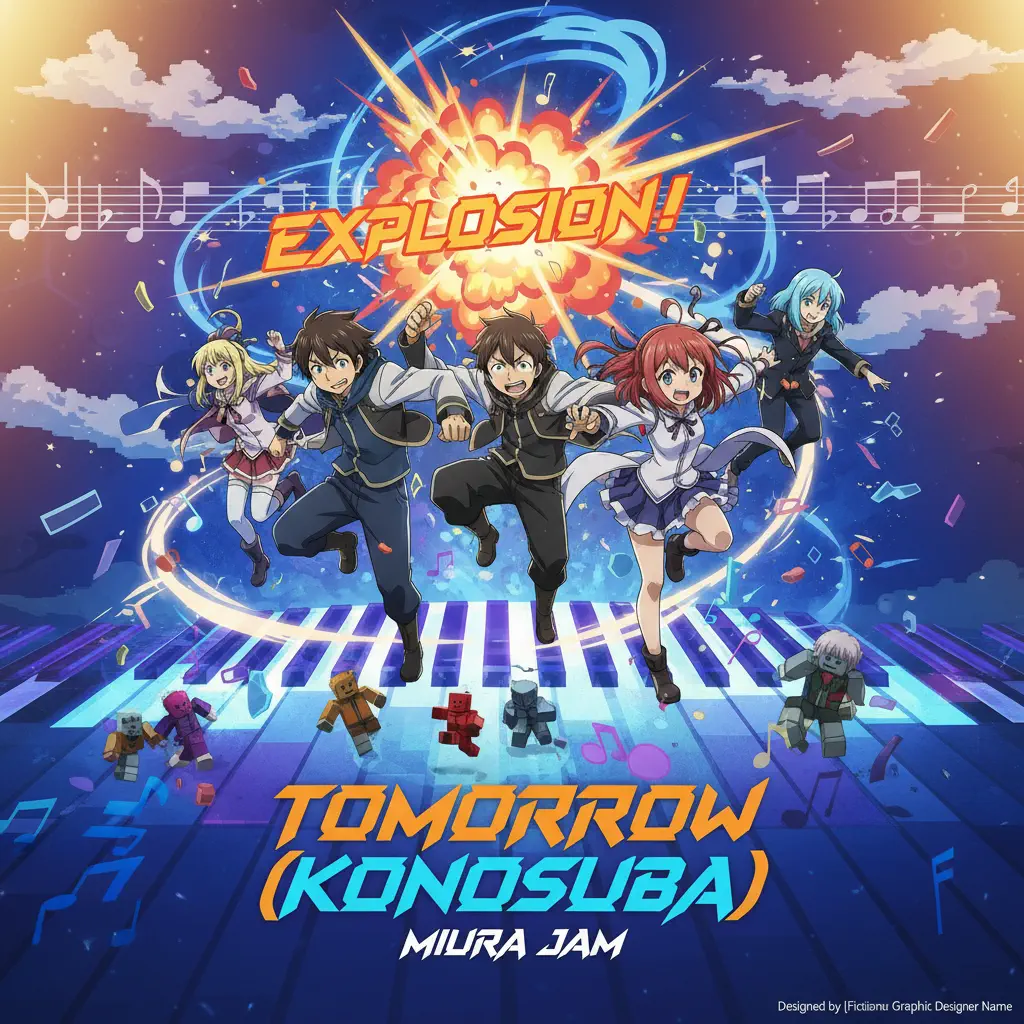
Tomorrow (Konosuba)
Miura Jam
Hard
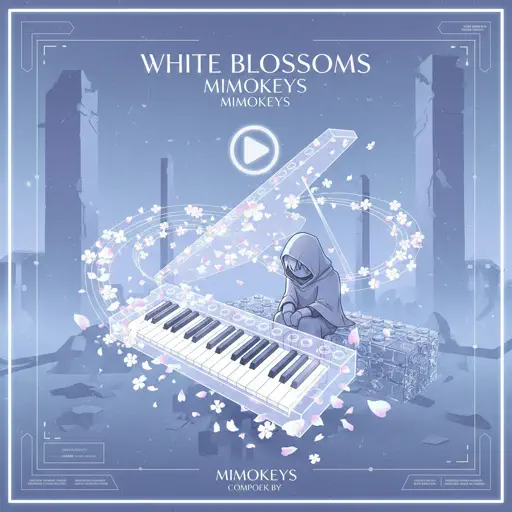
White Blossoms
Mimokeys
Hard
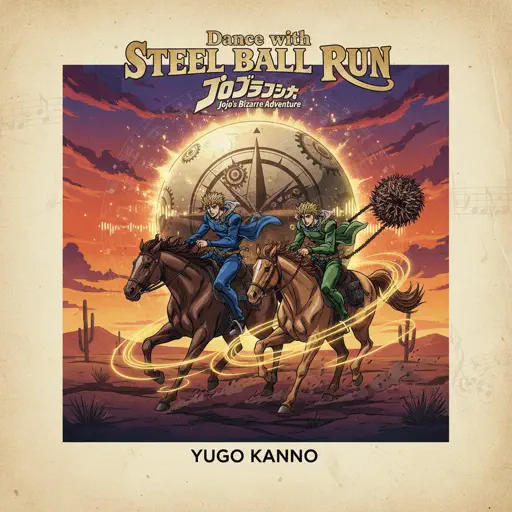
Dance with STEEL BALL RUN - JoJo's Bizarre Adventure
Yugo Kanno
Hard
Ditto
NewJeans
Hard
Lapse
Lucas King
Recommended Sheets
Freaks
Surf Curse
Normal
Hopes And Dreams
Toby Fox
Normal
Upside Down
Diana Ross
Hard
Faerie's Aire and Death Waltz
John Stump
Hard
unhappy
s0rrow
Hard
High School Sweethearts
Melanie Martinez
Normal
Pretender
OFFICIAL HIGE DANDISM
Hard
We Are The Champions
Queen
Hard
Bubble Pop Electric
Gwen Stefani
Hard
loml
Taylor Swift
Normal
Slash Inferno
Boom Kitty
Hard
Snowman
Sia
Normal
Chamber Of Reflection
Mac DeMarco
Normal
Last Surprise (Persona 5)
Persona 5
Hard
Melodrama
natori
Normal
Teeth (Interlude)
XXXTENTACION
Normal
Running the Show - The Amazing Digital Circus
John Michael Hopkins
Hard
The Grimm Troupe (Hollow Knight)
Christopher Larkin
Hard
Wish
Trippie Redd
Hard
There's a Feller in the Moon
John W Dick
HardFrequently Asked Questions
What is Roblox Piano Practice Online?
This is a free online tool that lets you practice Roblox virtual piano sheets in your browser. No downloads required - just pick a song and start practicing.
How do I use this online practice tool?
1. Select a song from the recommendations or use the search function. 2. Click play and the sheet will auto-scroll with highlighted notes. 3. Watch the virtual piano keyboard for highlighted keys and practice along. 4. Use speed control to slow down playback - perfect for beginners.
Can I play using my keyboard?
Yes! The virtual piano supports computer keyboard input. The keys correspond to the standard Roblox piano layout (1234567890qwerty...). You can practice on your keyboard while following the sheet.
What does the Transpose feature do?
Transpose raises or lowers the pitch of the sheet. Some Roblox piano games have different default tunings, so transpose helps match the correct pitch. Usually adjusting by +12 or -12 semitones works.
Does this tool work on mobile?
Yes, but desktop provides the best experience. On mobile you can view the sheet and virtual piano demo, but keyboard input requires a computer. We recommend using a desktop for the best practice experience.
How do I find sheets suitable for my level?
Below you'll find recommendations sorted by difficulty: Easy for beginners, Normal for intermediate players, and Hard/Expert for advanced challenges. You can also use the search function to find songs by title or artist.