
Roblox Piano Practice Online
Loading piano...
Practice Guide
Quick guide on how to use the online piano practice tool.
What is this?
This tool allows you to practice playing virtual piano sheets directly in your browser. It simulates a piano keyboard and helps you learn the notes and rhythm before playing in Roblox.
How to Practice Online
Use your computer keyboard or mouse to play the virtual piano keys directly. As the sheet music plays, the corresponding keys on the virtual piano will light up to help you follow along. You can also copy the sheet code to use directly in Roblox.
Discover Sheets
Random Shuffle: Click the Shuffle button in the center of the top control bar to instantly load a random new song without reloading the page.
Search: Click the Search button next to Shuffle to open the search window. Type a song title or artist name to quickly find and switch to the sheet you want to practice.
Playback Controls
- Play/Pause: Start or stop playback.
- 1xSpeed: Adjust tempo (0.5x - 2.0x).
- KTranspose: Shift the pitch up or down.
- SSustain: Toggle sustain pedal effect.
Easy Mode

Easy
Gravity Falls Main Title Theme
Brad Breeck

Easy
Cupid (Twin Version)
Fifty Fifty

Easy
Sleeping City Funk
Emotional Recycling Bin

Easy
Fur Elise
Beethoven

Easy
Harvey
Alex G

Easy
Mockingbird
Eminem

Easy
Mist
EsDeeKid

Easy
Nice To Know - BFDIA 19 Cake At Stake Intro
BFDIA 19

Easy
Where You Lead
Carole King

Easy
Pimp Hoe
Mike Sherm
Normal Mode
Normal
Dreiton
C418
Normal
MONTAGEM ALQUIMIA
h6itam
Normal
Innocence
Hildir Svensson
Normal
Into the Infinity Castle (From "Demon Slayer")
Jimmy's Atelier

Normal
Arkadaşım Eşşek
Barış Manço
Normal
Almost Closing Time - Work At A Pizza Place
Kyle Allen Music
Normal
IDOL
Yoasobi
Normal
Kurşun Adres Sormaz Ki
Kenan Doğulu
Normal
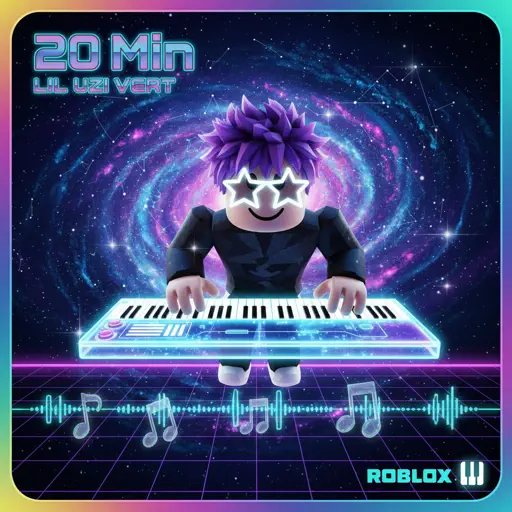
20 Min
Lil Uzi Vert
Normal
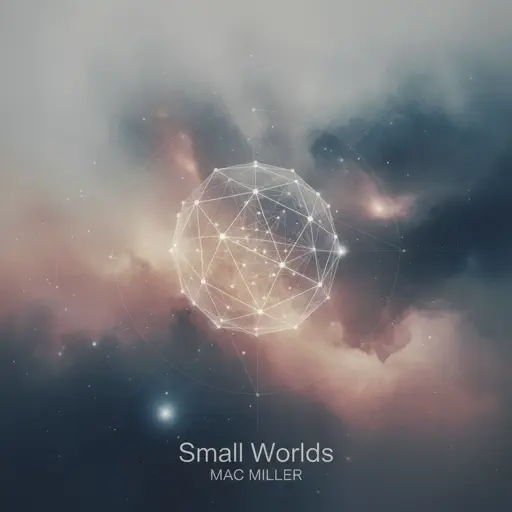
Small Worlds
Mac Miller
Hard Mode
Hard
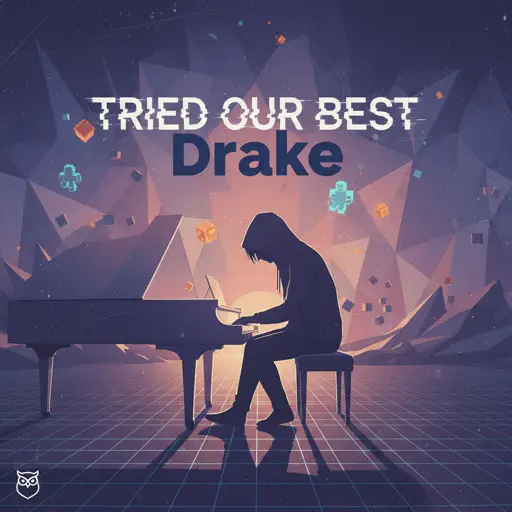
Tried Our Best
Drake
Hard
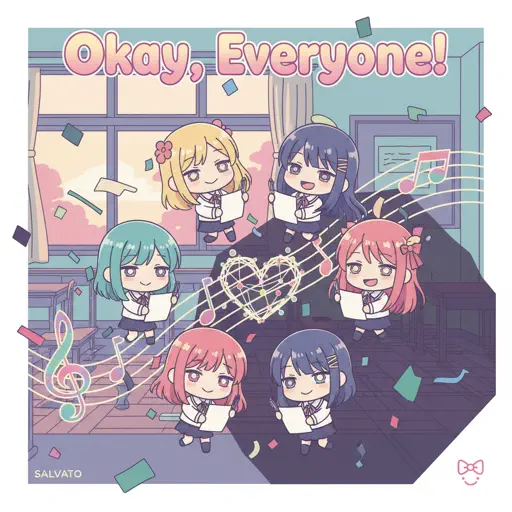
Okay, Everyone!
Doki Doki Literature Club

Hard
Every Living Breathing Moment
Grant Steller

Hard
Hotel California
Eagles

Hard
Your Idol (KPop Demon Hunters)
Saja Boys
Hard
Animation Warrior Theme - Geometry Dash Orbit
Nighthawk22
Hard
Nowhere To Run
Stegosaurus Rex
Hard
Canon in D
Johann Pachelbel
Hard
Papaoutai
Stromae
Hard
Waltz No.2
Dmitri Shostakovich
Recommended Sheets
Sweden
C418
Normal
DRAMA
G-DRAGON
Normal
BANG BANG BANG - Chainsaw Man Song
BBpanzu
Normal
Resonanse -
Heaven's Secret Requiem
Djinotan
Normal
Trouble
Coldplay
Normal
SEG_FAULT (From Underverse)
NyxTheShield
Hard
Hear! the Siren Song Call of Death - ULTRAKILL OST
Heaven Pierce Her
Hard
Agony
Yung Lean
Hard
Bloodline
Alex Warren
Normal
Je T’aime
Lara Fabian
Hard
Ride Like the Wind
Christopher Cross
Normal
Past Lives
BØRNS
Normal
Killswitch Lullaby
Flawed Mangoes
Normal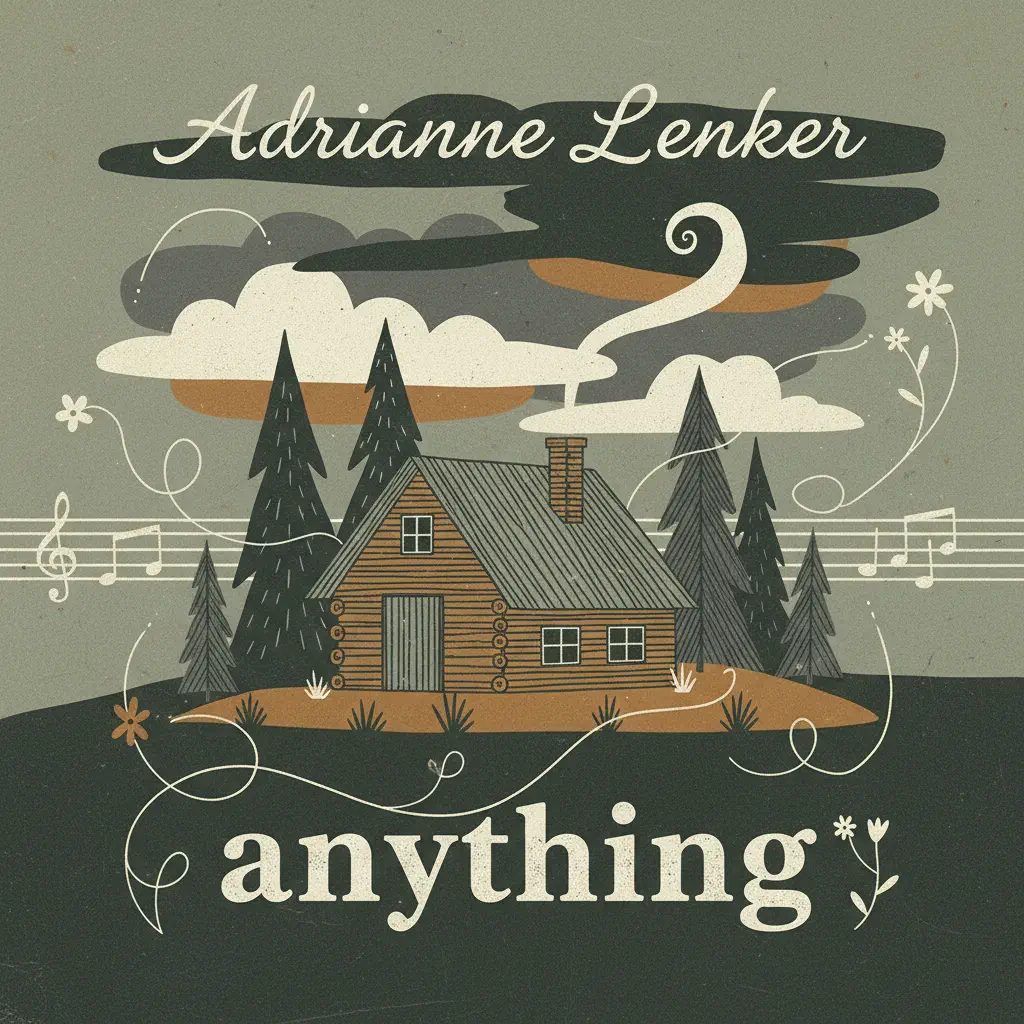
Anything
Adrianne Lenker
Normal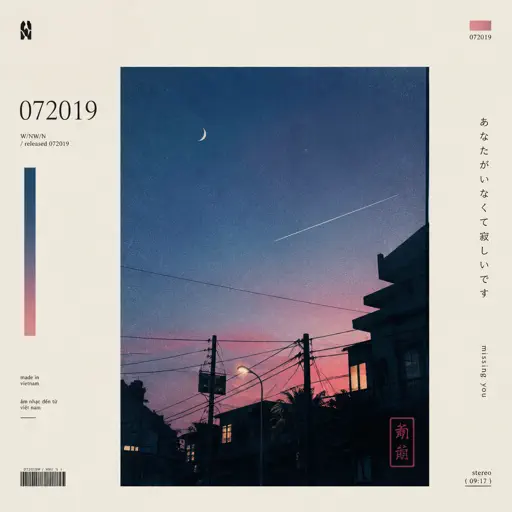
id 072019
W/N
Normal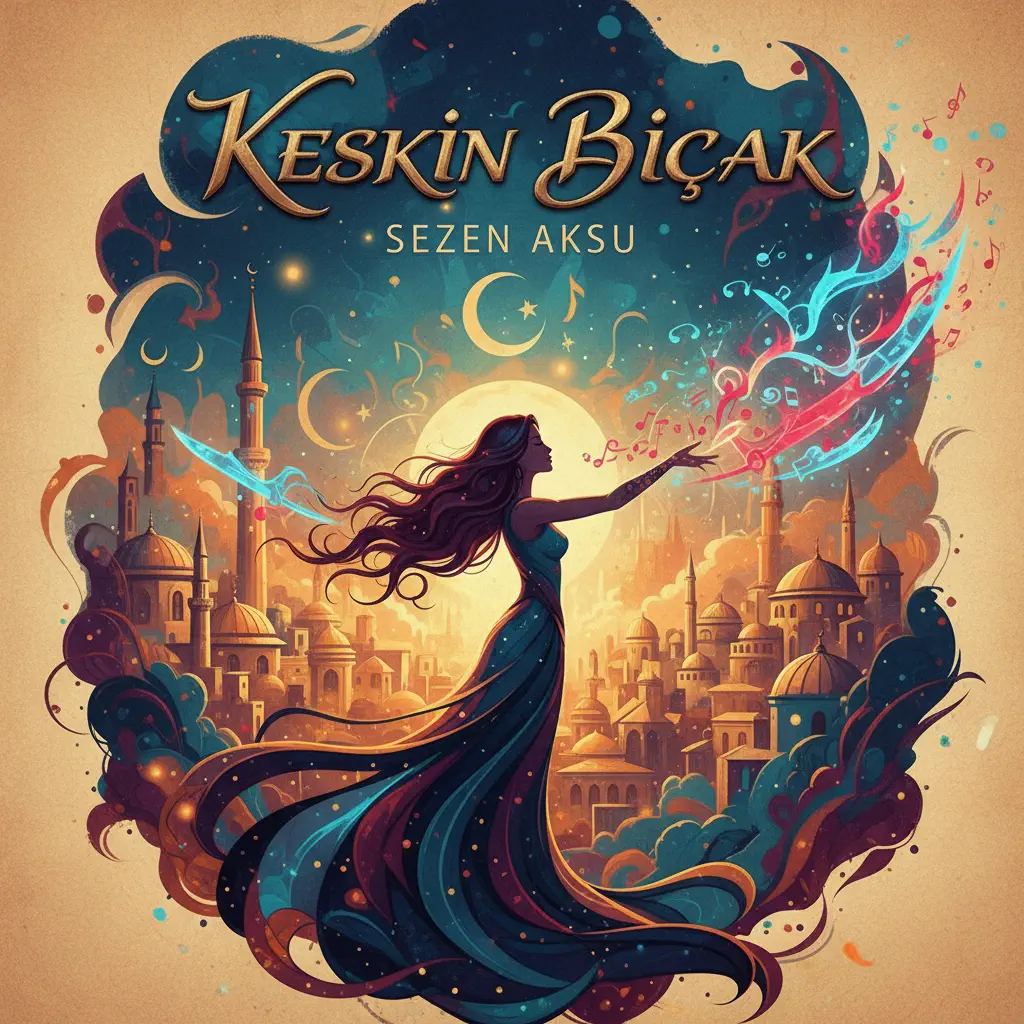
Keskin Biçak
Sezen Aksu
Normal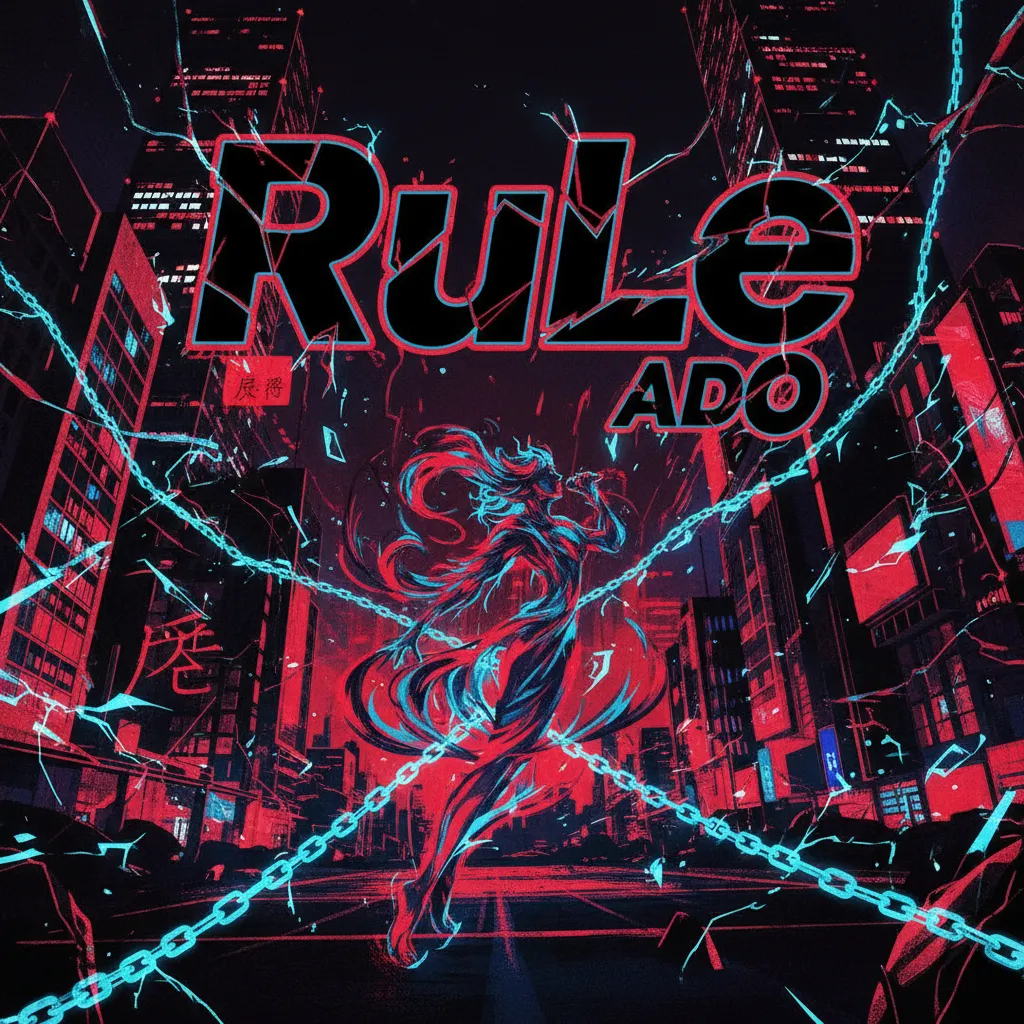
RuLe
Ado
Normal
Go Away
Weezer
Normal
Gnossienne: No. 3
Erik Satie
Hard
The Great Strategy
Badliz
NormalFrequently Asked Questions
What is Roblox Piano Practice Online?
This is a free online tool that lets you practice Roblox virtual piano sheets in your browser. No downloads required - just pick a song and start practicing.
How do I use this online practice tool?
1. Select a song from the recommendations or use the search function. 2. Click play and the sheet will auto-scroll with highlighted notes. 3. Watch the virtual piano keyboard for highlighted keys and practice along. 4. Use speed control to slow down playback - perfect for beginners.
Can I play using my keyboard?
Yes! The virtual piano supports computer keyboard input. The keys correspond to the standard Roblox piano layout (1234567890qwerty...). You can practice on your keyboard while following the sheet.
What does the Transpose feature do?
Transpose raises or lowers the pitch of the sheet. Some Roblox piano games have different default tunings, so transpose helps match the correct pitch. Usually adjusting by +12 or -12 semitones works.
Does this tool work on mobile?
Yes, but desktop provides the best experience. On mobile you can view the sheet and virtual piano demo, but keyboard input requires a computer. We recommend using a desktop for the best practice experience.
How do I find sheets suitable for my level?
Below you'll find recommendations sorted by difficulty: Easy for beginners, Normal for intermediate players, and Hard/Expert for advanced challenges. You can also use the search function to find songs by title or artist.