

Roblox Piano Practice Online
Loading piano...
Practice Guide
Quick guide on how to use the online piano practice tool.
What is this?
This tool allows you to practice playing virtual piano sheets directly in your browser. It simulates a piano keyboard and helps you learn the notes and rhythm before playing in Roblox.
How to Practice Online
Use your computer keyboard or mouse to play the virtual piano keys directly. As the sheet music plays, the corresponding keys on the virtual piano will light up to help you follow along. You can also copy the sheet code to use directly in Roblox.
Discover Sheets
Random Shuffle: Click the Shuffle button in the center of the top control bar to instantly load a random new song without reloading the page.
Search: Click the Search button next to Shuffle to open the search window. Type a song title or artist name to quickly find and switch to the sheet you want to practice.
Playback Controls
- Play/Pause: Start or stop playback.
- 1xSpeed: Adjust tempo (0.5x - 2.0x).
- KTranspose: Shift the pitch up or down.
- SSustain: Toggle sustain pedal effect.
Easy Mode

Easy
Gravity Falls Main Title Theme
Brad Breeck

Easy
Nice To Know - BFDIA 19 Cake At Stake Intro
BFDIA 19

Easy
If You Love These People (Man of Steel)
Hans Zimmer

Easy
Fur Elise
Beethoven

Easy
Sleeping City Funk
Emotional Recycling Bin

Easy
Where You Lead
Carole King

Easy
Balcony
Cave Story

Easy
Mockingbird
Eminem

Easy
Harvey
Alex G

Easy
Pimp Hoe
Mike Sherm
Normal Mode
Normal
Teeth (Interlude)
XXXTENTACION
Normal
GOZALO
Ariis
Normal
Heaven Sent
Tevomxntana
Normal
EFN
VRIGGER
Normal
LoonBoon
Laura Shigihara
Normal
To The Shore's End OST
By Wuthering Waves
Normal
Phép Màu (Đàn Cá Gỗ OST)
MAYDAYs
Normal
death bed (coffee for your head)
Powfu
Normal
玫瑰少年 Thiếu Niên Hoa Hồng
Strictlyviolin荀博
Normal
Devils Never Cry (スタッフロール)
Tetsuya Shibata
Hard Mode
Hard
Virtual Insanity
Jamiroquai
Hard
We'll Meet Again
Laura Brehm
Hard
Chiquitita
ABBA
Hard
Succession (Main Title Theme)
Nicholas Britell
Hard
Sacred Play Secret Place
matryoshka
Hard
Attack of the Killer Queen (from Deltarune)
Toby Fox
Hard
NEXT TO YOU - Parasyte OST
Ken Arai
Hard
Dead Wrong
Shinobi
Hard
Namae wo Yobu yo - 名前を呼ぶよ- 이름을 부를게
LUCKLIFE
Hard
Just Monika
Random Encounters
Recommended Sheets
MONTAGEM DOMER Funk
Paizo
Normal
Silksong Theme
kohto
Normal
Trance
Metro Boomin and Travis Scott
Normal
Mr. Sandman
The Chordettes
Hard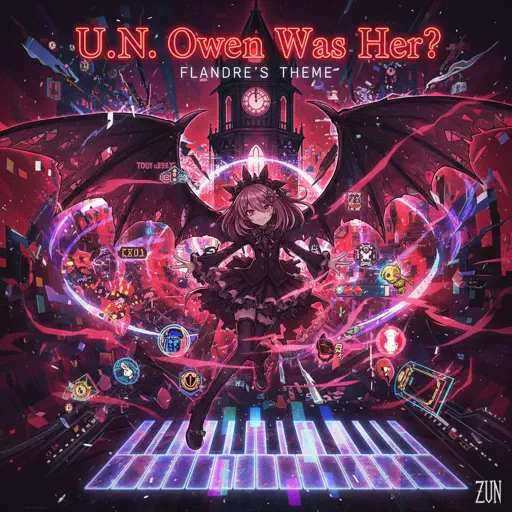
U.N. Owen Was Her?
Flandre's Theme
Hard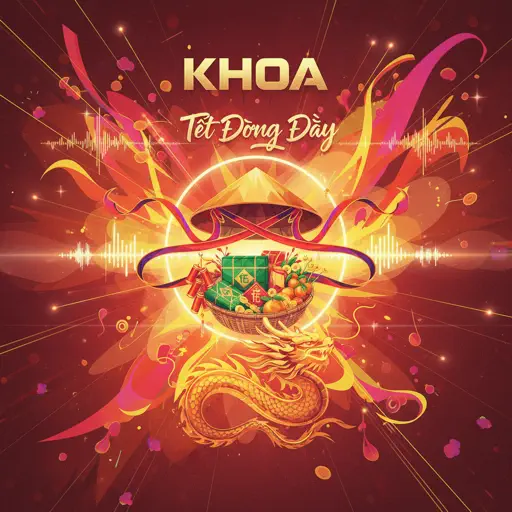
Tết Đong Đầy
KHOA
Hard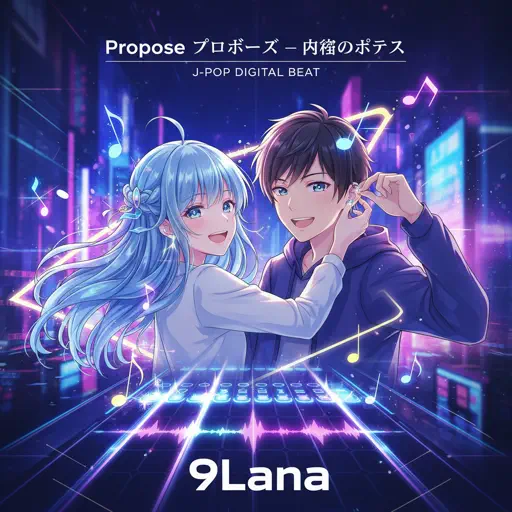
Propose
9Lana
Hard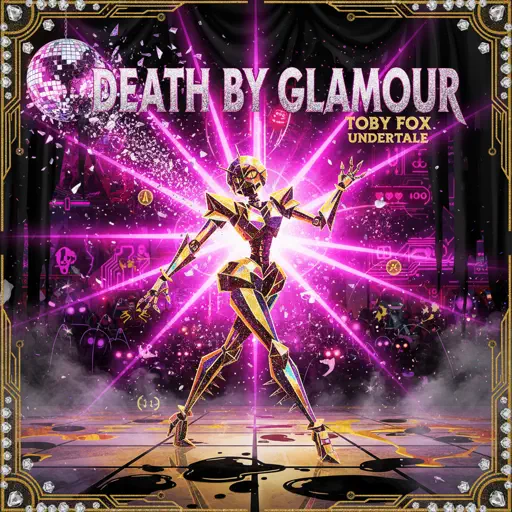
Death By Glamour
Toby Fox
Normal
Clash Royale Intro Sound
Supercell
Normal
iloveitiloveitiloveit
Bella Kay
HardDead Wrong
Shinobi
HardJust Monika
Random Encounters
Hard
Hall of Fame
The Script
Normal
I Want You to Tell Me the Moon is Beautiful!
kakizaki yuta
Hard
Bang!
AJR
Hard
It's A Dream
Snow Strippers
Normal
Upside Down
Diana Ross
Hard
unhappy
s0rrow
Hard
snowfall
Øneheart
Normal
Days Gone
Nathan Whitehead
NormalFrequently Asked Questions
What is Roblox Piano Practice Online?
This is a free online tool that lets you practice Roblox virtual piano sheets in your browser. No downloads required - just pick a song and start practicing.
How do I use this online practice tool?
1. Select a song from the recommendations or use the search function. 2. Click play and the sheet will auto-scroll with highlighted notes. 3. Watch the virtual piano keyboard for highlighted keys and practice along. 4. Use speed control to slow down playback - perfect for beginners.
Can I play using my keyboard?
Yes! The virtual piano supports computer keyboard input. The keys correspond to the standard Roblox piano layout (1234567890qwerty...). You can practice on your keyboard while following the sheet.
What does the Transpose feature do?
Transpose raises or lowers the pitch of the sheet. Some Roblox piano games have different default tunings, so transpose helps match the correct pitch. Usually adjusting by +12 or -12 semitones works.
Does this tool work on mobile?
Yes, but desktop provides the best experience. On mobile you can view the sheet and virtual piano demo, but keyboard input requires a computer. We recommend using a desktop for the best practice experience.
How do I find sheets suitable for my level?
Below you'll find recommendations sorted by difficulty: Easy for beginners, Normal for intermediate players, and Hard/Expert for advanced challenges. You can also use the search function to find songs by title or artist.