
Roblox Piano Practice Online
Loading piano...
Practice Guide
Quick guide on how to use the online piano practice tool.
What is this?
This tool allows you to practice playing virtual piano sheets directly in your browser. It simulates a piano keyboard and helps you learn the notes and rhythm before playing in Roblox.
How to Practice Online
Use your computer keyboard or mouse to play the virtual piano keys directly. As the sheet music plays, the corresponding keys on the virtual piano will light up to help you follow along. You can also copy the sheet code to use directly in Roblox.
Discover Sheets
Random Shuffle: Click the Shuffle button in the center of the top control bar to instantly load a random new song without reloading the page.
Search: Click the Search button next to Shuffle to open the search window. Type a song title or artist name to quickly find and switch to the sheet you want to practice.
Playback Controls
- Play/Pause: Start or stop playback.
- 1xSpeed: Adjust tempo (0.5x - 2.0x).
- KTranspose: Shift the pitch up or down.
- SSustain: Toggle sustain pedal effect.
Easy Mode










Normal Mode
Normal
Mice on Venus
C418

Normal
Pasilyo
Sunkissed Lola
Normal
Kioku 記憶 (Yosuga No Sora)
Manabu Miwa
Normal
Strange
Celeste
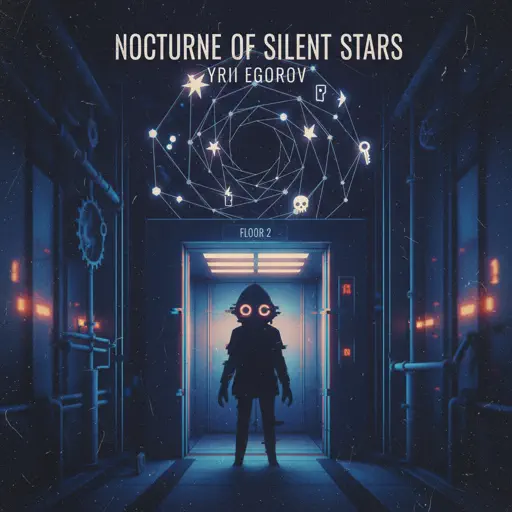
Normal
nocturne of silent stars
yrii egorov
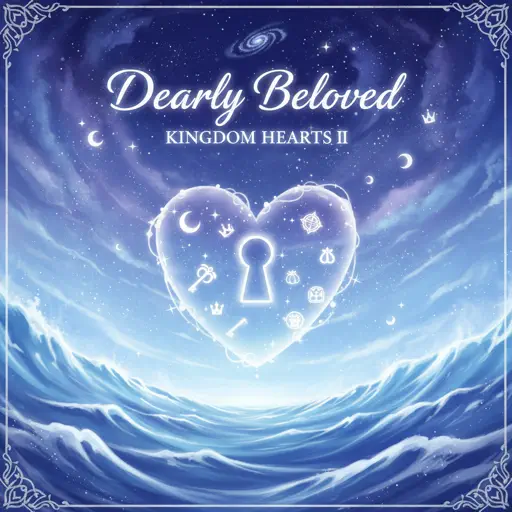
Normal
Dearly Beloved - KINGDOM HEARTS II
Yoko Shimomura
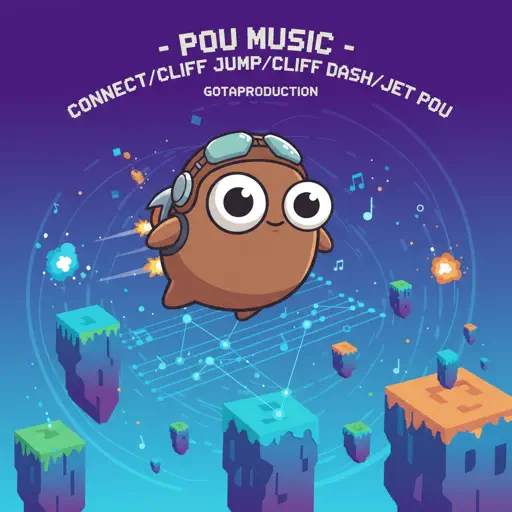
Normal
Pou music - Connect/Cliff Jump/Cliff Dash/Jet Pou
GotaProduction
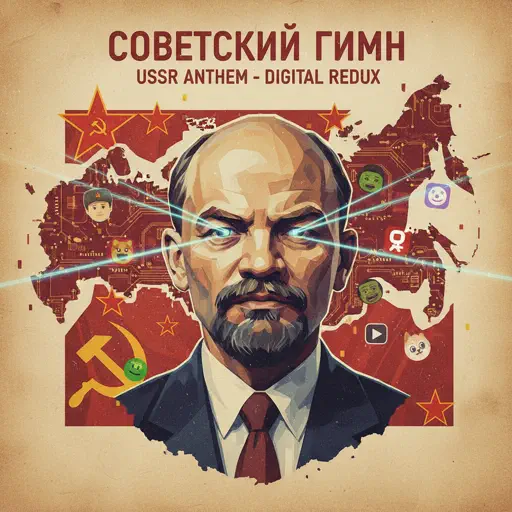
Normal
Soviet Anthem - USSR Anthem
USSR
Normal
Metamorphosis
Your Arms Are My Cocoon
Normal
Melodrama
natori
Hard Mode
Hard
Pas de deux (The Nutcracker, Op. 71, Act 2: No. 14a, Andante maestoso)
Pyotr Ilyich Tchaikovsky
Hard
Israel Circles
geometry dash

Hard
Sealed Vessel - Hollow Knight
Christopher Larkin

Hard
Multo
Cup of Joe
Hard
Girl Song
beabadoobee
Hard
Mr. Sandman
The Chordettes

Hard
Man I Need
Olivia Dean
Hard
i like the way you kiss me
Artemas
Hard
Defeat Everyone! - TPOT 19 Soundtrack
Ian Woodside
Hard
Namae wo Yobu yo - 名前を呼ぶよ- 이름을 부를게
LUCKLIFE
Recommended Sheets
traitor
Olivia Rodrigo
Normal
LEMONADE
aespa
Normal
I Saw Your Face (WIP)
Malcolm Todd
Normal
Touch You
Yarichin Bitch Club
Normal
JUDAS x GOJO vs SUKUNA
Lady Gaga
Normal
Never Be Alone
Shadrow
Normal
Idea 22
Gibran Alcocer
Normal
Cottonwood
Twenty One Pilots
Normal
Ievan Polkka
Hatsune Miku
Normal
Five Nights at Freddy's 2 Movie
The Newton Brothers
Normal
Small Worlds
Mac Miller
Normal
Bunny Party - Häschenparty
Bunny Party Team
Normal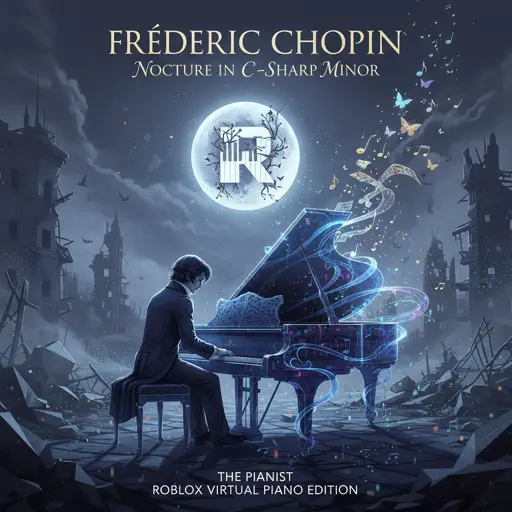
Nocturne in C-Sharp Minor
Frédéric Chopin
Normal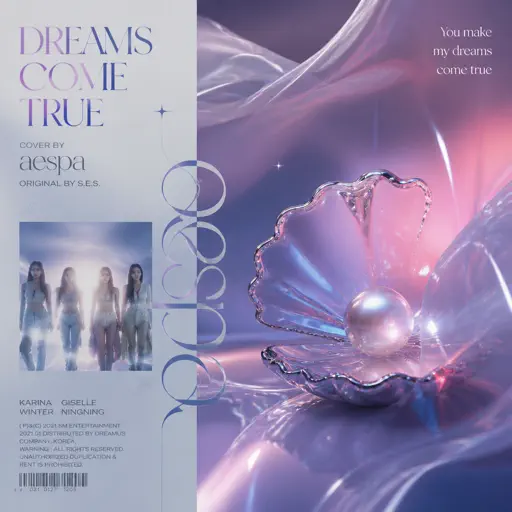
Dreams Come True
aespa
Hard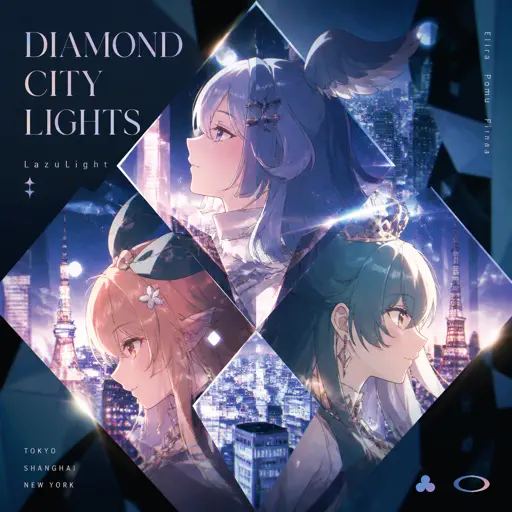
Diamond City Lights
LazuLight
Hard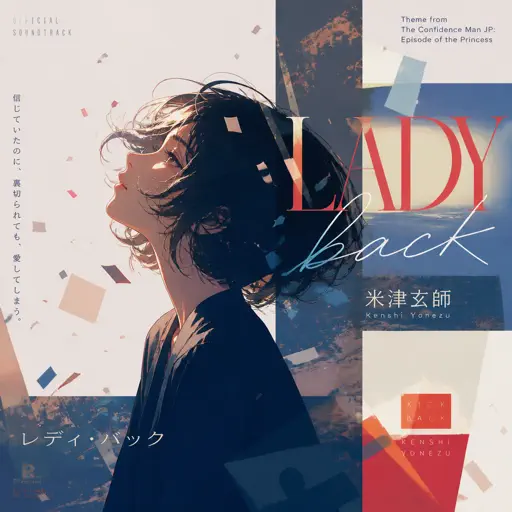
Pretender
OFFICIAL HIGE DANDISM
Hard
L5 - Lilac announcement sound
ViaMobilidade
Normal
Overworld Day - Terraria
Terraria
Hard
My Old Ways
Tame Impala
Normal
Eyes Without A Face
Billy Idol
NormalFrequently Asked Questions
What is Roblox Piano Practice Online?
This is a free online tool that lets you practice Roblox virtual piano sheets in your browser. No downloads required - just pick a song and start practicing.
How do I use this online practice tool?
1. Select a song from the recommendations or use the search function. 2. Click play and the sheet will auto-scroll with highlighted notes. 3. Watch the virtual piano keyboard for highlighted keys and practice along. 4. Use speed control to slow down playback - perfect for beginners.
Can I play using my keyboard?
Yes! The virtual piano supports computer keyboard input. The keys correspond to the standard Roblox piano layout (1234567890qwerty...). You can practice on your keyboard while following the sheet.
What does the Transpose feature do?
Transpose raises or lowers the pitch of the sheet. Some Roblox piano games have different default tunings, so transpose helps match the correct pitch. Usually adjusting by +12 or -12 semitones works.
Does this tool work on mobile?
Yes, but desktop provides the best experience. On mobile you can view the sheet and virtual piano demo, but keyboard input requires a computer. We recommend using a desktop for the best practice experience.
How do I find sheets suitable for my level?
Below you'll find recommendations sorted by difficulty: Easy for beginners, Normal for intermediate players, and Hard/Expert for advanced challenges. You can also use the search function to find songs by title or artist.